
VidQuest
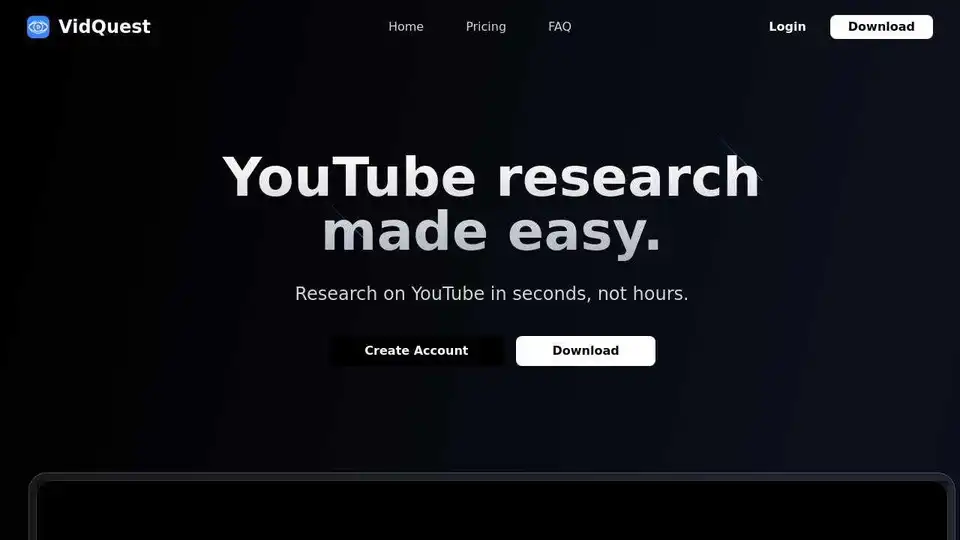
Overview of VidQuest
VidQuest AI: Streamline Your YouTube Research with AI
What is VidQuest AI? VidQuest AI is a Chrome extension designed to help you research YouTube videos more efficiently. It leverages the power of AI to provide quick answers to your questions about any YouTube video and helps you find specific keywords within the video.
How does VidQuest AI work? VidQuest AI works by analyzing the content of a YouTube video using artificial intelligence. You can ask questions related to the video, and the AI will generate responses based on the video's context. Additionally, the Keyword Finder tool allows you to search for specific keywords or phrases within the video and provides clickable timestamps for each mention.
Key Features
- Ask Questions: Get AI-generated responses to your questions about any YouTube video.
- Keyword Finder: Search for keywords or phrases and get timestamps of every appearance in the video.
How to Use VidQuest AI
- Download and Install: Install the VidQuest AI Chrome extension from the Chrome Web Store.
- Browse YouTube: Open any YouTube video you want to research.
- Ask Questions: Use the VidQuest AI interface to ask questions about the video and get AI-powered answers.
- Find Keywords: Use the Keyword Finder tool to search for specific terms and see where they appear in the video.
Pricing
VidQuest AI offers several pricing plans to suit different needs:
- Free:
- Ask questions about videos up to 15 minutes.
- Limited to 5 questions per day.
- Premium:
- £5.99/month
- Ask questions about videos up to 30 minutes.
- Limited to 50 questions per day.
- See chat history.
- Pro:
- £12.99/month
- Ask questions about videos up to 1 hour.
- Limited to 100 questions per day.
- See chat history.
- Full Keyword Finder access.
- VIP:
- £26.99/month
- Ask questions about videos up to 1 hour.
- Limited to 250 questions per day.
- Up to 10 videos over 1 hour per day.
- See chat history.
- Full Keyword Finder access.
There are also one-time purchase plans and rental options available.
Use Cases
- Students: Quickly research educational videos for assignments.
- Researchers: Efficiently analyze video content for relevant information.
- Content Creators: Find inspiration and insights from other creators' videos.
- Marketers: Identify key topics and trends in video content.
FAQ
- What is the Ask Questions tool? This tool allows you to ask questions about a YouTube video and receive AI-generated responses based on the video's context.
- How does it work? Simply input your question related to the video, and our AI analyzes the content to provide relevant answers.
- Can I use it for any YouTube video? Yes, you can use this tool for any public YouTube video to get context-aware responses.
- Why is there a limit on the number of questions and size of videos? Longer videos cost more to process, and each AI response incurs a cost, necessitating limits on both.
- What is the Keyword Finder tool? This tool lets you search for keywords or phrases in a video and provides clickable timestamps for each mention.
- Why are the tools not free? Running AI models requires significant computational resources, which incur costs. The fees help maintain and improve the service.
Why is VidQuest AI Important?
VidQuest AI saves you time and effort by providing AI-powered insights into YouTube videos. It allows you to quickly find the information you need, making it an invaluable tool for research, learning, and content creation. By identifying keywords and phrases with timestamps, VidQuest AI helps you navigate long videos and pinpoint the exact moments you're looking for.
VidQuest AI enhances productivity and efficiency when working with YouTube videos. Its user-friendly interface and powerful AI capabilities make it accessible to anyone, regardless of their technical expertise.
AI Video Generation AI Video Editing AI Motion Capture and Animation AI Virtual Human and Digital Avatar 3D Video Generation
Best Alternative Tools to "VidQuest"
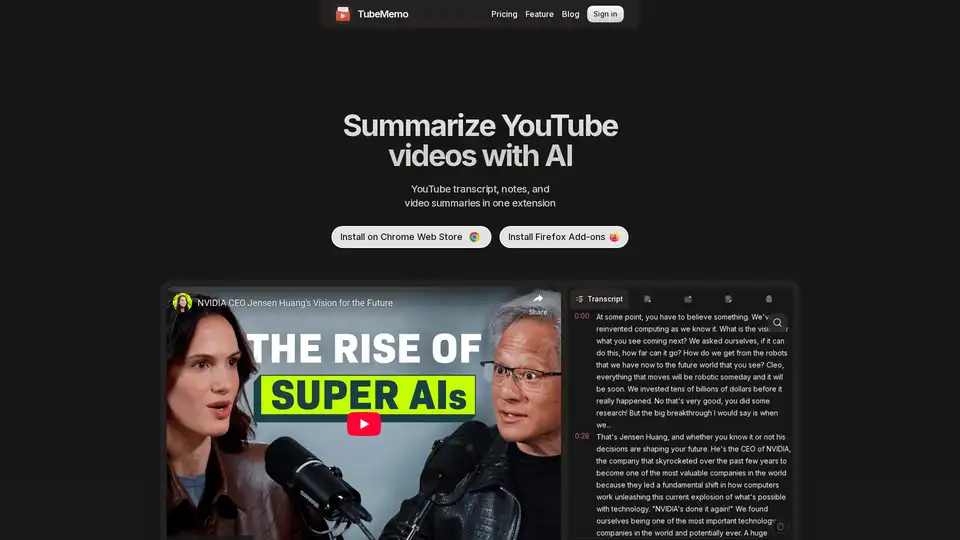
Use TubeMemo to extract, enhance, and summarize YouTube transcripts with AI. Turn videos into smart, searchable notes in seconds.
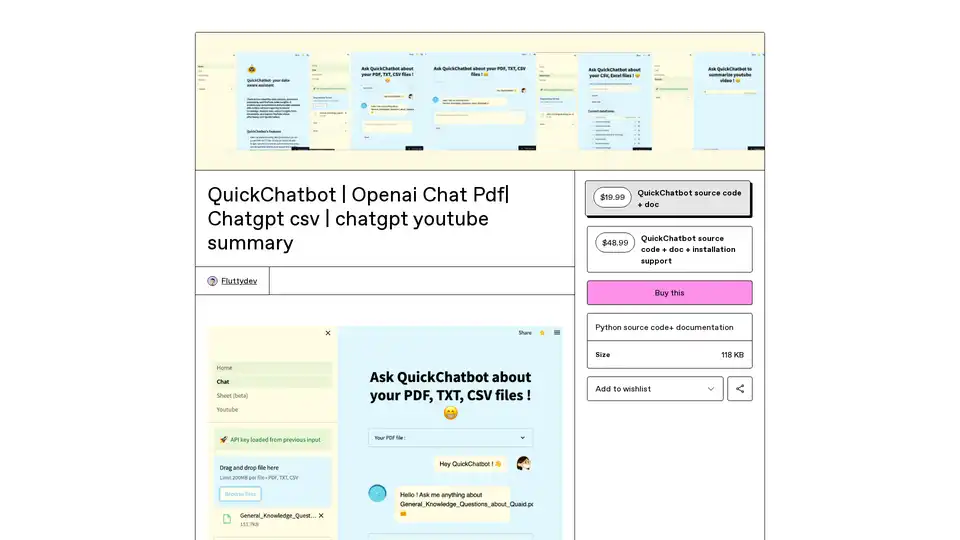
QuickChatbot is an open-source AI platform powered by GPT-3 for seamless data analysis, PDF/TXT document processing, and YouTube video insights. Upload files, ask questions, and get summaries effortlessly.
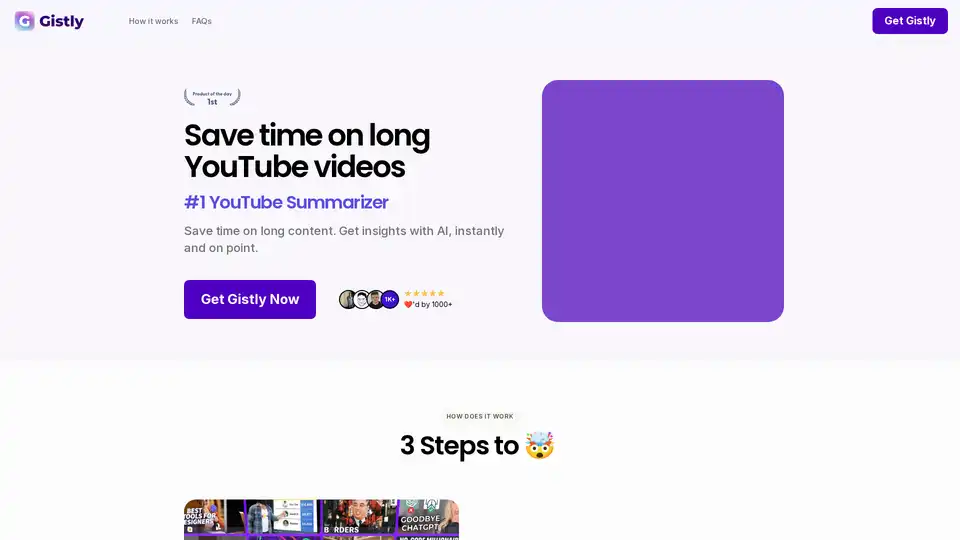
Gistly is the top YouTube AI summarizer using ChatGPT to deliver instant video summaries, key insights, transcripts, and multilingual support. Save hours weekly on long content with timestamped breakdowns and shareable notes.
Elmo Chat is an AI Chrome extension by Lepton AI that summarizes webpages, YouTube videos, and PDFs. It allows users to ask questions, dive deep into keywords, and get quick insights.