
Sketchar
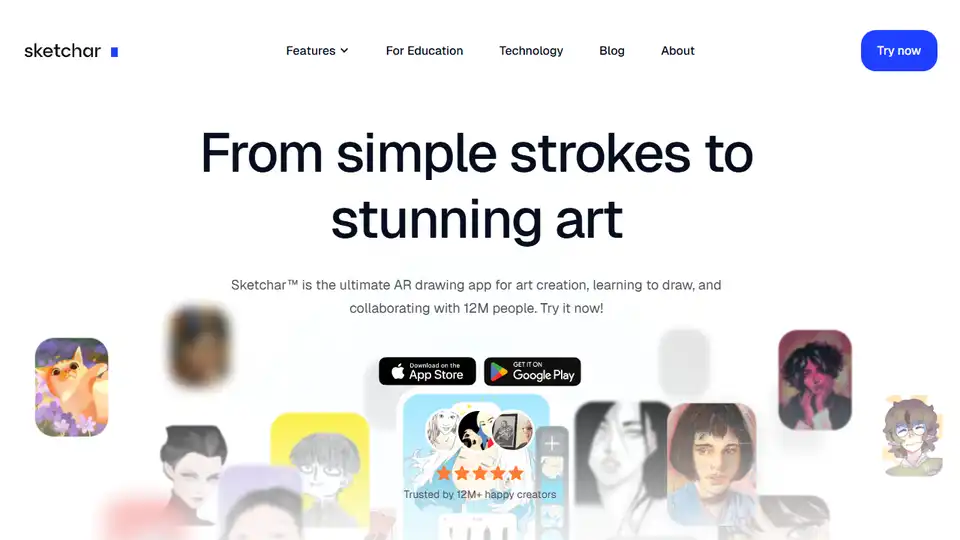
Overview of Sketchar
Sketchar: Unleash Your Inner Artist with Augmented Reality
What is Sketchar?
Sketchar is a cutting-edge AR drawing app designed to help users of all skill levels create stunning art. Whether you're a complete beginner or a seasoned artist, Sketchar provides the tools and resources you need to learn, practice, and share your creations with a global community.
How does Sketchar work?
Sketchar utilizes augmented reality (AR) technology to project virtual images onto real-world surfaces, such as paper, walls, or fabric. This allows you to easily trace outlines and create drawings with precision. The app also includes a built-in digital canvas with a variety of brushes, layers, and other tools for creating and editing digital artwork.
Key Features of Sketchar
- AR Drawing Assistant: Projects virtual images onto real surfaces for easy tracing.
- Digital Canvas: Create and edit digital paintings and drawings with brushes, layers, and a unique liquid brush.
- Step-by-Step Lessons: Access over 750 detailed drawing lessons on topics like anime, portraits, animals, and landscapes.
- Personalized Growth Plan: A gamified roadmap to support your artistic skills development.
- Community Features: Share your creations, connect with other artists, and participate in art challenges.
- VR Headset Compatibility: Immerse yourself in the creative process with VR headsets like Meta Quest and Hololens.
Benefits of Using Sketchar
- Accelerate your drawing skills: Sketchar's AR technology and step-by-step lessons make it easier to learn and improve your drawing abilities.
- Express your creativity: Sketchar provides a variety of tools and resources to help you bring your artistic ideas to life.
- Connect with a global community: Share your creations, get feedback, and collaborate with other artists from around the world.
- Reduce anxiety and stress: Art can be a therapeutic activity, and Sketchar makes it easy to incorporate art into your daily routine.
Who is Sketchar for?
Sketchar is for anyone who wants to learn to draw, improve their drawing skills, or simply express their creativity. It's perfect for:
- Beginners: Sketchar's AR technology and step-by-step lessons make it easy to learn the basics of drawing.
- Experienced artists: Sketchar provides advanced tools and resources to help you take your art to the next level.
- Hobbyists: Sketchar is a fun and engaging way to explore your creativity and connect with other artists.
- Educators: Sketchar can be used as a tool to teach drawing in the classroom.
Sketchar in Education
Sketchar's AR technology and step-by-step lessons make it an ideal tool for art education. The app can be used to teach basic drawing skills, as well as more advanced techniques. Sketchar is also a great way to engage students and make learning fun.
Sketchar and VR
Sketchar is compatible with VR headsets like Meta Quest and Hololens, allowing you to fully immerse yourself in the creative process. With VR headsets, you can create drawings in a volumetric virtual space, trace virtual outlines, or experiment with forms in a unique artistic environment.
Real User Testimonials
- Laura A, 31, Marketing Manager, Mexico: "Art is a way to express one's soul. I enjoy drawing after a difficult day. Sketchar provides me with both learning and an enjoyable creative process!"
- Amna, 21, Student, UAE: "I discovered Sketchar during the pandemic in March, 2020 and I love it! The augmented reality sketch app has helped me improve my drawing skills via AR Drawing feature and stay away from the noise of social media."
- Connor, 52, Software trainer for the social sector, UK: "Art helps me reduce anxiety and avoid stress. I use Sketchar daily, which helps me improve my drawing skills simultaneously."
Frequently Asked Questions
What is AR Drawing, and how did it originate?
AR Drawing (Augmented Reality Drawing) is a new method that uses your smartphone camera and AR technology to project an image onto real-world surfaces, allowing you to easily trace it onto paper, walls, or any physical object.
What else can you do with Sketchar besides AR Drawing?
Sketchar offers a full suite of tools to support your creative journey, including an advanced drawing canvas, step-by-step courses, and daily art challenges.
Can I use Sketchar if I’ve never drawn before?
Yes! Sketchar is created for anyone, even for those who have no skills at all. With the help of step-by-step lessons, guided tools, and AR Drawing, you will enjoy learning to draw from scratch.
Is Sketchar free to use?
Sketchar has a free version for everyone. It includes all the basic features. If you want more tools, premium lessons, and exclusive content, you can get Sketchar PRO. Educational institutions like schools and universities can also apply for a free license.
Conclusion
Sketchar is a powerful and versatile AR drawing app that can help you unlock your inner artist. Whether you're a beginner or a seasoned pro, Sketchar has the tools and resources you need to learn, practice, and share your creations with the world. With its innovative AR technology, engaging lessons, and supportive community, Sketchar is the perfect app for anyone who wants to explore their creativity and improve their drawing skills. Try it today and experience the magic of AR drawing!
Best Alternative Tools to "Sketchar"
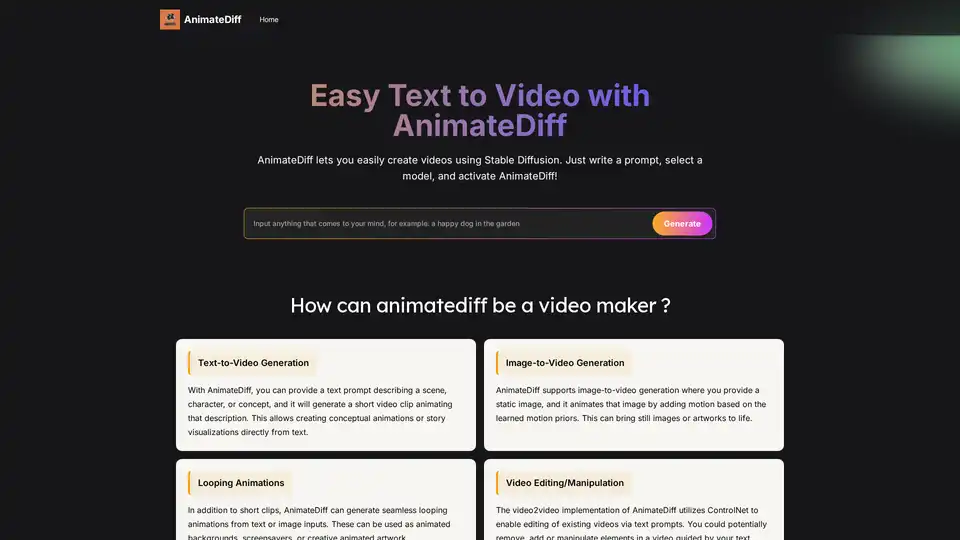
AnimateDiff is a free online video maker that brings motion to AI-generated visuals. Create animations from text prompts or animate existing images with natural movements learned from real videos. This plug-and-play framework adds video capabilities to diffusion models like Stable Diffusion without retraining. Explore the future of AI content creation with AnimateDiff's text-to-video and image-to-video generation tools.
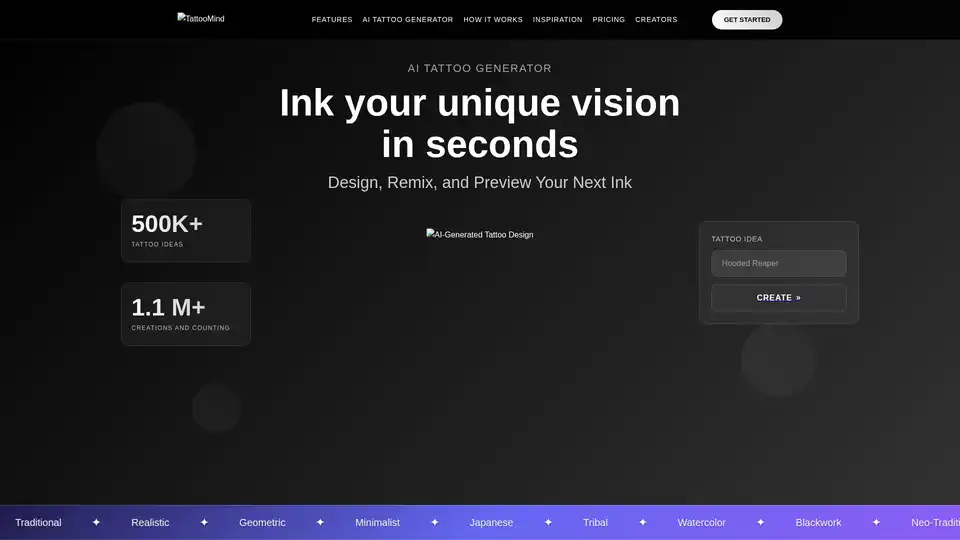
Design unique, personalized tattoos with TattooMind—your AI tattoo generator. Get inspired, remix any tattoo idea, and preview virtual tattoos on your body with smart try-on. Discover tattoo ideas for men and women!
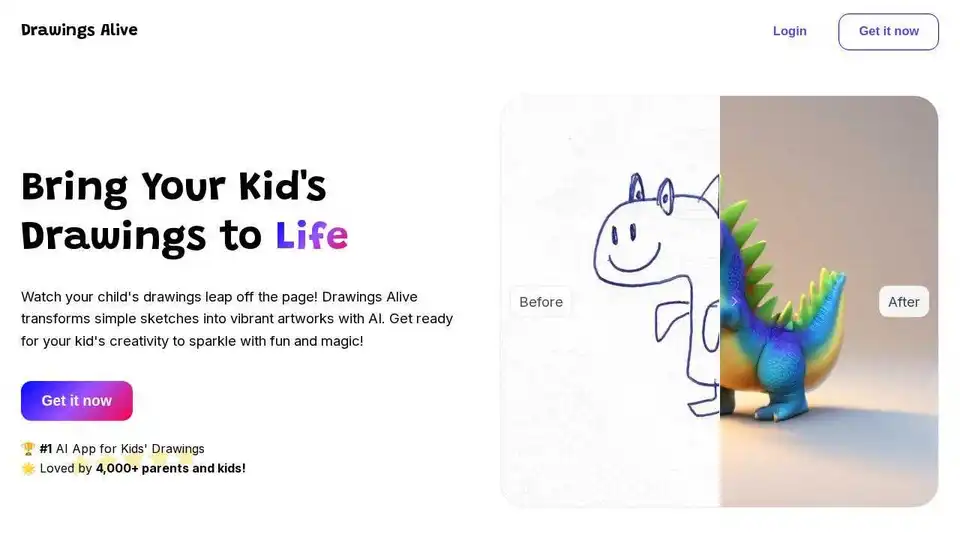
Drawings Alive transforms kids' sketches into vibrant AI artworks & animations. Turn drawings into fun videos and 3D models with ease!
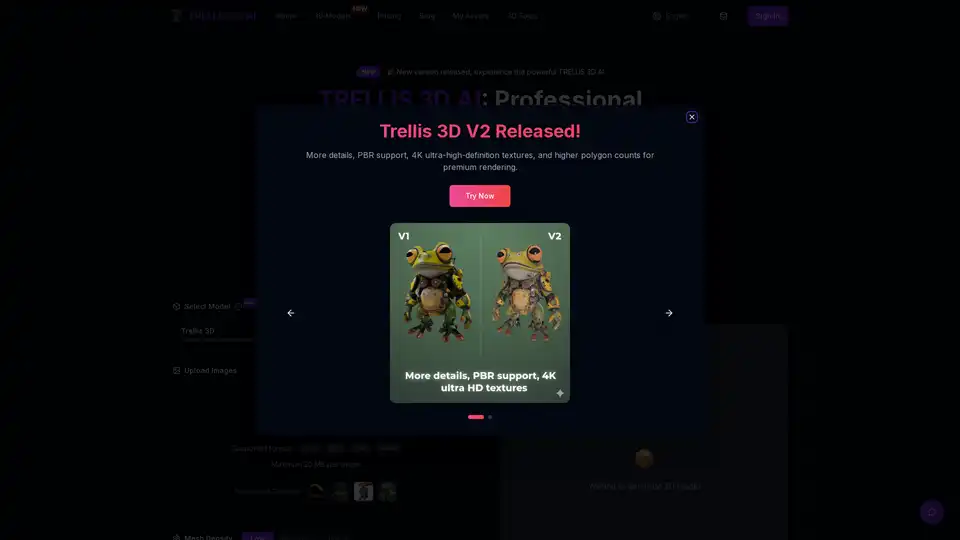
TRELLIS 3D AI is a free tool that converts any image into professional 3D assets. Try our Image to 3D Asset conversion now, no cost.
Vizcom is a creative AI tool that transforms your sketches into impressive 3D models and realistic renderings in seconds. Ideal for design and creative professionals.
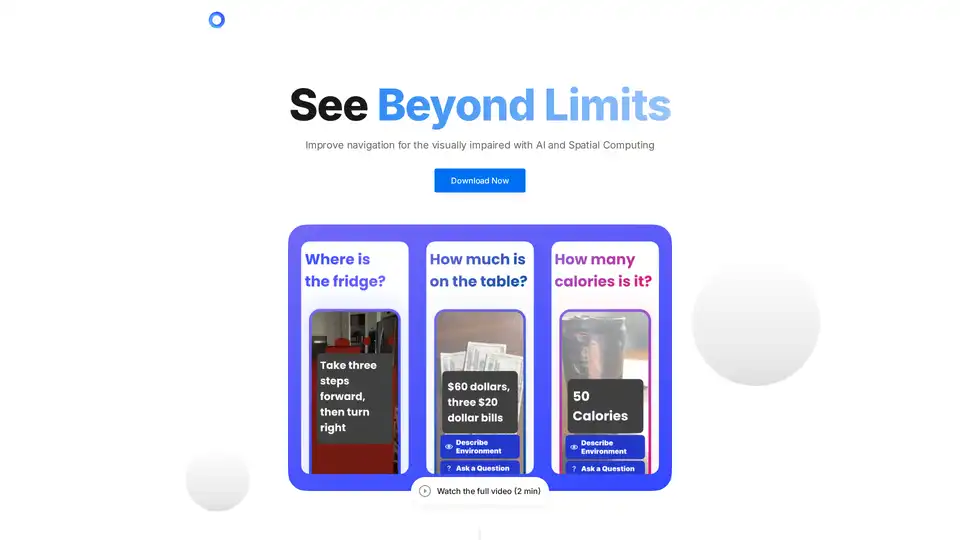
PingPath is an AI-powered mobile app that enhances navigation for visually impaired users using spatial audio, LiDAR, and voice interaction to detect objects and explore indoor spaces effortlessly.
BananaEditor is the #1 Nano Banana AI image editor for creators, designers, and marketers. Create 10 consistent, high-quality AI images in one click with batch editing, character lock, and HD export.
Arrea is an AR app for exploring augmented reality. Also offers AI Kids Portrait Generator to create personalized portraits.
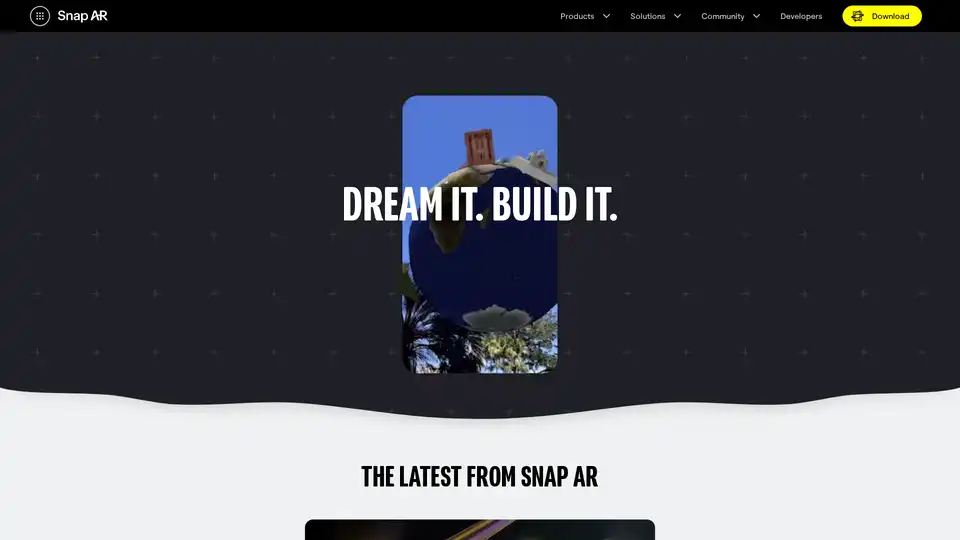
Snap AR empowers creators to build and share augmented reality experiences on Snapchat. Use Lens Studio to design AR Lenses for utility, entertainment, or business, and reach millions of users.
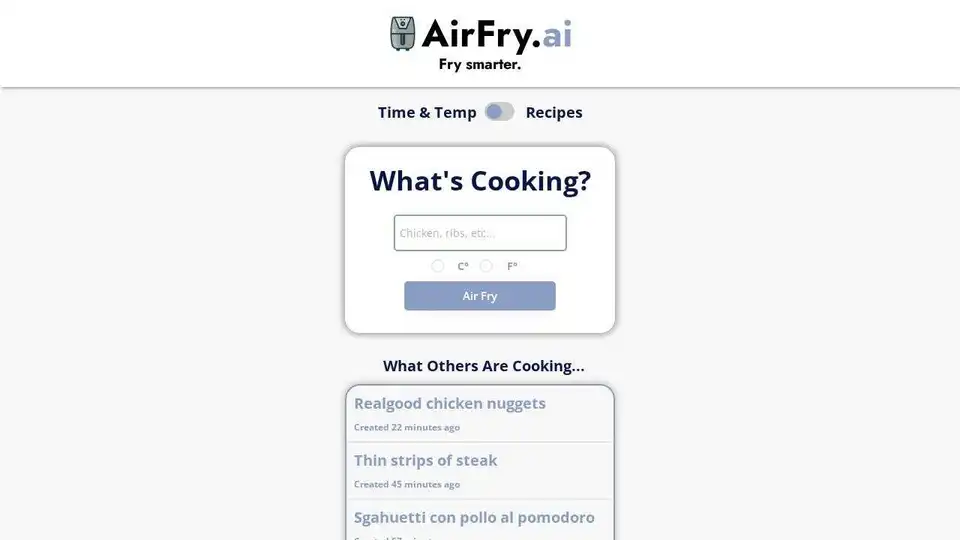
Discover AI-generated air fryer recipes with AirFry.ai. Find cooking times, temperatures, and recipe ideas for your favorite foods.
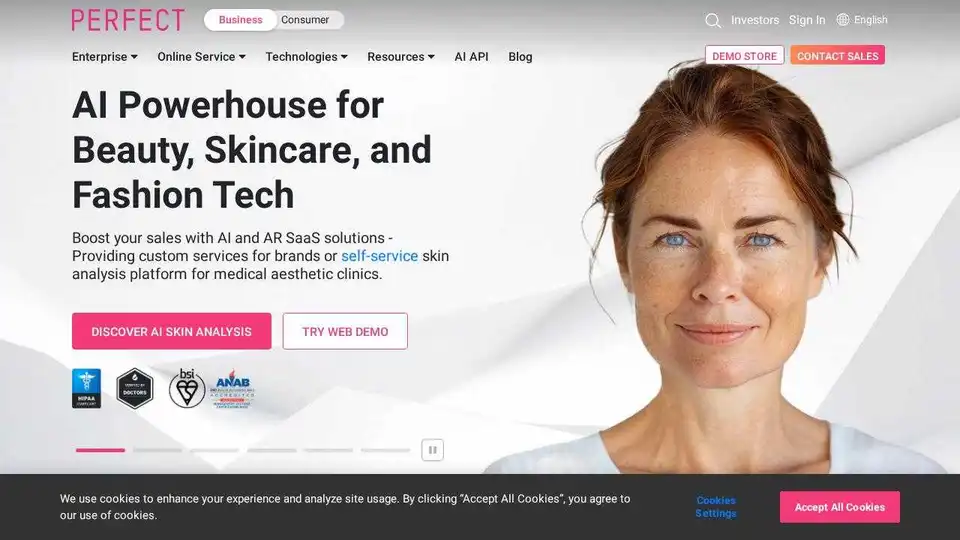
Discover YouCam, offering AI & AR solutions for beauty, skin, and fashion. Enhance customer engagement with virtual try-on, AI skin analysis & more. Boost sales with personalized experiences.
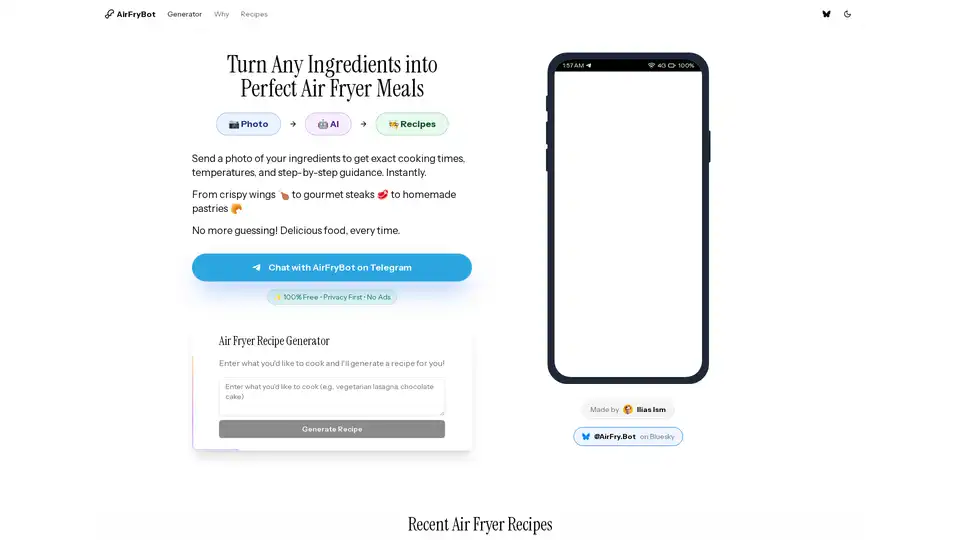
Transform any ingredients into perfect air fryer meals with AI guidance. Photo-based instructions, precise temps & timing. Become an Air Fryer Chef.
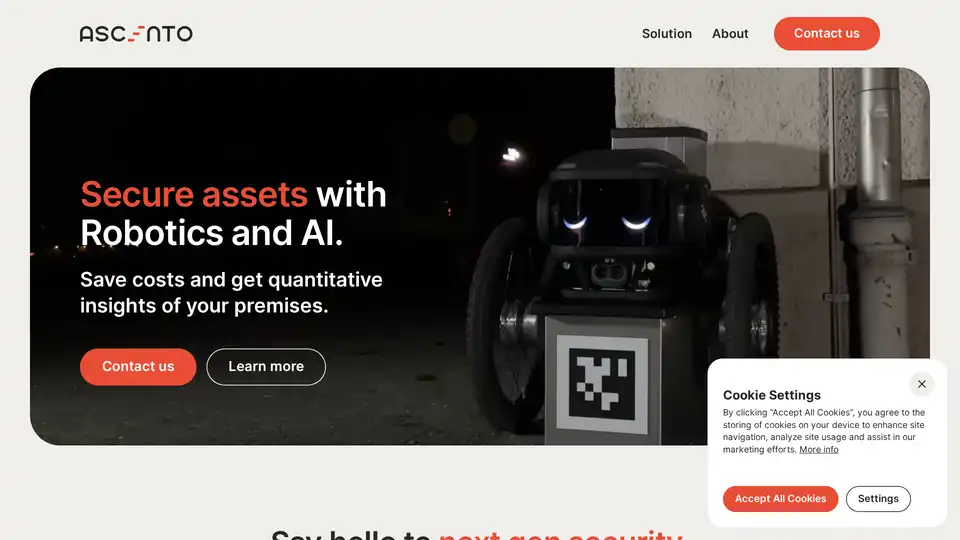
Ascento provides robotics and AI solutions for securing outdoor assets, offering autonomous robots with advanced sensors and AI-powered analytics for enhanced security and cost savings.

ASSIST.biz automates data entry, e-invoices, and AP/AR categorization, saving time and costs with smart document management.