SpeedNote AI
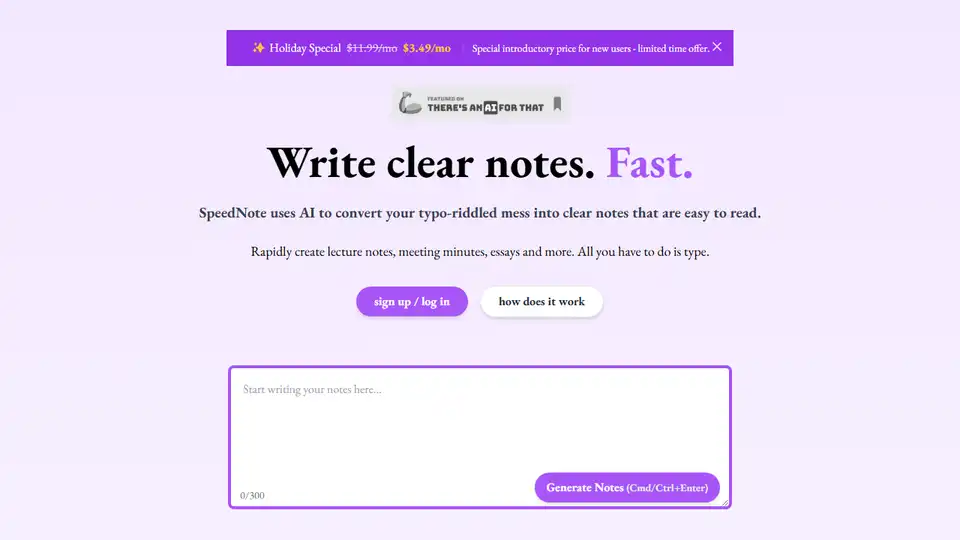
Overview of SpeedNote AI
SpeedNote AI: Transform Your Messy Notes into Clear and Concise Summaries
What is SpeedNote AI? SpeedNote AI is an AI-powered tool designed to convert your hastily scribbled, typo-ridden notes into clear, well-formatted, and easy-to-read summaries. It's designed to save you time and effort by automating the tedious task of note formatting.
How does SpeedNote AI work?
SpeedNote AI utilizes advanced AI algorithms to analyze your input text, identify key points, correct typos, and structure the content for optimal readability. Simply type your notes into the editor, and with a single click, SpeedNote AI will generate a polished and organized version. Here’s how to use it:
- Input your notes: Type or paste your raw notes into the SpeedNote AI editor.
- Generate notes: Click the "Generate Notes" button (or use Cmd/Ctrl+Enter).
- Review and refine: Review the generated notes and make any necessary adjustments.
Key Features and Benefits
- AI-Powered Formatting: Automatically formats your notes, saving you time and effort.
- Typo Correction: Corrects typos and grammatical errors, ensuring clarity and professionalism.
- Rapid Note Creation: Quickly create lecture notes, meeting minutes, essays, and more.
- Enhanced Readability: Transforms messy notes into clear, well-structured summaries.
Who is SpeedNote AI for?
SpeedNote AI is ideal for:
- Students: Streamline lecture note-taking and preparation.
- Researchers: Efficiently organize and summarize research notes.
- Professionals: Capture and format meeting minutes with ease.
- Anyone who takes notes: Improve note-taking efficiency and clarity.
Testimonials
Users have found SpeedNote AI to be a revolutionary tool for improving efficiency:
- Lisa Phillips (University Student): "I cannot believe I used to waste time formatting all my lecture notes. I feel so much more prepared going into class!"
- Jonathan Greene (PhD Researcher): "SpeedNote AI has completely changed how I approach my studies. Instead of spending hours reformatting and organizing my notes, I can focus on understanding the material. It’s like having a study partner that knows exactly what I need!"
- Emily Roberts (Undergraduate Student): "As someone who juggles school and a part-time job, SpeedNote AI is a lifesaver. It formats my notes, highlights key points, and even adds helpful comments, making review sessions so much more effective."
- Michael Harris (Business Consultant): "Using SpeedNote AI for my business meetings has been a game-changer. It keeps my notes organized and even adds relevant insights that I hadn’t considered. Now, I leave every meeting feeling confident that I have all the important details at my fingertips."
- Sophia Lee (Graduate Student): "SpeedNote AI has streamlined my lecture preparation process. Instead of getting bogged down by formatting, I can dive straight into the material and focus on learning. This tool is a must-have for anyone serious about their studies!"
Why is SpeedNote AI important?
In today's fast-paced world, time is of the essence. SpeedNote AI helps you reclaim valuable time by automating the tedious process of note formatting. This allows you to focus on what truly matters: understanding and applying the information you've gathered.
Where can I use SpeedNote AI?
You can use SpeedNote AI for a wide range of applications, including:
- Lecture notes
- Meeting minutes
- Research notes
- Essays
- Presentations
What is the best way to use SpeedNote AI?
The best way to use SpeedNote AI is to integrate it into your regular note-taking workflow. Simply type your notes as you normally would, and then use SpeedNote AI to quickly format and organize them. You can also use it to improve existing notes that are poorly organized or difficult to read.
Conclusion
SpeedNote AI is a valuable tool for anyone who wants to improve their note-taking efficiency and clarity. By automating the formatting process, SpeedNote AI helps you save time and focus on understanding the information you've gathered. With its AI-powered formatting and typo correction, SpeedNote AI is a must-have for students, researchers, and professionals alike. Try SpeedNote AI today and experience the difference!
Best Alternative Tools to "SpeedNote AI"
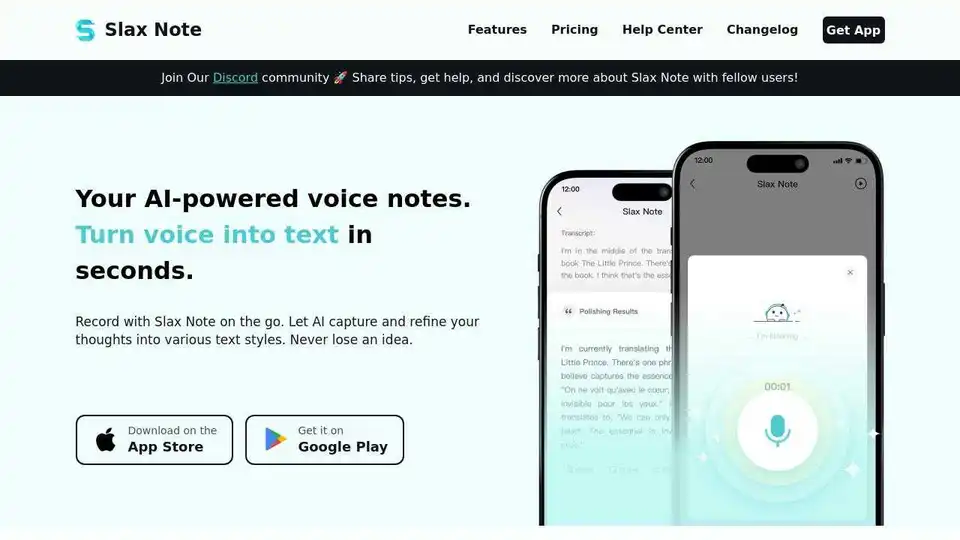
Slax Note is an AI-powered voice notes app that transforms speech into smart, polished text notes. Capture ideas on the go and refine them with AI. Available on iOS and Android.
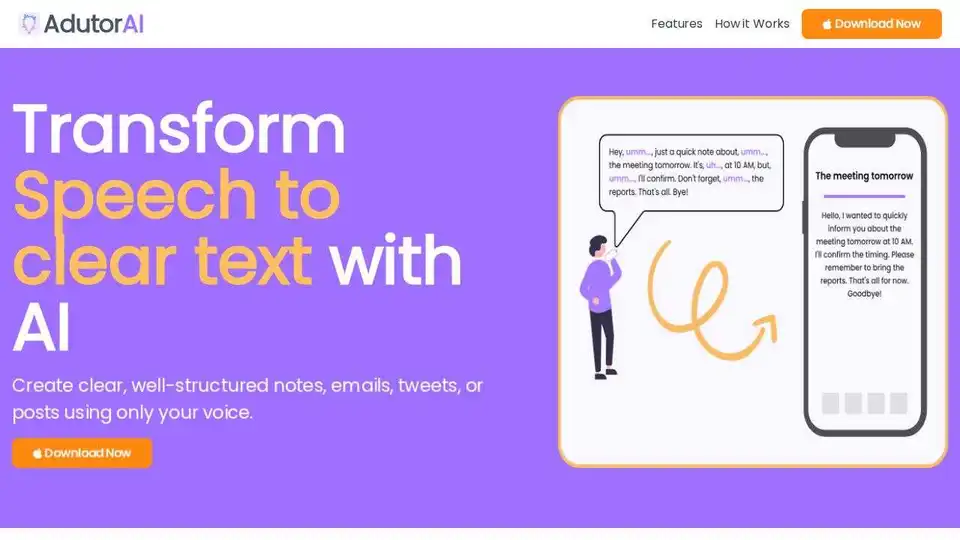
AdutorAI is an AI-powered app that converts speech to clear text. Record audio, choose a style, and review the generated text. Use AI to summarize, translate, and edit your notes. Perfect for creating notes, emails, and posts.
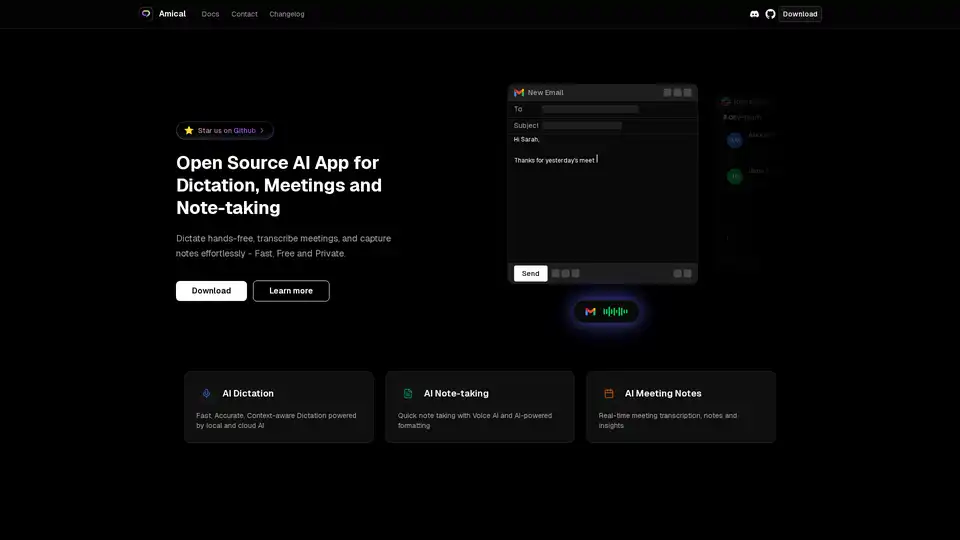
Amical is an open-source AI app for dictation, meetings, and note-taking. Dictate hands-free, transcribe meetings, and capture notes effortlessly - Fast, Free and Private.
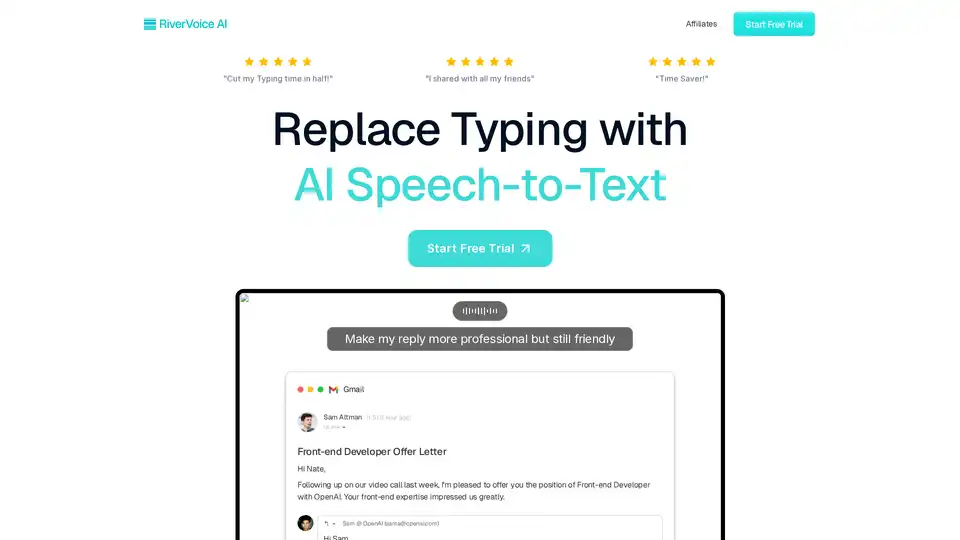
RiverVoice AI is an AI-powered speech-to-text app that allows you to write faster by transcribing, editing, and auto-formatting your speech. It adapts to different applications and offers context-aware writing.
Amarkdown is an AI-powered online Markdown editor that provides essential features for bloggers and website creators, including AI writing, file storage, low code database integrations, and SEO tools.
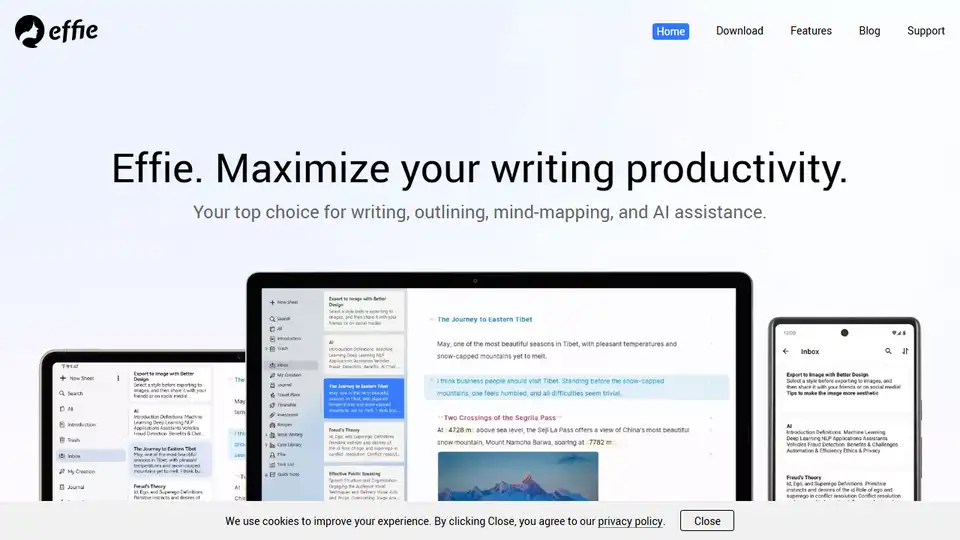
Effie: AI note-taking app for writing, mindmapping, and outlining. All-in-one minimalist workspace for productivity.
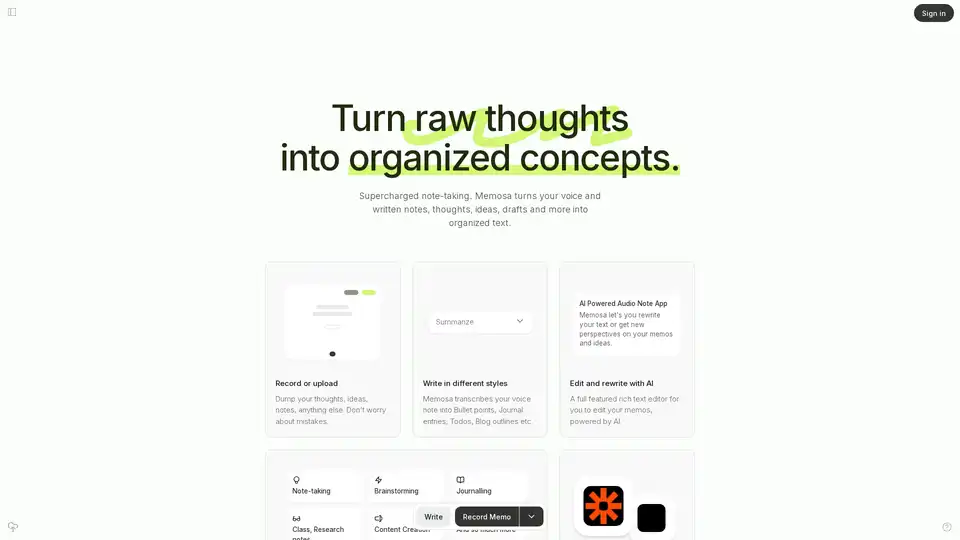
Memosa is an AI-powered audio note app that transforms voice notes into organized text. Record thoughts, summarize into various formats, rewrite with AI, and link to other tools for enhanced productivity.
Generate clear and concise release notes automatically with our AI-powered release notes generator. Save time and effort, and communicate effectively with your users.

Get 5X more views on your Instagram posts! Quickly generate captions designed to grab attention and keep your audience hooked. Try it now!
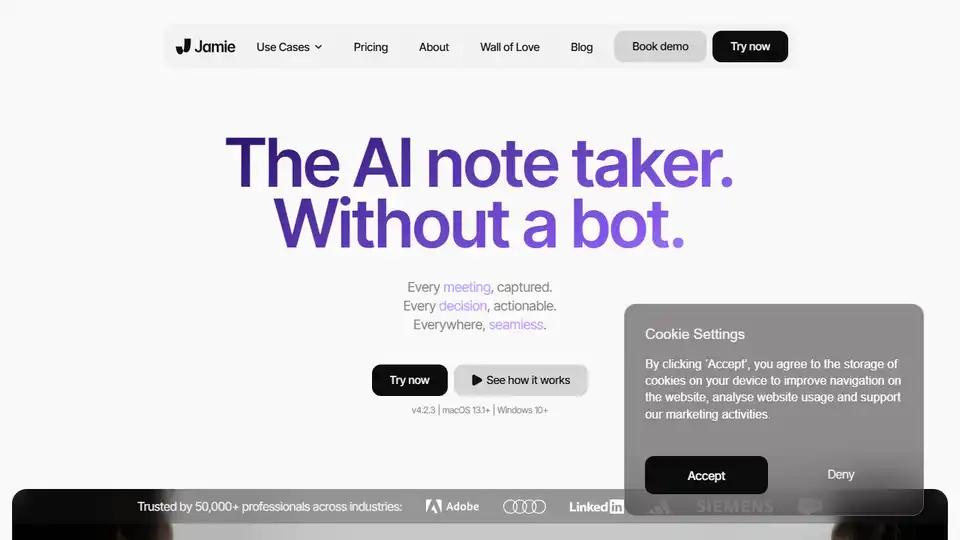
Jamie is an AI meeting note taker that captures every decision, provides actionable insights, and works seamlessly across any meeting platform, even offline, ensuring you never miss important details.
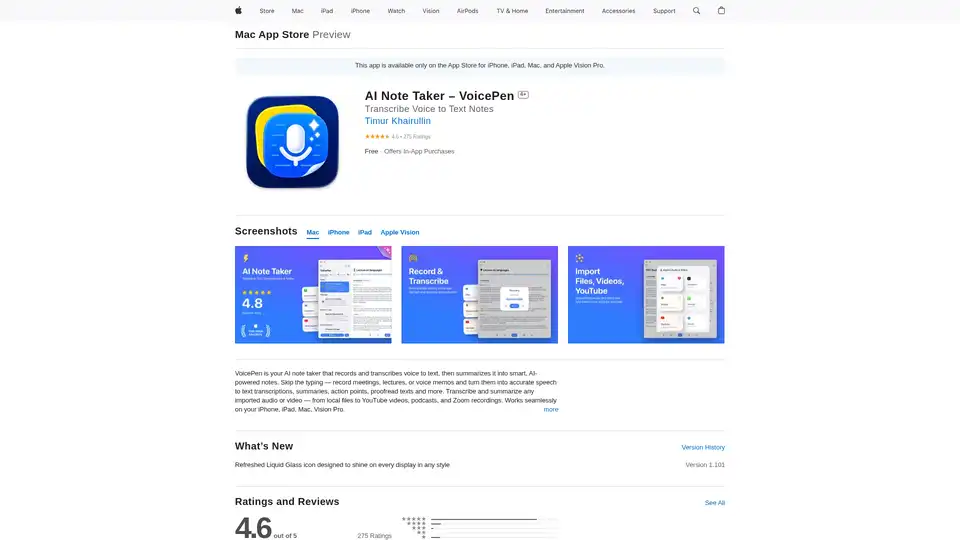
VoicePen is an AI-powered note taker that transcribes voice to text, summarizes meetings, lectures, and memos into smart notes. Record offline, export to PDF/DOC, and integrate with Notion for efficient productivity.
Minutes AI automates meeting and lecture notes using AI to create formatted notes and transcriptions from live audio, uploaded audio files, or YouTube links. Chat with your audio to extract key insights.
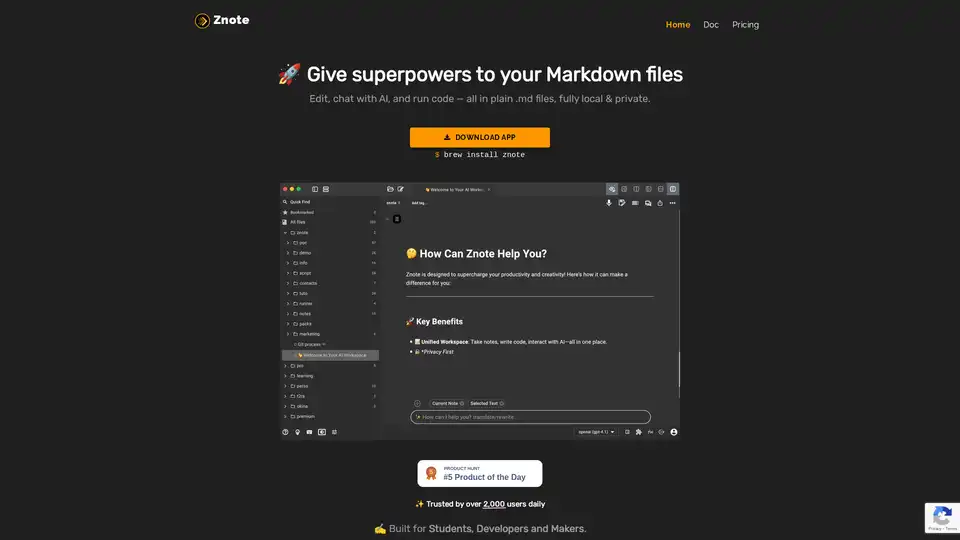
Znote empowers Markdown files with AI assistance and code execution. Edit locally, chat with AI, and run JavaScript snippets. Ideal for students, developers, and makers.
AI-powered Obsidian plugin for seamless meeting notes, handwriting digitization, and smart AI chat. Organize your notes automatically.