
Minutes AI
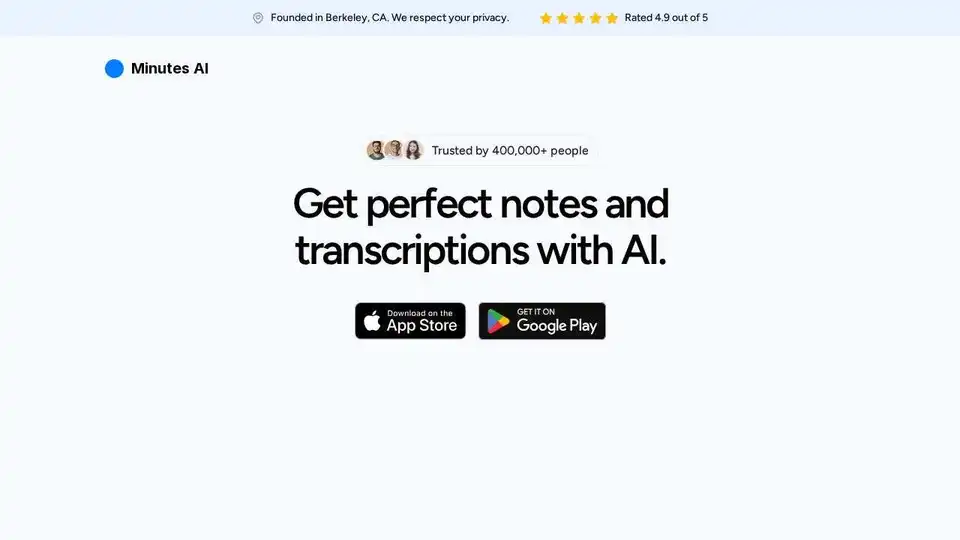
Overview of Minutes AI
Minutes AI: The AI-Powered Solution for Effortless Note-Taking and Transcription
What if you could attend meetings and lectures without the stress of frantically scribbling notes? Minutes AI offers a seamless solution, leveraging artificial intelligence to automate the entire note-taking process. Rated 4.9 out of 5 stars and trusted by over 750,000 users, this innovative tool ensures you never miss a crucial detail again.
What is Minutes AI?
Minutes AI is an AI-driven application designed to automatically generate formatted notes and transcriptions from audio. Whether you're recording live audio, uploading existing audio files, or importing content from YouTube, Minutes AI handles the task efficiently and accurately. This allows users to focus on the discussion at hand, extract key insights, and streamline their workflow.
Key Features of Minutes AI
- Automated Note-Taking and Transcription: Minutes AI transcribes audio in real-time, instantly creating headings and bullet points of key points. This feature allows users to focus on the discussion instead of manual note-taking.
- Flexible Audio Options: The tool supports live recording, audio file uploads (mp3, mp4, mpeg, mpga, m4a, wav, webm), and YouTube link imports, making it versatile for various scenarios.
- Chat with Your Audio: Users can interact with the transcribed text, ask questions, extract key insights, and list action items directly within the app.
- Easy Export and Sharing: Minutes AI allows users to export and share minutes as formatted PDFs, emails, or texts, facilitating seamless collaboration.
- Multi-Language Support: The tool supports over 50 languages, catering to a global user base.
- Available on Multiple Platforms: Minutes AI is available for iOS, macOS, and Android devices, ensuring accessibility across different devices.
How Does Minutes AI Work?
Minutes AI employs advanced AI algorithms to analyze audio and generate accurate transcriptions. The tool identifies key points, creates headings and subheadings, and formats the notes for easy readability. Users can then refine the notes, extract insights through the chat function, and share the results with others. Here’s a breakdown:
- Audio Input: Choose your preferred audio source—record live, upload a file, or import from YouTube.
- AI Processing: Minutes AI analyzes the audio, identifies key topics, and generates a transcription.
- Note Formatting: The tool automatically formats the notes with headings, bullet points, and other visual cues.
- Interactive Chat: Chat with the transcription to extract insights, list action items, and more.
- Export and Share: Export the formatted notes as a PDF, email, or text message.
Why Choose Minutes AI?
- Time-Saving: Automates note-taking and transcription, freeing up valuable time.
- Accuracy: Reduces the risk of missing important details during meetings or lectures.
- Collaboration: Facilitates easy sharing of notes with colleagues or classmates.
- Accessibility: Available on multiple platforms, ensuring you can access your notes anywhere.
- Privacy: SOC 2 compliance ensures your data is secure and private.
Who is Minutes AI For?
Minutes AI is designed for a wide range of users, including:
- Professionals: Ideal for those who need accurate and organized meeting minutes.
- Students: Perfect for capturing lecture notes and study materials.
- Researchers: Useful for transcribing interviews and research findings.
- Anyone with ADHD: As highlighted by user Declan G., Minutes AI can be a game-changer for individuals with attention deficits.
Real User Experiences
Users rave about the efficiency and accuracy of Minutes AI:
- Declan G. describes it as a "game changer" for those with ADHD.
- Hjg777 praises the impeccable notes that save time by capturing crucial details.
- rusckrewed recommends it for "everyone in corporate America," noting its effectiveness even with thick accents.
- gurubear8 highlights its ease of use, speed, and reliability.
- Evol365 emphasizes the perfect bullet points and formatting that require minimal editing.
Common Use Cases
- Meeting Minutes: Automatically generate detailed meeting minutes, including key decisions and action items.
- Lecture Notes: Capture comprehensive lecture notes without missing important information.
- Interviews: Transcribe interviews quickly and accurately for research or journalism.
- Webinars: Record and transcribe webinars for future reference and sharing.
- Personal Notes: Use it for journaling, brainstorming, or capturing voice memos.
Privacy and Security
Minutes AI prioritizes user privacy and security. The platform is SOC 2 compliant, ensuring that your data is protected. They will never sell your data or grant access to unrelated third parties. You have the option to permanently delete your data at any time.
Get Started with Minutes AI
Available for iOS, macOS, and Android, Minutes AI is accessible on your preferred device. Download the app today and transform the way you take notes!
In conclusion
Minutes AI stands out as a reliable and efficient tool for anyone looking to automate note-taking and transcription. Its user-friendly design, multi-platform support, and robust privacy measures make it a top choice for professionals, students, and anyone seeking to enhance their productivity. By leveraging AI, Minutes AI not only saves time but also improves accuracy and collaboration. Embrace the future of note-taking and discover how Minutes AI can revolutionize your workflow.
Best Alternative Tools to "Minutes AI"
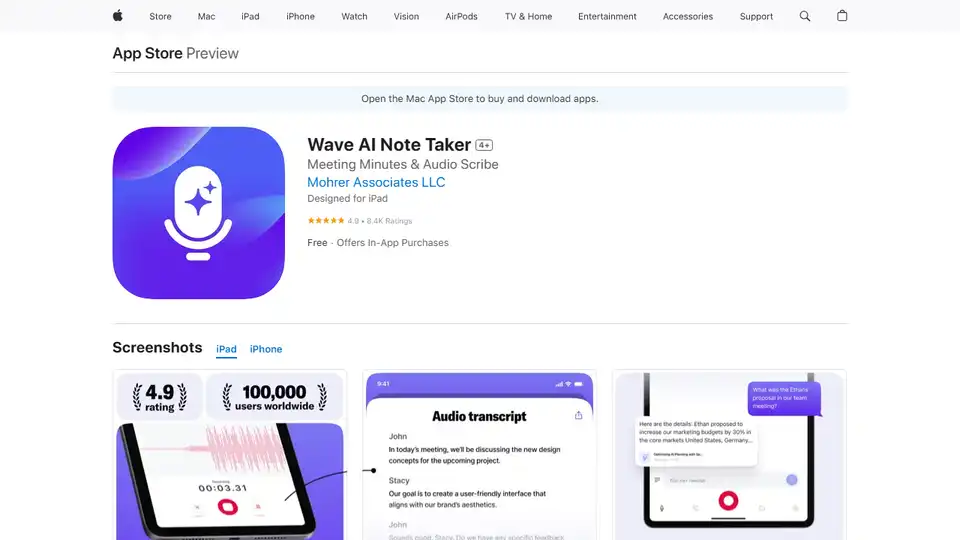
Wave AI Note Taker is an AI-powered app that records and transcribes audio, summarizes meetings, and converts voice to text. Perfect for professionals, students, and journalists needing accurate notes and summaries.
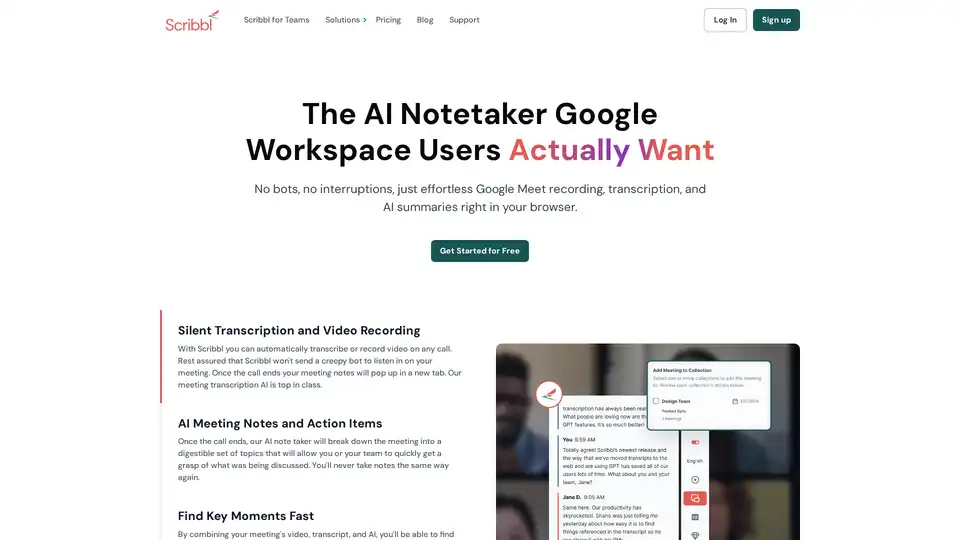
Scribbl is an AI-powered Chrome extension for Google Meet that automatically transcribes, records, and summarizes meetings. It provides instant, accurate notes without bots, enhancing team productivity.
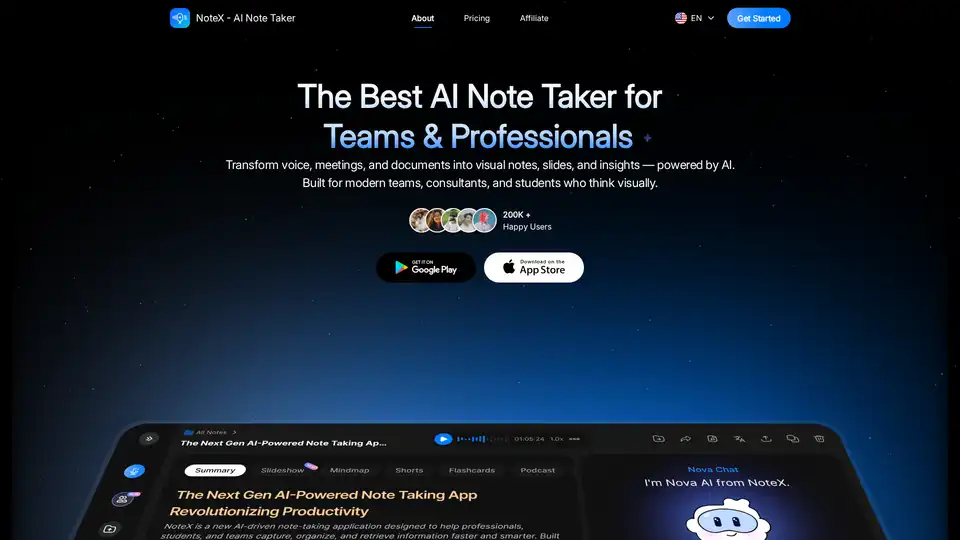
NoteX is an AI-powered note-taking tool that transforms audio, meetings, and documents into visual notes, summaries, mind maps, flashcards, and quizzes. Ideal for teams, professionals, and students.
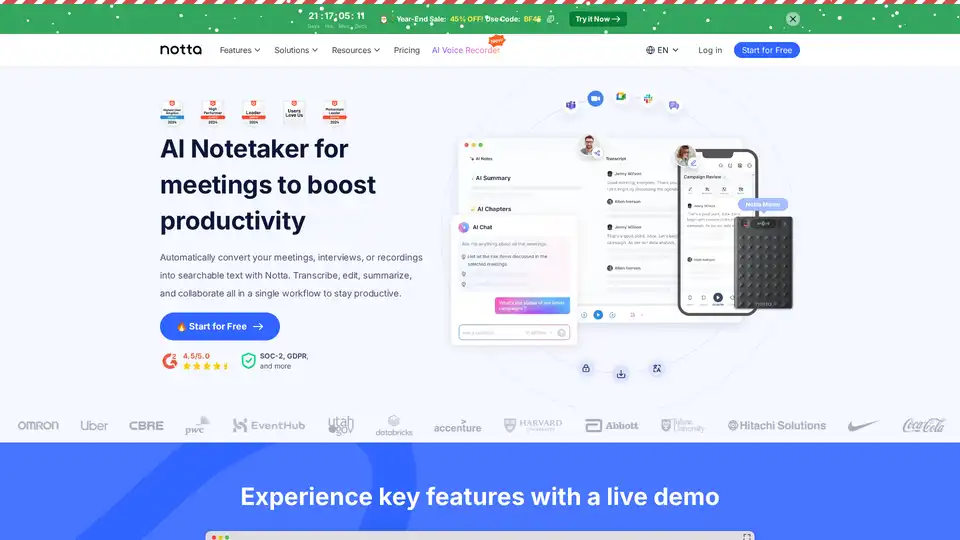
Notta is an AI-powered meeting note taker that transcribes, summarizes, and shares insights from meetings in 58 languages, saving up to 50% time. Features real-time transcription, collaboration, and integrations.
Gladia Audio Transcription API: Accurate, multilingual speech-to-text with real-time and async options. Trusted by 200,000+ users.
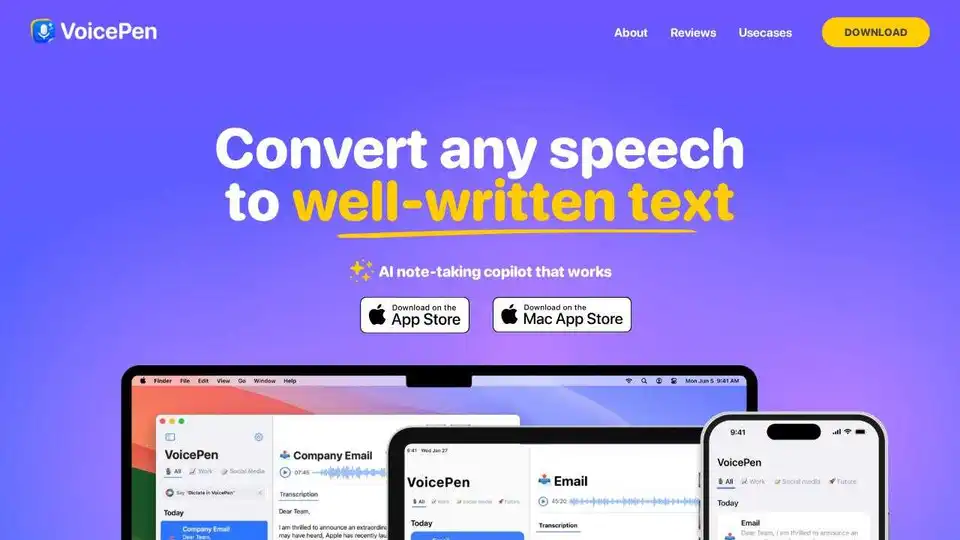
VoicePen is an AI note taker that converts speech to text, summaries, and more. Perfect for meetings, lectures, and interviews. Available on iPhone, Mac, and iPad.

Krisp AI Meeting Assistant records, transcribes, and summarizes meetings with AI noise cancellation and note-taking. Boost team productivity and focus.
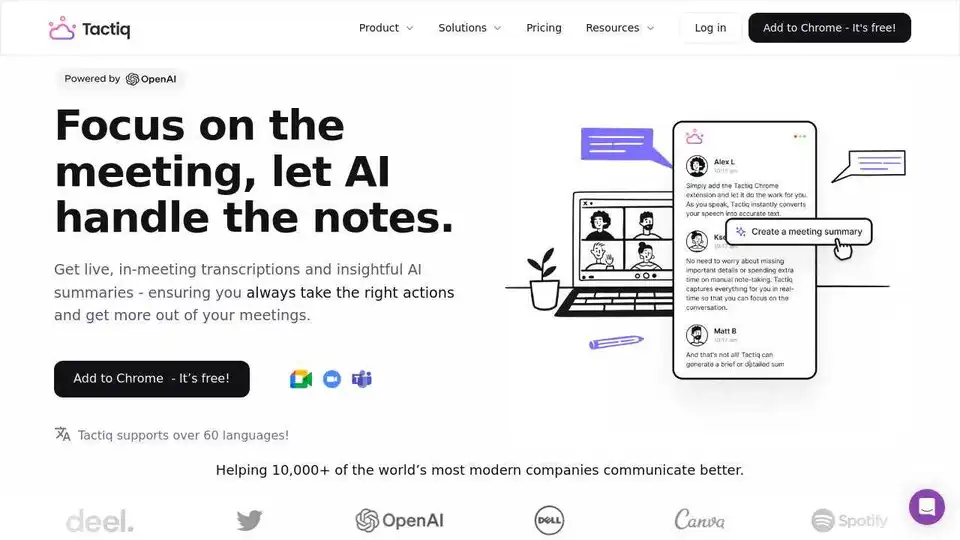
Tactiq.io is an AI meeting assistant for Google Meet, Zoom, and Teams. Get live transcripts, AI summaries, and action items to enhance meeting productivity. Free Chrome extension available.

Vemo is an AI-powered note taker for meetings, capturing details, extracting action items, and providing effortless sharing. Perfect for professionals & teams.
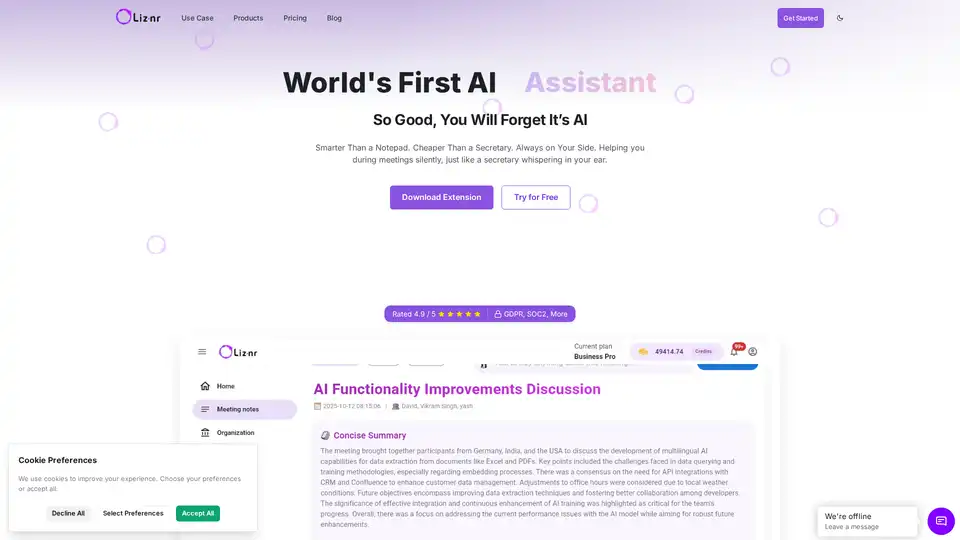
Liznr AI is a powerful meeting assistant that provides real-time transcription, personalized summaries, action items, and search across conversations. Integrates with CRM, Slack, and more for teams in sales, education, and recruiting.
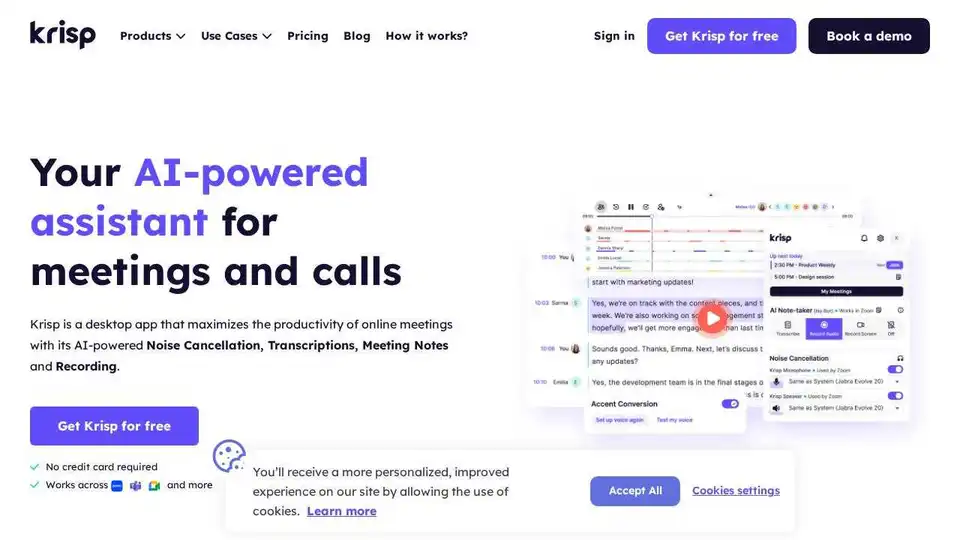
Krisp AI Meeting Assistant combines noise cancellation, transcription, meeting notes, summaries, and accent conversion. Enhance meeting productivity with AI.
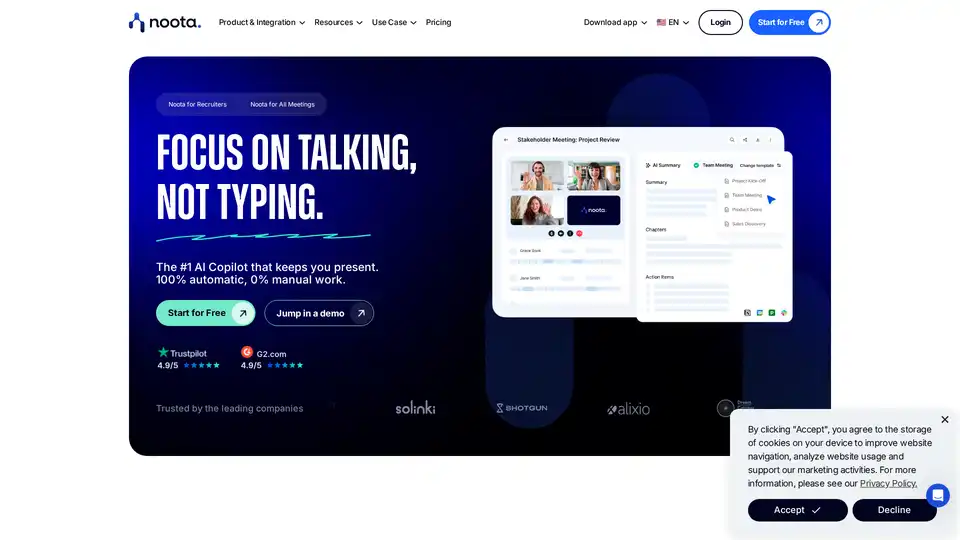
Noota is an AI-powered meeting assistant that automates notes, transcriptions, and summaries, integrates with popular tools, and enhances team productivity. Record, transcribe, and analyze meetings effortlessly.
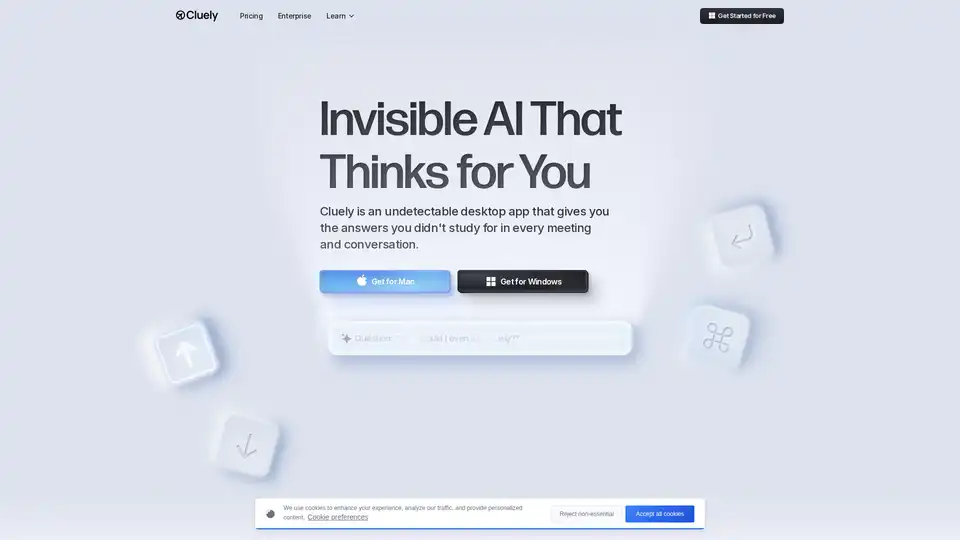
Cluely is an invisible desktop AI meeting assistant that provides real-time meeting notes, instant answers, and live insights during calls, helping professionals perform better in interviews, sales calls, and meetings.

BrieflyAI enhances meeting productivity with AI-powered summaries, action items, and follow-up emails. Real-time translation and transcription for global teams.