
MDN Web Docs
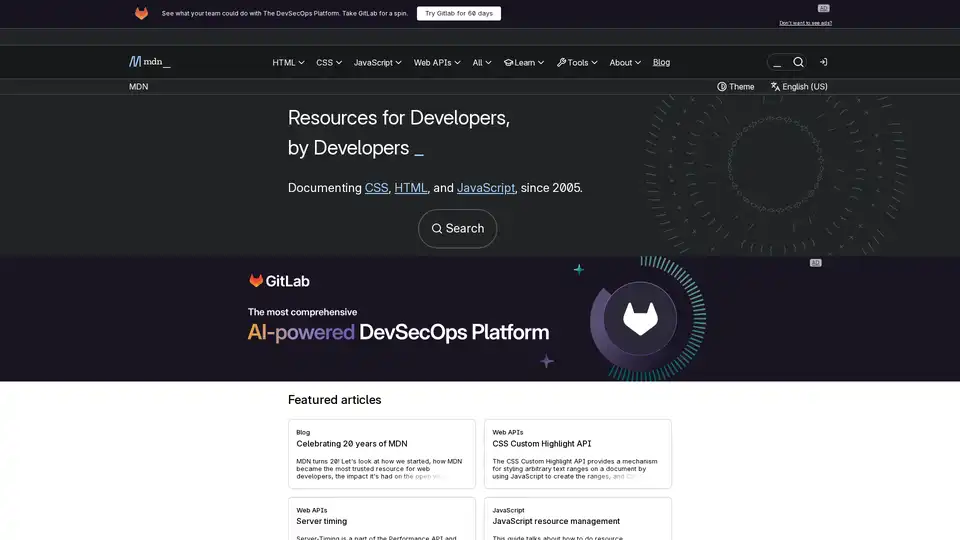
Overview of MDN Web Docs
What is MDN Web Docs?
MDN Web Docs (Mozilla Developer Network) is a comprehensive online resource for web developers. It provides detailed documentation, tutorials, and guides on a wide range of web technologies, including HTML, CSS, JavaScript, and Web APIs. Maintained by Mozilla and a community of developers, MDN Web Docs serves as a go-to source for developers seeking to learn and implement web standards.
How does MDN Web Docs work?
MDN Web Docs operates as a collaborative platform where developers can contribute to and update the documentation. The site is organized into different sections, each covering a specific web technology or topic. You can navigate through the site using the search bar or by browsing the table of contents. Each article typically includes:
- Overview: A brief introduction to the technology or topic.
- Syntax: Detailed explanation of the syntax and usage.
- Examples: Practical examples demonstrating how to use the technology.
- Browser Compatibility: Information on which browsers support the technology.
- Related Topics: Links to other relevant articles and resources.
Key Features of MDN Web Docs:
- Comprehensive Documentation: In-depth coverage of HTML, CSS, JavaScript, and Web APIs.
- Tutorials and Guides: Step-by-step instructions for learning web development concepts.
- Interactive Examples: Code snippets and live demos to illustrate how technologies work.
- Browser Compatibility Data: Up-to-date information on browser support for various features.
- Community Contributions: Content created and maintained by a community of developers.
- Search Functionality: Easy to find information using the search bar.
How to use MDN Web Docs?
- Visit the Website: Go to the MDN Web Docs website (developer.mozilla.org).
- Search or Browse: Use the search bar to find specific topics or browse the table of contents.
- Read Articles: Read the articles to learn about web technologies and how to use them.
- Try Examples: Experiment with the code examples to gain hands-on experience.
- Contribute: Help improve the documentation by contributing to the site.
Who is MDN Web Docs for?
MDN Web Docs is primarily designed for web developers of all skill levels, including:
- Beginners: Those who are just starting to learn web development.
- Intermediate Developers: Those who have some experience but want to deepen their knowledge.
- Experienced Developers: Those who need a reference for specific technologies or features.
- Web Designers: Those who want to understand how web technologies work.
Why Choose MDN Web Docs?
- Trusted Resource: MDN Web Docs is a trusted and reliable source of information for web developers worldwide.
- Up-to-Date Information: The documentation is constantly updated to reflect the latest web standards and browser features.
- Comprehensive Coverage: MDN Web Docs covers a wide range of web technologies, from basic HTML to advanced Web APIs.
- Community Support: The site is supported by a large community of developers who contribute to and maintain the documentation.
Best way to learn web development with MDN Web Docs?
- Start with the Basics: If you're new to web development, start with the HTML, CSS, and JavaScript tutorials.
- Follow the Guides: Work through the guides to learn about specific web development concepts.
- Experiment with Examples: Try out the code examples to see how the technologies work in practice.
- Contribute to the Community: Help improve the documentation by contributing your own knowledge and experience.
- Stay Up-to-Date: Keep up with the latest web standards and browser features by regularly visiting MDN Web Docs.
MDN Web Docs is an indispensable resource for web developers, providing the tools and knowledge needed to build and maintain websites and web applications. Whether you're a beginner or an experienced developer, MDN Web Docs can help you improve your skills and stay up-to-date with the latest web technologies.
Best Alternative Tools to "MDN Web Docs"

CodeSync Club offers interactive coding lessons with AI tutors, merging video and IDE. Learn to build real apps, websites, and games with expert guidance and a supportive community.
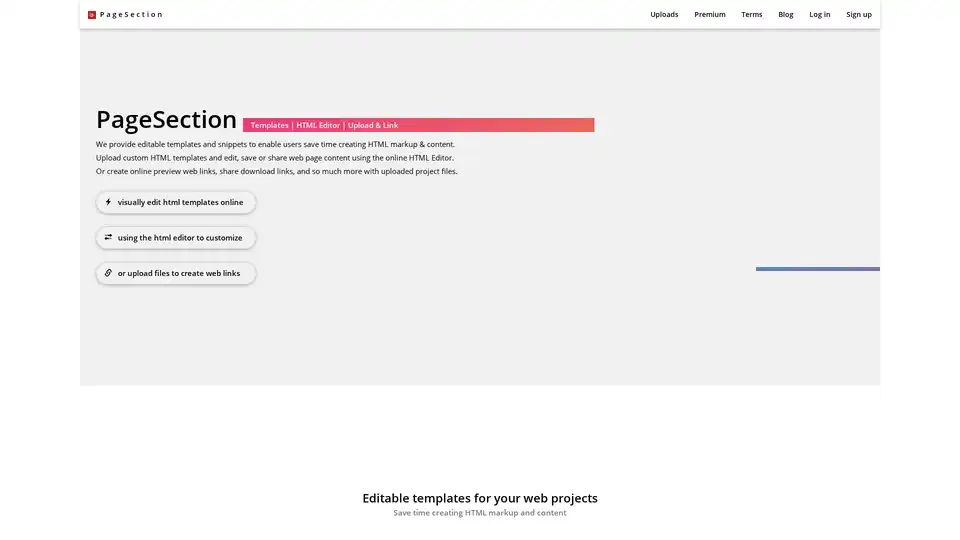
PageSection offers editable HTML templates, an online HTML editor, and web file linking services. Create, edit, and host web projects easily with their various web apps and services.
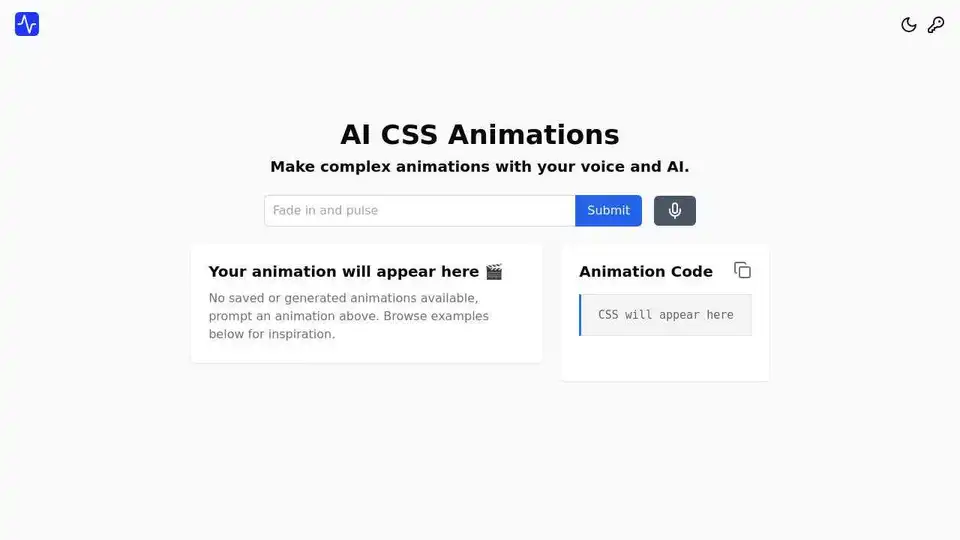
AI CSS Animations is an innovative tool that enables users to create complex CSS animations using simple voice or text prompts. Generate, preview, and customize animations in seconds for enhanced web experiences.
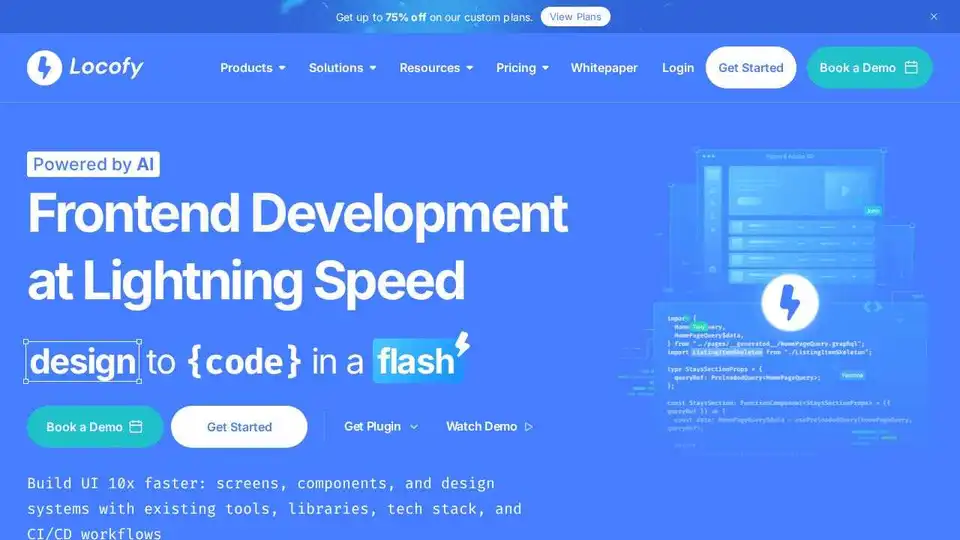
Locofy.ai converts Figma & Penpot designs into developer-friendly code for React, React Native, HTML-CSS, Flutter, and more. Build UIs 10x faster with AI. Trusted by 500,000+ developers.
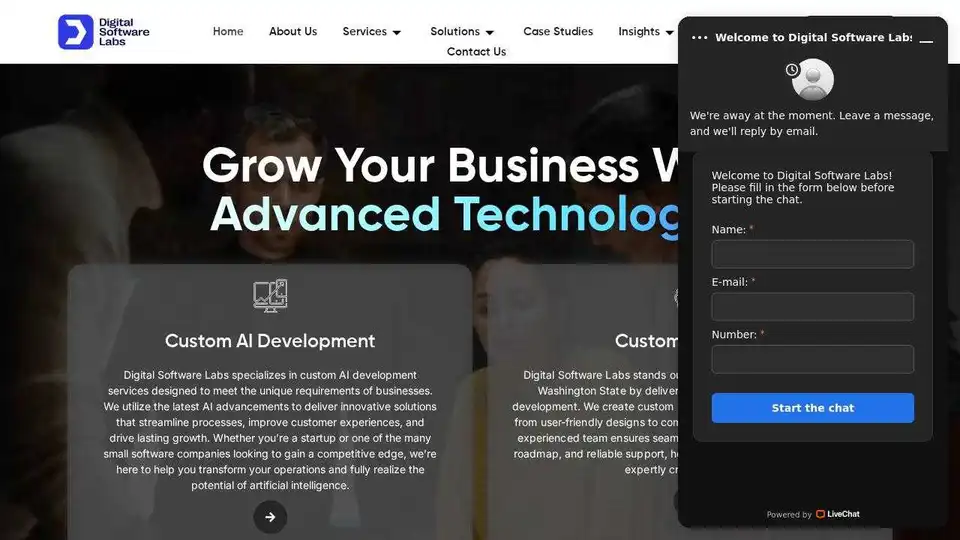
Digital Software Labs offers custom AI and software development services, including mobile and web app development. Get innovative digital solutions for your business.
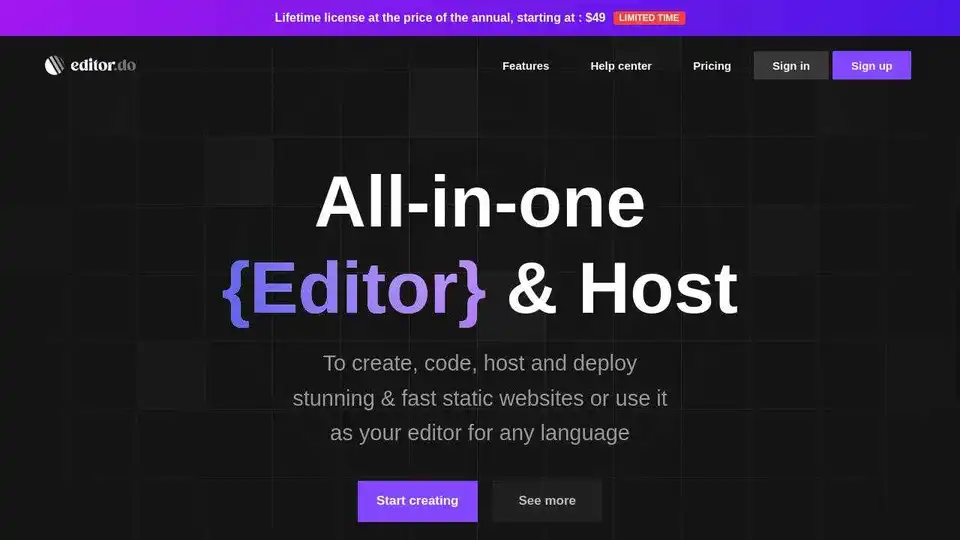
Editor.do is an all-in-one platform for creating and deploying static websites with a powerful code editor, web hosting, free SSL certificates, and AI assistant.
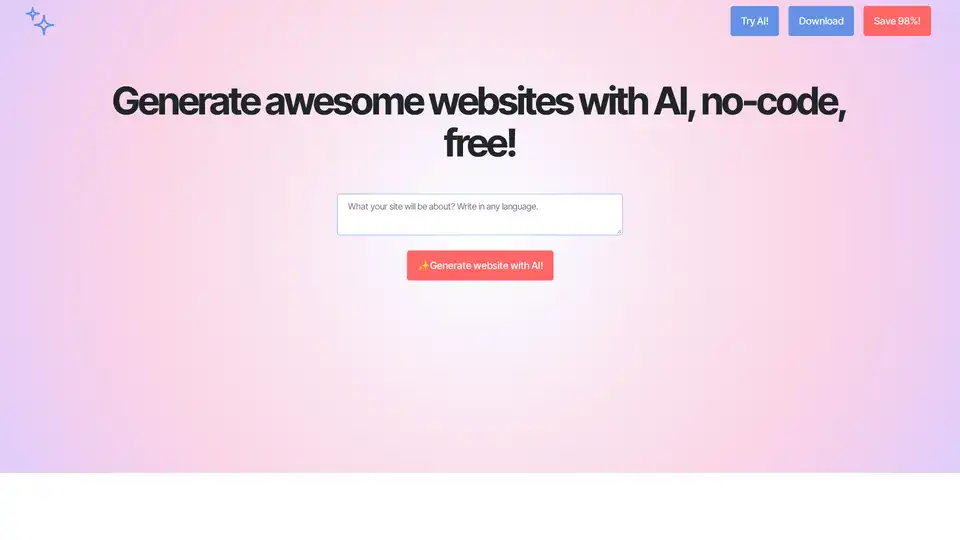
Mobirise is a free web design software that uses AI to help you generate websites quickly. It offers a drag-and-drop interface, customizable templates, and responsive design capabilities without needing any coding skills.
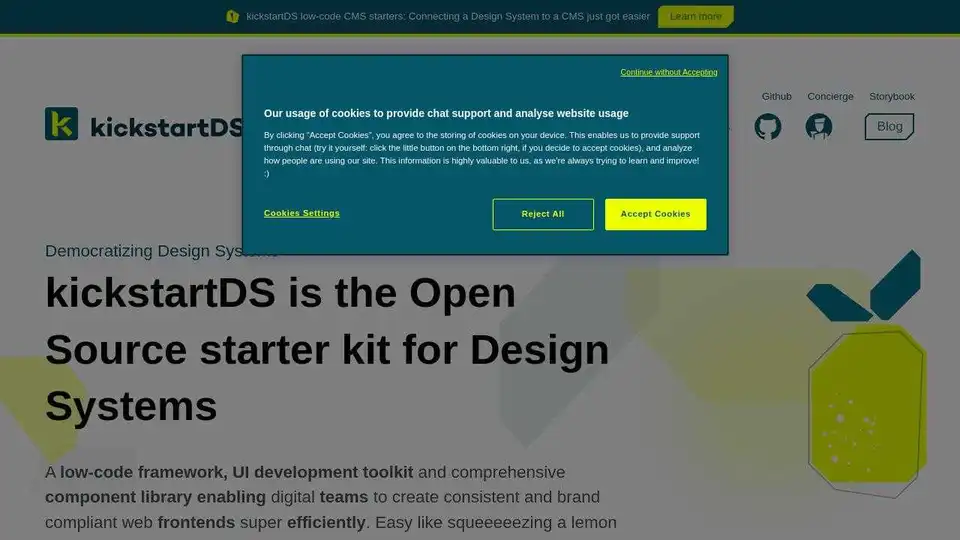
kickstartDS is an open-source starter kit for design systems. A low-code UI toolkit with a comprehensive component library for creating consistent, brand-compliant web frontends efficiently.
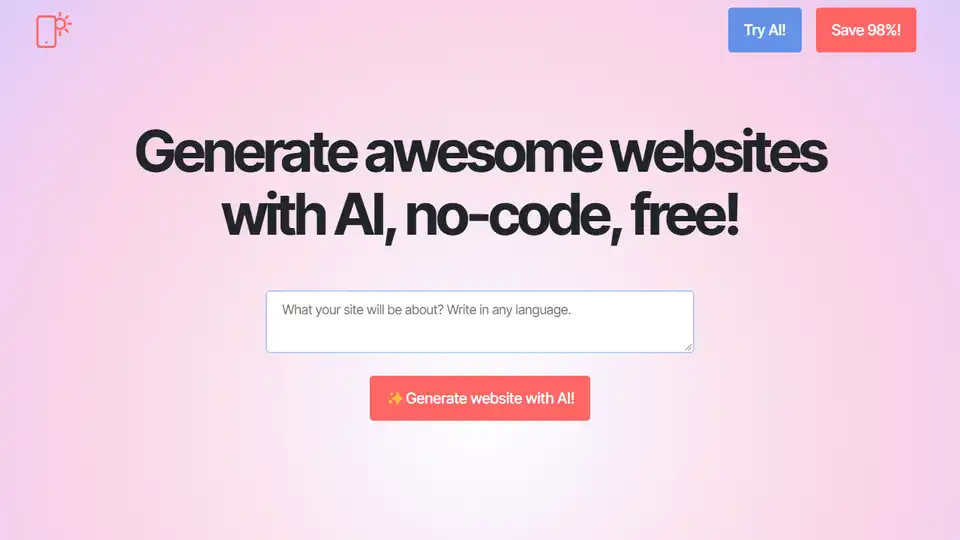
Create professional websites in seconds with Mobirise AI, a free AI website builder. Generate designs, content, and code, then export HTML/JS. Perfect for entrepreneurs and creators.

Devra is an AI coding worker bee that runs on your desktop. It enhances code, creates modules, and writes unit tests using dynamic context and voice dictation. Available on Mac, Windows, and Linux.
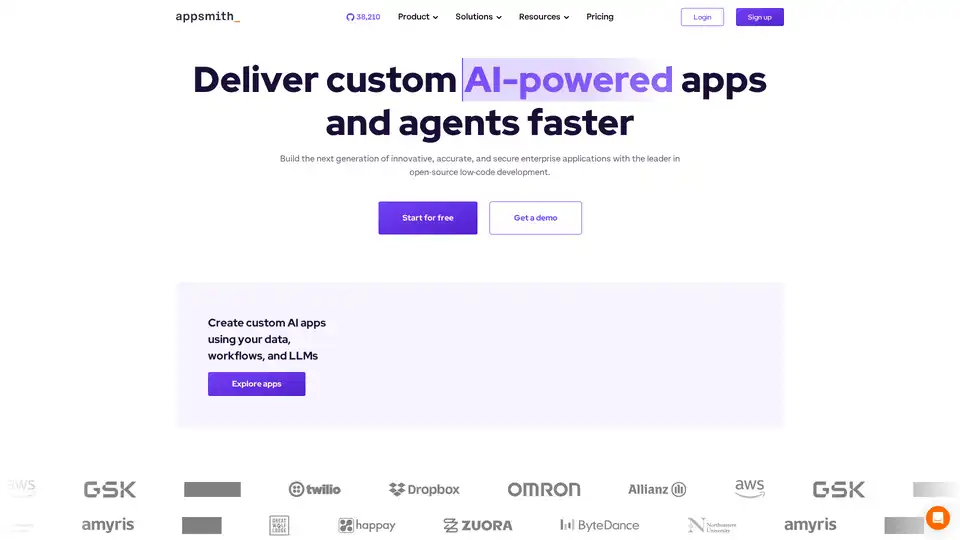
Appsmith is an open-source low-code platform that enables developers to build custom AI-powered applications and internal tools rapidly. It connects to various data sources and offers full control over application development.
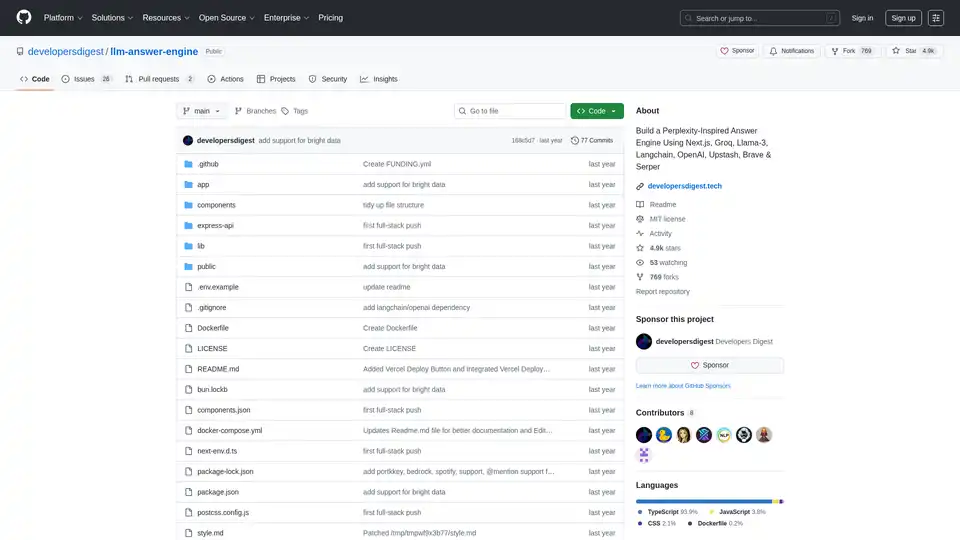
Build a Perplexity-inspired AI answer engine using Next.js, Groq, Llama-3, and Langchain. Get sources, answers, images, and follow-up questions efficiently.
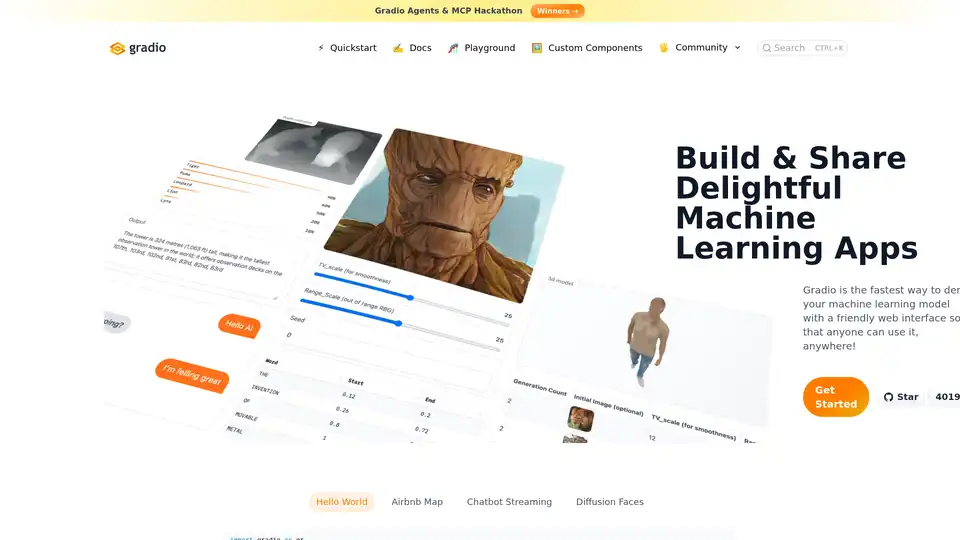
Gradio allows you to quickly create shareable web interfaces for your machine learning models with just a few lines of Python code. It's designed for fast prototyping and easy deployment.
Pico is a no-code platform that allows you to build and share AI-powered microapps using GPT-4. Create chatbots, marketing tools, and more without coding.