
Screenshot to Code
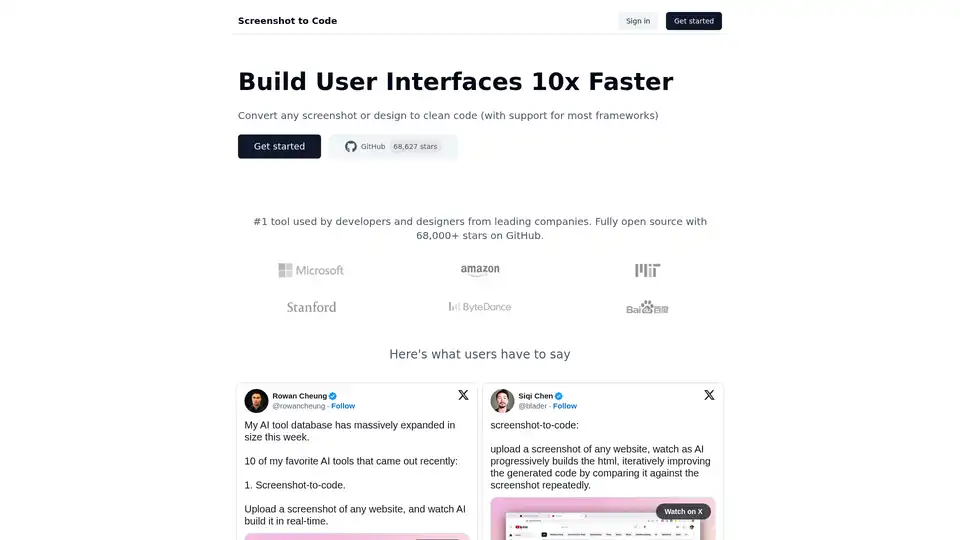
Overview of Screenshot to Code
Screenshot to Code: Build UIs 10x Faster with AI
What is Screenshot to Code?
Screenshot to Code is an AI-powered tool designed to convert any screenshot or design into clean, functional code. It's primarily aimed at developers and designers looking to accelerate their UI development process. With support for most frameworks and being fully open source, it’s quickly becoming a favorite among leading companies.
How does Screenshot to Code work?
Screenshot to Code leverages advanced AI models like GPT-4 Vision and DALL-E 3 to analyze uploaded screenshots of website designs. The AI progressively builds the HTML, iteratively improving the generated code by comparing it against the screenshot repeatedly. This process ensures high fidelity and accuracy in the generated code.
Key Features:
- AI-Powered Code Generation: Converts screenshots into clean code using GPT-4 Vision and DALL-E 3.
- Multi-Framework Support: Compatible with most popular web development frameworks, including HTML/Tailwind CSS, React, Vue, and Bootstrap.
- Open Source: Fully open source with over 68,000 stars on GitHub, fostering community-driven improvements.
- Iterative Improvement: AI progressively builds the code, iteratively improving it by comparing against the original screenshot.
How to use Screenshot to Code?
- Upload a Screenshot: Begin by uploading a screenshot of the website design you want to convert to code.
- AI Code Generation: The AI will analyze the screenshot and start generating the code in real-time.
- Iterative Improvement: Watch as the AI progressively builds the HTML, iteratively improving the generated code by comparing it against the screenshot repeatedly.
- Review and Refine: Once the code is generated, review it and refine it as needed to ensure it meets your requirements.
Why choose Screenshot to Code?
- Accelerated Development: Build user interfaces 10x faster by automating the code generation process.
- High Accuracy: The AI ensures high fidelity and accuracy in the generated code by iteratively comparing it against the original screenshot.
- Community Support: Benefit from a thriving open-source community with over 68,000 stars on GitHub.
- Versatile Compatibility: Supports most popular web development frameworks, including HTML/Tailwind CSS, React, Vue, and Bootstrap.
Who is Screenshot to Code for?
Screenshot to Code is ideal for:
- Web Developers: Quickly generate code for website designs, saving time and effort.
- UI/UX Designers: Convert designs into functional code without needing extensive coding knowledge.
- Startups: Accelerate development and get products to market faster.
- Enterprises: Streamline UI development processes and improve efficiency.
Real User Feedback:
Users on platforms like X (formerly Twitter) rave about Screenshot to Code:
- Rowan Cheung: "Upload a screenshot of any website, and watch AI build it in real-time."
- Siqi Chen: "Upload a screenshot of any website, watch as AI progressively builds the html, iteratively improving the generated code by comparing it against the screenshot repeatedly."
- Natia Kurdadze: "This simple app converts a screenshot to code (HTML/Tailwind CSS, or React or Vue or Bootstrap)."
- MakerThrive: "GPT will progressively build the HTML, iteratively improving the generated code by comparing it against the screenshot repeatedly."
Screenshot to Code allows developers and designers to focus on what they do best—creating innovative user experiences—while the AI handles the tedious task of code generation. Its ability to generate code for various frameworks and its open-source nature make it an invaluable asset in modern web development.
Best way to build UI with AI?
The best way to leverage AI in UI development is by utilizing tools like Screenshot to Code, which automate the conversion of visual designs into functional code. By combining the power of AI with traditional development practices, teams can achieve unprecedented levels of efficiency and innovation.
Whether you're a seasoned developer, a creative designer, or part of a dynamic startup, Screenshot to Code offers a transformative approach to UI development. Embrace the future of coding and build user interfaces 10x faster.
Best Alternative Tools to "Screenshot to Code"
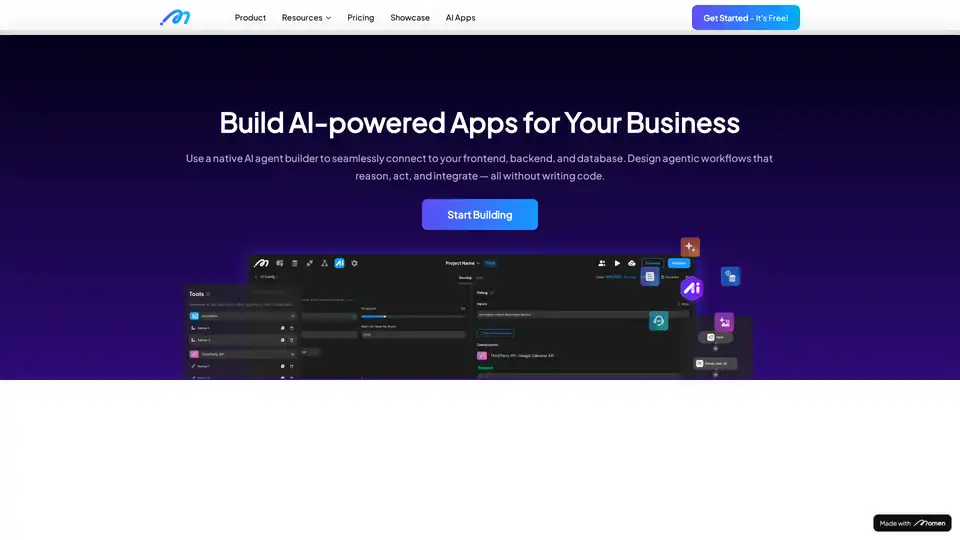
Create AI-powered apps and AI agents that automatically plan and execute your tasks. Build your full-stack AI apps and monetize it with Momen's flexible GenAI app dev framework. Get started today!
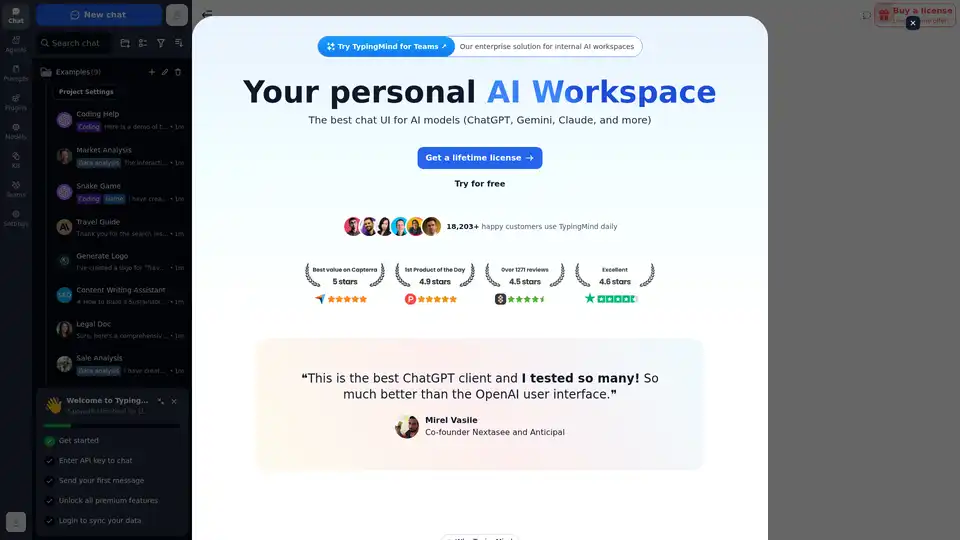
Chat with AI using your API keys. Pay only for what you use. GPT-4, Gemini, Claude, and other LLMs supported. The best chat LLM frontend UI for all AI models.
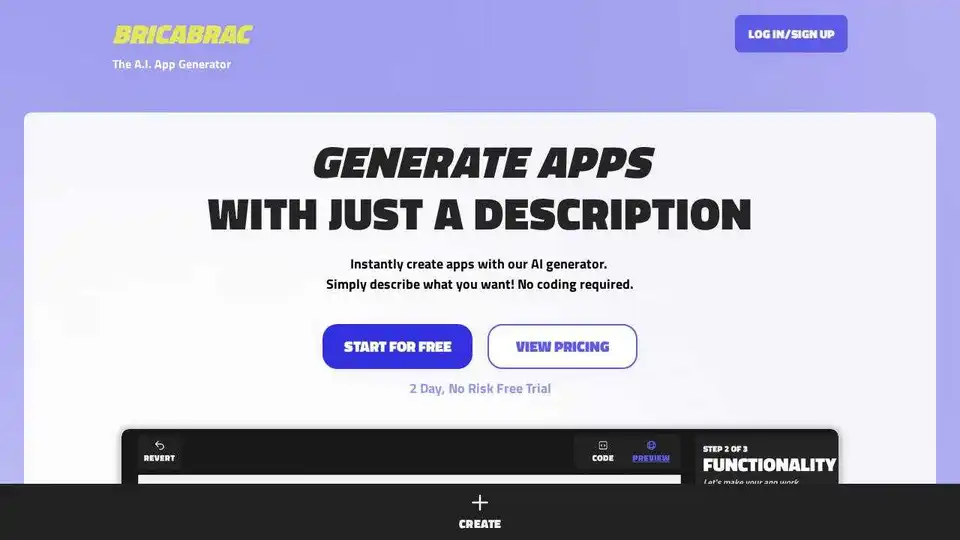
Bricabrac AI: Generate web apps for free using AI from a text description. GPT-4 powered, no-code web app creation. Start your 2-day free trial today!
Toolmark AI is a no-code platform to build custom AI tools using GPT-4o and other models. Create text, image, and voice AI apps without coding. Ideal for automating workflows and enhancing websites with AI.
Nebius AI Studio Inference Service offers hosted open-source models for faster, cheaper, and more accurate results than proprietary APIs. Scale seamlessly with no MLOps needed, ideal for RAG and production workloads.
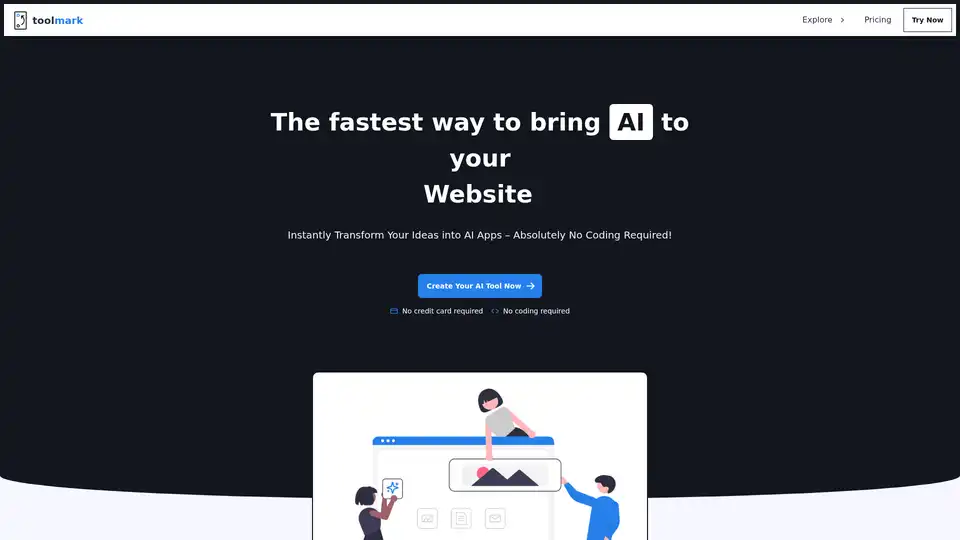
Toolmark.ai is a no-code platform for building AI tools that generate text, images, voice, and more using models like GPT-4o and DALL-E. Drag-and-drop interface empowers non-coders to create, embed, and monetize custom AI apps effortlessly.
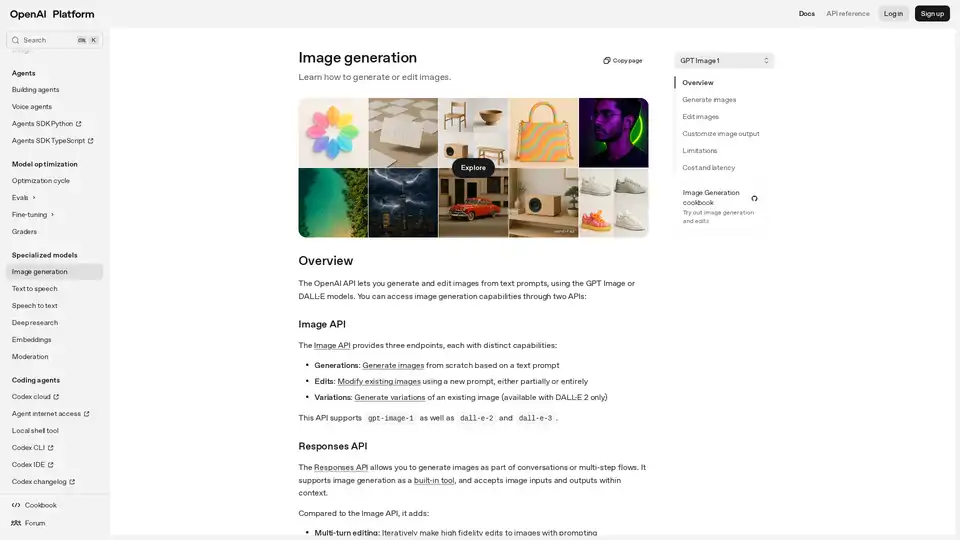
Explore the OpenAI Image Generation API to create and edit stunning images from text prompts using models like GPT Image and DALL·E. Ideal for developers integrating AI-driven visual content.
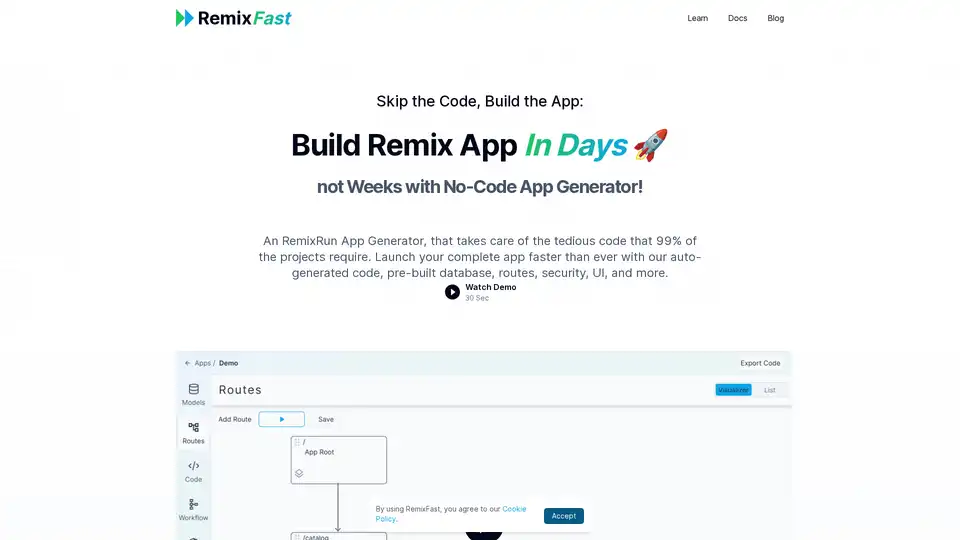
RemixFast is a no-code app generator for building Remix applications quickly using a visual editor. It automates tedious code tasks, allowing developers to focus on core functionalities and launch apps faster.
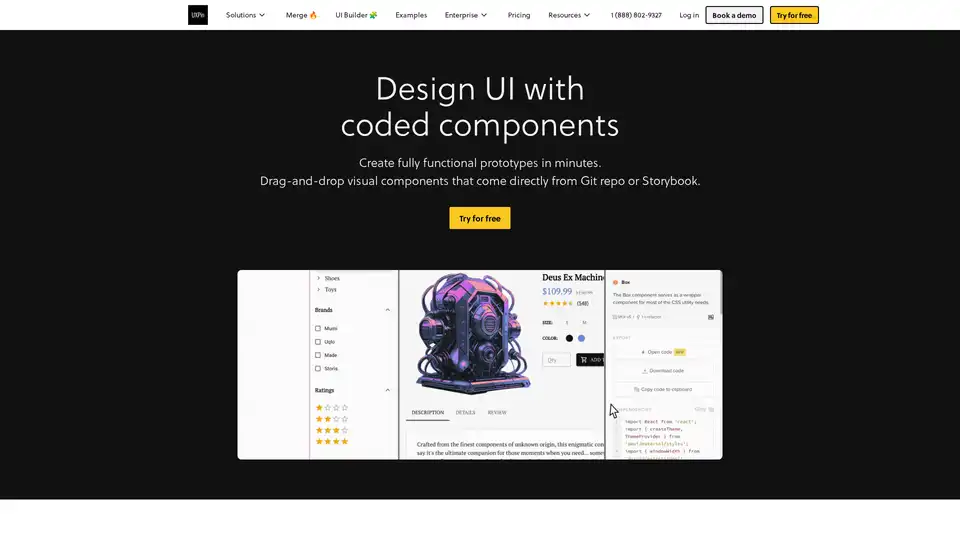
UXPin Merge accelerates UI design 8.6x faster with AI-generated components, coded libraries like MUI and Tailwind UI, and seamless React code export for developers.
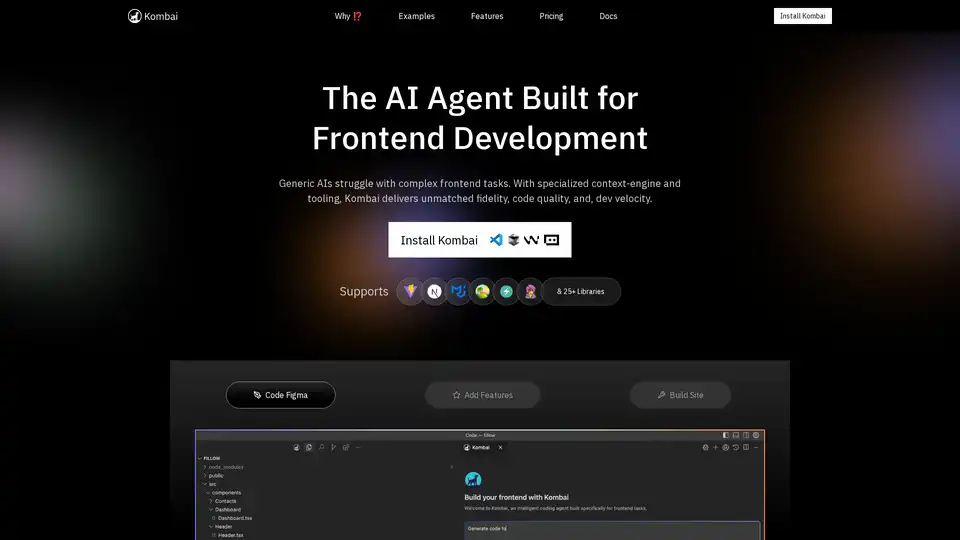
Kombai is a specialized AI agent for frontend development, excelling in converting Figma designs, images, and text prompts into high-fidelity code with superior speed and accuracy for React and more.
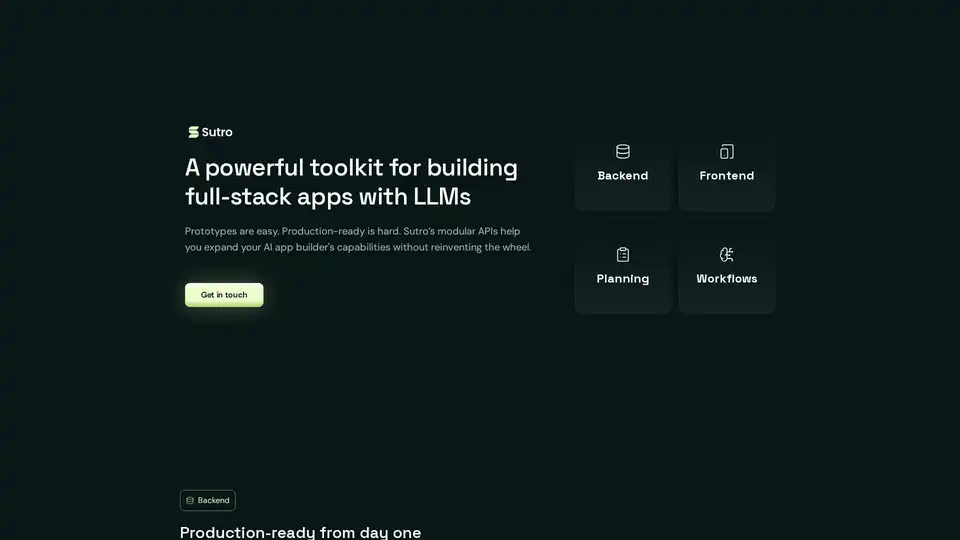
Sutro is a toolkit for building full-stack AI apps using LLMs. It provides modular APIs for backend, frontend, planning, and workflows, enabling the creation of enterprise-grade AI applications with ease.
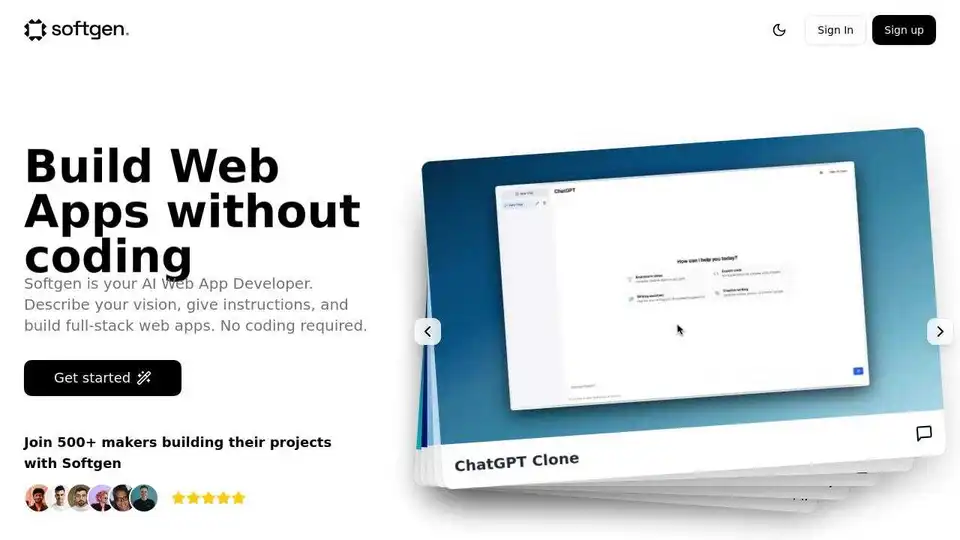
Softgen is an AI-powered web app builder that allows users to create full-stack applications without coding. Describe your vision, and Softgen will generate a development roadmap and code, enabling rapid iteration and deployment.
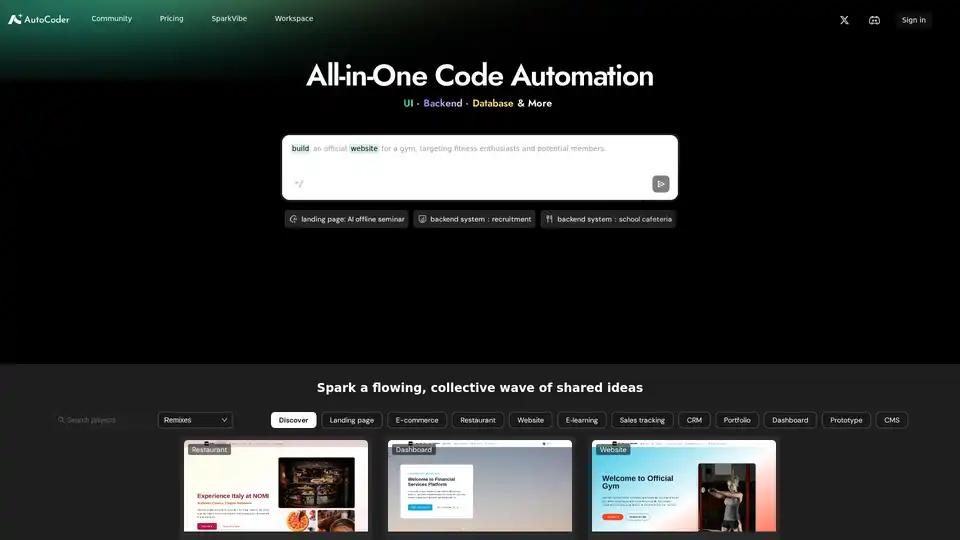
The easiest AI coding tool. Just chat to build professional web apps—complete with design, functionality, and data storage. No tech skills needed!
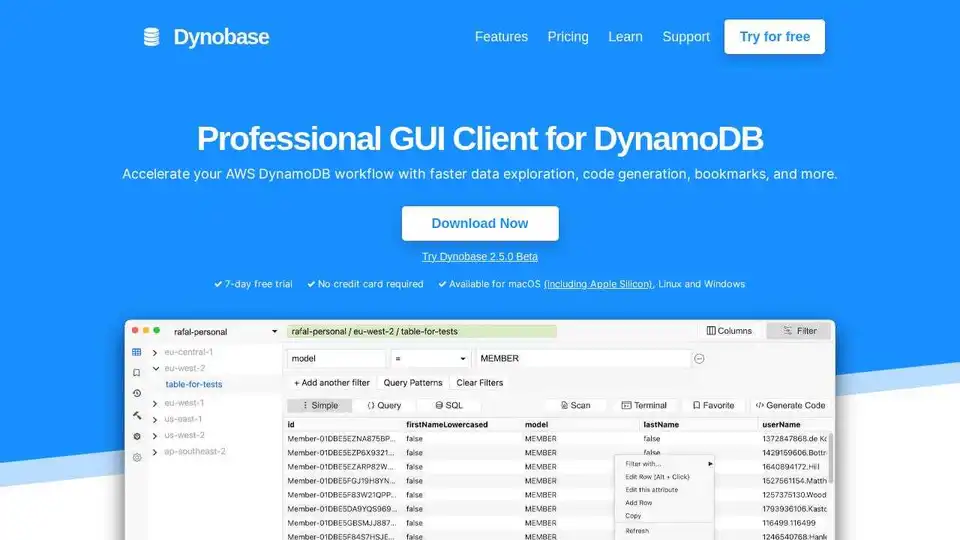
Dynobase is a professional GUI client for DynamoDB, designed to accelerate your AWS DynamoDB workflow. It offers features like a sleek Admin UI, visual query builder, code generation, and support for various AWS credentials and MFA.