
Seedream 4.0
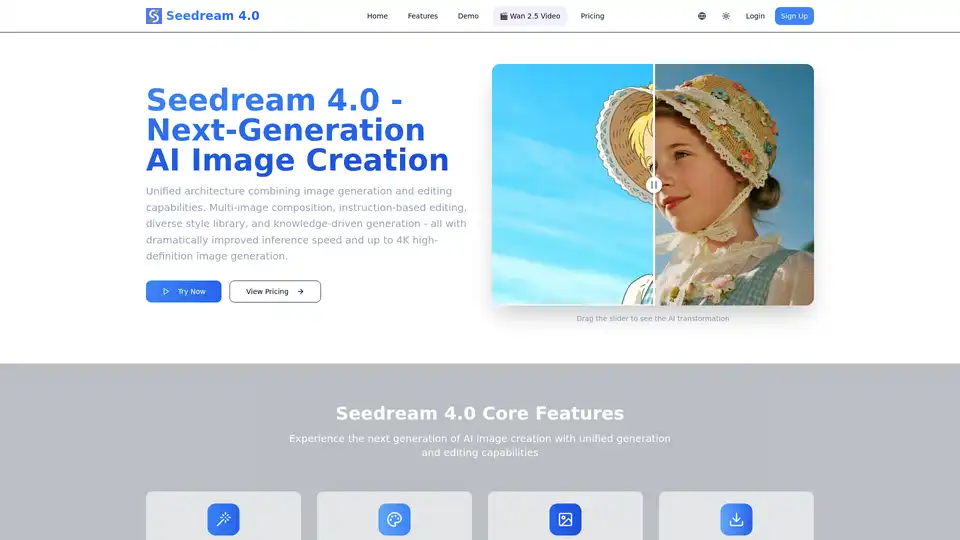
Overview of Seedream 4.0
Seedream 4.0: Next-Generation AI Image Creation
Seedream 4.0 is a cutting-edge AI image generator that unifies image generation and editing capabilities. It provides tools for multi-image composition, instruction-based editing, a diverse style library, and knowledge-driven generation, all while boasting dramatically improved inference speed and up to 4K high-definition image generation.
What is Seedream 4.0?
Seedream 4.0 is a platform that offers comprehensive AI-driven image creation and editing. It allows users to generate and refine images using simple text instructions and multiple image inputs, enabling a seamless and efficient creative workflow.
How does Seedream 4.0 work?
Seedream 4.0 leverages advanced AI algorithms to interpret user instructions and generate or edit images based on these instructions. Key features include:
- Multi-Image Composition: Combine multiple images using a single sentence. This feature is ideal for creating complex visual stories and brand assets.
- Instruction-Based Editing: Precisely edit images with simple text commands. The platform aims to provide a 'what you say is what you get' experience.
- Diverse Style Library: Access a variety of professional styles, from watercolor to cyberpunk, to create unique visual content.
- Knowledge-Driven Generation: Enhance content creation with rich knowledge and reasoning capabilities for accurate illustrations, charts, and professional images.
How to use Seedream 4.0?
- Upload an Image: Begin by uploading the image you want to edit or use as a reference.
- Describe Your Change: Enter a text description of the desired transformation.
- Choose Image Dimensions: Select the desired dimensions for the generated image.
- Generate Image: Click 'Generate Image' to process your request.
- Review and Refine: Edit results will appear, allowing you to further refine your instructions and regenerate the image.
Why choose Seedream 4.0?
Seedream 4.0 differentiate itself through:
- Unified Architecture: Combining image generation and editing capabilities in one platform.
- User-Friendly Interface: Simple and intuitive design, making it accessible to both beginners and professionals.
- High-Quality Output: Generate images up to 4K resolution with improved inference speed.
- Versatile Applications: Suitable for various creative workflows, including visual storytelling, brand asset creation, and educational illustrations.
Who is Seedream 4.0 for?
Seedream 4.0 is ideal for:
- Individuals: Perfect for light users who want to enhance their personal images or create unique content.
- Professional Creators: Designed for professional creators and teams requiring high-quality, AI-generated visuals.
- Teams and Power Users: Tailored for teams needing advanced features like batch processing, API access, and professional video generation tools.
Pricing Plans
Seedream 4.0 offers several subscription plans, including:
- Basic: $7.99/month (or $95.90/year) for 1200 credits/year, suitable for individuals and light users.
- Pro: $19.99/month (or $239.90/year) for 4800 credits/year, designed for professional creators and teams.
- Max: $55.99/month (or $671.90/year) for 14400 credits/year, tailored for teams and power users with advanced needs.
Each plan includes access to style templates, customer support, and various download formats (JPG/PNG/WebP etc.).
Frequently Asked Questions
The platform also addresses common questions, such as:
- Can I try it for free?
- How does Seedream 4.0 work?
- What makes Seedream 4.0 different?
- What image formats are supported?
- Can I use the generated images commercially?
Seedream 4.0 aims to transform images with the power of AI, providing a simple, fast, and incredibly powerful tool for everyone.
By unifying image generation and editing, Seedream 4.0 sets a new standard for AI-driven creative workflows, empowering users to bring their visual ideas to life with ease and precision.
Best Alternative Tools to "Seedream 4.0"
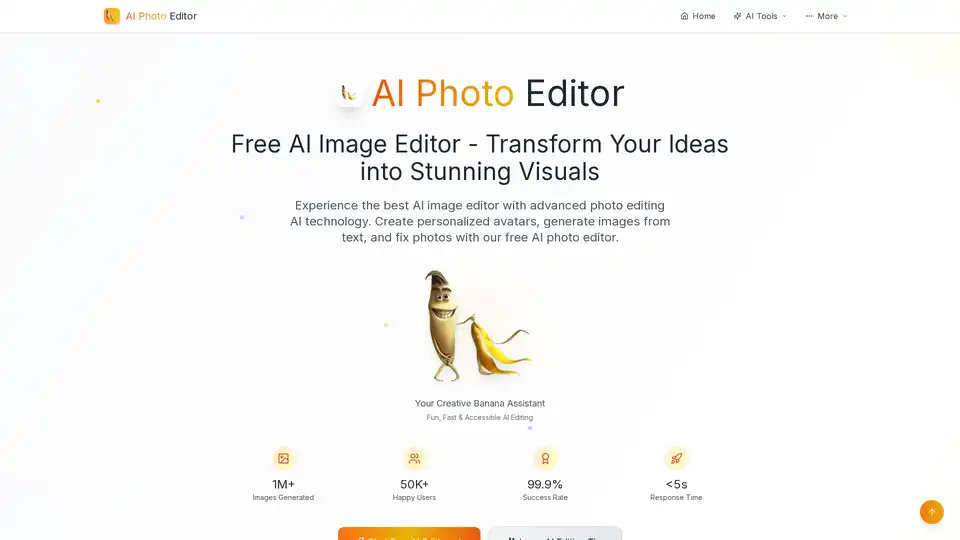
AI Photo Editor is a free AI-powered image editor that lets you transform ideas into stunning visuals. It offers fast, easy, and accessible AI editing with features like personalized avatars, image generation from text, and photo fixing.
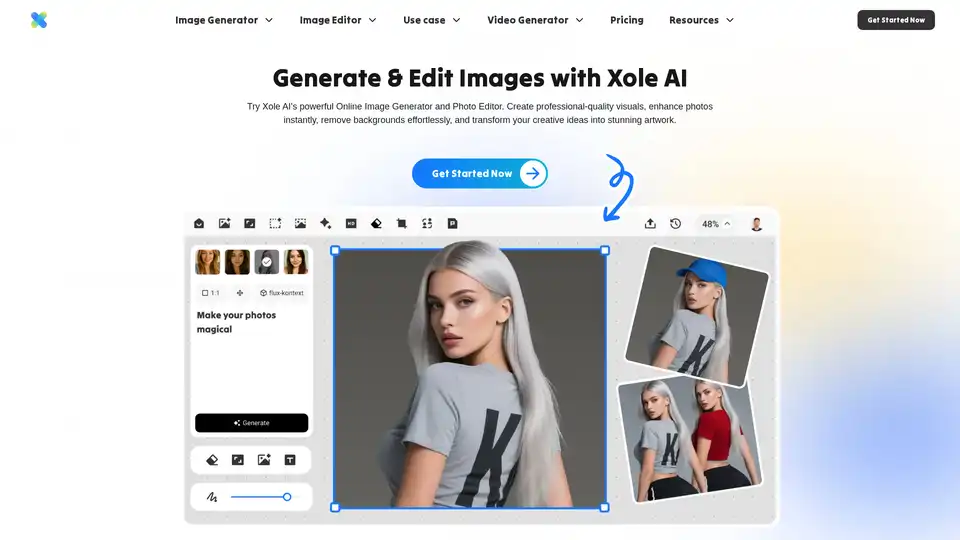
Xole AI is a powerful AI image generator and editor that transforms photos into stunning visuals. Create art, enhance photos, remove backgrounds, and generate unique characters effortlessly with its comprehensive AI tools.
FramEdits is an AI image editor that allows users to generate stunning images from text or transform existing photos with AI-powered edits. It offers fast results and simple, transparent pricing.
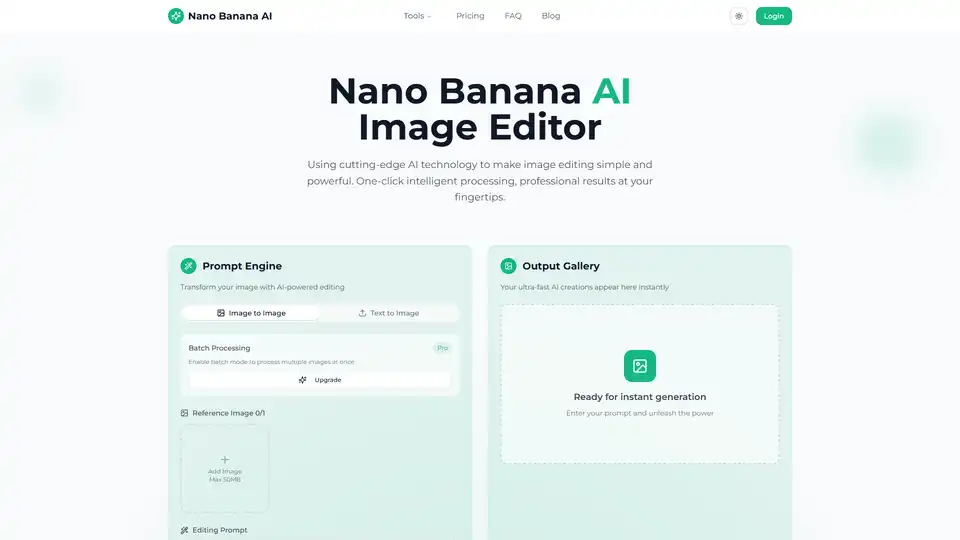
Transform your photos with Nano Banana AI Image Editor. Free AI-powered background removal, smart enhancement, style conversion, and batch processing.
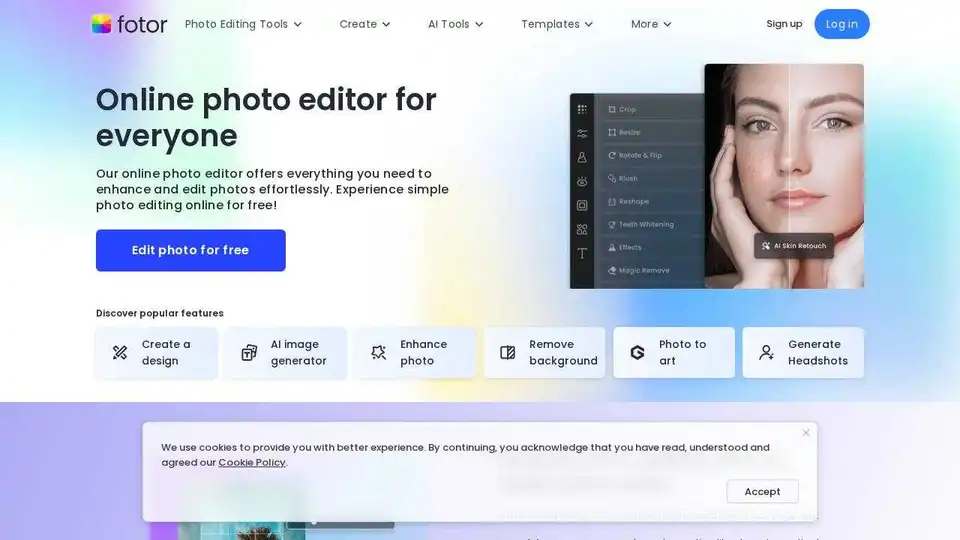
Enhance and edit photos with Fotor’s free online photo editor. Crop, add text & effects, retouch images, and more using powerful photo editing and AI tools.
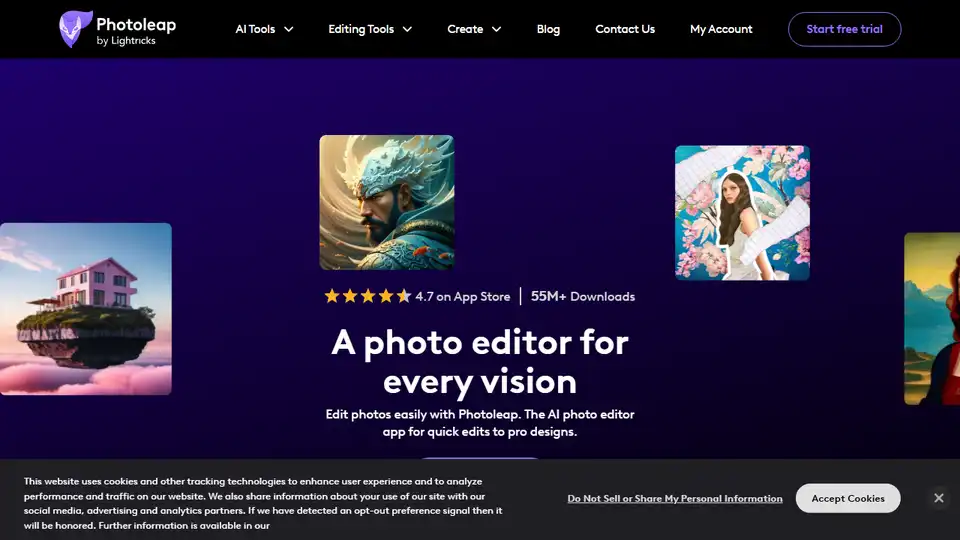
Photoleap is a creative & powerful AI photo editor app by Lightricks for amazing creations on your iPhone. Change backgrounds, remove objects, create collages, apply filters & effects. Try a 7-day free trial now.
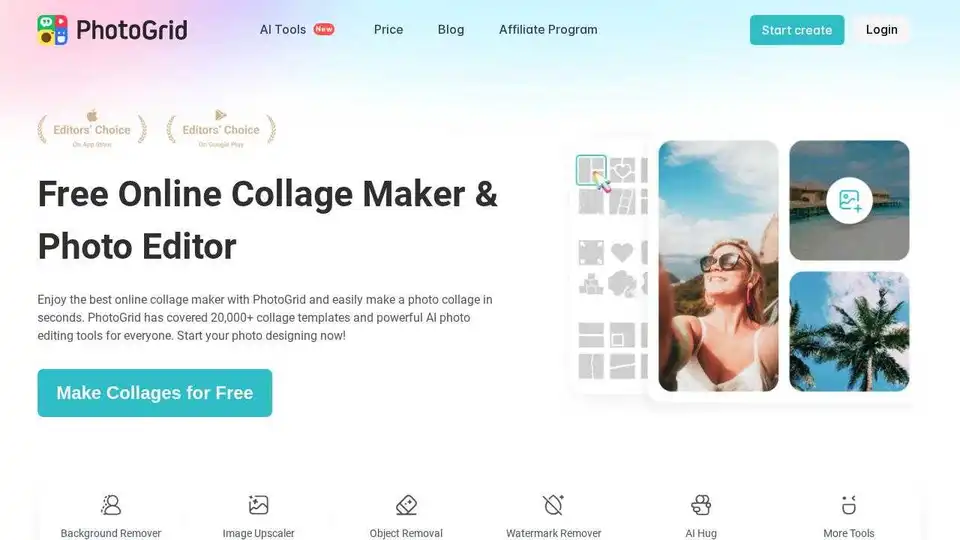
Create stunning photo collages and edit photos online for free with PhotoGrid's AI-powered tools. Access 20,000+ templates, AI filters, and design resources to enhance your images easily.

Dzine: The AI design tool for image generation and editing. All-in-one online platform for AI photo filter, image combiner and more.
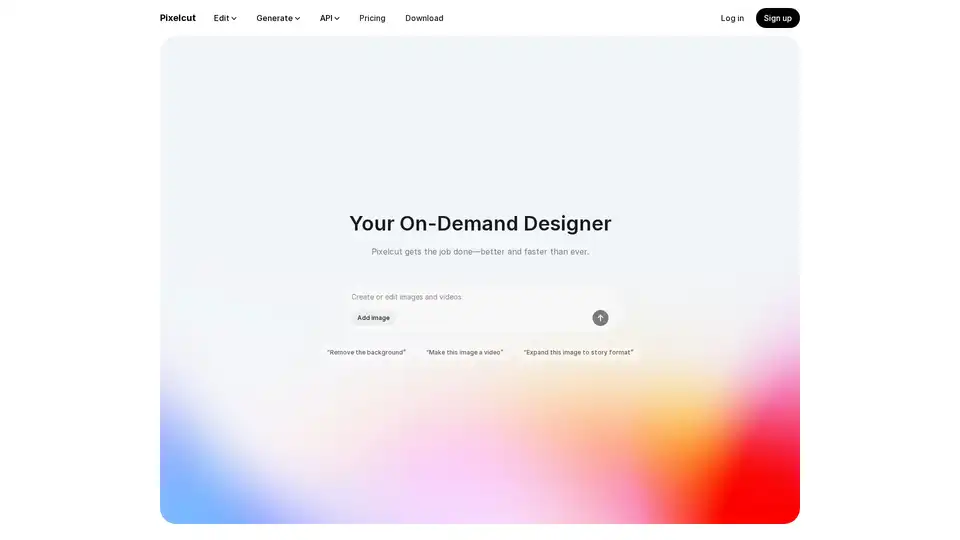
Pixelcut is a free AI photo editor that simplifies image editing, background removal, upscaling, and video generation. Trusted by over 50 million creators, it offers powerful tools for professional results in minutes.
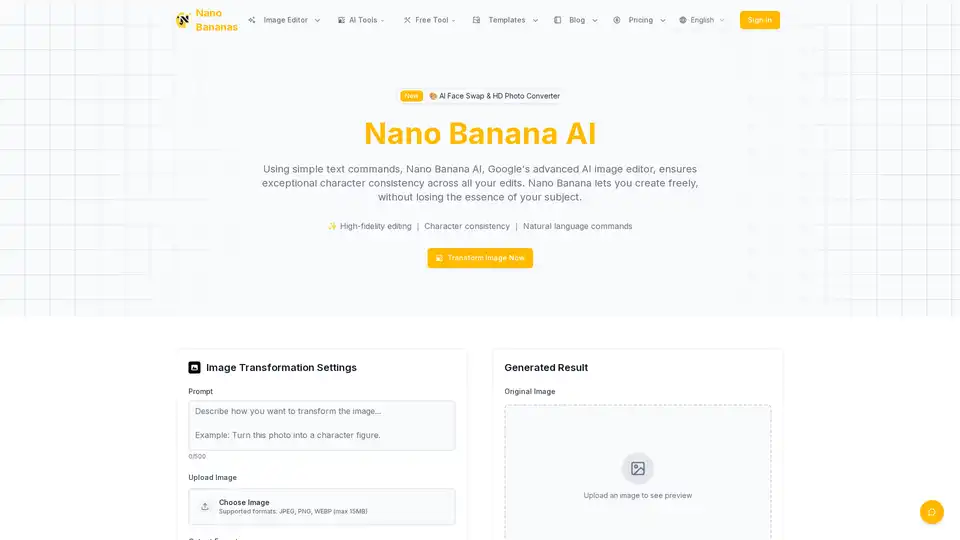
Nano Banana AI is an advanced AI image editor using natural language commands, ensuring character consistency across edits. Perfect for content creators and e-commerce.
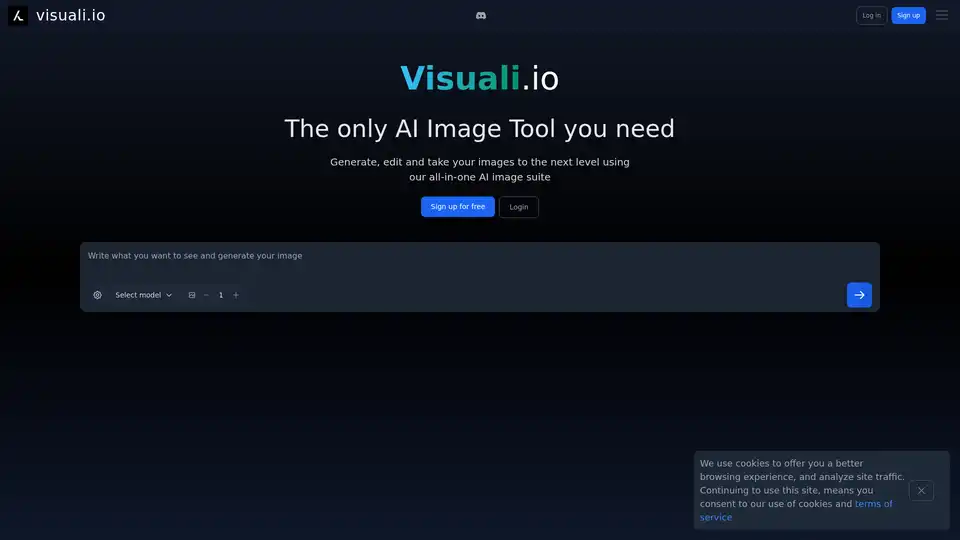
Visuali.io is an all-in-one AI image suite that allows users to generate, edit, and enhance images online. It offers features like AI image generation, inpainting, outpainting, and sketch-to-image conversion on an infinite canvas.
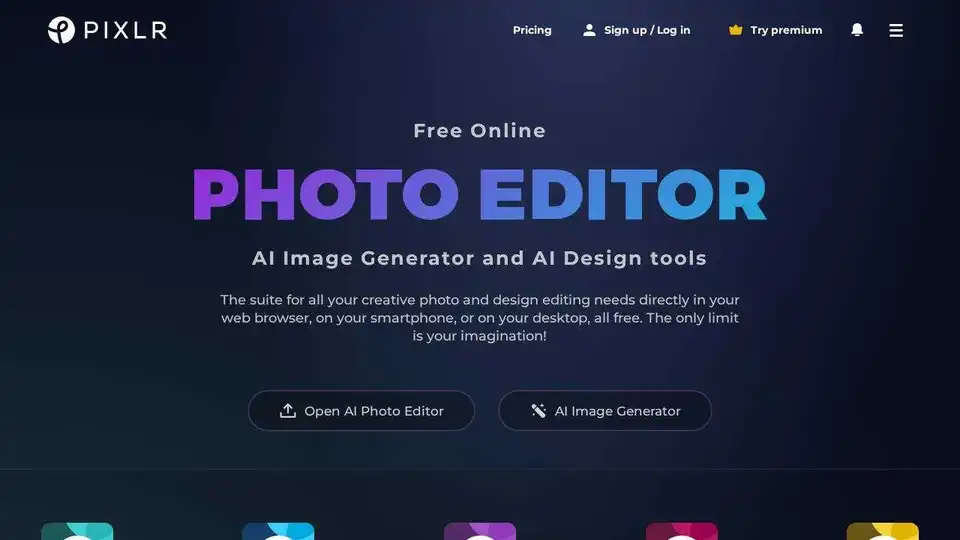
Get creative with Pixlr, the free online AI photo editor & design tool. Includes AI image generator, batch editor, animation design, enhancer & more. Try it now!
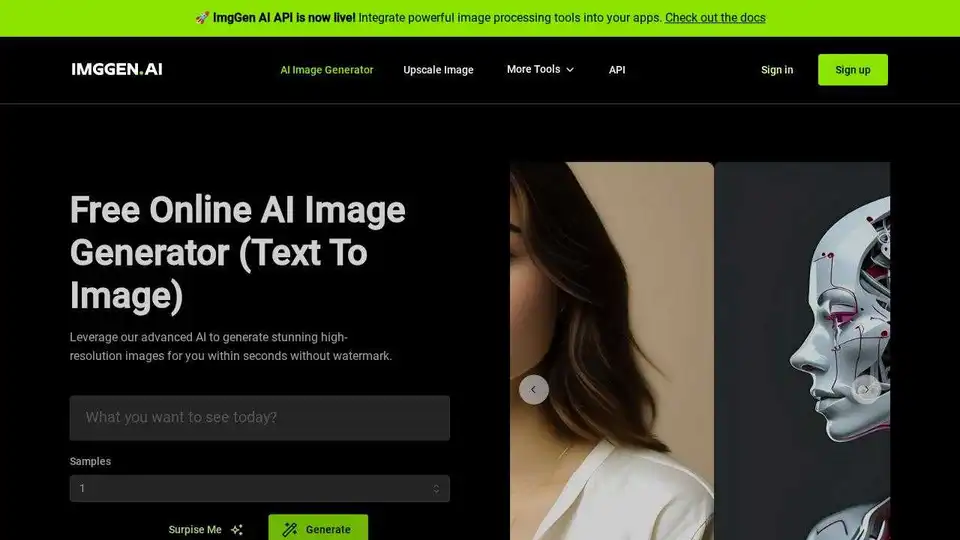
ImgGen AI is an online AI photo editor that allows you to enhance your photos with ease. Remove backgrounds, add filters, and generate unique images with AI-powered tools. Try it for free!
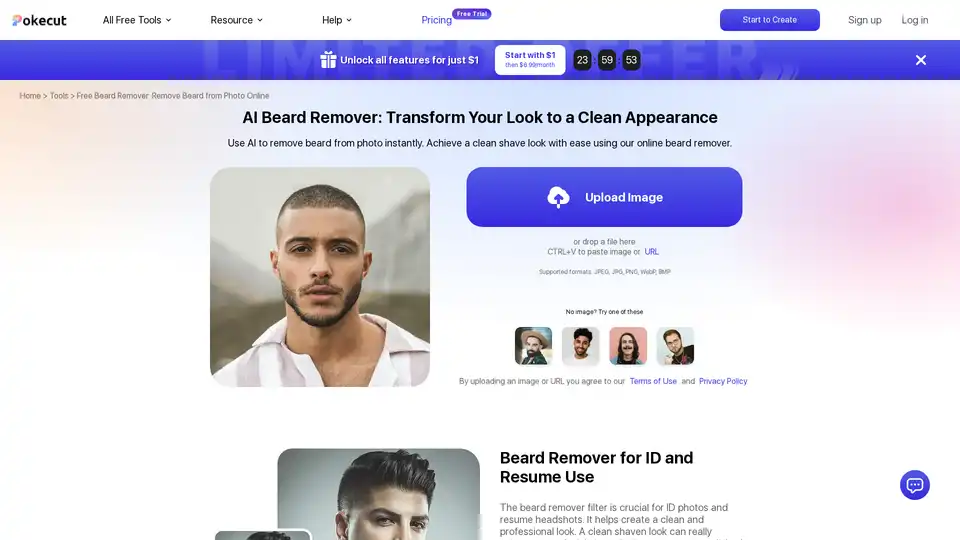
Discover Pokecut's free AI beard remover to instantly remove beards and mustaches from photos online. Achieve a professional clean-shaven look without sign-up, perfect for ID photos and resumes.