
Snapclear

Overview of Snapclear
Snapclear: AI-Powered Image Upscaling and Background Removal
What is Snapclear? Snapclear is a cutting-edge desktop application that harnesses the power of artificial intelligence to upscale images and remove backgrounds, all while operating completely offline. This ensures the total privacy of your images, making it an ideal tool for users concerned about data security.
Key Features:
- Offline Operation: Snapclear works 100% offline, ensuring your images remain private and secure.
- AI-Powered Upscaling: Enhance your photos with up to 4x resolution without sacrificing quality.
- Automatic Background Removal: Seamlessly remove backgrounds from images with just one click.
- Cross-Platform Compatibility: Available for Windows, macOS, and Linux.
- Bulk Processing: Efficiently process multiple images at once.
- Multiple Image Formats Support: Supports a variety of image formats.
How does Snapclear work?
Snapclear utilizes advanced AI algorithms to perform image upscaling and background removal. The AI model is trained to recognize various subjects, including people, animals, graphics, and more, allowing for accurate and seamless background removal. For image upscaling, the AI algorithm combines noise reduction and rescaling mechanisms to improve the quality of old and low-resolution images.
How to use Snapclear?
- Download and install the Snapclear application for your operating system (Windows, macOS, or Linux).
- Launch the application.
- Import the image you want to process.
- Choose to either upscale the image or remove the background.
- Click the “Start” button.
- The processed image will be saved to your desired location.
Why choose Snapclear?
- Privacy: Snapclear operates offline, ensuring your images remain private.
- Efficiency: Process images quickly and easily with AI-powered automation.
- Quality: Enhance your photos with up to 4x resolution without compromising quality.
- Convenience: Available for Windows, macOS, and Linux.
Who is Snapclear for?
Snapclear is ideal for:
- Photographers looking to enhance their photos.
- Designers needing to remove backgrounds from images.
- Businesses wanting to improve the quality of their product images.
- Anyone concerned about the privacy of their images.
Pricing:
Snapclear offers a variety of pricing plans to suit your needs:
- Free: 10 monthly actions.
- Monthly: $2.99/month for unlimited actions.
- Premium: $16.99/year for unlimited actions and 2 active devices.
- Lifetime: $29.99 for unlimited actions, a lifetime personal license, and 3 active devices.
Best way to enhance your images and protect your privacy?
Snapclear combines powerful AI technology with offline operation to provide a secure and efficient solution for image upscaling and background removal. Whether you're a photographer, designer, or business owner, Snapclear can help you enhance your images and protect your privacy.
Best Alternative Tools to "Snapclear"
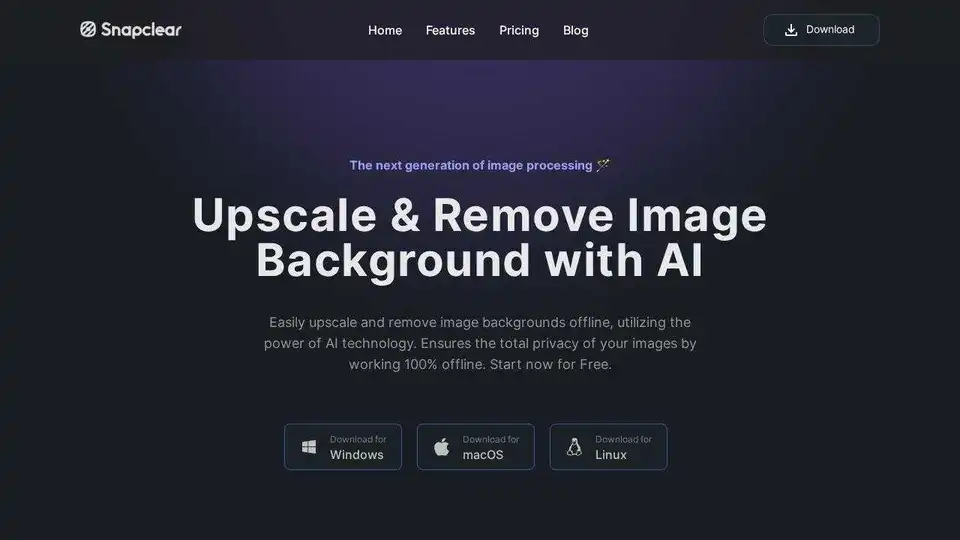
Snapclear uses AI to upscale images and remove backgrounds offline. Enhance photos up to 4x or remove backgrounds automatically, ensuring total privacy on Windows, macOS, and Linux.

AVCLabs offers free online AI tools to enhance images and videos effortlessly in your browser. Upscale photos up to 4x, denoise, remove backgrounds and objects, stabilize videos, and colorize black-and-white photos for professional results without downloads.
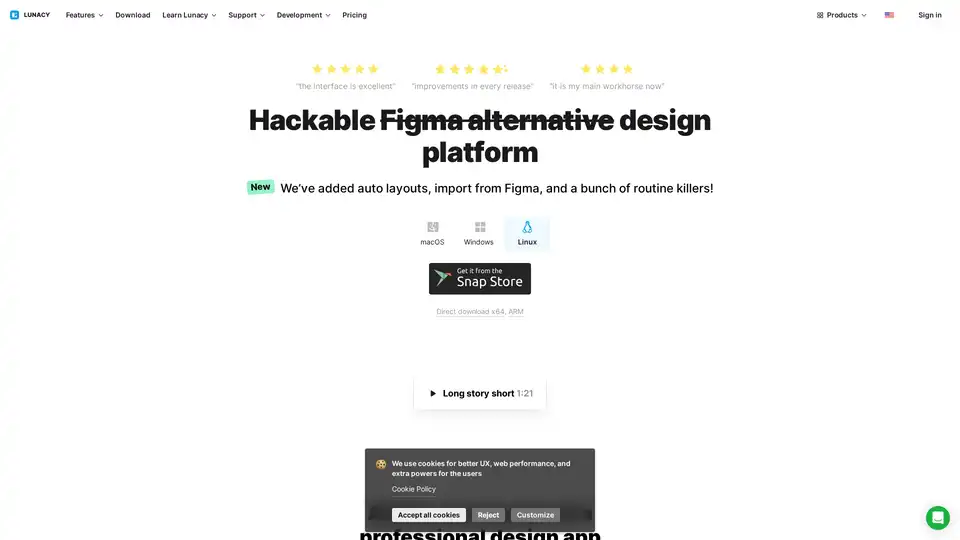
Lunacy by Icons8 is free graphic design software for Windows, macOS, Linux. Open, edit sketch files with ease. Built-in vector, photos, UI kits, and more.
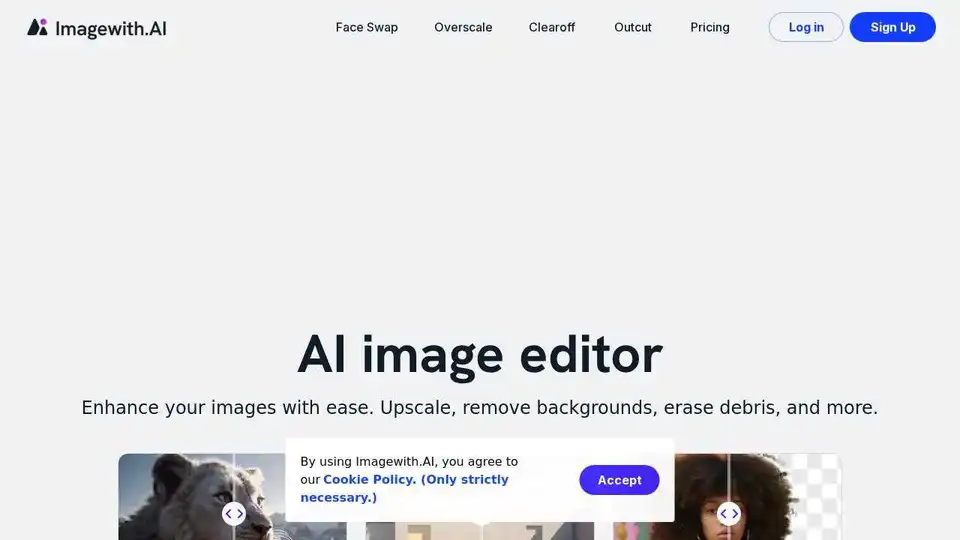
Enhance your images with Imagewith.AI, the best AI image generator and online photo editor. Upscale, remove backgrounds, erase objects, and more. Try it now and witness the magic!
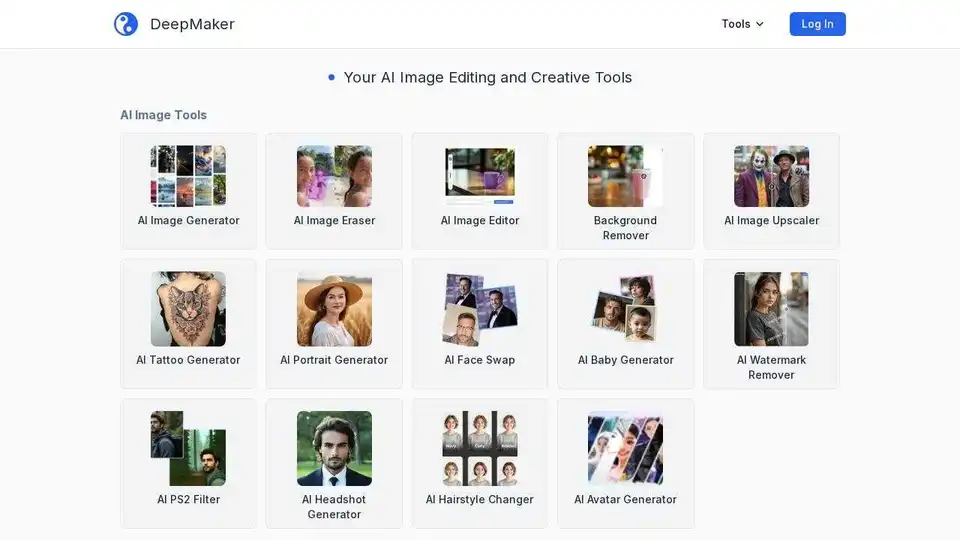
DeepMaker offers advanced AI image tools: background remover, image enhancer, object eraser, image editor, image generator, avatar creator, face swapper, and more. Pay as you go, no subscription required.

Pixelbin.io is a free online photo editor and mobile app. Edit, crop, enhance, or add backgrounds to your images with AI-driven tools.
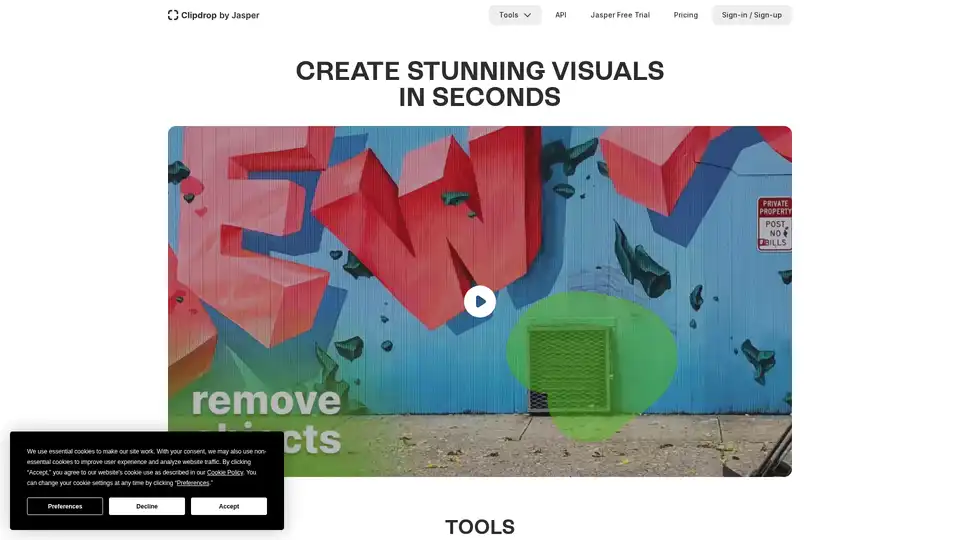
Clipdrop provides AI-powered tools for quick image editing: remove backgrounds, cleanup photos, upscale images, and generate visuals with Stable Diffusion integration for stunning results in seconds.
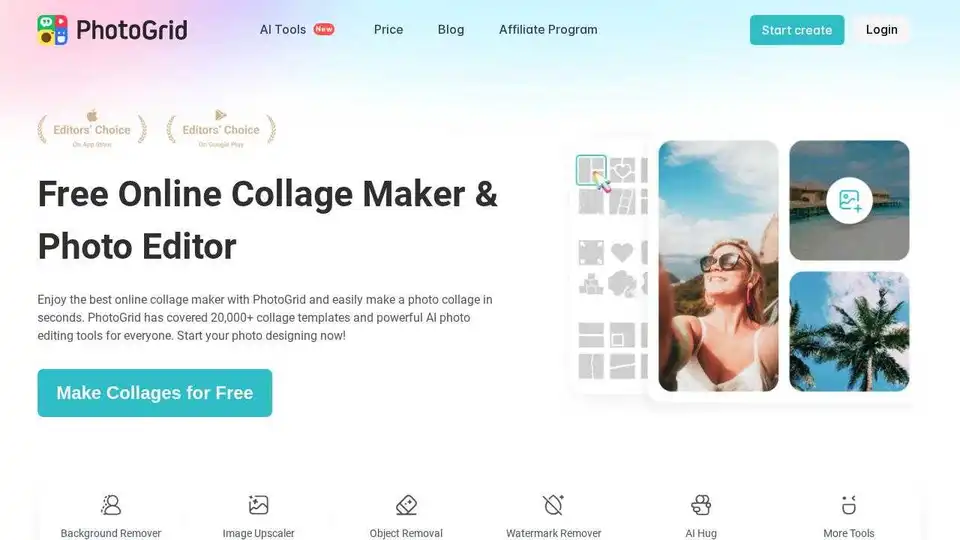
Create stunning photo collages and edit photos online for free with PhotoGrid's AI-powered tools. Access 20,000+ templates, AI filters, and design resources to enhance your images easily.
Perfectly Clear: AI-powered automatic photo corrections & video enhancement for businesses. Boost image quality and customer satisfaction.

Fix blurry photos online for free with AI-powered tools. Enhance sharpness, restore old images, and remove blur in seconds—no registration needed. Ideal for portraits, text, and low-res photos.
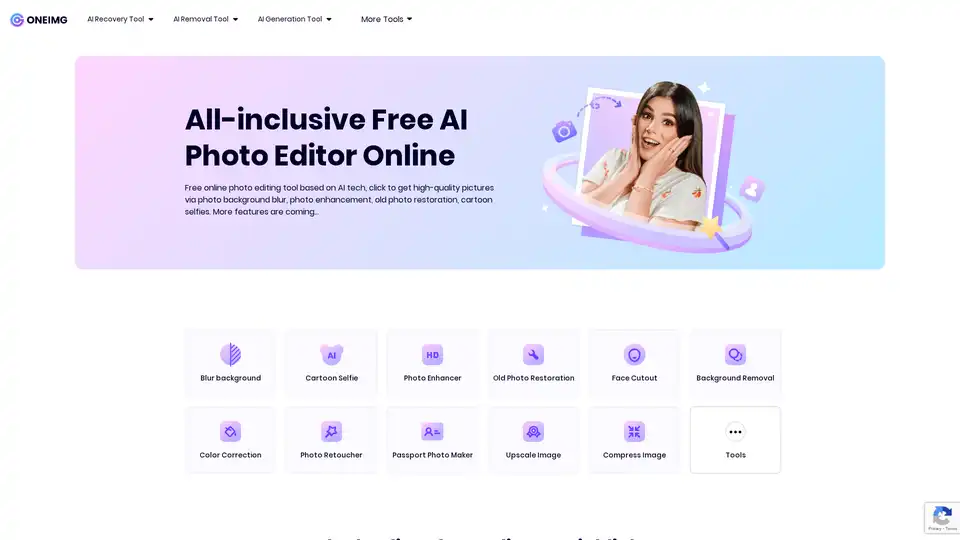
ONEIMG is a free online AI photo editor offering tools for photo enhancement, old photo restoration, background removal, and cartoon selfies. Optimize images effortlessly with AI-powered features.
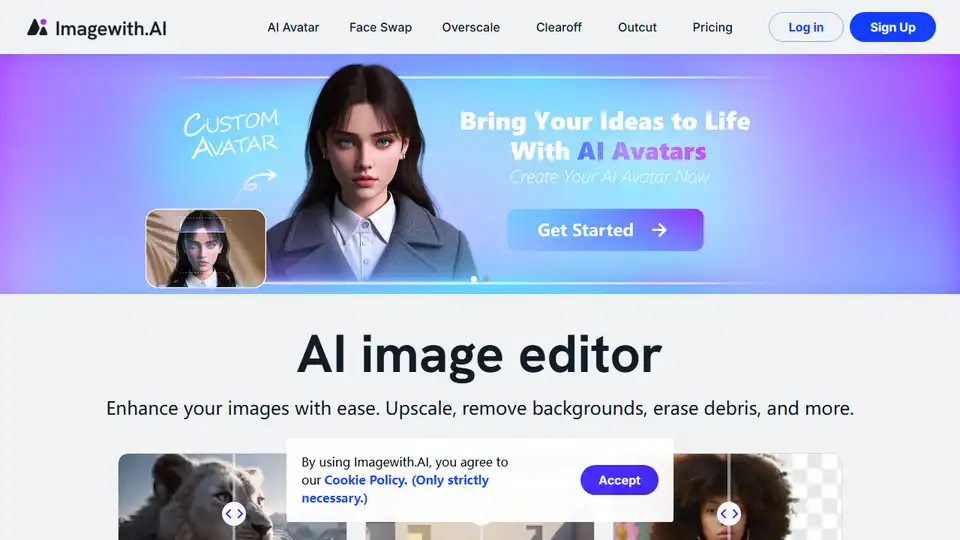
Imagewith.AI is an AI image editor that enhances images, removes backgrounds, and more. Try it now and witness the magic.

Picsart offers AI-powered photo and video editing APIs and SDKs for businesses, featuring background removal, image enhancement, and generative AI tools for e-commerce, print, and social media platforms.

Edit videos and photos smartly with GStory's free AI tools. AI photo enhancer, background & watermark remover, auto-generate subtitles and more!