
Face Crop Jet
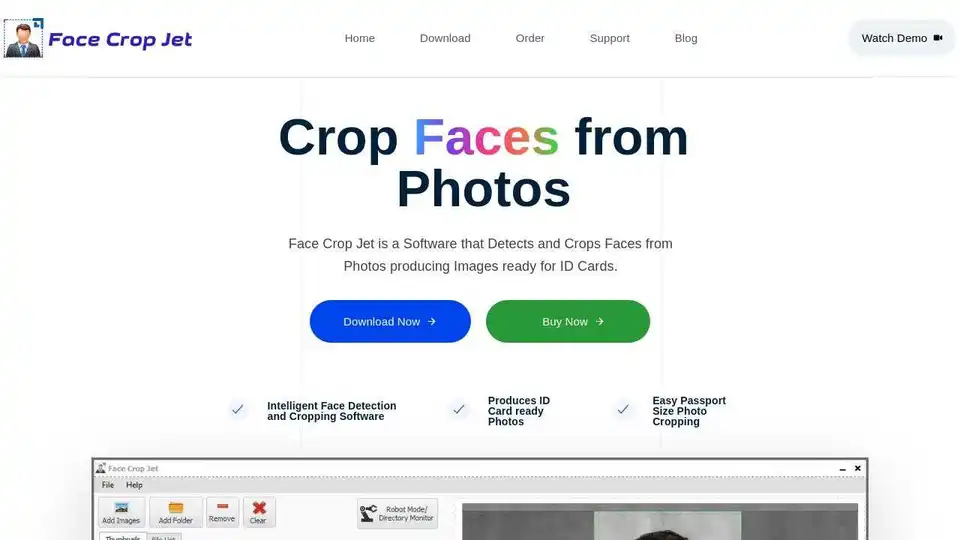
Overview of Face Crop Jet
Face Crop Jet: AI-Powered Face Detection and Photo Cropping Software
What is Face Crop Jet?
Face Crop Jet is a software designed to automatically detect and crop faces from photos, producing images ready for ID cards and passport photos. It utilizes advanced AI algorithms to identify facial features and crop the image accordingly, streamlining the process of creating standardized profile pictures.
How does Face Crop Jet work?
Face Crop Jet uses complex AI algorithms to detect faces in images. Here’s a breakdown of how it works:
- AI Face Detection: The software employs AI to identify faces within an image, even if the image has varying sizes and formats.
- Automatic Cropping: Once a face is detected, Face Crop Jet automatically crops the image to a standardized profile size suitable for ID cards or passport photos.
- Batch Processing: Users can process multiple images at once, significantly speeding up the creation of ID photos for large groups.
Key Features and Benefits
- Intelligent Face Detection: Uses advanced AI algorithms for accurate face detection.
- Automatic Cropping: Automatically crops the image to a standardized profile size.
- Batch Processing: Processes multiple images simultaneously.
- Customizable Crop: Offers options for face/shoulder crop and a fully customizable crop window.
- Robot/Directory Monitor: Monitors a specific folder and automatically crops faces from new photos.
- Any Image Format/Size: Supports various image formats and sizes.
- Easy-to-Use Interface: Abstracts complexities, making the software user-friendly.
- Privacy Guaranteed: Facial detection runs locally, ensuring images never leave your machine.
How to Use Face Crop Jet
- Download and Install: Download the appropriate version (Windows or macOS) from the official website.
- Add Images: Add images to the software, which can be in any format or size.
- Automatic Processing: The software automatically detects and crops faces.
- Customize (Optional): Adjust crop settings if needed.
- Save Images: Save the processed images.
Why is Face Crop Jet important?
Face Crop Jet automates the creation of ID and passport photos, saving time and effort. It is particularly useful for organizations and institutions that need to generate many such photos regularly.
Where can I use Face Crop Jet?
- Organizations: For creating ID cards for employees.
- Educational Institutions: For student ID cards.
- Government Agencies: For passport photos and other identification documents.
- Photography Studios: For streamlining passport photo services.
Different Editions Available
- Standard Edition: For individual desktop use.
- Service Edition: Designed for Windows Servers, this edition can be configured to run automatically without user intervention. It monitors a folder for photos, crops them, and saves the faces to an output folder.
- macOS Edition: A native Macintosh version with an intuitive interface.
Customer Testimonials
Here’s what customers are saying about Face Crop Jet:
- James Cooper: "Face Crop Jet Cropped out perfect ID Card Images from 100s of Images so fast. I was amazed to see how it worked without any configuration."
- Robert M: "The Service Edition of the Software Works flawlessly on our server in an automated fashion to crop out faces from tons of photos."
FAQ
- How does Face Crop Jet Work?
- Face Crop Jet works by detecting a Face from an Image by using complex algorithms. It Crops out a perfect profile photo that can be used for ID Cards.
- How many images can I process?
- You can process many images at once using batch processing.
- Which Operating Systems are Supported?
- Windows and macOS.
- Are my images safe? Is it uploaded anywhere?
- The processed images never leave your machine as the facial detection runs locally on your machine and is never uploaded anywhere.
Robot Mode
Face Crop Jet includes a robot mode for directory monitoring, allowing it to automatically crop faces from photos copied to a specific folder or external drive.
Best way to create ID photos?
The best way to create ID photos is to use automated software like Face Crop Jet, which ensures standardization and saves significant time.
In conclusion, Face Crop Jet offers an efficient, privacy-focused solution for creating standardized ID and passport photos using AI-driven face detection and cropping technology. Whether for individual use or enterprise-level deployment, Face Crop Jet simplifies the process and ensures consistent results.
Best Alternative Tools to "Face Crop Jet"
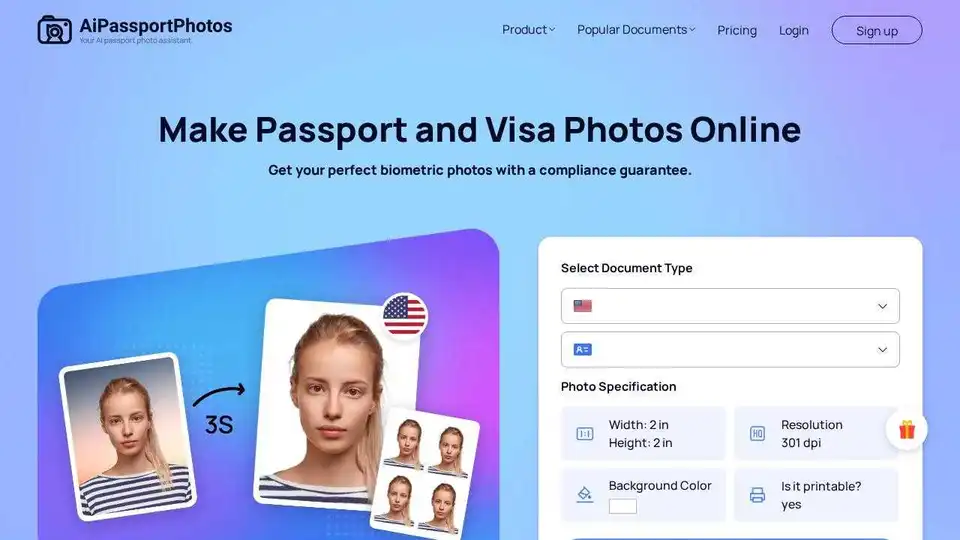
Create compliant passport and visa photos in seconds with AiPassportPhotos. AI-powered tool automatically resizes and formats your image to meet official requirements. Save time and money!
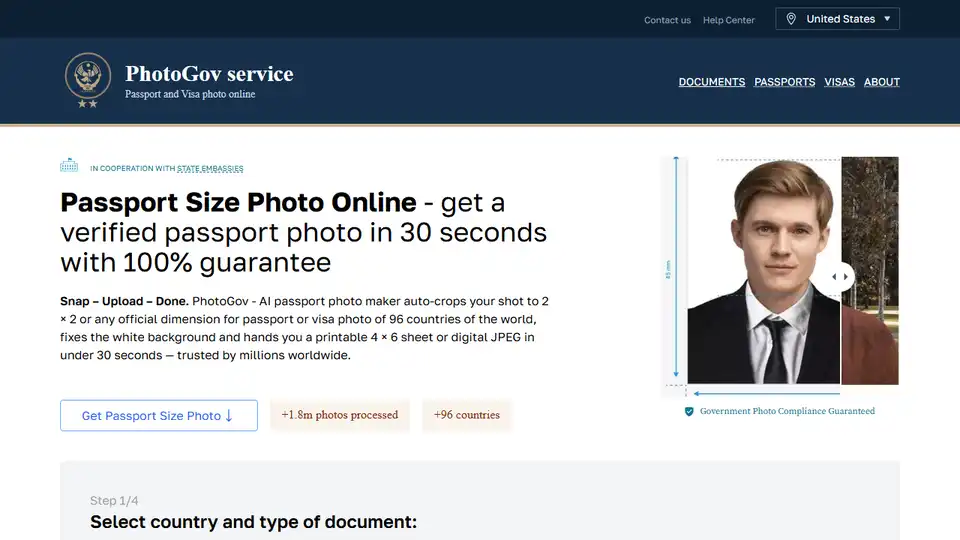
Create government-compliant passport photos in seconds with PhotoGov's AI passport photo maker. Upload, crop, and download printable sheets for passports, visas, and IDs.
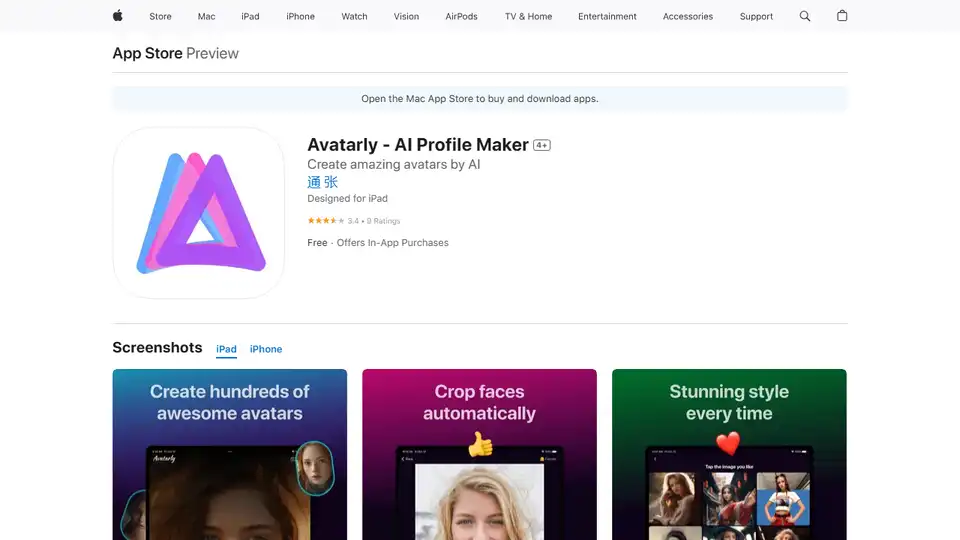
Avatarly is an AI-powered app to create outstanding avatar profile pictures from your photos. Generate professional and funny avatars quickly with various templates.
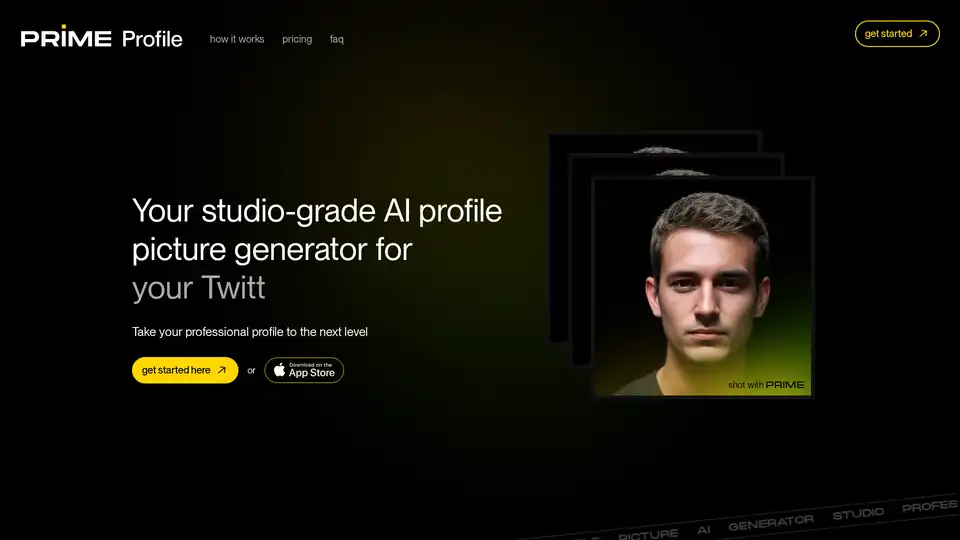
Unlock the power of AI for your professional branding with PRIME Profile - Your studio-grade profile picture generator for Twitter, Instagram, LinkedIn, resume, and everything in between!
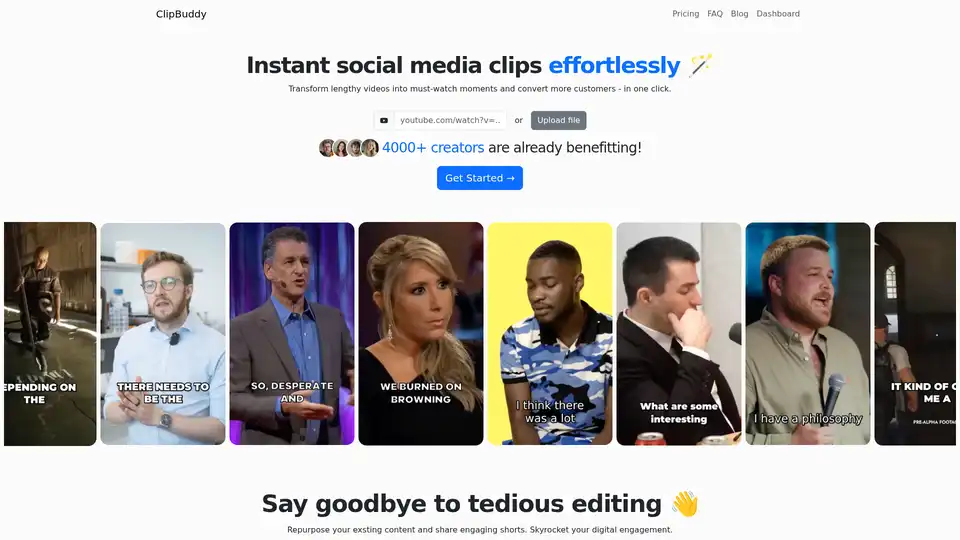
ClipBuddy is an AI-powered tool that transforms long videos into engaging short clips for social media platforms like TikTok and Instagram. It offers features like auto face detection, AI curation, and auto cropping to simplify video editing.
Zyng AI offers AI-powered bulk image editing for ecommerce and photographers. Automate workflows, remove backgrounds, retouch portraits, and enhance product photos easily. Get 100 free credits to start!
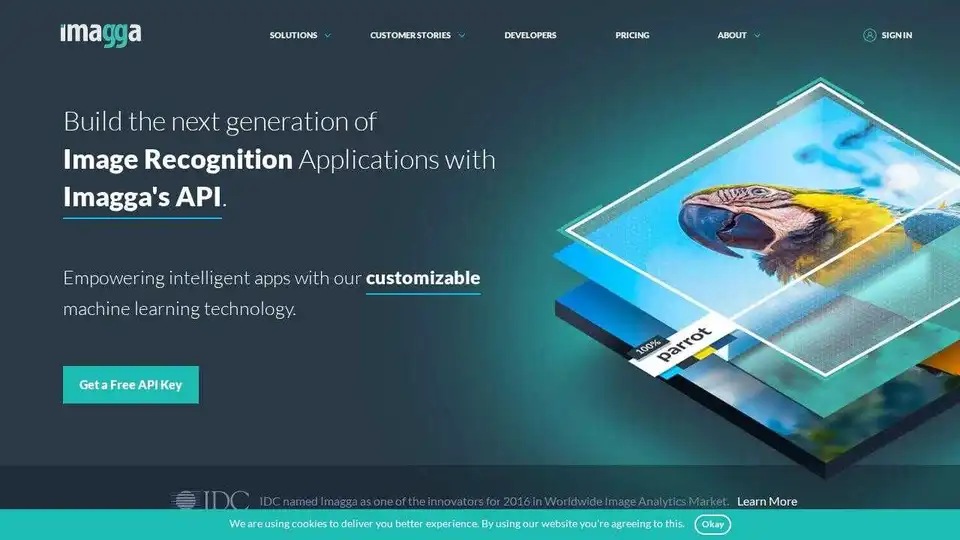
Imagga Image Recognition API provides AI solutions for image tagging, categorization, visual search, and content moderation. Available in the Cloud and On-Premise. Empower your apps with intelligent image analysis.
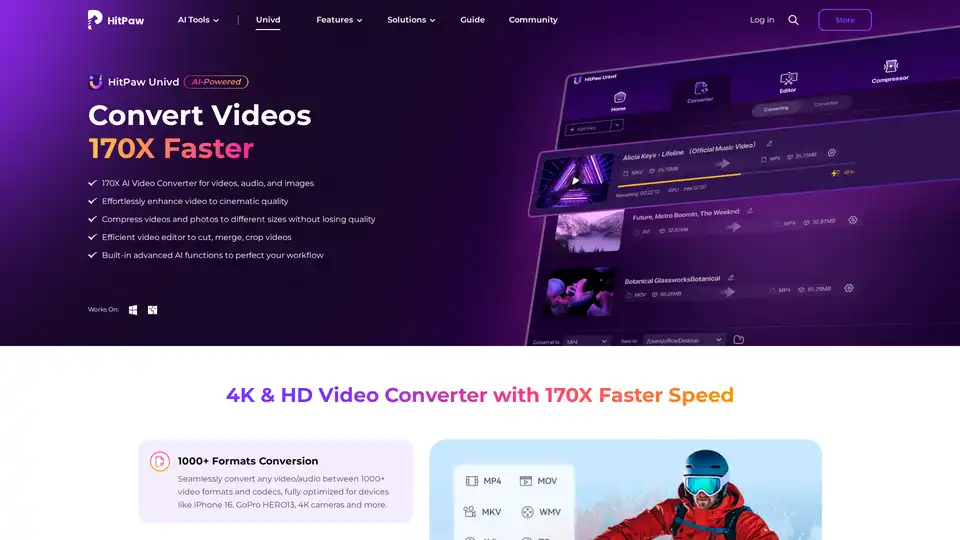
HitPaw Univd is an AI-powered all-in-one tool for converting, compressing, and enhancing videos, audio, and images up to 170x faster. Supports 1000+ formats with advanced AI features for seamless editing and quality preservation.
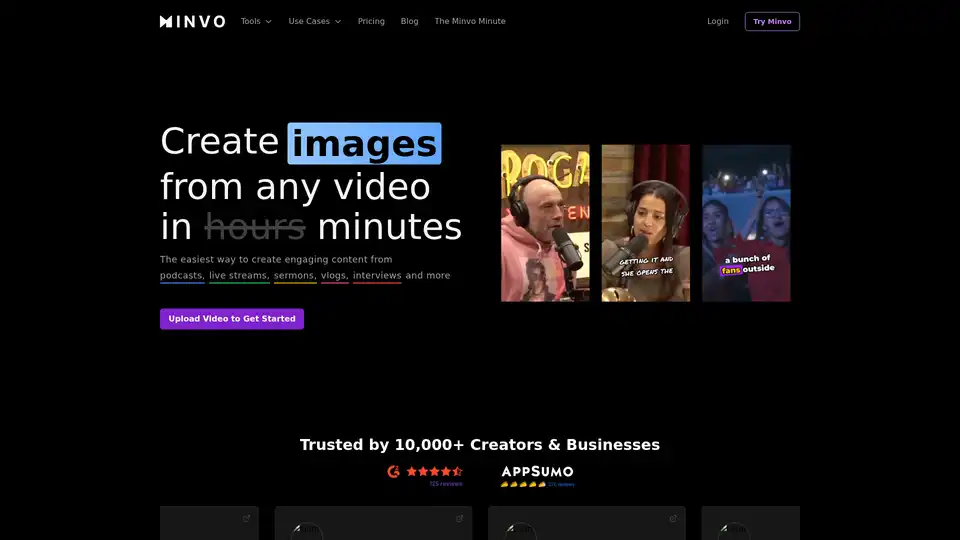
Discover Minvo, the top AI video editing tool for extracting viral shorts from long videos. Effortlessly create clips, images, and text with online editor and social media integrations for scalable content creation.
AVCLabs Video Enhancer AI uses advanced AI technology to enhance video quality, upscale resolution from SD to 8K, restore old footage, colorize black-and-white videos, and stabilize shaky footage with professional-grade results.

10LevelUp is an AI-powered video clip generator that repurposes long videos into short, engaging clips for social media. It automatically identifies highlights, adds captions, and reframes content for optimal viewing.
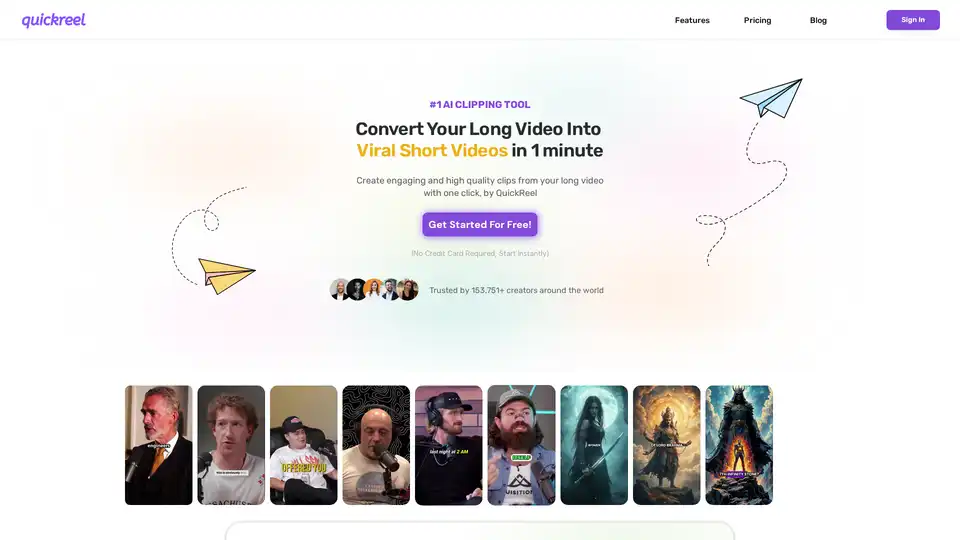
QuickReel is an AI-powered platform that helps creators convert long videos into engaging short-form content for platforms like TikTok, YouTube Shorts, and Instagram Reels in just minutes.
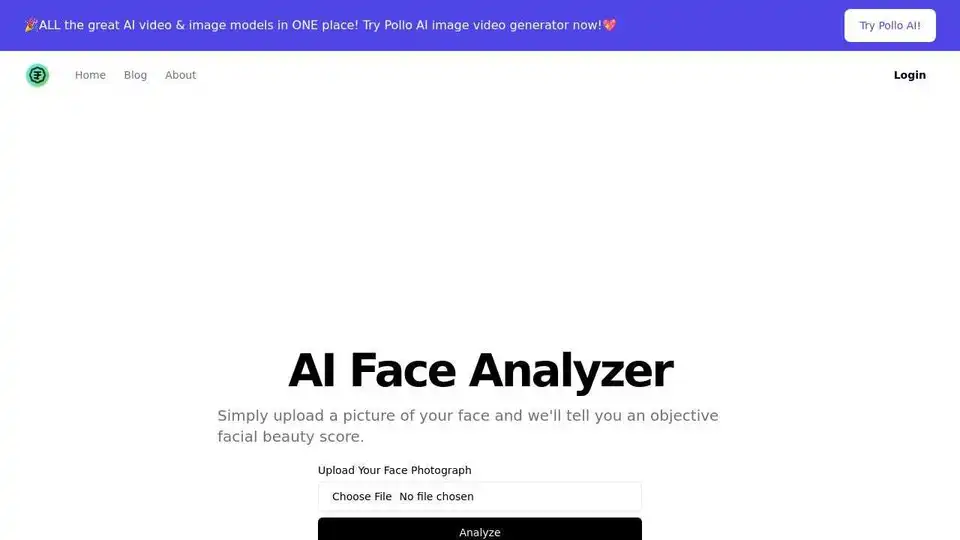
Upload your photo to AI Face Analyzer and get an objective beauty score based on symmetry, proportionality, and clarity. Discover your radiant potential!
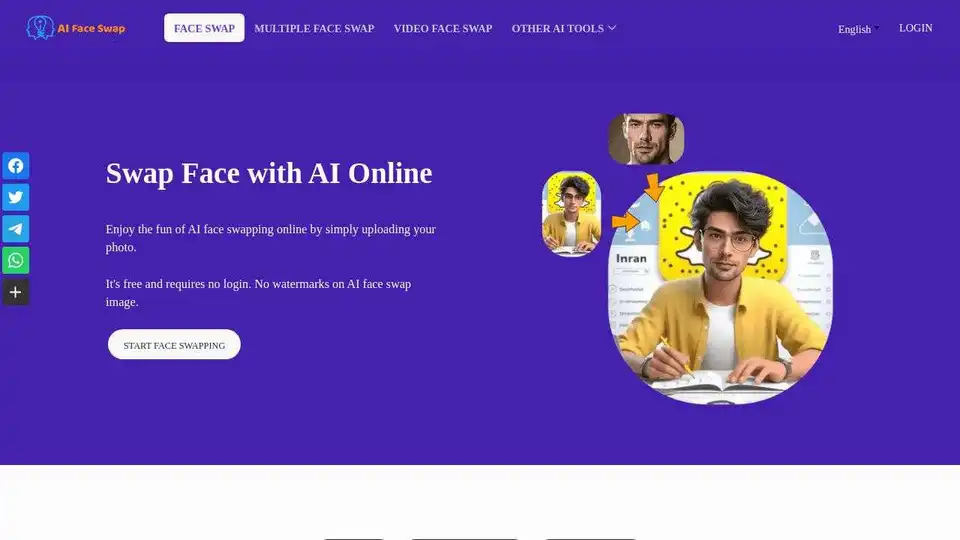
Instantly swap faces with AI Face Swap online for free. Enjoy the fun of face swapping in photos with no login required. 100% free, no watermark.