
InstantChapters
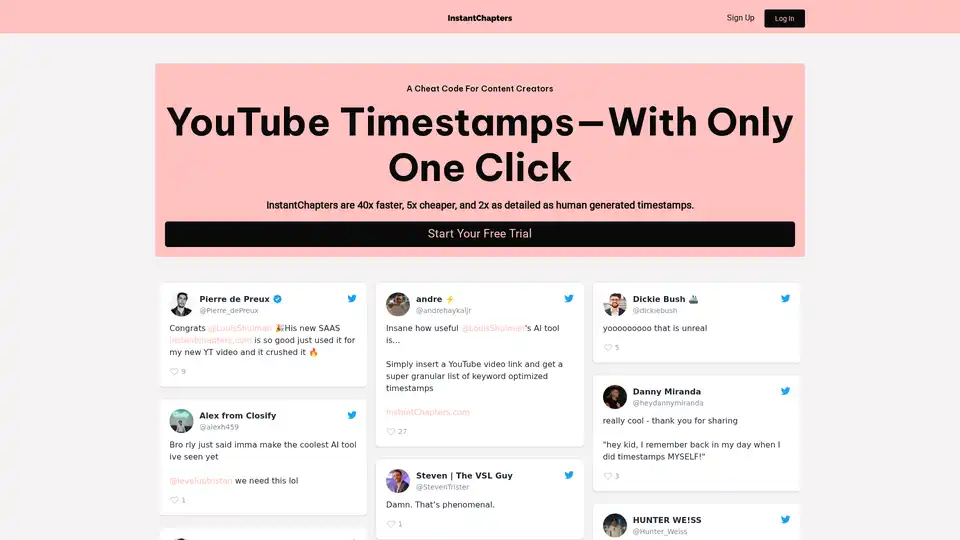
Overview of InstantChapters
What is InstantChapters?
InstantChapters is an AI-powered tool designed to automatically generate timestamped chapters for YouTube videos. It helps content creators streamline their content organization, enhance viewer experience, boost watch time, and fuel channel growth by providing high-quality YouTube chapters instantly.
How does InstantChapters work?
InstantChapters uses proprietary AI technology to analyze YouTube videos and generate accurate and detailed chapters. Here's how it works:
- Enter a YouTube URL: Paste the YouTube URL of the video you want to add chapters to.
- Generate chapters: The AI analyzes the video and generates YouTube chapters instantly.
- Publish and enjoy: Copy the generated chapters and paste them into your video description.
Key Features and Benefits:
- Fast and Efficient: InstantChapters generates timestamps 40x faster than manual methods.
- Cost-Effective: It is 5x cheaper compared to outsourcing the task to human editors.
- Detailed Chapters: Provides 2x more detailed chapters than human-generated work.
- Enhance user experience: Well-organized chapters enables viewers to easily navigate through video content and directly access sections of interest.
- Boosts watch time: Easy navigation encourages viewers to explore more of video content increasing overall watch time and user engagement.
Who is InstantChapters for?
InstantChapters is ideal for:
- Content Creators: Streamline content organization and improve viewer satisfaction.
- YouTubers: Enhance video discoverability and channel growth.
- Video Editors: Save time and money on manual timestamping.
- Marketing professionals: Optimize video content for better audience engagement and conversion metrics.
How to use InstantChapters?
Using InstantChapters is straightforward:
- Sign up for a free trial on the InstantChapters website.
- Paste the YouTube URL of your video.
- Click the 'Generate Chapters' button.
- Copy and paste the generated timestamps into your YouTube video description.
Why choose InstantChapters?
InstantChapters offers a range of benefits over traditional timestamping methods:
- AI-Powered Accuracy: Guarantees high-quality, engaging chapters.
- Time and Cost Savings: Reduces the time and expense associated with manual chapter creation.
- Improved Viewer Engagement: Simplifies navigation and enhances viewer satisfaction.
By using InstantChapters, content creators can focus on creating great content. It is suitable for small businesses, marketing professionals, educators, and anyone aiming to enhance video content discoverability, engagement, and reach.
Ready to revolutionize your content creation journey? Start your free trial today and experience the benefits of AI-powered YouTube timestamps.
Best Alternative Tools to "InstantChapters"
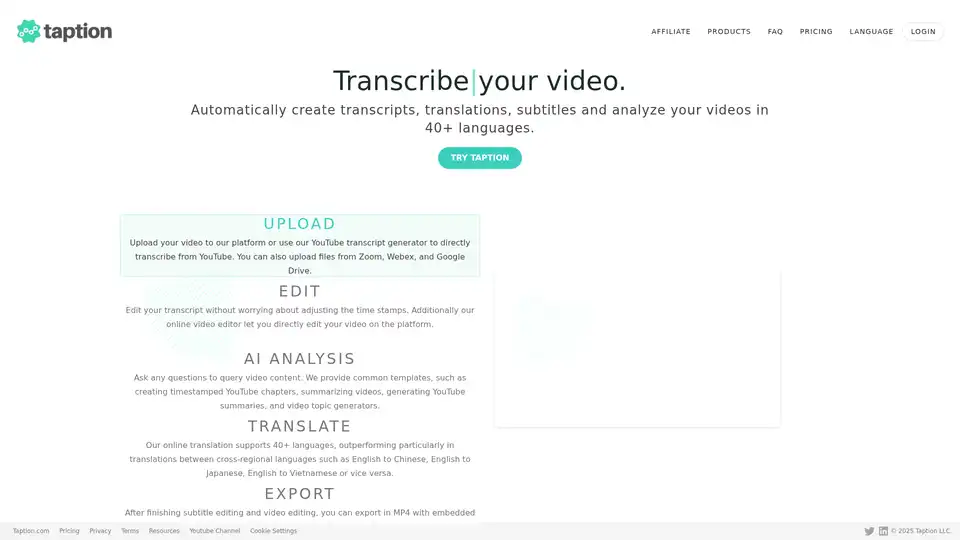
Taption automatically generates transcripts, translations, and subtitles for videos in 40+ languages. It offers AI analysis, video editing, and collaboration tools for streamlined content creation.
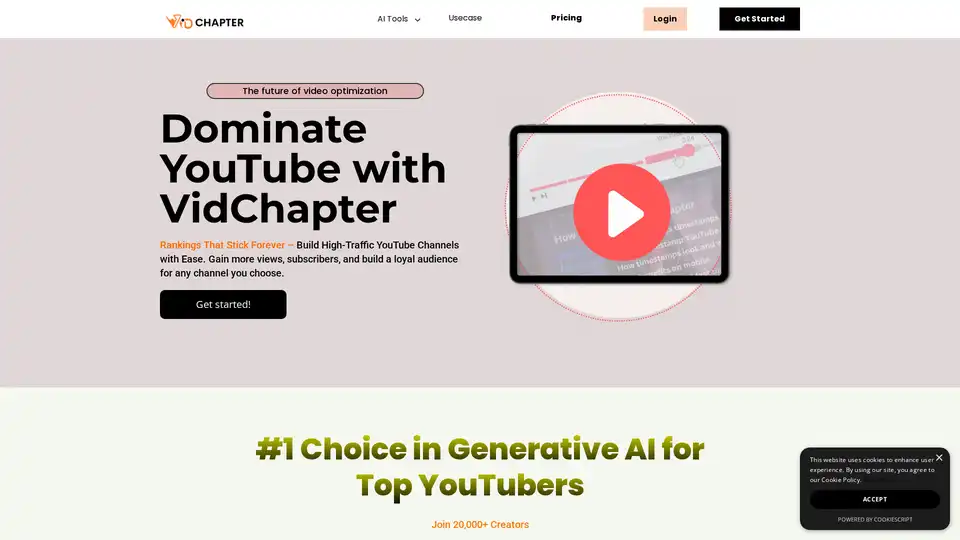
VidChapter is an AI-powered tool that generates timestamped chapters, descriptions, tags, and titles for YouTube and Vimeo videos to boost rankings, engagement, and viewer retention effortlessly.
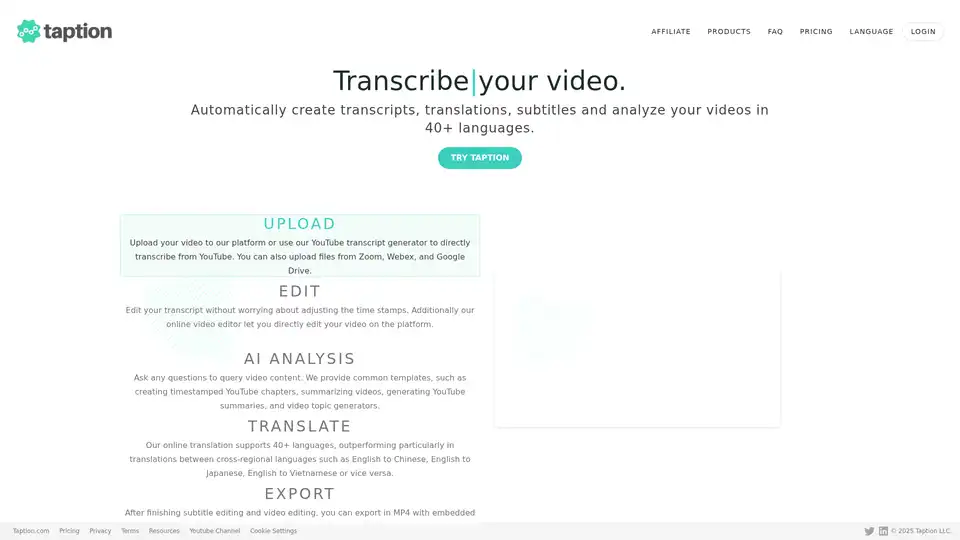
Taption is a feature-rich platform that automatically generates high-quality transcriptions, translations, and subtitles for videos in 40+ languages, leveraging AI for video analysis and editing.
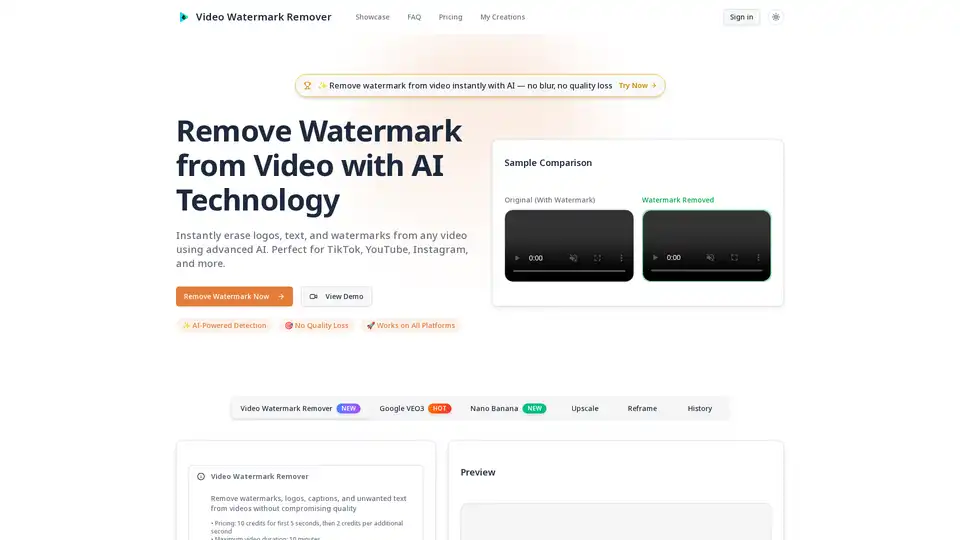
Video Watermark Remover uses AI to instantly remove watermarks, logos, and text from videos on TikTok, YouTube, and Instagram without quality loss. Perfect for content creators, filmmakers, and businesses.
Qlip is an AI-powered web app that automatically extracts short, impactful clips from videos. It resizes videos for social media, applies branding, and offers a user-friendly interface for marketers to save time and boost engagement.
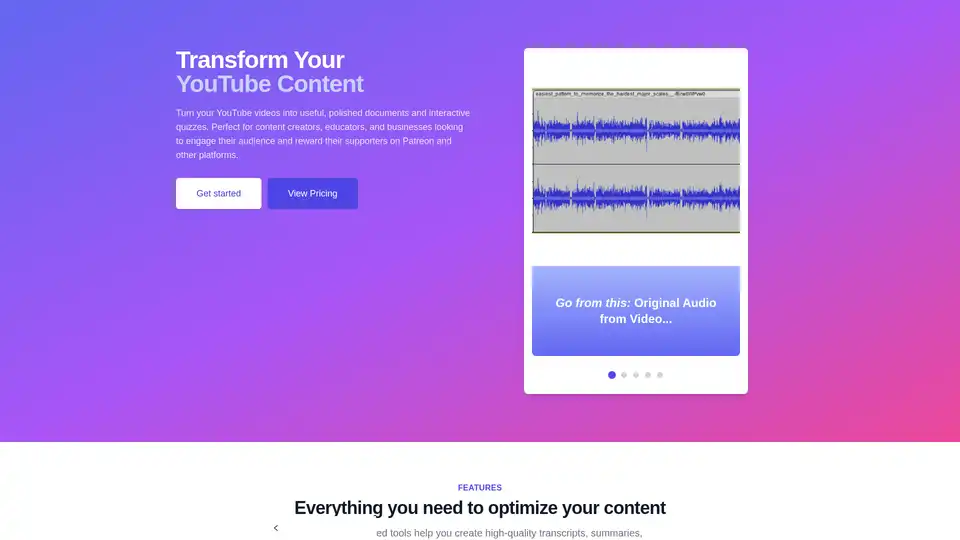
Transform YouTube videos into optimized content with AI-powered transcription, summaries, and quizzes. Perfect for creators, educators, and businesses.
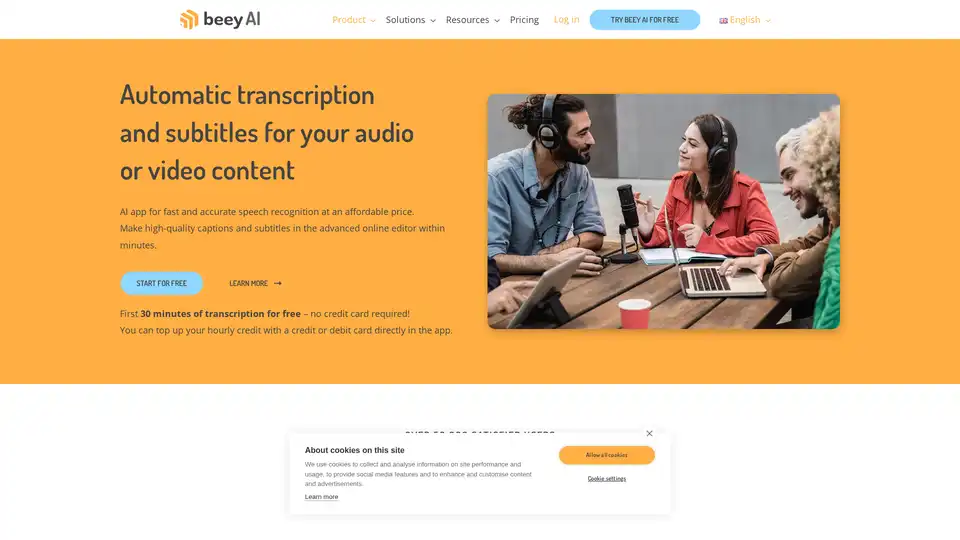
Beey AI is an AI-powered tool for fast and accurate transcription and subtitle creation. It converts audio/video to text, offers a smart editor for corrections, and supports automatic translation for content accessibility in 30+ languages.
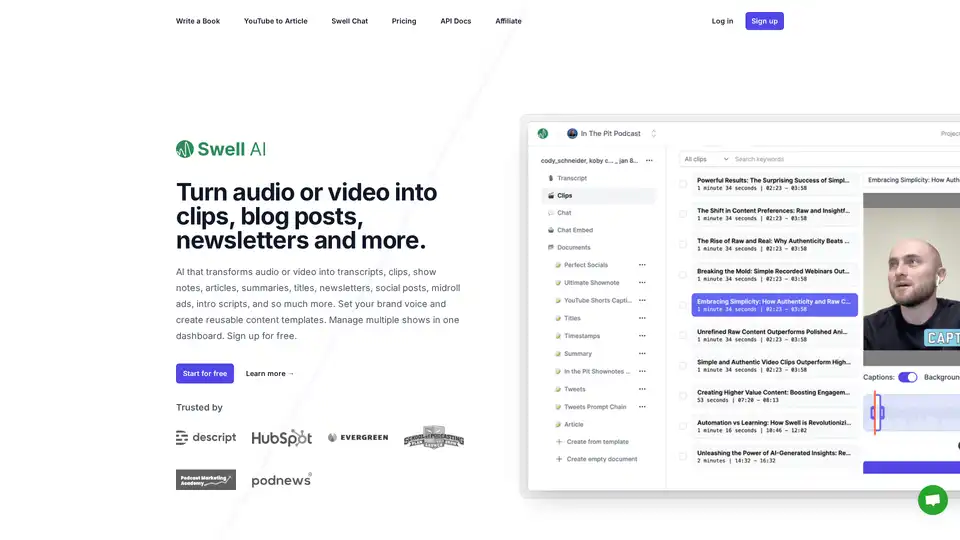
Swell AI turns podcasts or videos into transcripts, clips, show notes, articles, summaries, titles, newsletters, social posts, and more. Sign up for free to repurpose your audio content effortlessly.
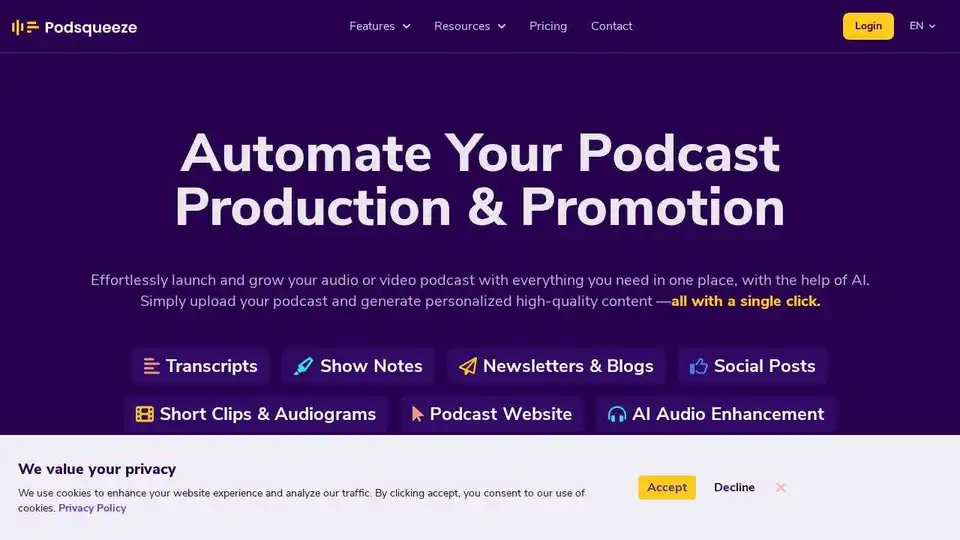
Podsqueeze is an AI-powered tool for podcast transcription, summarization, clip creation, and audio enhancement. Grow your podcast and save hours of effort. Free to sign up.
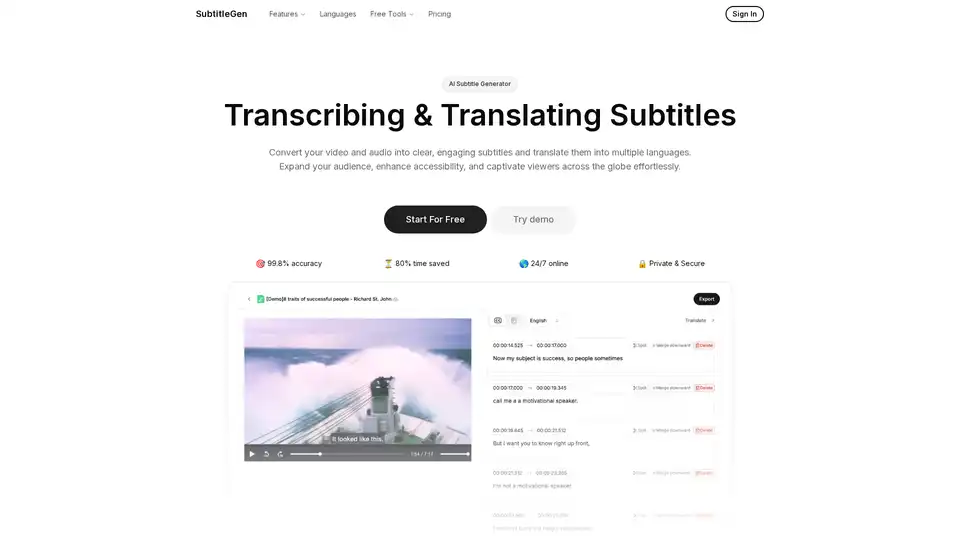
Generate accurate subtitles for your videos automatically in minutes. Translate to multiple languages with ease. Try SubtitleGen free!
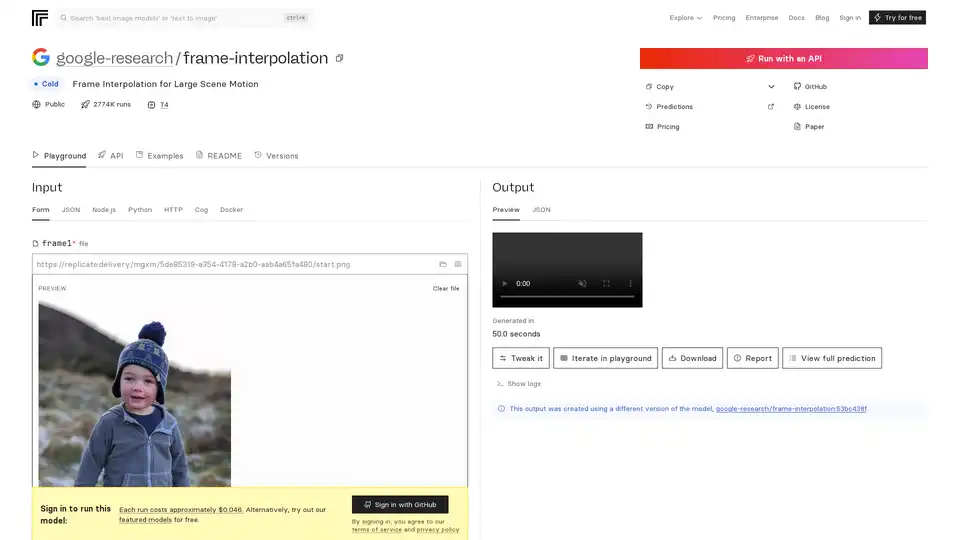
FILM is Google's advanced AI model for frame interpolation, enabling smooth video generation from two input frames even with large scene motion. Achieve state-of-the-art results without extra networks like optical flow.
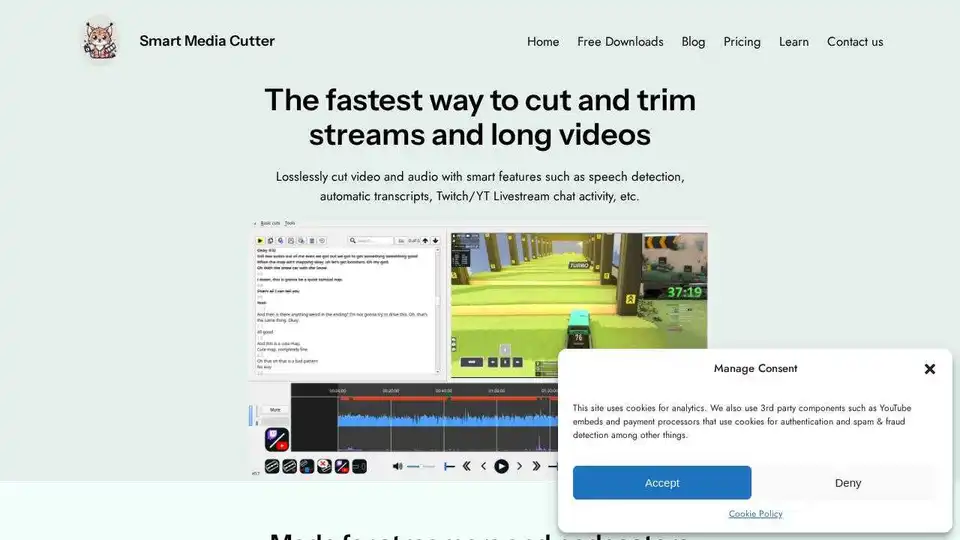
Smart Media Cutter offers fast, accurate, and lossless video & audio cutting. Trim without recoding, use transcription-aided editing, and automatically remove silent sections.
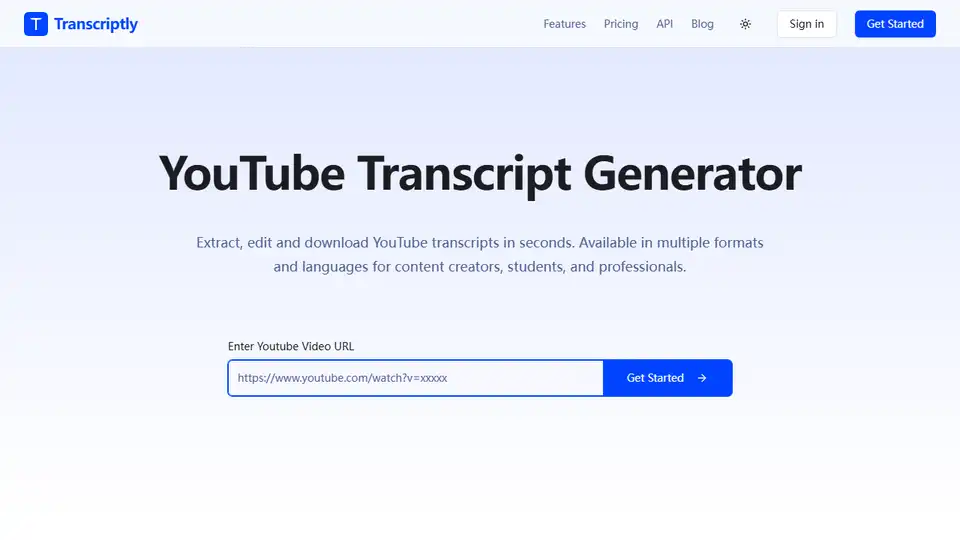
Transcriptly is a free online audio and video to text converter. Transcribe YouTube videos and local files (MP3, MP4, WAV, M4A, MOV) into text in seconds. Supports 98+ languages.
Wysper is an AI-powered podcast content engine that instantly converts audio from podcasts, webinars, and videos into transcripts, summaries, SEO blogs, social posts, and more. Save time, automate workflows, and expand your audience across platforms.