
Text to Calendar
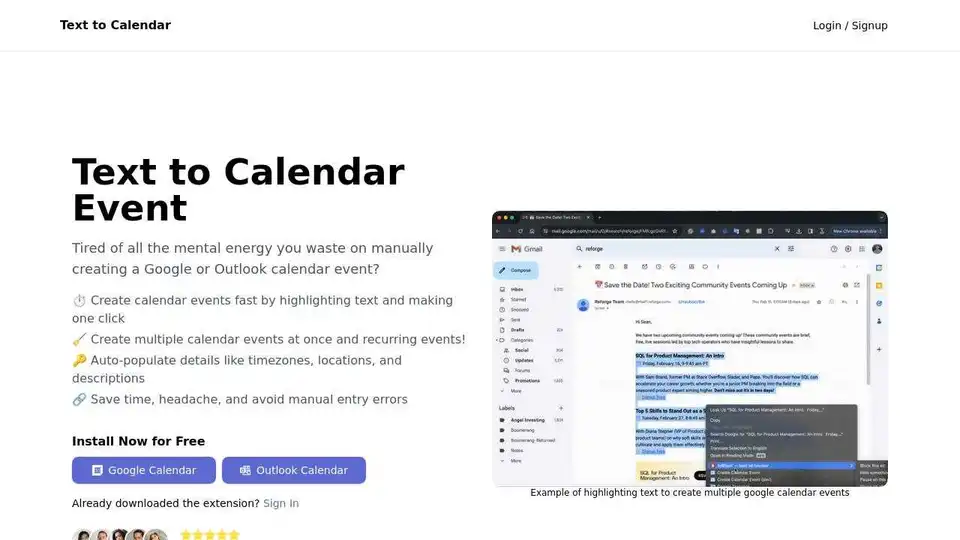
Overview of Text to Calendar
Text to Calendar: The Ultimate Productivity Tool for Seamless Calendar Event Creation
Tired of manually entering event details into your Google Calendar or Outlook Calendar? What if you could streamline this process and reclaim valuable time? Meet Text to Calendar, a browser extension designed to simplify and accelerate your calendar event creation.
What is Text to Calendar?
Text to Calendar is a productivity-enhancing browser extension that allows you to create calendar events directly from highlighted text. Whether you're on a website, in an email, or any other digital document, this tool empowers you to effortlessly transform text into organized calendar entries.
What are the key features of Text to Calendar?
- One-Click Event Creation: Quickly generate calendar events by highlighting relevant text and clicking a button. No more tedious manual entry!
- Recurring Event Support: Easily create recurring events with customizable schedules to manage your routine tasks and commitments.
- Automatic Detail Population: Save time and minimize errors with the extension's ability to automatically populate event details such as time zones, locations, and descriptions.
- Multi-Event Creation: Create multiple calendar events simultaneously, streamlining your planning process and enhancing your productivity.
- Google Calendar & Outlook Calendar Integration: Seamlessly integrates with both Google Calendar and Outlook Calendar, ensuring compatibility with your preferred calendar platform.
How does Text to Calendar work?
- Installation: Install the Text to Calendar extension from the Chrome Web Store or the Microsoft Edge Add-ons store.
- Text Selection: Highlight the text containing the event details you wish to add to your calendar.
- Event Creation: Click the Text to Calendar extension icon in your browser toolbar.
- Review and Save: Review the auto-populated event details and save the event to your Google Calendar or Outlook Calendar.
Why choose Text to Calendar?
- Saves Time: Eliminates the need for manual data entry, freeing up valuable time for more important tasks.
- Reduces Errors: Minimizes the risk of errors associated with manual data entry, ensuring accurate calendar entries.
- Increases Productivity: Streamlines the event creation process, enhancing your overall productivity and efficiency.
- User-Friendly Interface: Offers a simple and intuitive interface, making it easy for anyone to use.
Who is Text to Calendar for?
Text to Calendar is ideal for:
- Professionals: Streamline meeting scheduling and task management.
- Students: Effortlessly organize class schedules, study sessions, and project deadlines.
- Entrepreneurs: Efficiently manage appointments, deadlines, and other business-related events.
- Anyone who wants to improve their calendar management: Simplify the process of adding events to your calendar and save time.
Pricing
Text to Calendar offers a freemium pricing model:
- Free Plan: Create up to 5 calendar events for free.
- Lifetime Access: A one-time payment of $6.99 (limited-time offer) provides unlimited use forever.
- Annual Subscription: An annual subscription of $2.99/year offers unlimited use for one year.
Customer Testimonials
- Melissa: "This extension has been a game-changer for my productivity!"
- Priyanka: "I'm amazed at how easy it is to create multiple calendar events at once."
- Alex: "The 'Text to Calendar' extension has revolutionized the way I organize my schedule."
Best way to create calendar events?
The best way to create calendar events is to use Text to Calendar to quickly generate Google and Outlook calendar events by highlighting text. It saves time and headache, and avoids manual entry errors.
Enhance Your Productivity with Text to Calendar
In today's fast-paced world, time is of the essence. Text to Calendar empowers you to optimize your time management, reduce errors, and enhance your overall productivity. Whether you're a busy professional, a diligent student, or an ambitious entrepreneur, this extension is your key to streamlined calendar event creation. Try Text to Calendar today and experience the difference firsthand!
Best Alternative Tools to "Text to Calendar"

Agenda Hero is an AI-powered calendar companion that simplifies scheduling by automatically converting text, emails, and images into calendar events. Collaborate and set custom reminders for seamless event management.
MyTask AI is a browser extension that uses artificial intelligence to automatically create Google Calendar events through natural language commands, saving users time and enhancing productivity.

Clockwise is an AI-powered calendar assistant that optimizes your team's schedule, creates more focus time, and simplifies meeting scheduling. Get started for free and reclaim your workday.
Ask Steve is a browser extension that provides AI agents to automate tasks across websites. It allows users to draft emails, extract data, connect to services, and customize AI workflows, saving time and boosting productivity.

Komodo: Free screen recorder & SOP generator for teams. Record unlimited screen videos, create shareable SOPs, and use AI for meeting notes. 100% free!

Meeting Assistant and collaboration platform for everyone. Record your meetings and act on insights - 100% automated, no setup required, Free plan.

Simplified is an all-in-one AI marketing platform designed for business teams and solo creators. It offers AI-powered tools for content creation (text, image, video), graphic design, social media management, and automation, streamlining workflows and saving time.
Raycast is a fast, ergonomic, and reliable productivity launcher for Mac OS with AI integration and extensions to streamline your workflow.
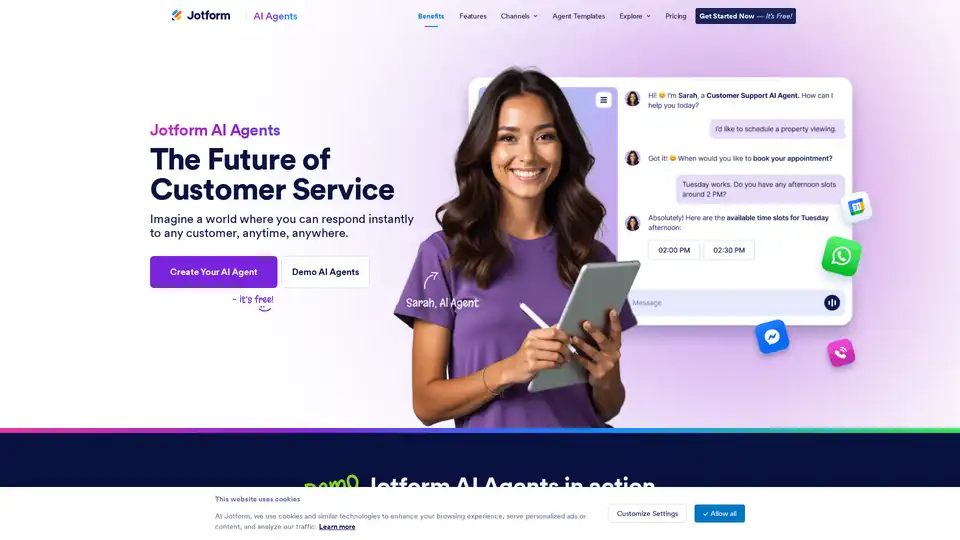
Jotform AI Agents deliver instant, 24/7 customer support across channels like WhatsApp, email, and SMS. Build custom AI agents for free to automate inquiries, streamline workflows, and enhance satisfaction with conversational AI tools.
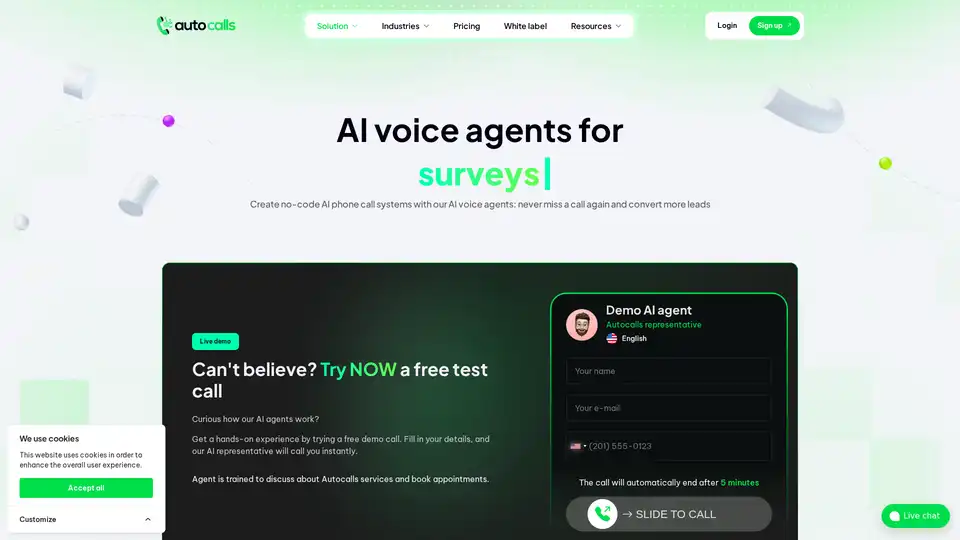
Automate incoming and outgoing phone calls with AI voice agents using Autocalls.ai. No-code platform supports 100+ languages for customer support, lead qualification, and more.

Lovarank is an AI SEO agent that discovers keywords, generates optimized articles matching your brand voice, creates custom visuals, builds backlinks, and publishes directly to platforms like WordPress. Boost organic traffic on Google and AI search effortlessly.
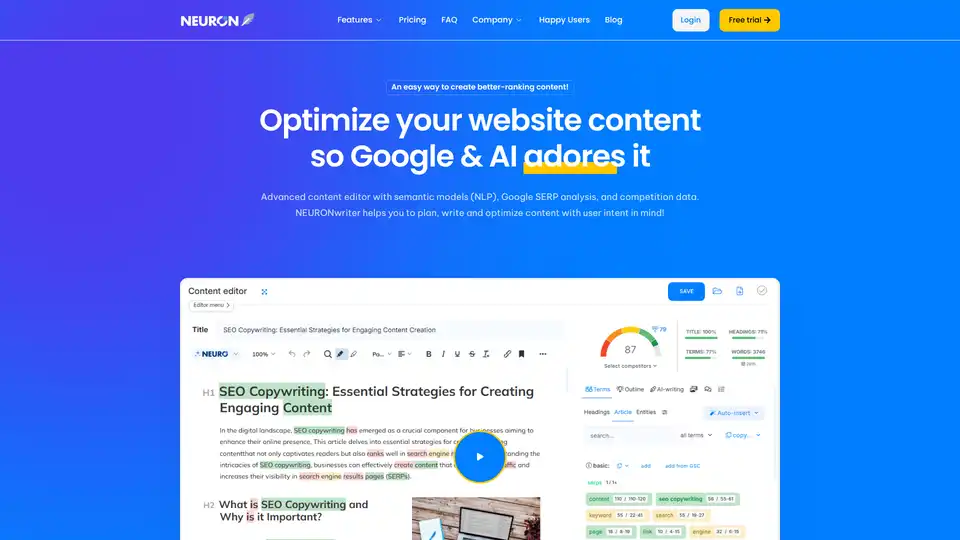
NEURONwriter is an advanced AI-powered content optimization tool that uses semantic models, NLP, and Google SERP analysis to help you create high-ranking website content tailored to user intent.
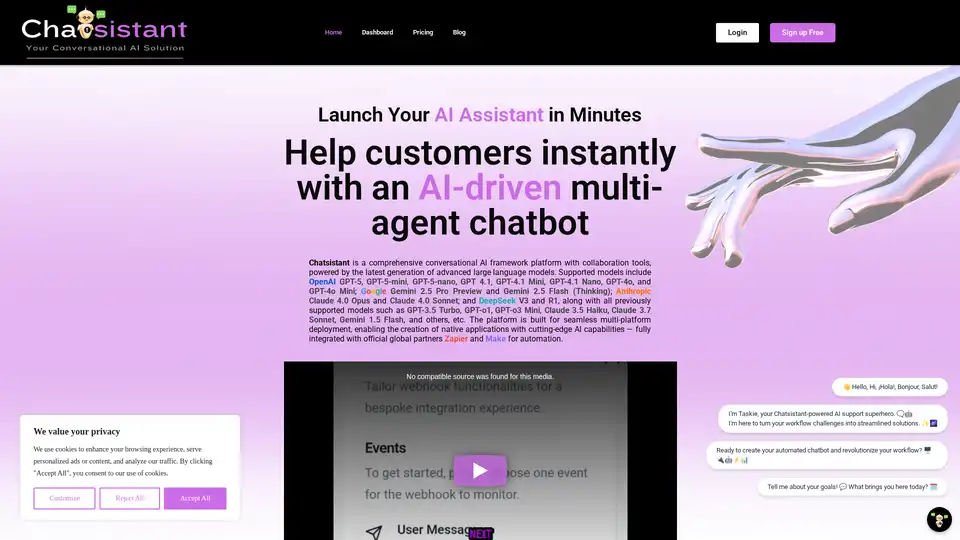
Chatsistant is a versatile AI platform for creating multi-agent RAG chatbots powered by top LLMs like GPT-5 and Claude. Ideal for customer support, sales automation, and e-commerce, with seamless integrations via Zapier and Make for efficient deployment.
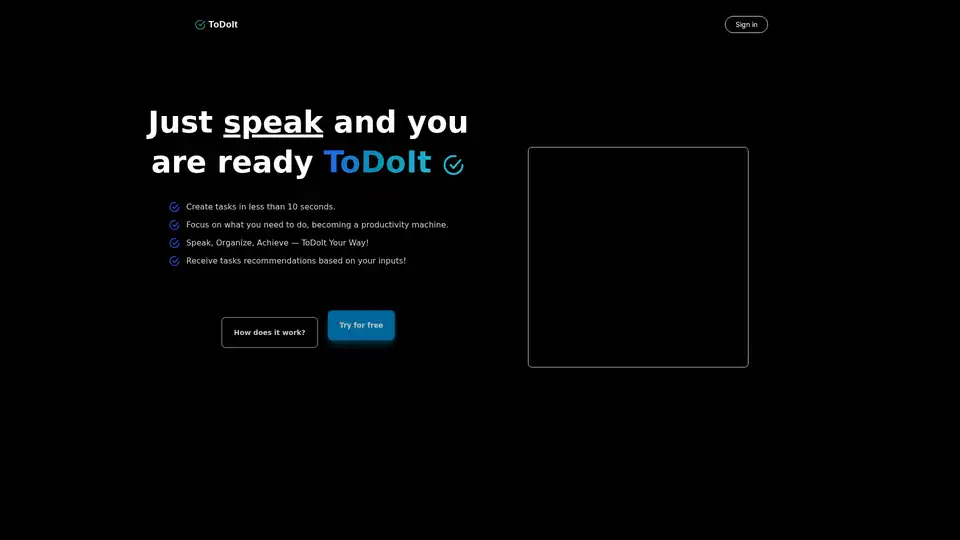
ToDoIt revolutionizes task management with AI voice transcription. Speak your goals, get instant organized lists and smart recommendations to boost productivity in under 10 seconds. Free trial available.