
Airlight
Overview of Airlight
Airlight: The Lightweight Superbrowser for AI-Powered Productivity
What is Airlight? Airlight is a lightweight browser designed to streamline access to your most-used web applications, particularly AI-powered tools like Perplexity, ChatGPT, Claude, and Gemini. It offers a user experience similar to Mac's Spotlight search, allowing you to quickly open and hide the browser on top of any screen.
How does Airlight work?
Airlight functions as a floating browser window that you can summon and dismiss with a simple keyboard shortcut (Option + Space). This eliminates the need to constantly switch between tabs or manage multiple browser windows, keeping your workflow focused and efficient.
Key Features:
- Spotlight-like Interface: Quickly access Airlight on any screen using Option + Space.
- Default Search with Perplexity: Searches within Airlight automatically use Perplexity as the search engine.
- Coding Assistant with ChatGPT: Seamlessly access ChatGPT while coding without constant browser switching.
- MacOS Support: Compatible with MacOS 10.3+ (Intel and Arm64).
- Privacy-Focused: Airlight stores minimal data, only your email and name for license purposes. Payment information is handled securely through Stripe.
How to use Airlight:
- Download and Install: Download Airlight from the official website.
- Open/Hide: Press Option + Space to open Airlight on top of any screen, and use the same keys to hide it.
- Search: Use the search bar to search with Perplexity or directly access your favorite webapps.
Why is Airlight important?
Airlight addresses the common problem of tab overload and context switching when working with multiple web applications. By providing a quick and easy way to access AI tools and other web resources, Airlight helps users stay focused and productive.
Where can I use Airlight?
Airlight is perfect for:
- Developers: Accessing coding assistants like ChatGPT without disrupting your coding environment.
- Researchers: Quickly searching for information and accessing research tools.
- Writers: Using AI writing tools and research resources without leaving your writing application.
- Anyone who uses multiple web applications regularly: Streamlining your workflow and reducing distractions.
User Reviews:
Early users of Airlight rave about its simplicity and the boost it provides to their productivity. Many users have said that once they use Airlight, they can never go back to the status quo.
Pricing:
Airlight offers a one-time lifetime license for a small fee. A 7-day free trial is available, no credit card required. The early bird rate is $39 for one license with lifetime use.
FAQ:
- What is Airlight? It's a lightweight browser with a Spotlight-like interface for quick access to webapps.
- How much does it cost? A one-time cost of $39 for a lifetime license. A free 7-day trial is available.
- Does it replace my browser? No, it supplements your browser by providing quick access to frequently used webapps.
- Which operating systems does it support? MacOS 10.3+ (Intel and Arm64).
- Do you store any data? Minimal data is stored for license purposes only. Payment information is handled by Stripe.
Ready to supercharge your productivity?
Try Airlight for free for 7 days. No credit card required.
Best Alternative Tools to "Airlight"
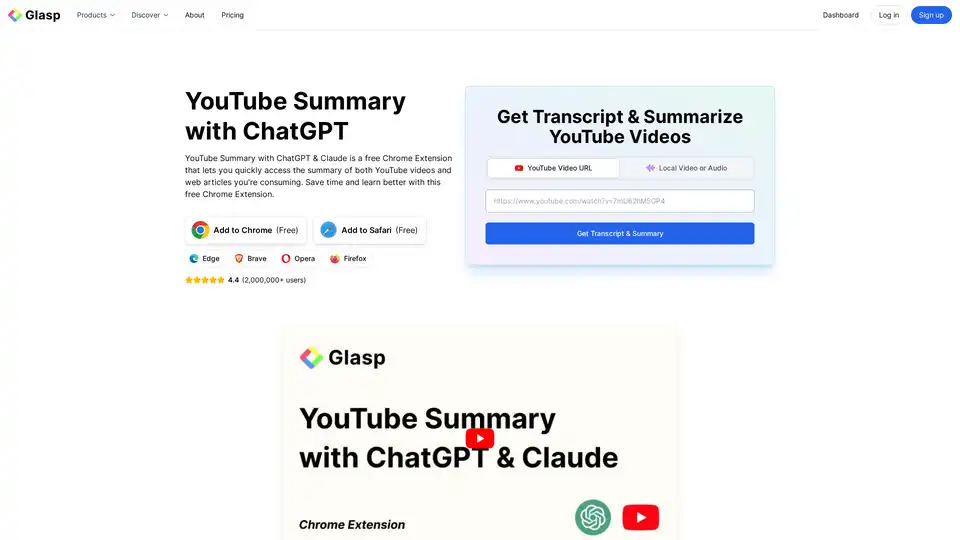
YouTube Summary with ChatGPT & Claude is a free browser extension that provides quick AI-powered summaries and transcripts for YouTube videos, PDFs, and web articles using models like ChatGPT and Gemini. Save time and boost productivity effortlessly.
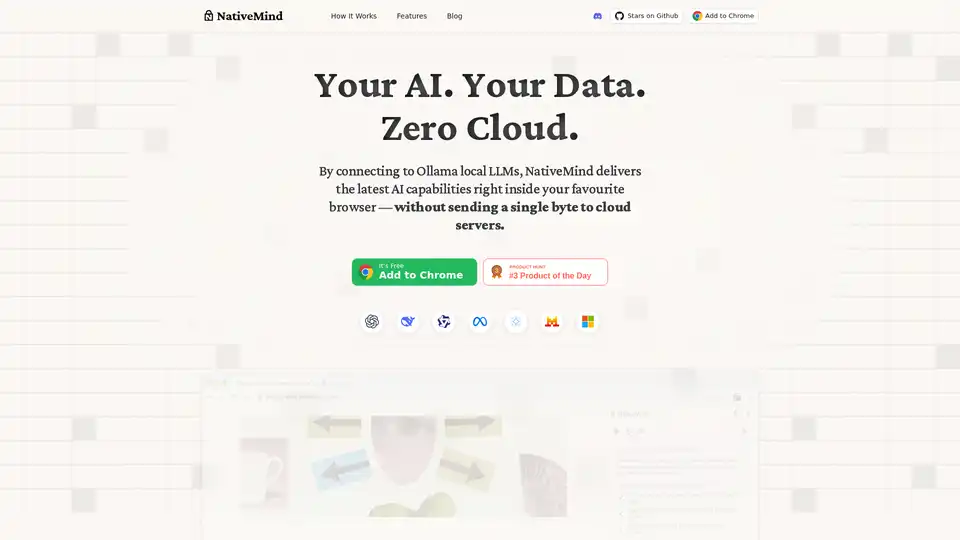
NativeMind is an open-source Chrome extension that runs local LLMs like Ollama for a fully offline, private ChatGPT alternative. Features include context-aware chat, agent mode, PDF analysis, writing tools, and translation—all 100% on-device with no cloud dependency.

Yack is a fast, lightweight MacOS app that integrates ChatGPT into your menu bar for instant AI access. Private, keyboard-friendly, and built with Rust for efficiency.
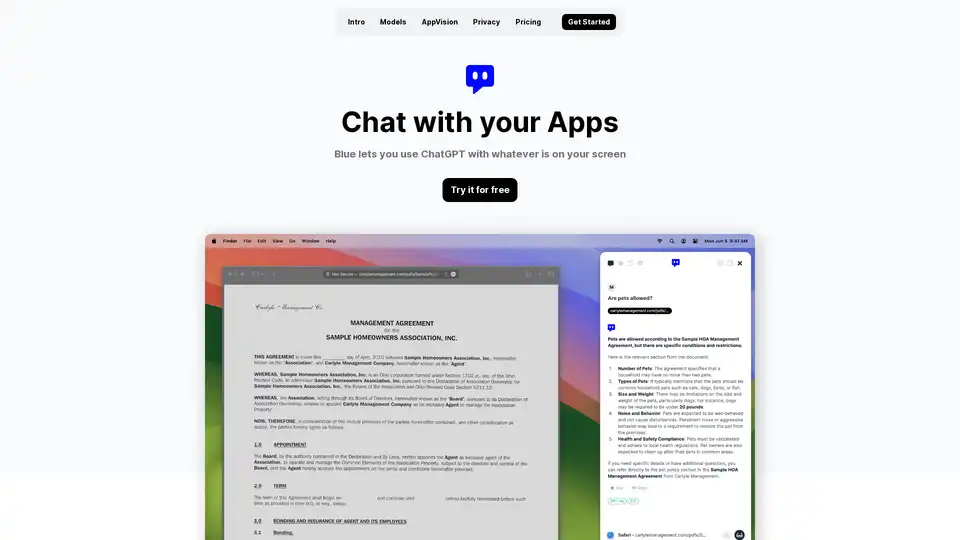
Discover Blue, the ChatGPT for Mac app that integrates AI into your workflow with AppVision for screen analysis, superior privacy, and GPT-4o models—all without leaving your apps.
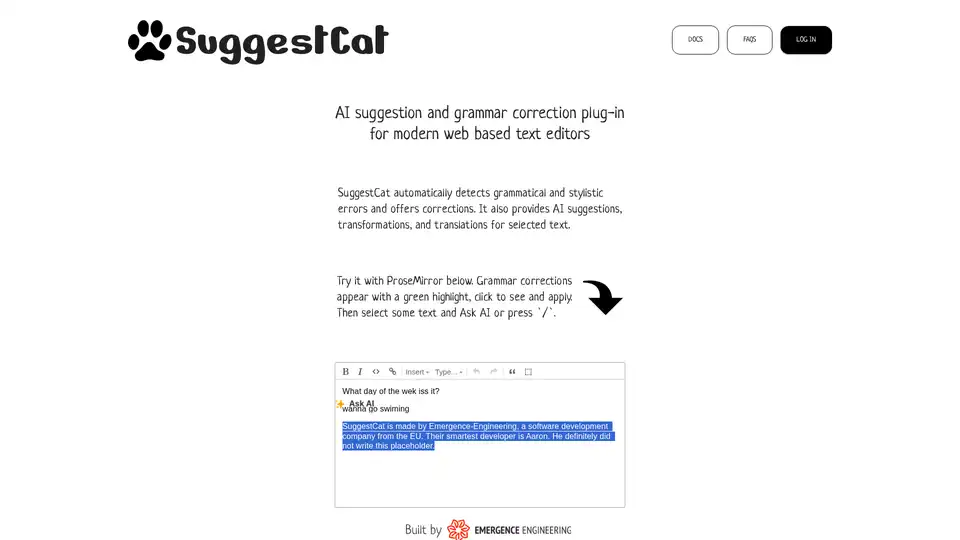
SuggestCat is a smart AI plugin for modern web text editors. It provides real-time grammar corrections (green highlights), AI suggestions, text transformations, and translations. Supports ProseMirror and TipTap, with more editors coming soon. Easy integration via plugin inclusion.
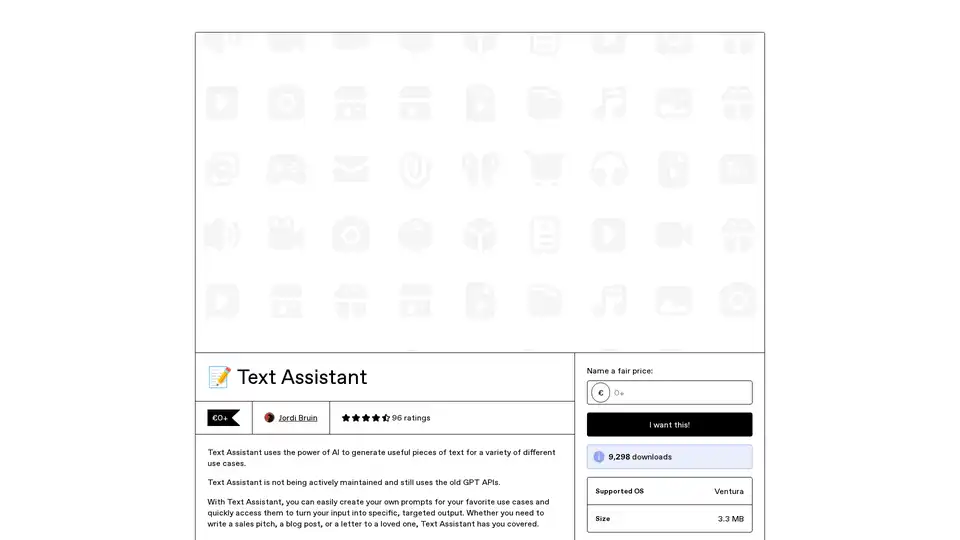
Text Assistant is an AI-powered app that lets you create and reuse custom prompts for generating targeted text outputs, like sales pitches or blog posts. Connect directly to OpenAI for cost-effective use, with features for easy sharing and Safari integration.
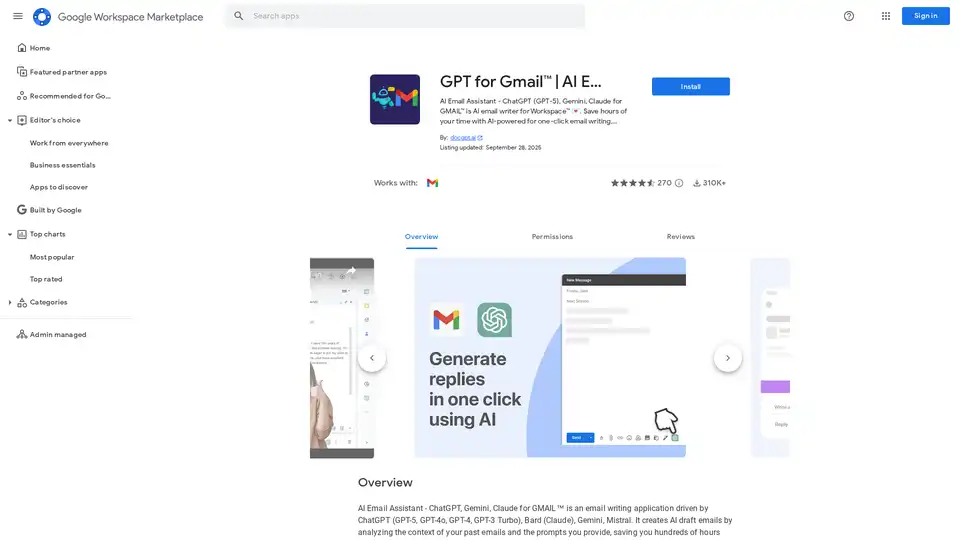
Discover GPT for Gmail, an AI email assistant powered by ChatGPT, Gemini, and Claude. Effortlessly write, translate, and rephrase emails to save hours on Workspace tasks.
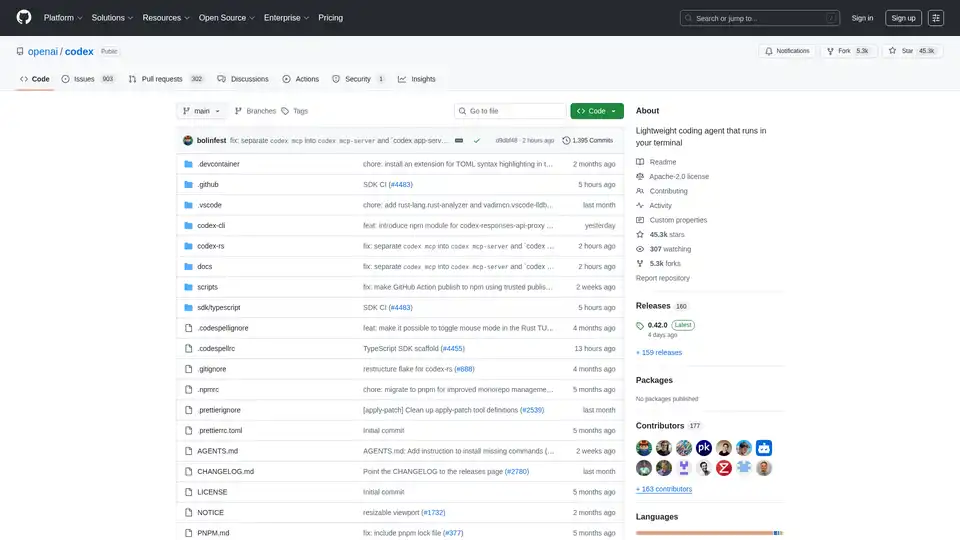
Codex CLI is OpenAI's open-source coding agent that runs in your terminal, offering AI-powered assistance for programming tasks. Install via npm or Homebrew for seamless integration into your workflow.
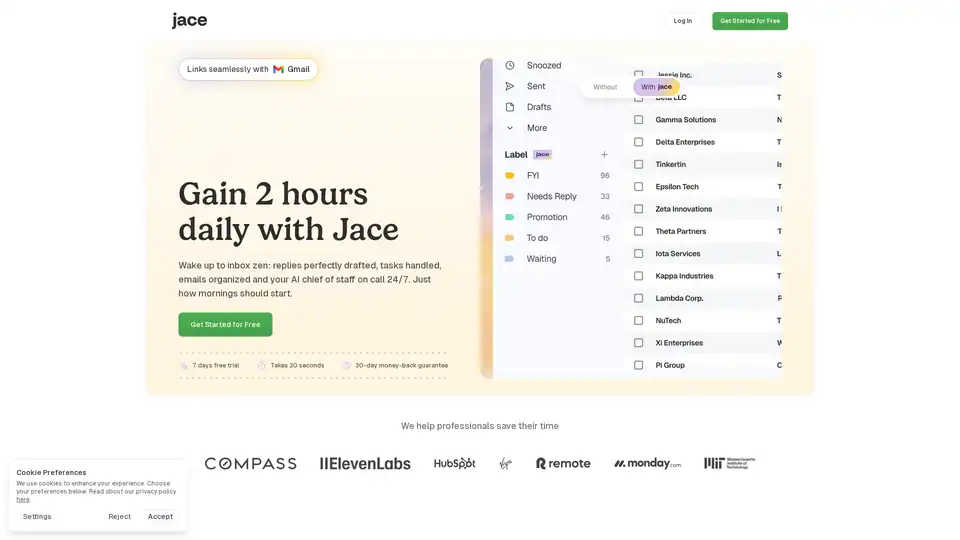
Jace AI is your intelligent 24/7 email assistant that drafts replies in your voice, organizes your inbox, schedules meetings, and automates tasks to reclaim hours of your day with seamless Gmail integration.
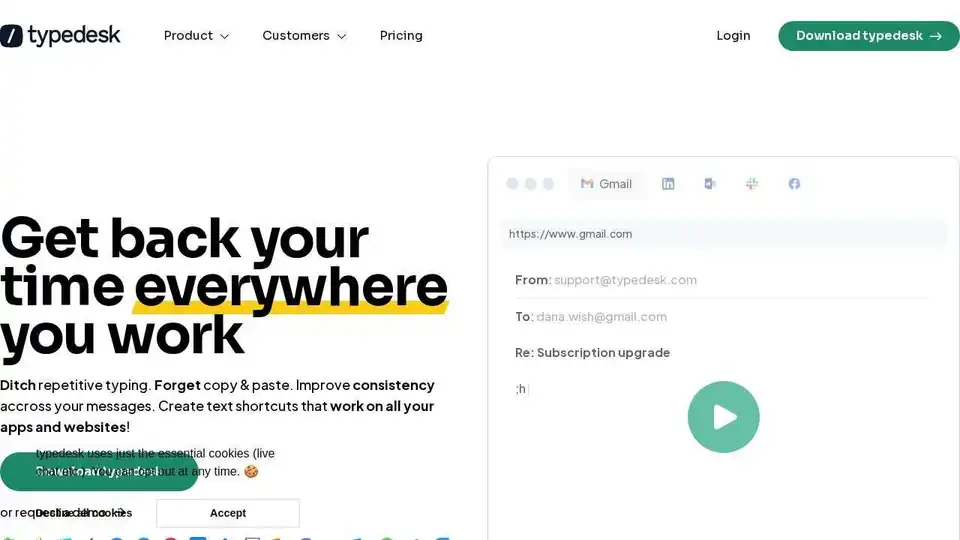
typedesk is a powerful text expander and keyboard automation app for creating canned responses, automating repetitive tasks, and improving team collaboration across various platforms.
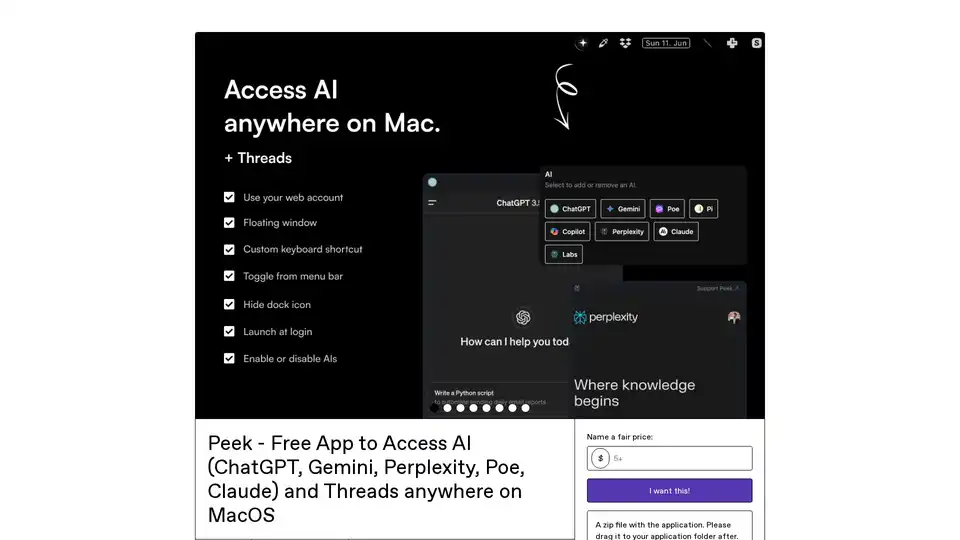
Peek is a free MacOS menu bar app providing seamless access to AI chatbots like ChatGPT, Gemini, Perplexity, Claude, and more. Enjoy no API keys, privacy-focused webviews, floating windows, and easy screenshots for developers, writers, and students.
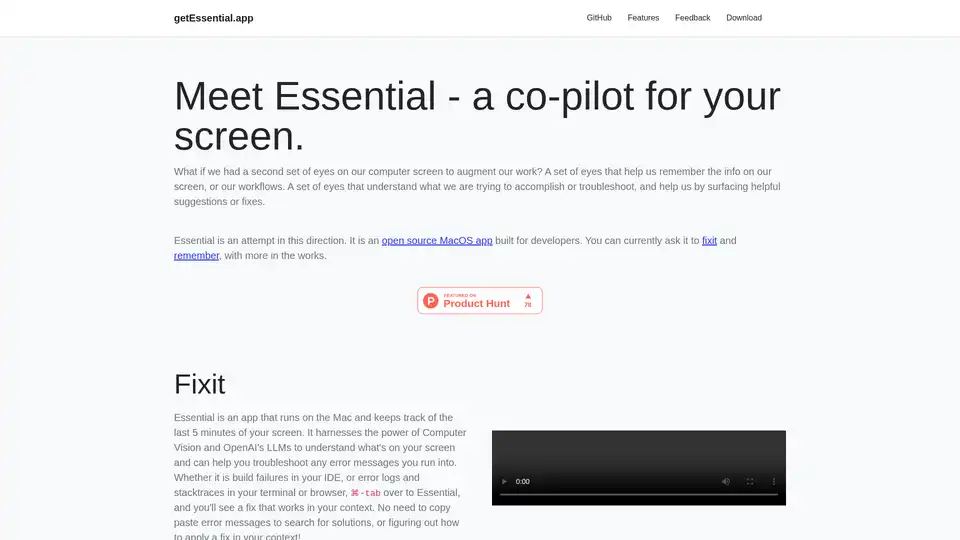
Essential is an open-source MacOS app that acts as an AI co-pilot for your screen, helping developers fix errors instantly and remember key workflows with summaries and screenshots—no data leaves your device.
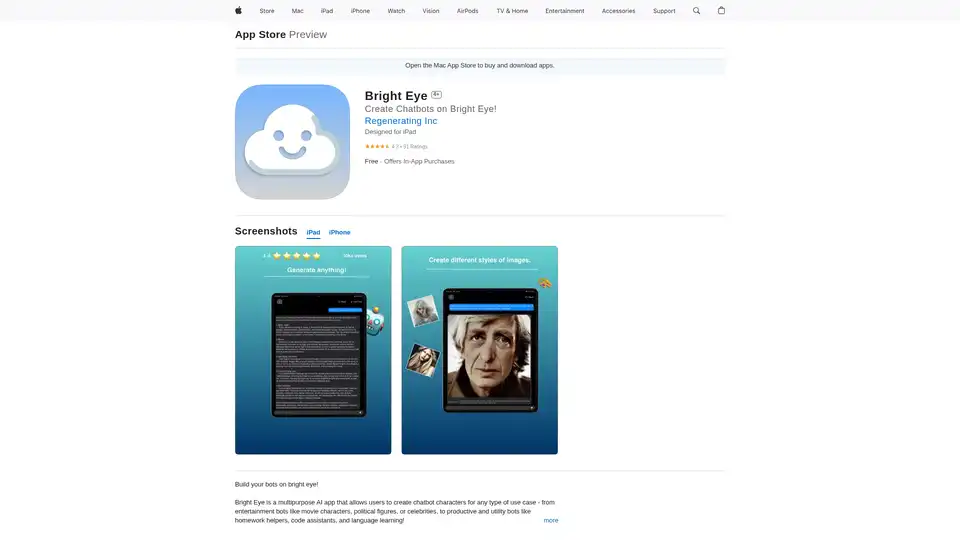
Bright Eye is a versatile AI app for iOS that lets you build custom chatbot characters for entertainment or productivity, like movie bots or homework helpers, powered by advanced AI models for content creation and more.
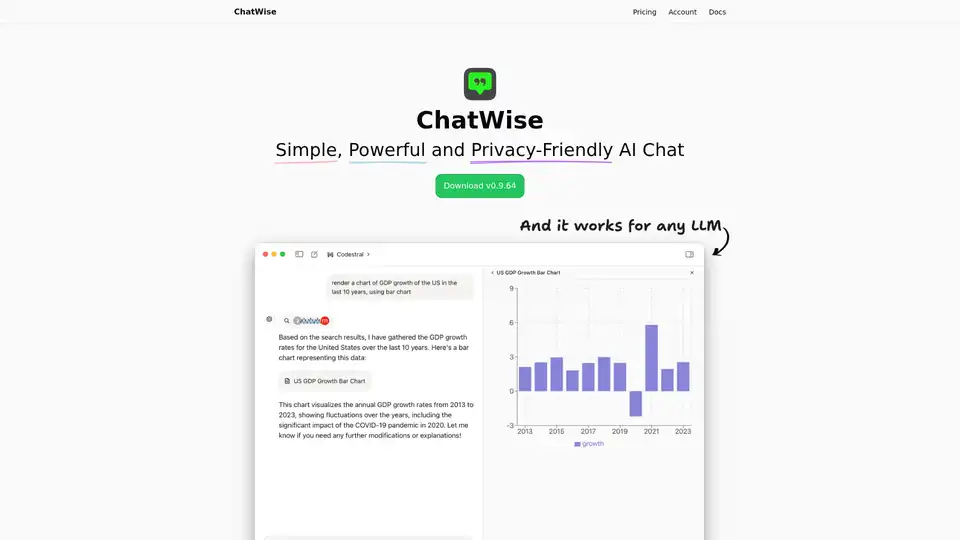
ChatWise is a high-performance, privacy-focused desktop AI chatbot supporting GPT-4, Claude, Gemini, Llama and more. Features local data storage, multi-modal chats (audio, PDF, images), web search, API key integration, and artifacts rendering for seamless productivity.