
PaperSync
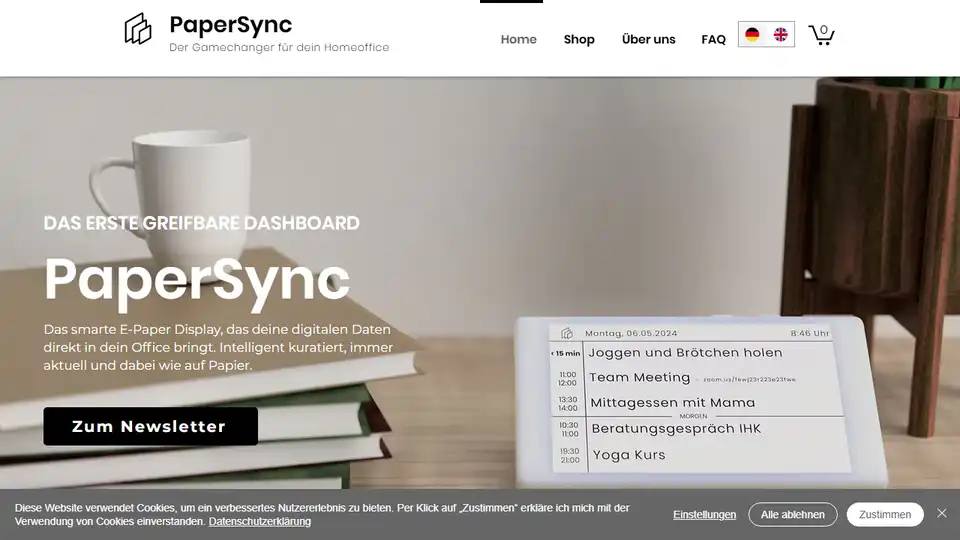
Overview of PaperSync
PaperSync: The Smart E-Paper Display for Enhanced Productivity
What is PaperSync?
PaperSync is a smart E-Paper display designed to bring your digital data into your office space in a clean, organized, and distraction-free way. It acts as a tangible dashboard, syncing data from your productivity apps in real-time to keep you focused and efficient.
Key Features of PaperSync
- Focus on What Matters: PaperSync eliminates distractions with its ink-only display, ensuring you concentrate on essential tasks.
- Centralized Information: Consolidates key information from multiple channels like calendars and to-do lists into one convenient location.
- Always Visible: The display remains constantly visible, reinforcing your priorities and deadlines through passive awareness.
- Customizable Layouts: Tailor the display to your specific needs by linking your preferred services and selecting the most relevant layout components.
- E-Paper Technology: Utilizes E-Paper technology for a paper-like reading experience with low power consumption.
How Does PaperSync Work?
PaperSync synchronizes with your favorite productivity apps, such as Google Calendar, Outlook Calendar, and Todoist, to display your schedule, tasks, and other important information on its E-Paper screen. The information is intelligently curated to show only what's most relevant, helping you stay on track and avoid distractions.
Why Choose PaperSync?
- Increased Productivity: PaperSync users report a 20% increase in task completion speed due to improved focus and organization.
- Reduced Distractions: By eliminating color, flicker, and notifications, PaperSync helps you stay in the flow and avoid digital fatigue.
- Improved Awareness: The always-on display reinforces your priorities, even when they're only in your peripheral vision.
- Personalized Experience: Customize the layout and data sources to create a display that perfectly suits your needs.
Who is PaperSync for?
PaperSync is ideal for:
- Professionals: Anyone who wants to improve their focus and productivity.
- Entrepreneurs: Individuals who need to stay on top of multiple tasks and projects.
- Students: Those looking for a distraction-free way to manage their schedules and assignments.
- Anyone seeking a more organized and efficient workflow.
Best Way to Use PaperSync
To maximize the benefits of PaperSync, integrate it into your daily routine by:
- Connecting your most frequently used productivity apps.
- Customizing the layout to display the information that's most important to you.
- Placing the display in a prominent location where you can easily see it without being distracted.
- Reviewing your schedule and tasks on the display regularly throughout the day.
By using PaperSync consistently, you can create a more focused and productive work environment, leading to increased efficiency and reduced stress.
E-E-A-T Considerations:
PaperSync is developed in collaboration with work psychologists to optimize focus and efficiency. It supports popular calendar applications like Google Calendar, Outlook Calendar and Todoist. The device utilizes E-Paper technology and offers a customizable display to show relevant information without distractions.
PaperSync promotes the benefits of passive information perception, citing research that shows information is retained up to 3x faster when perceived passively. User testimonials claim a 20% increase in productivity.
Maximize Productivity with PaperSync
PaperSync represents a novel approach to productivity, combining the benefits of digital data with the simplicity and focus of traditional paper. By centralizing your most important information and eliminating distractions, PaperSync helps you stay on track and achieve your goals. Whether you're a busy professional, a driven entrepreneur, or a focused student, PaperSync can help you unlock your full potential.
What is the best way to stay organized?
One of the best ways to stay organized is to use a tool like PaperSync that integrates with your existing apps and provides a clear, distraction-free view of your schedule and tasks.
Best Alternative Tools to "PaperSync"
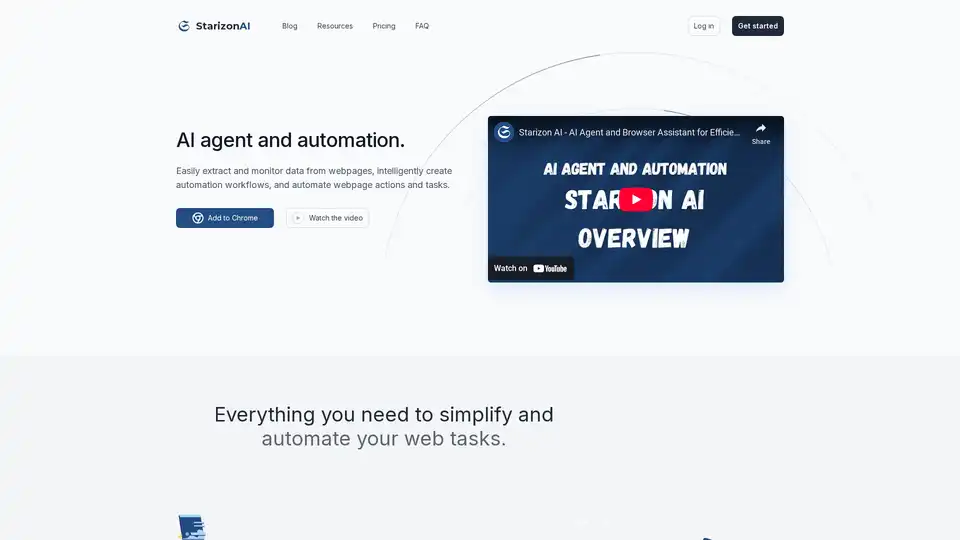
Starizon AI is a Chrome browser extension that leverages AI for efficient web browsing, data extraction, automation workflows, and real-time monitoring to boost productivity without coding.
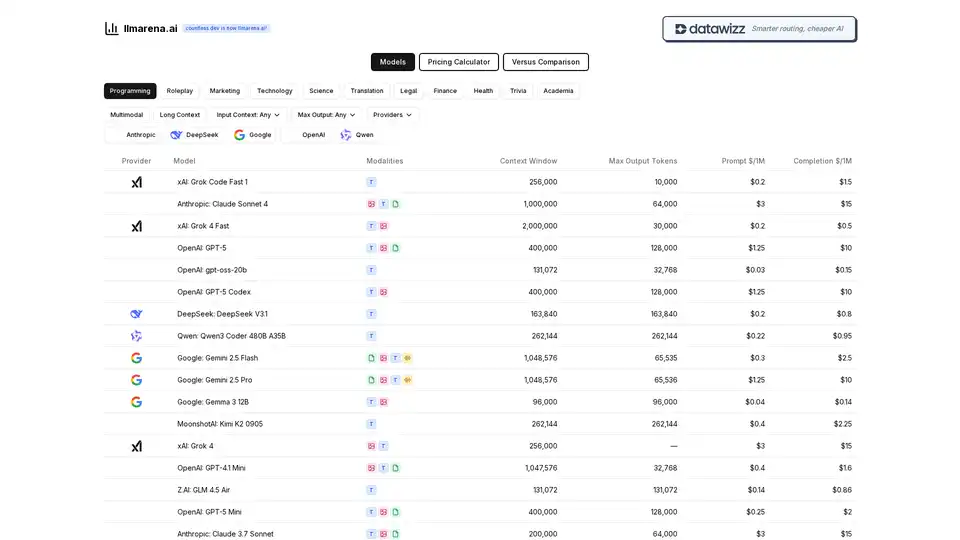
Compare AI models easily! All providers in one place. Find the best LLM for your needs with our comprehensive pricing calculator and feature comparison tool. OpenAI, Anthropic, Google, and more.
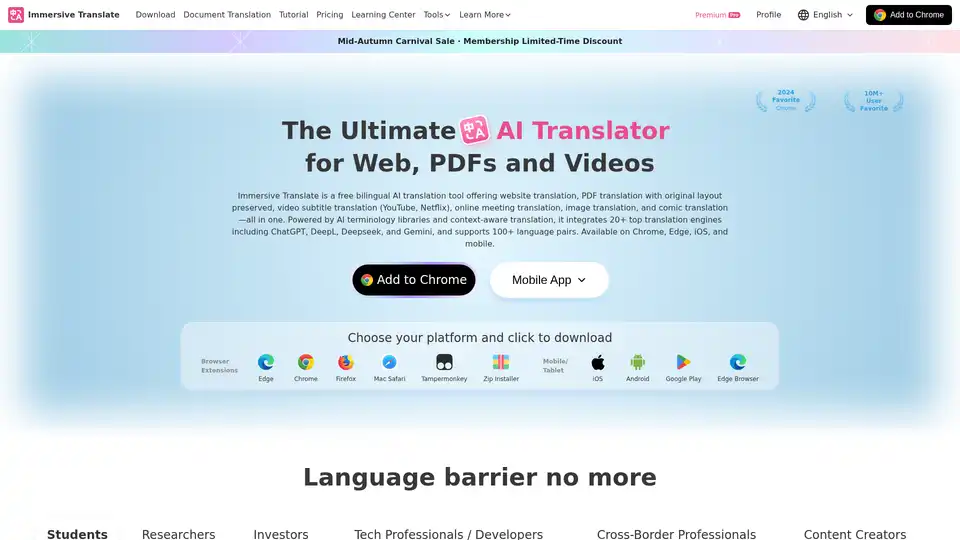
"Immersive Translate" provides next-generation AI translation services, integrating over 20 top-tier AI translation engines worldwide, such as OpenAI (ChatGPT), DeepL, Deepseek, and Gemini. It empowers you to break down language barriers and achieve a more accurate and fluent translation experience in various scenarios. This includes bilingual website translation, translation of various document formats, academic paper and PDF translation, online video subtitle translation for YouTube/Netflix, EPUB e-book translation, cross-language meeting translation for Zoom/Google Meet/Microsoft Teams, as well as manga and image translation. It supports major browsers like Chrome, Edge, Firefox, and Safari, and is available for installation on both mobile and desktop devices. It supports mutual translation of hundreds of languages including Chinese, English, Japanese, Korean, French, German, Russian, Spanish, Portuguese, Vietnamese, Indonesian, Italian, Dutch, Thai, and more.
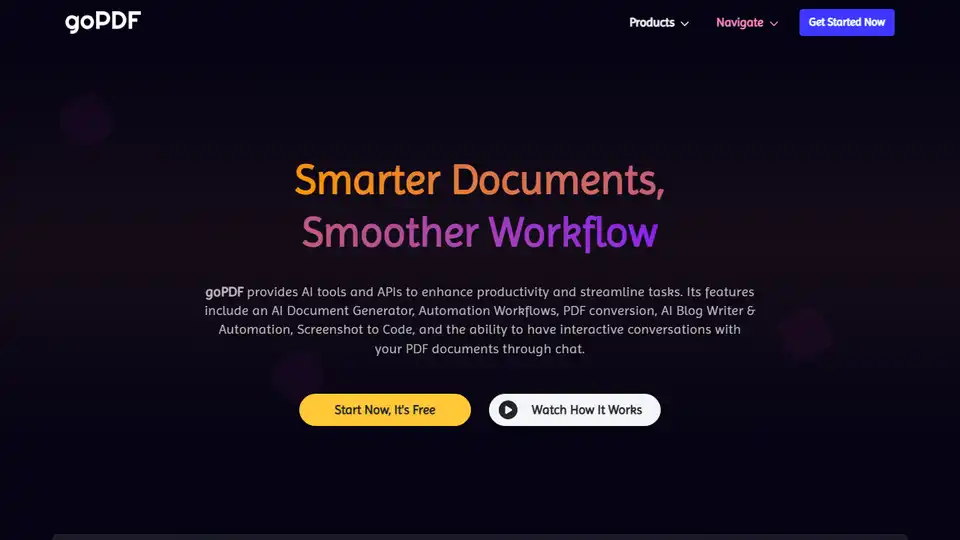
goPDF offers AI tools and APIs to boost productivity. Features include AI Document Generator, workflows, PDF conversion, AI Blog Writer, screenshot APIs, and chat with PDF documents.
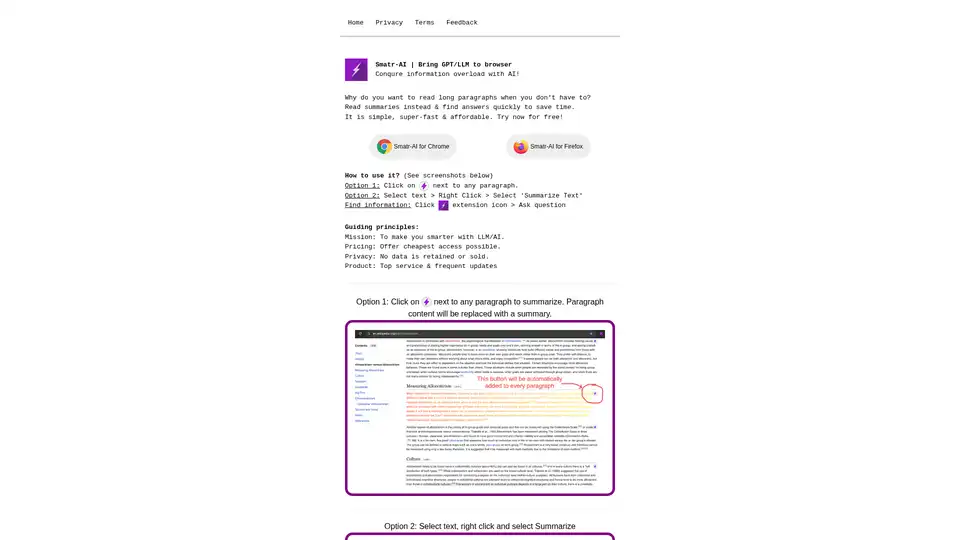
Smatr-AI is a browser extension that integrates GPT/LLM for quick text summarization and finding answers, helping users conquer information overload efficiently.
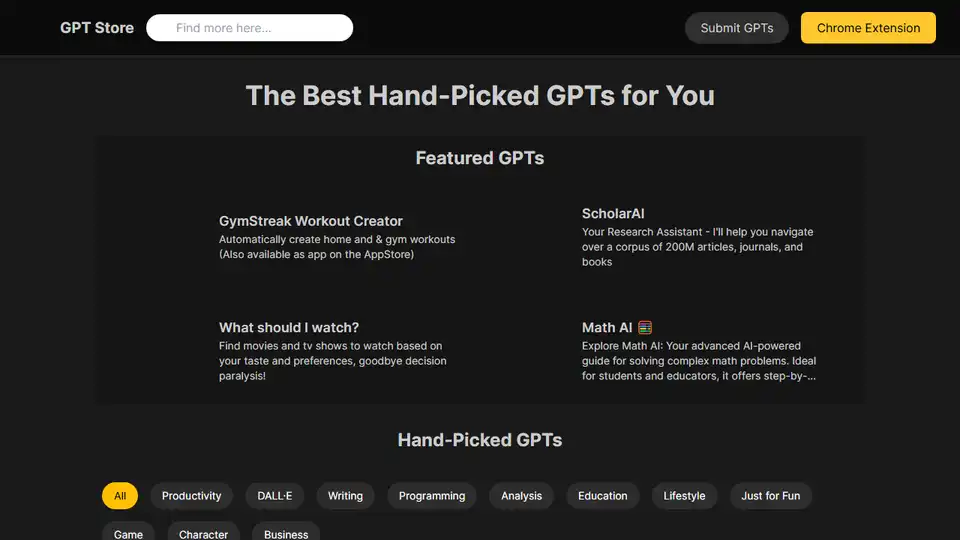
GPT-Store.app offers a curated selection of custom GPTs for various needs, including productivity, writing, programming, and education. Discover AI assistants tailored to your tasks.
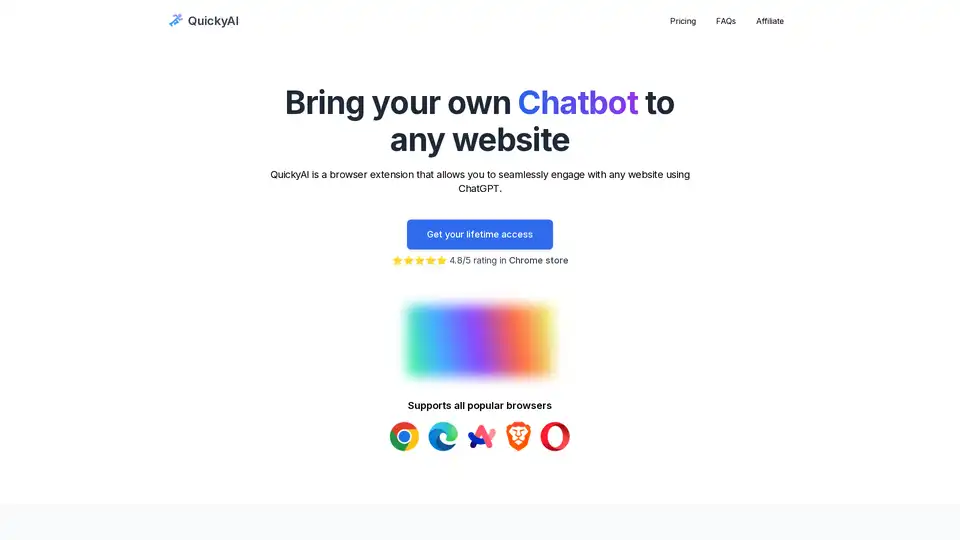
QuickyAI is a browser extension that integrates ChatGPT into any website, allowing instant chatting, one-click summarization, screenshot queries, and custom prompts to enhance productivity without leaving your page.
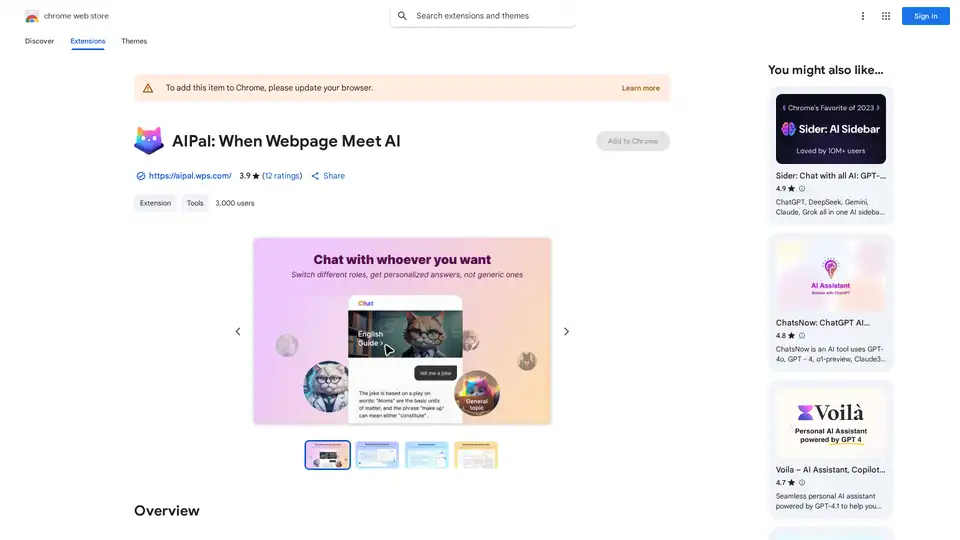
AIPal is a powerful Chrome extension that integrates AI models like GPT-4 and Claude 3 for chatting, writing, translating, and summarizing content directly on any webpage, boosting your browsing productivity.
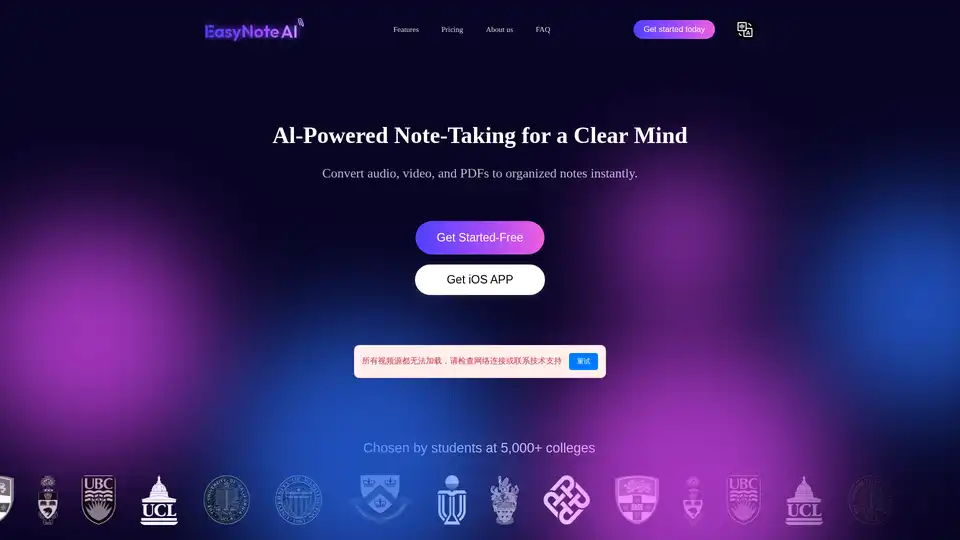
EasyNoteAI is a powerful AI note-taking assistant that converts audio, online videos, and PDFs into organized notes, outlines, flashcards, quizzes, summaries, and chatbots for efficient learning and productivity.
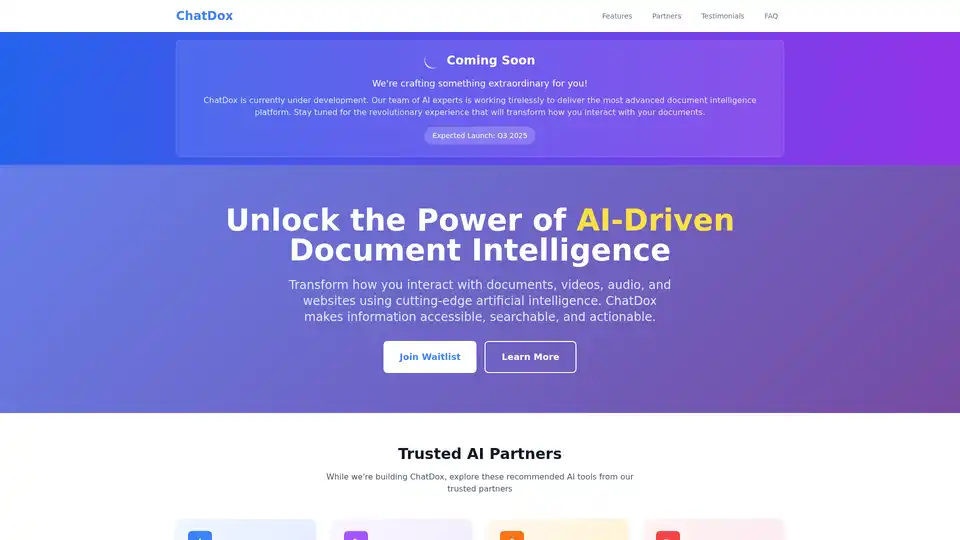
ChatDox is an upcoming AI-powered platform for chatting with documents, videos, audio, and websites. Extract insights, analyze content, and boost productivity with natural language queries across 100+ languages. Launching Q3 2025.
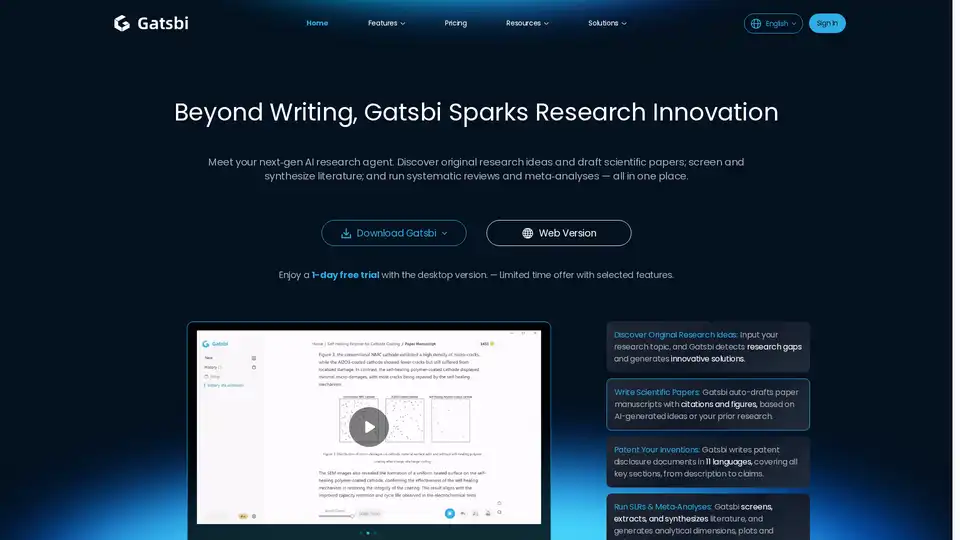
Gatsbi is an AI research assistant that generates research ideas, drafts scientific papers, and performs systematic reviews with accurate citations and visuals, streamlining research from ideation to publication.
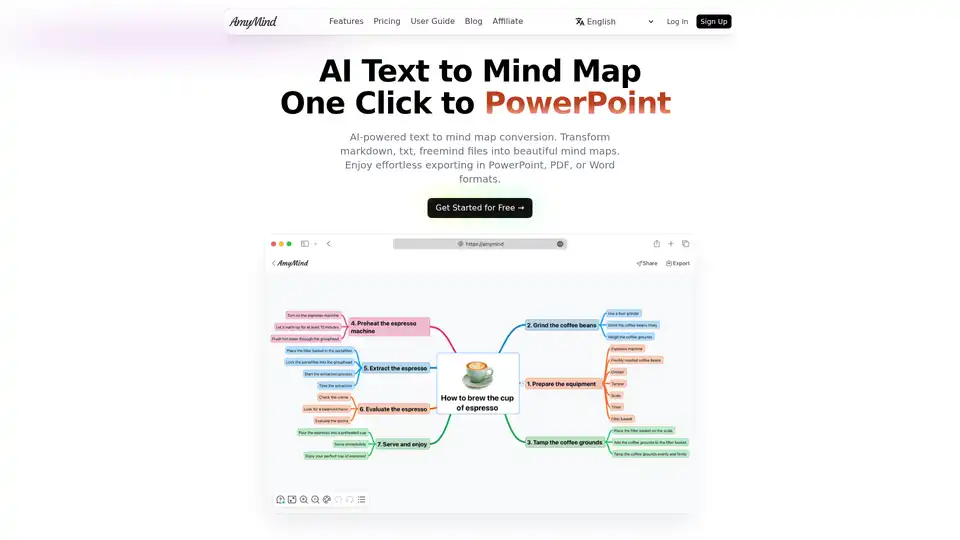
Transform text, markdown and documents into beautiful mind maps with AI. Free AI-powered mind mapping tool with intelligent assistance. Export to PowerPoint, PDF & Word. Simple yet powerful AI mind map maker for better thinking and learning.
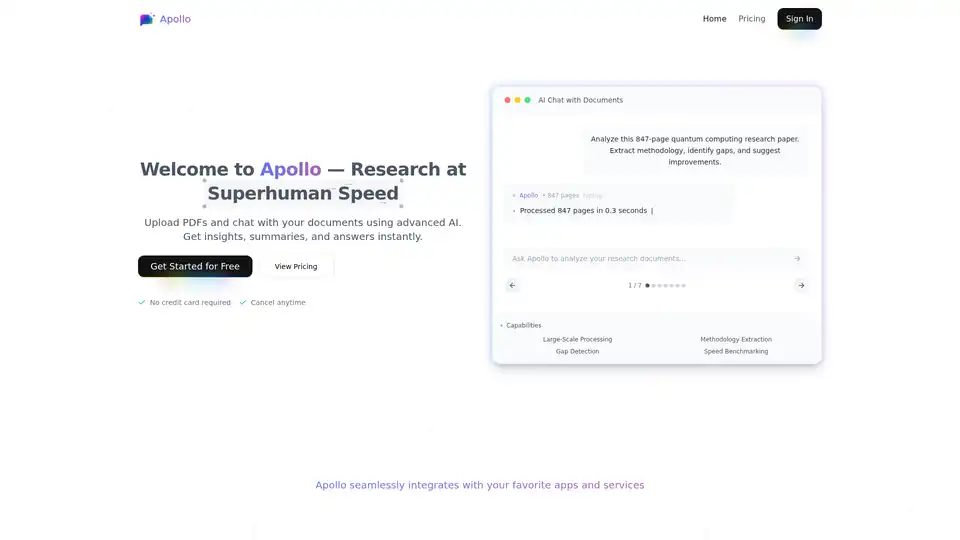
Apollo AI enables users to upload PDFs and chat with documents using advanced AI for instant insights, summaries, methodology extraction, and gap detection. Ideal for researchers, analysts, and professionals handling large files.
Boost your writing quality with GravityWrite's AI writing assistance. Our advanced AI writing tool helps you write better, faster, and more effectively. Try it now!