
Scrintal
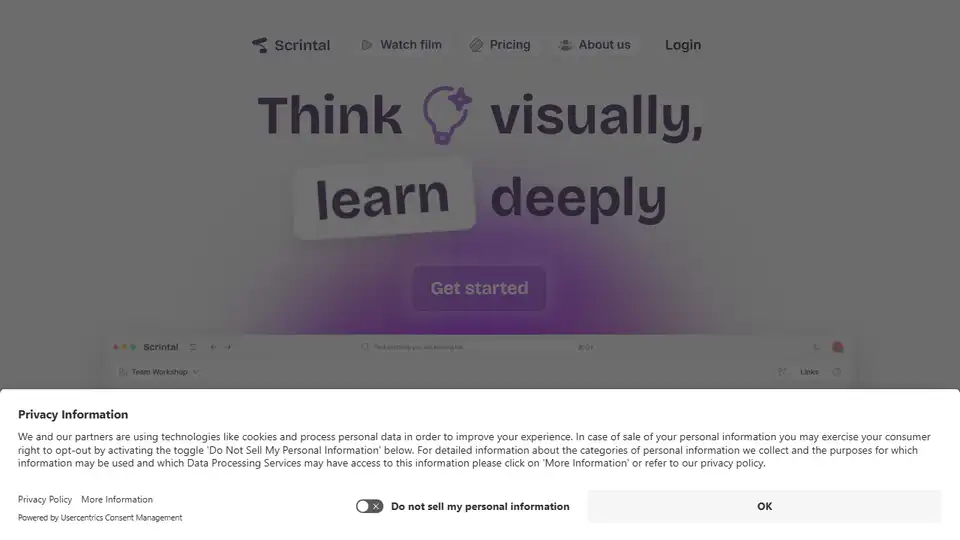
Overview of Scrintal
Scrintal: Visual Note-Taking & Research Made Easy
What is Scrintal?
Scrintal is a visual note-taking tool designed for researchers, students, and professionals to help them organize and connect their ideas visually. It provides an infinite canvas where you can collect PDFs, images, notes, and documents in one place.
Key Features:
- Visual Organization: Organize and manipulate your ideas with ease on an infinite canvas.
- AI Assistant (Gobu): Use Gobu, your new AI research assistant, to deeply understand any article, from academic papers to essays, news, and reports.
- Templates for Study and Research: Unlock exclusive templates designed to showcase best practices in research and effective study techniques.
- Collaboration: Invite your friends and colleagues to work together in real-time.
- Versatile Blocks: Pick from a vast selection of blocks to mix, match, and shape your learning and research experience.
- Bi-Directional Links: Make connections and visualize everything with arrows and bi-directional links.
How to Use Scrintal:
- Collect Resources: Gather PDFs, images, notes, and documents in one place.
- Read & Take Notes: Read, take notes, and watch videos simultaneously on one infinite canvas.
- Use Templates: Utilize exclusive templates designed for effective study and research.
- Collaborate: Team up with friends and colleagues for real-time collaboration.
- Connect Ideas: Use arrows and bi-directional links to make connections and visualize everything.
Why is Scrintal Important?
Scrintal helps you:
- Think visually and learn deeply.
- Streamline repetitive tasks with AI.
- Manage knowledge and ideas effectively.
- Boost creative thinking and drive concrete outcomes.
User Reviews:
- Users praise Scrintal for its intuitive interface and ability to help them organize scattered thoughts.
- Many users find it an invaluable asset for learning, making complex subjects more manageable and fun to study.
- Teams use Scrintal to revolutionize how they brainstorm ideas and work through creative processes.
Where Can I Use Scrintal?
- Research: For academic research, literature reviews, and organizing findings.
- Education: For students to manage their study materials, take notes, and connect concepts.
- Professional Use: For professionals to brainstorm ideas, manage projects, and organize knowledge.
Best way to enhance your note-taking and research? Scrintal combines the best of visual organization with AI-powered assistance to make learning and research more effective and enjoyable. Whether you're a student, researcher, or professional, Scrintal provides the tools you need to unlock your true potential.
Best Alternative Tools to "Scrintal"
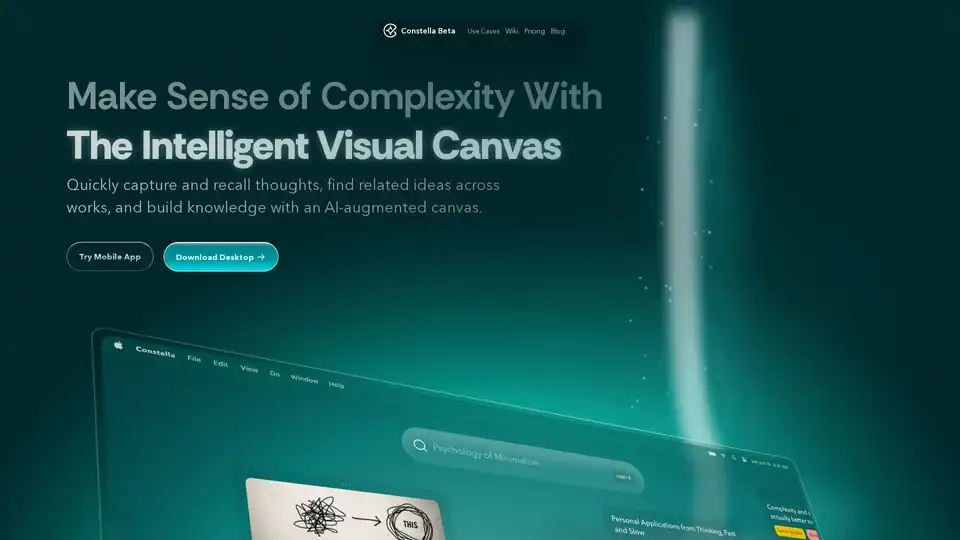
Constella is an AI-powered second brain app with a visual canvas. It helps you capture thoughts, recall related ideas, and build knowledge. Features include AI-augmented canvas, seamless deep thinking, and instant capture.
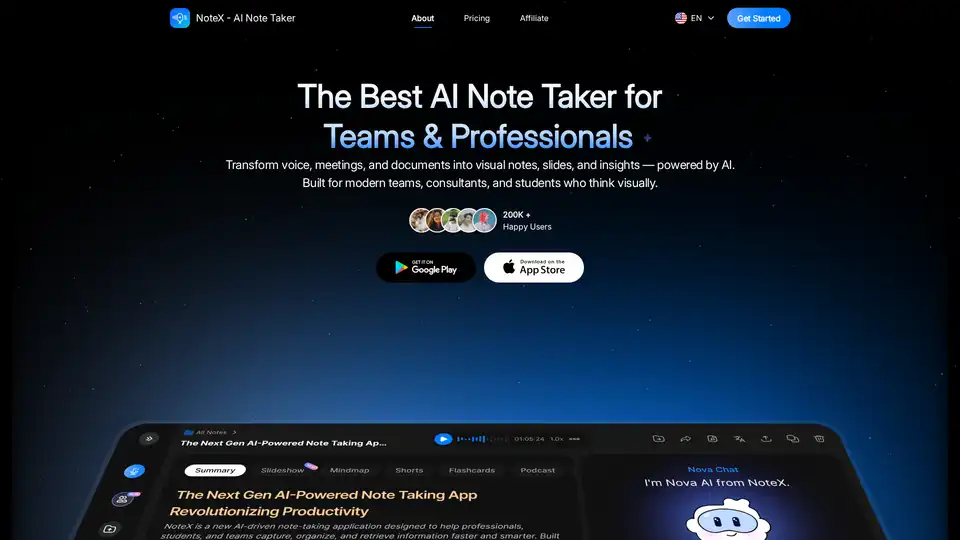
NoteX is an AI-powered note-taking tool that transforms audio, meetings, and documents into visual notes, summaries, mind maps, flashcards, and quizzes. Ideal for teams, professionals, and students.
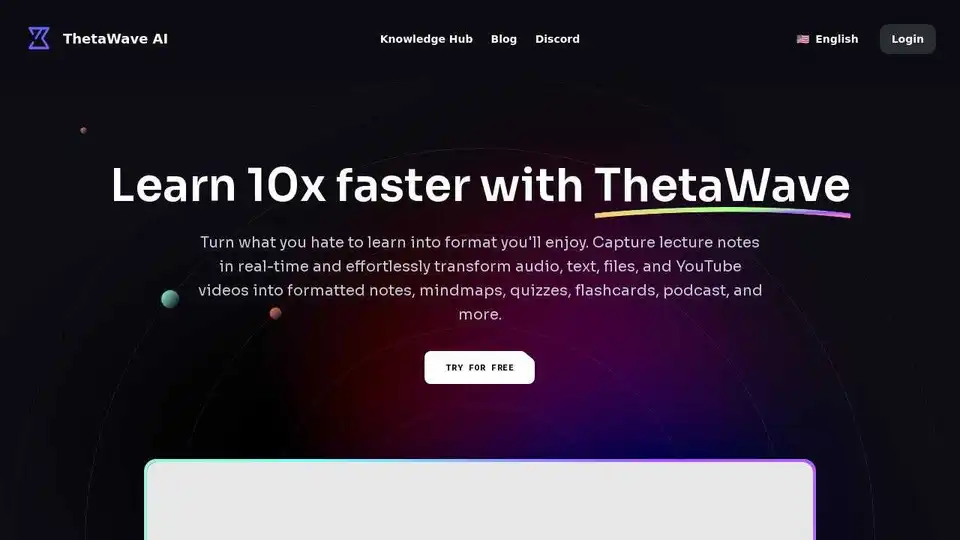
Thetawave AI is an AI-powered note-taking tool that transforms audio, text, files, and YouTube videos into formatted notes, mindmaps, quizzes, and more. It helps students learn faster and more efficiently.
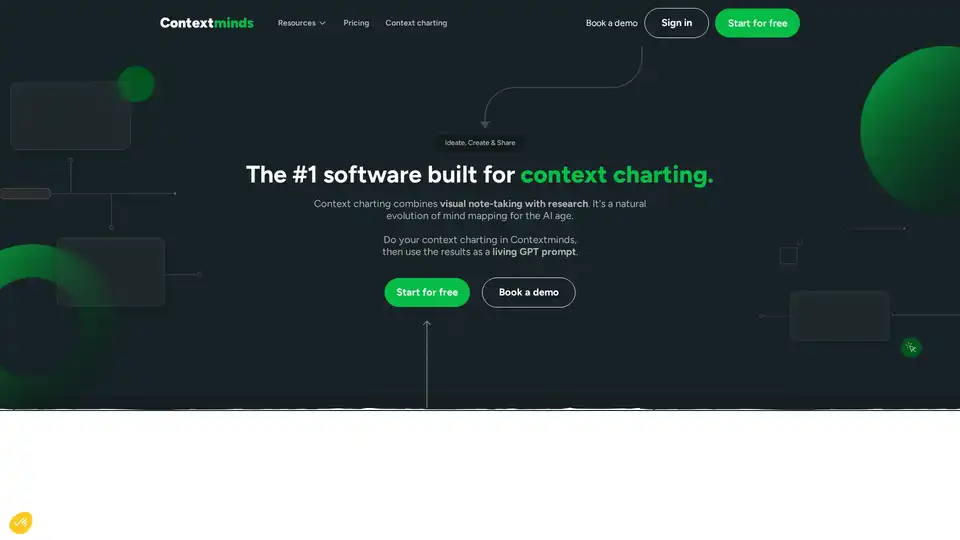
Contextminds is a context charting tool that combines visual note-taking with AI. It helps you ideate, create, and share your ideas using a living GPT prompt. Use it for research, SEO keyword discovery, and automated drafting.
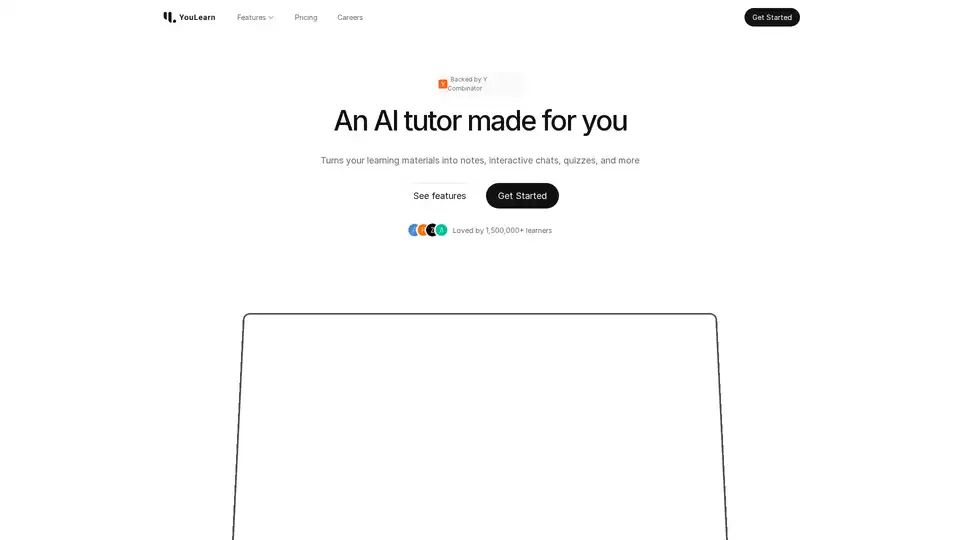
YouLearn AI is your personalized AI tutor that transforms PDFs, YouTube videos, and lectures into notes, chats, quizzes, and more. Save time and learn smarter with interactive tools backed by Y Combinator.
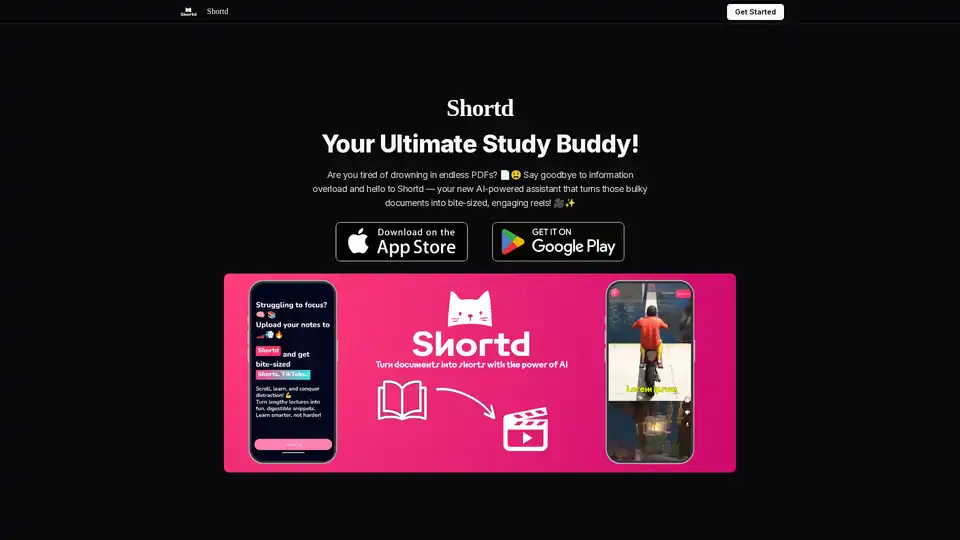
Shortd is an AI-powered study buddy that transforms bulky PDFs and images into concise summaries, custom reels, flashcards, and quick reviews to enhance productivity and faster revision.
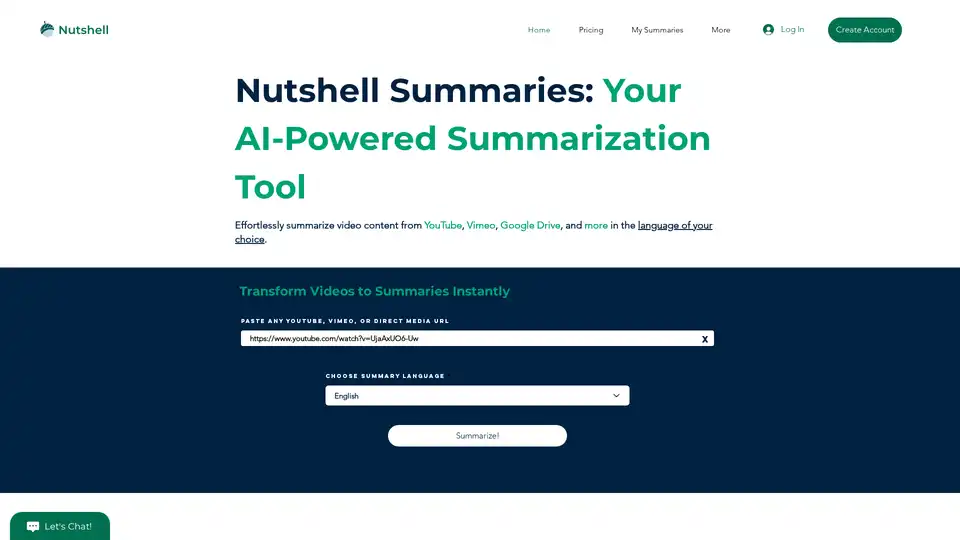
Summarize YouTube Video Content in Seconds | Nutshell. Our AI-powered video summary tool provides accurate summaries and transcripts in multiple languages for YouTube, Vimeo, and more. Try it now!
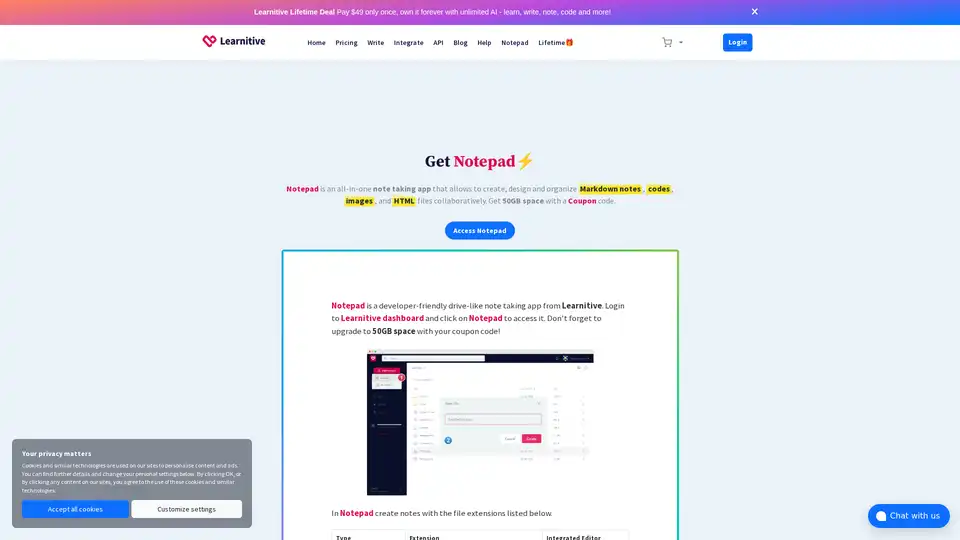
Learnitive Notepad is an AI-powered all-in-one note-taking app for creating Markdown notes, codes, photos, webpages, and more. Boost productivity with 50GB storage, unlimited AI assistance, and cross-device support.
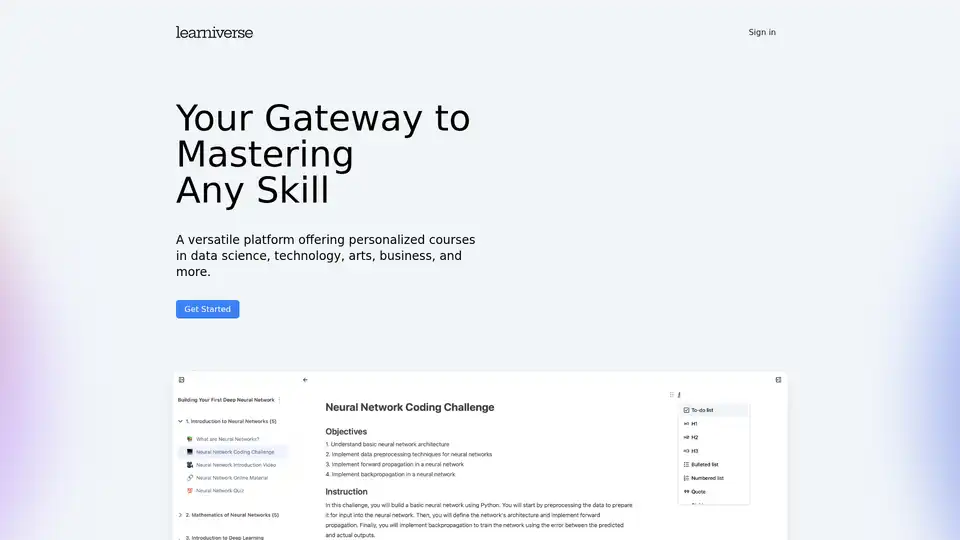
Learniverse is an AI-powered learning platform that creates personalized courses in data science, technology, arts, and business using ChatGPT and online resources for customized skill development.
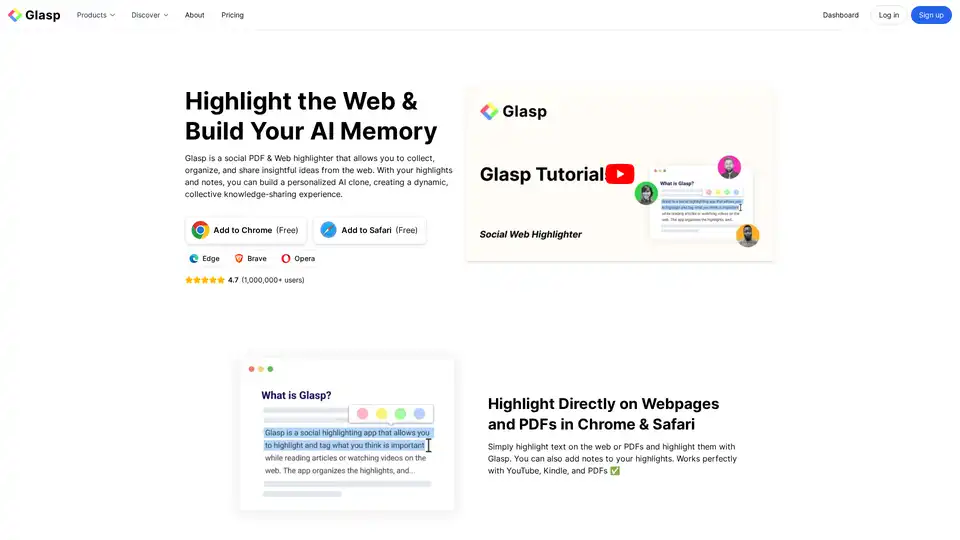
Glasp is a social web and PDF highlighter that lets you collect, organize, and share insights. Highlight on webpages and PDFs, create notes, and build your personal AI clone for knowledge sharing.
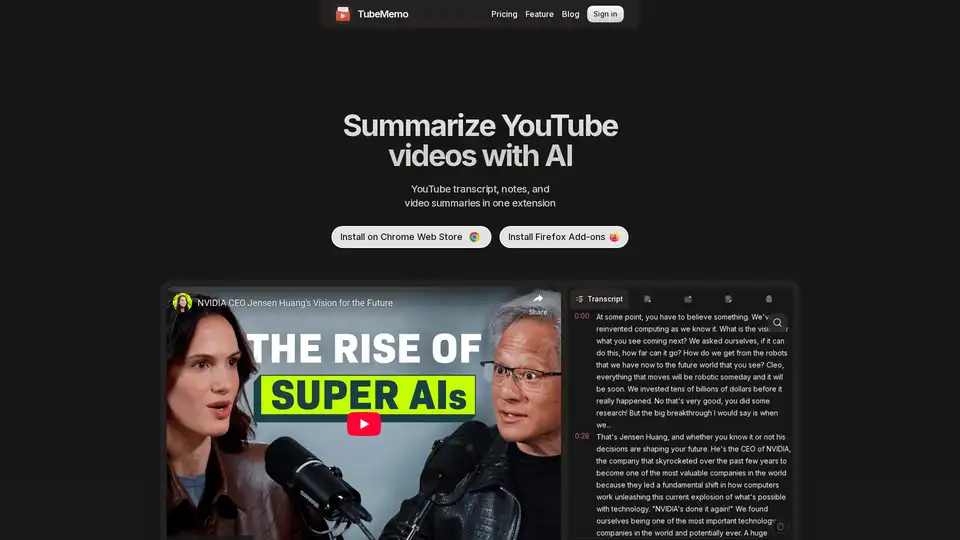
Use TubeMemo to extract, enhance, and summarize YouTube transcripts with AI. Turn videos into smart, searchable notes in seconds.
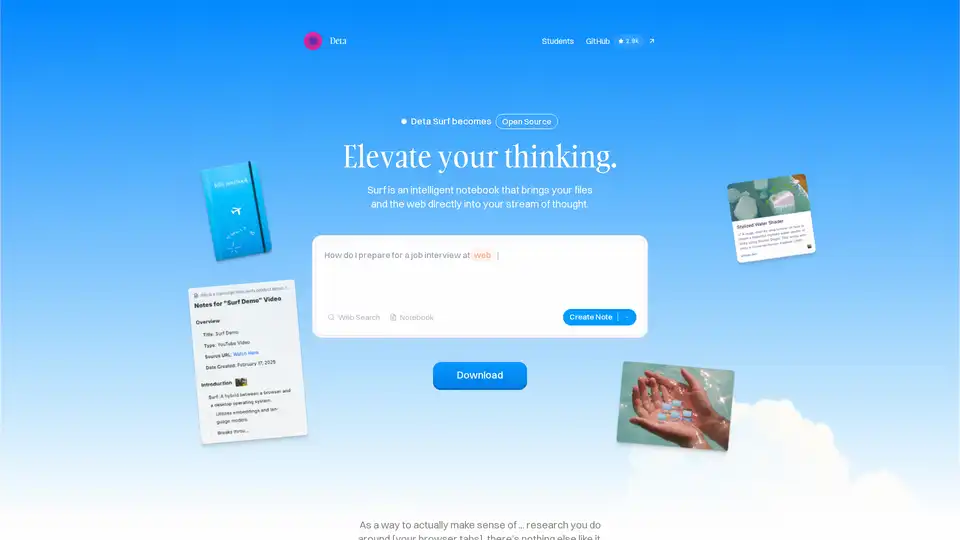
Surf is an open-source intelligent notebook that brings web content, files, YouTube videos, and PDFs into your workflow. Generate notes, summaries, interactive graphs with AI, all locally stored and customizable with your own LLMs.
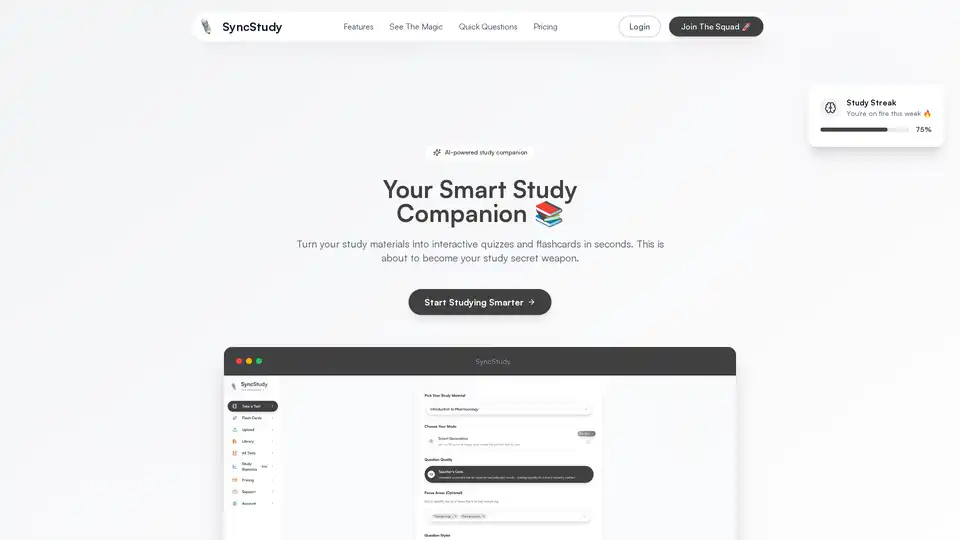
SyncStudy is your AI-powered study buddy that turns documents into interactive quizzes and flashcards instantly, helping students study smarter with adaptive learning and progress insights.
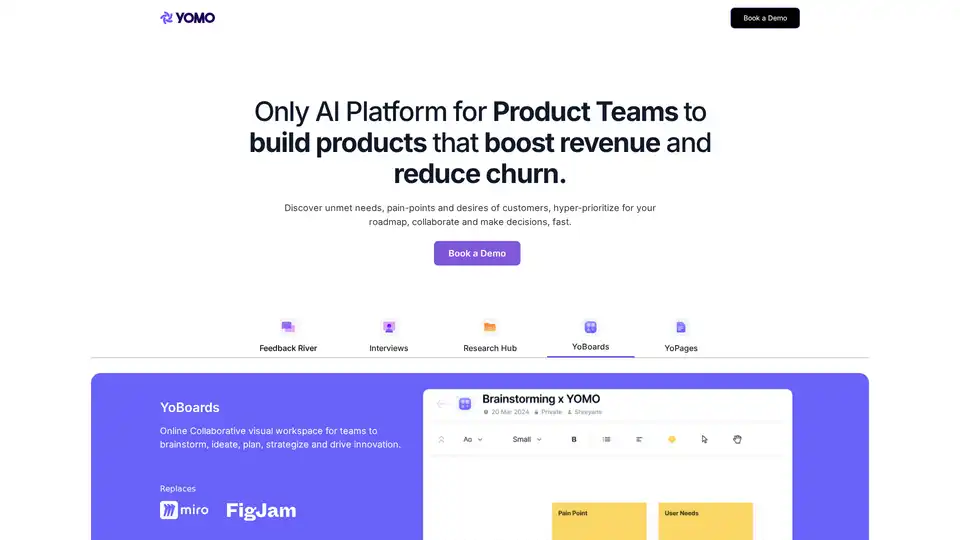
YOMO AI is an AI platform designed for product teams to capture feedback, conduct user research, and prioritize roadmaps, boosting revenue and reducing churn. Discover unmet needs with AI.