
Tablextract
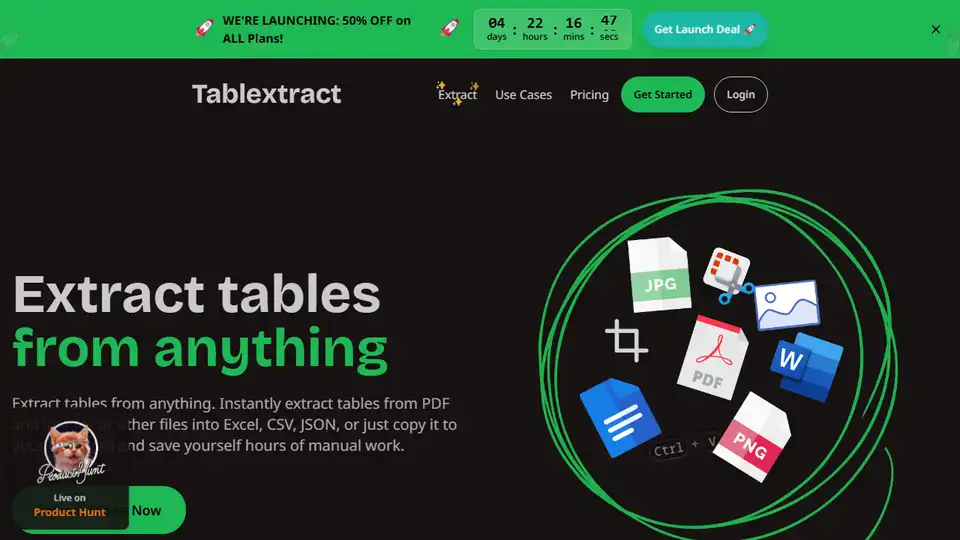
Overview of Tablextract
What is Tablextract?
Tablextract is an advanced AI-powered tool designed to extract tables from various document formats, including PDFs, images, scanned documents, and spreadsheets. It leverages cutting-edge optical character recognition (OCR) and machine learning algorithms to accurately identify and preserve table structures, even from complex or poorly formatted documents.
Key Features of Tablextract
- Multi-Format Support: Upload PDFs, JPGs, PNGs, or spreadsheets directly or paste content from your clipboard.
- AI-Powered Table Recognition: Automatically detects and extracts tables while maintaining their original structure.
- Flexible Export Options: Download extracted tables in Excel, CSV, or JSON formats, or copy them directly to your clipboard.
- High Accuracy: Reduces manual data entry errors by up to 96%, as reported by users.
- User-Friendly Interface: Simple drag-and-drop functionality for quick and easy table extraction.
How Does Tablextract Work?
- Upload Your Document: Drag and drop your file (PDF, image, or spreadsheet) into the Tablextract interface or paste content directly.
- AI Processing: The tool uses AI to analyze the document, identify tables, and extract them while preserving their structure.
- Review and Export: Preview the extracted tables, make any necessary adjustments, and export them in your preferred format (Excel, CSV, or JSON).
Why Choose Tablextract?
- Time-Saving: Eliminates the need for manual data entry, saving users hours of tedious work.
- Cost-Effective: Reduces operational costs by minimizing errors and improving efficiency.
- Versatile: Works with a wide range of document types, from financial reports to academic papers.
- High Precision: Consistently outperforms manual data entry in terms of accuracy and speed.
Who is Tablextract For?
Tablextract is ideal for professionals and organizations that frequently work with tabular data, including:
- Financial Analysts: Extract data from financial reports and statements.
- Researchers: Process tables from academic papers and research documents.
- Business Intelligence Teams: Analyze data from various sources without manual input.
- Operations Managers: Streamline data extraction from legacy documents and reports.
User Testimonials
Users across various industries have praised Tablextract for its efficiency and accuracy:
- Marcus R., Financial Analyst: "Saved me 3 hours on my first use. Worth every penny!"
- Jennifer L., Claims Manager: "Reduced data entry errors by 96% and cut processing time from days to minutes."
- Dr. Emily Chen, Researcher: "Best investment our lab made this year!"
Pricing and Plans
Tablextract offers flexible pricing plans to suit different needs, including a free tier for basic usage. For more details, visit the Pricing Page.
Conclusion
Tablextract is a powerful AI tool that simplifies the process of extracting tables from documents, making it an essential resource for anyone dealing with large volumes of tabular data. Its high accuracy, ease of use, and time-saving capabilities make it a valuable addition to any workflow.
AI Task and Project Management AI Document Summarization and Reading AI Smart Search AI Data Analysis Automated Workflow
Best Alternative Tools to "Tablextract"
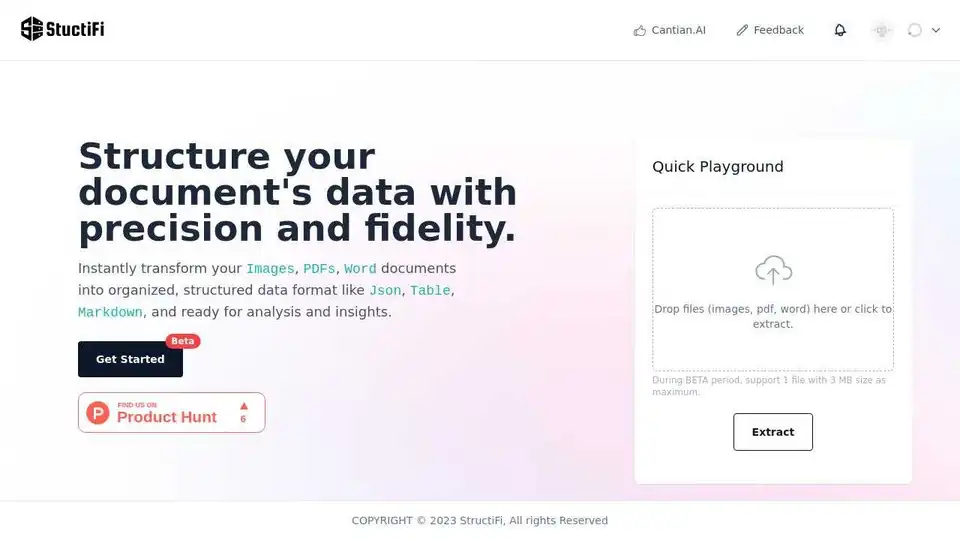
StructiFi is an AI-powered tool that extracts structured data from images, PDFs, and Word documents. It offers OCR functionality and converts files into JSON, Table, or Markdown formats. Ideal for data analysis and insights.

ChatPDF is a creative AI tool that transforms PDFs into interactive content like books, flashcards, podcasts, and presentations. It caters to students, researchers, and professionals alike.
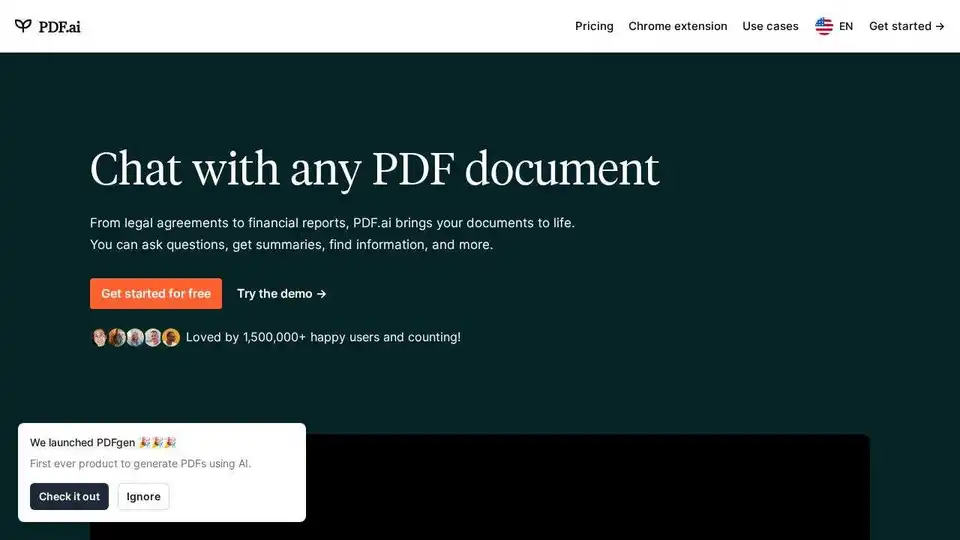
PDF.ai is an AI-powered tool that allows users to chat with PDF documents, ask questions, get summaries, and extract information efficiently.
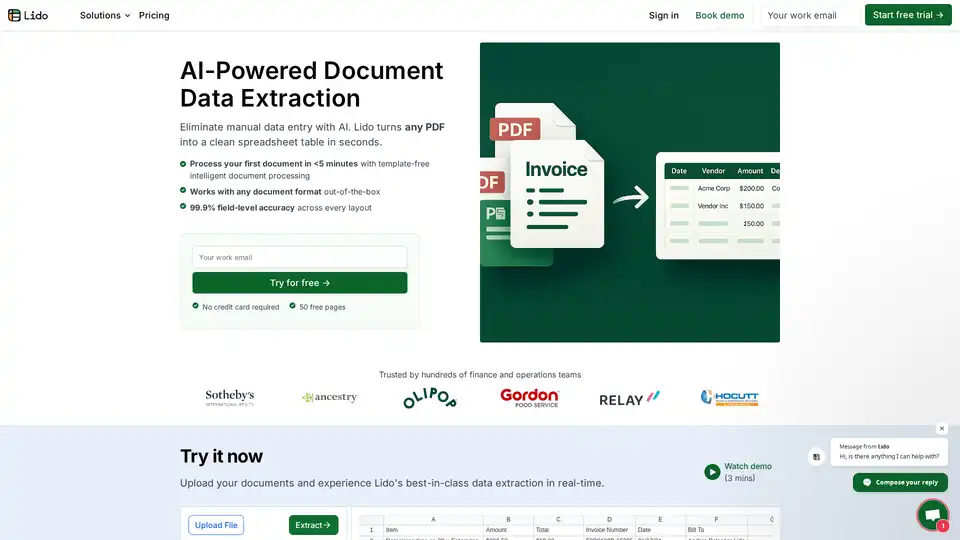
Lido is the leading AI-powered tool for fast and accurate data extraction from PDFs, invoices, and documents to Excel. Eliminate manual entry with 99.9% accuracy, supporting scanned files and various formats—no training required.