
Chat With Docs
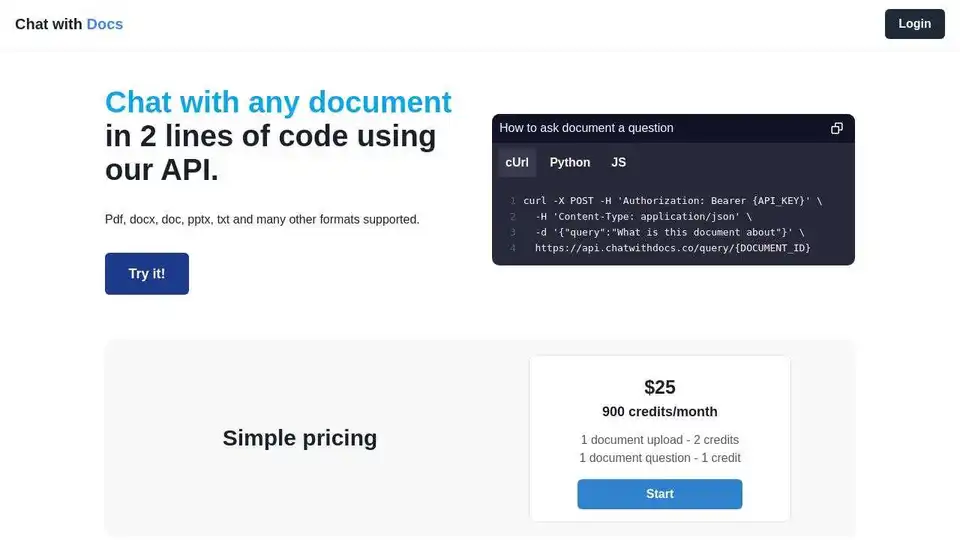
Overview of Chat With Docs
Unlock Document Intelligence with Chat With Docs
What is Chat With Docs?
Chat With Docs is an AI-powered document analysis tool designed to transform how professionals interact with and extract insights from their documents. This innovative platform allows users to chat with PDFs, Word documents, and a wide range of other file formats, receiving instant, accurate answers with citations. By leveraging advanced artificial intelligence, Chat With Docs aims to significantly reduce the time and effort required for document review, research, and collaboration.
Key Features of Chat With Docs:
- Natural Language Chat: Ask questions in plain English and receive precise answers with page references and confidence scores. This feature eliminates the need for tedious manual searching.
- One-Click Sharing: Easily share document insights with colleagues or clients via secure links, facilitating seamless collaboration and efficient reporting.
- Lightning Fast Processing: Quickly process documents in seconds, thanks to the platform's optimized pipeline and support for over 20 file formats.
- Bank-Level Security: Ensure the privacy and confidentiality of your documents with end-to-end encryption, SOC 2 compliance, and zero data retention policies.
- Universal Format Support: Chat With Docs supports a wide array of file formats, including PDF, DOCX, PPTX, XLSX, TXT, and EPUB. It even handles scanned documents with OCR support.
- Developer API (Coming Soon): Integrate document AI capabilities into your own applications using the RESTful API and SDKs for Python, JavaScript, and other languages.
How does Chat With Docs work?
Chat With Docs utilizes advanced AI algorithms to analyze and understand the content of your documents. When you upload a document, the platform processes it to extract text, identify key concepts, and build an index. This allows you to ask questions in natural language and receive instant answers with citations.
The AI algorithms are designed to provide accurate and reliable information, ensuring that you can trust the results you receive. The platform also includes features like confidence scores, which provide an indication of the AI's certainty in its answers. This can help you to quickly identify the most relevant and reliable information in your documents.
Who is Chat With Docs for?
Chat With Docs is designed for a wide range of professionals who need to analyze and extract insights from documents quickly and efficiently. Some of the key user groups include:
- Legal Teams: Review contracts faster, extract key clauses, compare terms, and identify risks instantly.
- Researchers: Analyze papers and reports efficiently, cross-reference findings, and synthesize insights.
- Students: Study smarter with instant answers from textbooks, papers, and course materials.
Why Choose Chat With Docs?
- Save Time: Reduce the time spent on document review and research by up to 90%.
- Improve Accuracy: Ensure that you are getting accurate and reliable information from your documents.
- Enhance Collaboration: Easily share document insights with colleagues and clients.
- Increase Productivity: Focus on higher-value tasks by automating document analysis.
- Bank-Level Security: Protect your sensitive documents with end-to-end encryption and SOC 2 compliance.
Use Cases:
- Contract Review: Quickly identify key terms, clauses, and risks in legal contracts.
- Research Analysis: Efficiently analyze research papers, reports, and other documents.
- Academic Research: Assist students in understanding complex academic materials.
By providing these capabilities, Chat With Docs empowers users to save time, improve accuracy, and unlock the full potential of their documents.
Best Alternative Tools to "Chat With Docs"
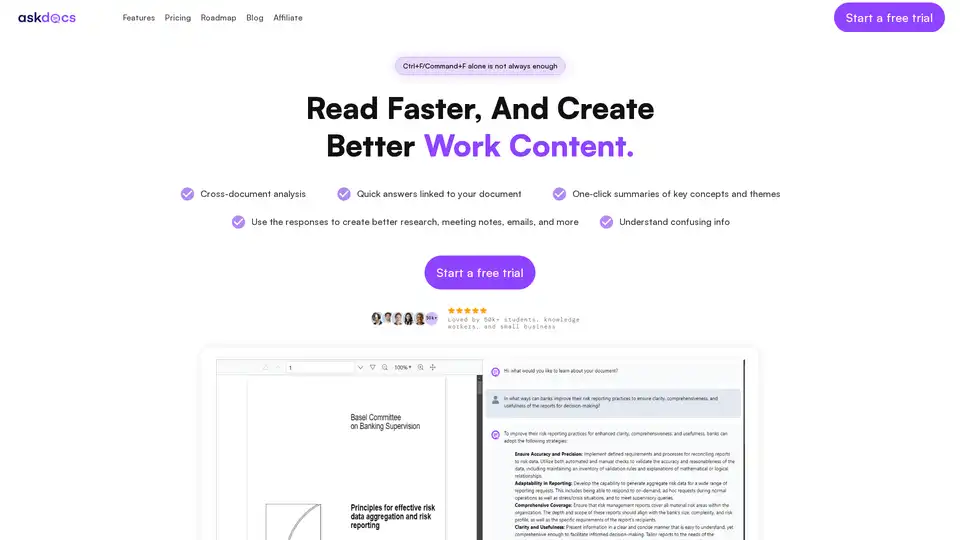
AskDocs is a trusted generative AI tool for PDF and document research. Upload files, ask questions, and get instant answers with citations plus one-click summaries. Ideal for students, researchers, and professionals to enhance productivity.
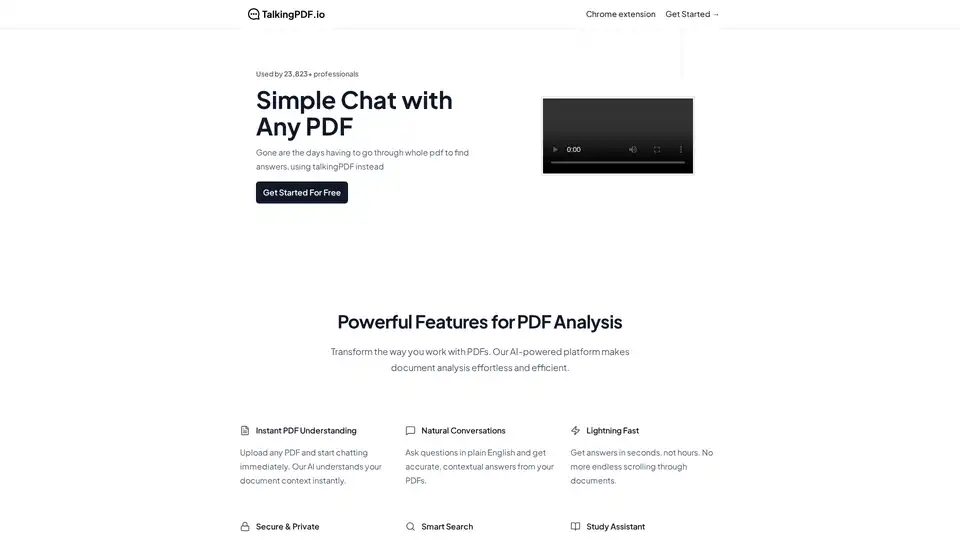
TalkingPDF is a Chrome extension that enables users to chat with any PDF using AI. It allows for instant understanding, natural conversations, and smart search within PDF documents, making document analysis effortless.
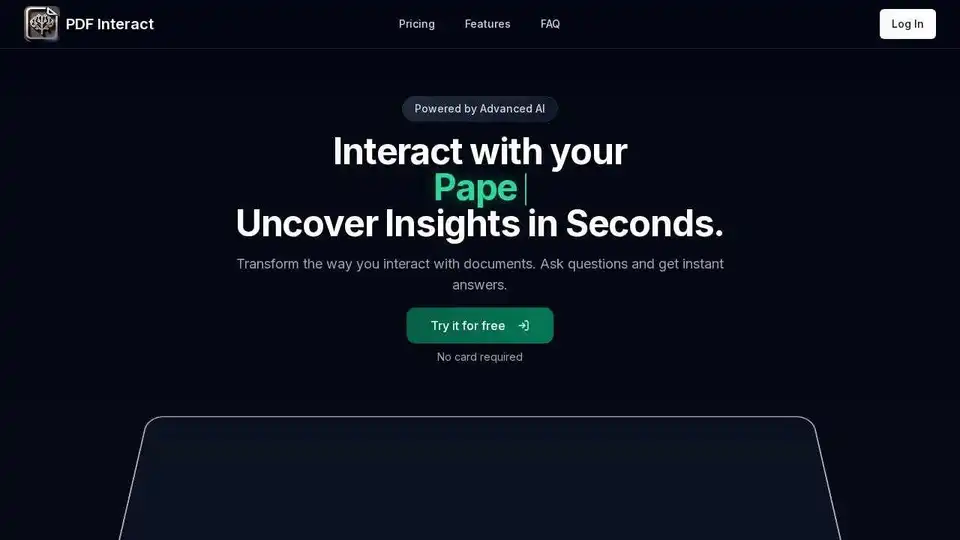
Transform your PDF reading with PDF Interact, an AI-powered chat assistant. Get instant answers, analyze documents, and save time. Try it for free!
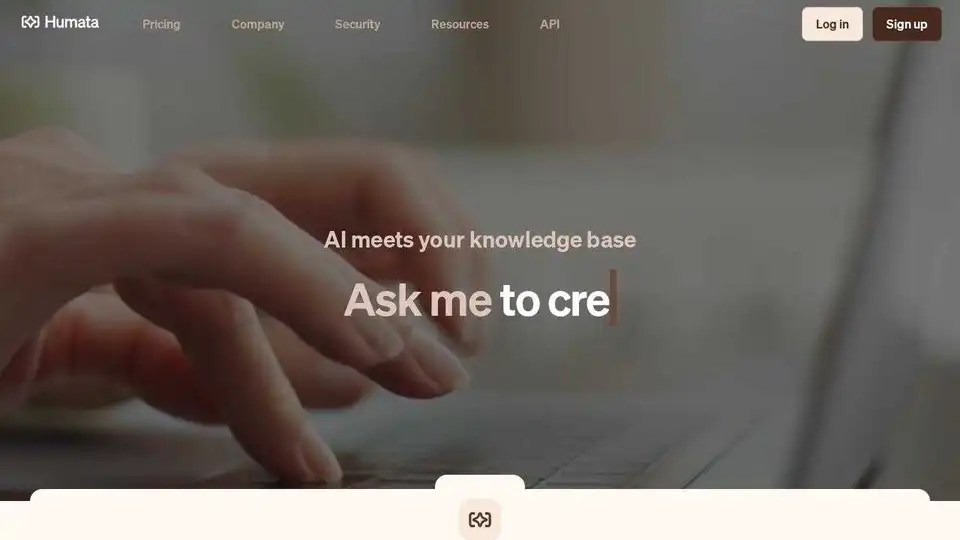
Unlock AI insights from your files instantly with Humata. Ask questions, learn quickly, and extract data 10X faster. Summarize, compare, and search PDFs effortlessly.
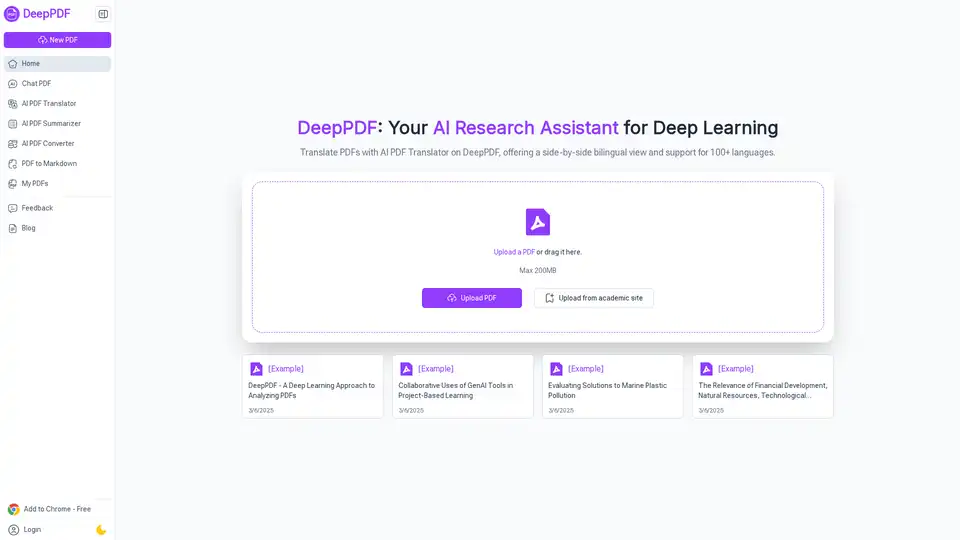
DeepPDF is an AI-powered research assistant for PDFs, featuring chat interactions, summaries, translations, and analysis of key terms, images, and formulas to streamline deep learning and document handling.
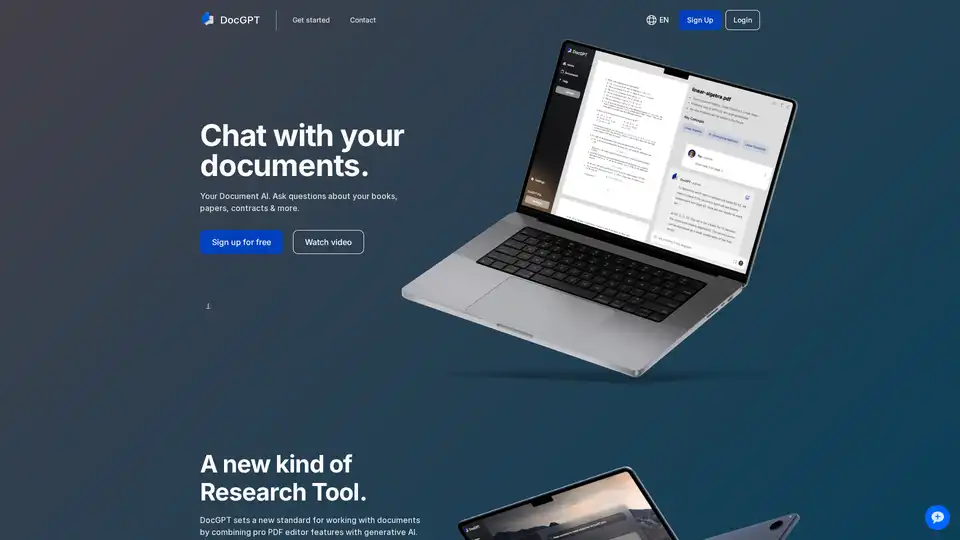
DocGPT is an AI-powered web application that combines a PDF editor with generative AI. Users can analyze documents, ask questions, and generate content like summaries and reports. It offers GPT-4 access and plugins for easier research.
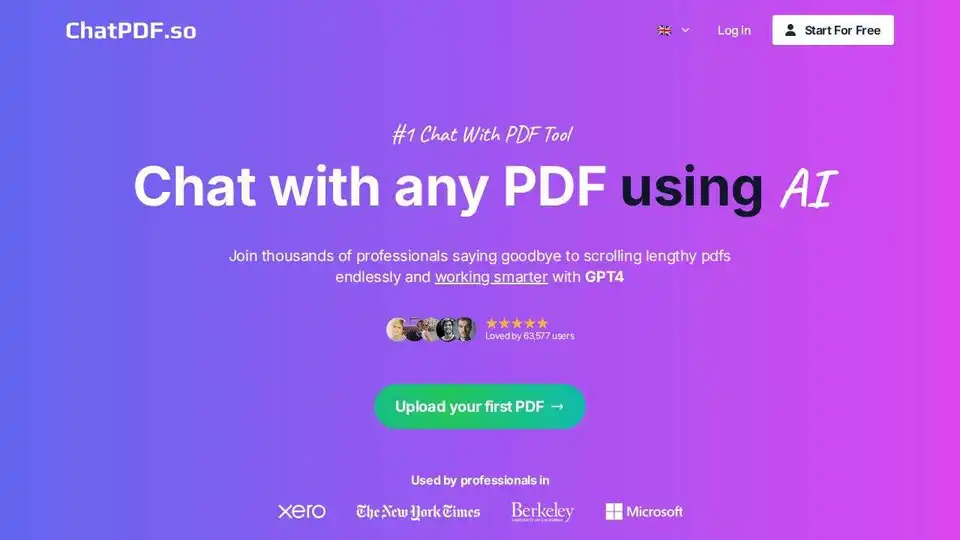
ChatPDF.so is an AI-powered tool that allows you to chat with PDF documents, ask questions, summarize content, generate reports, and even create a chatbot trained on your PDFs. Simplify your work and studies with AI.
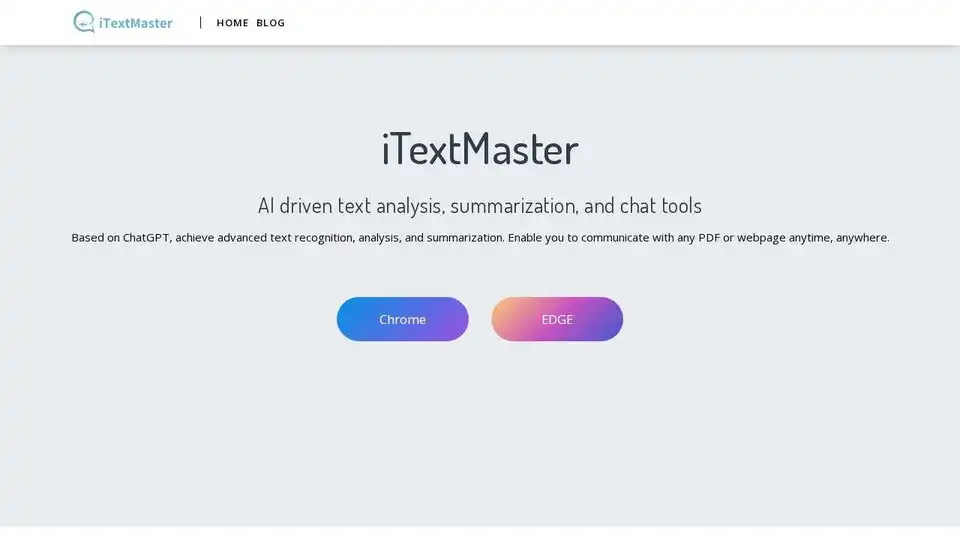
iTextMaster: AI-driven tool for advanced text analysis, summarization, and chat with PDFs and webpages using ChatGPT. Enhance document interaction and save time.
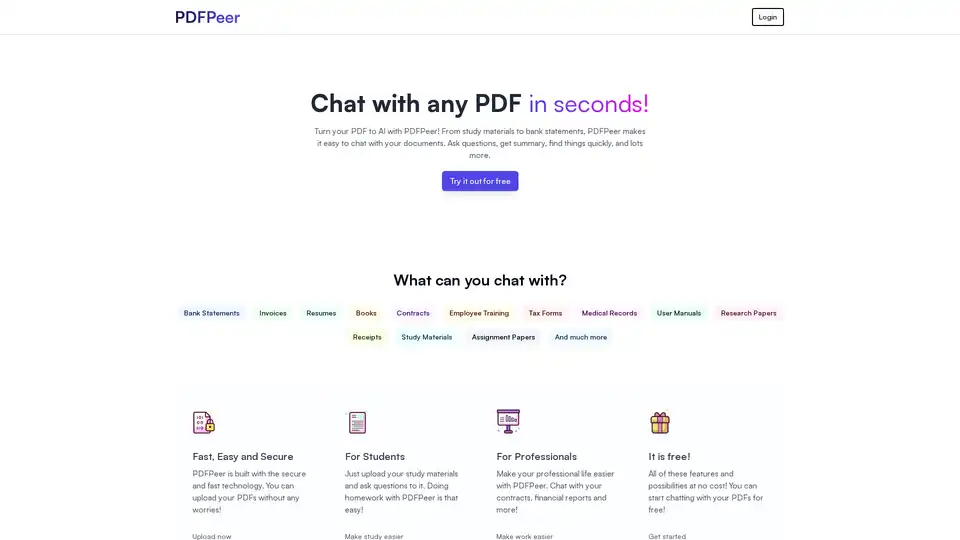
PDFPeer is an AI-powered tool that allows you to chat with your PDFs. Ask questions, summarize documents, and find information quickly. It supports various document types, including bank statements, resumes, and research papers.
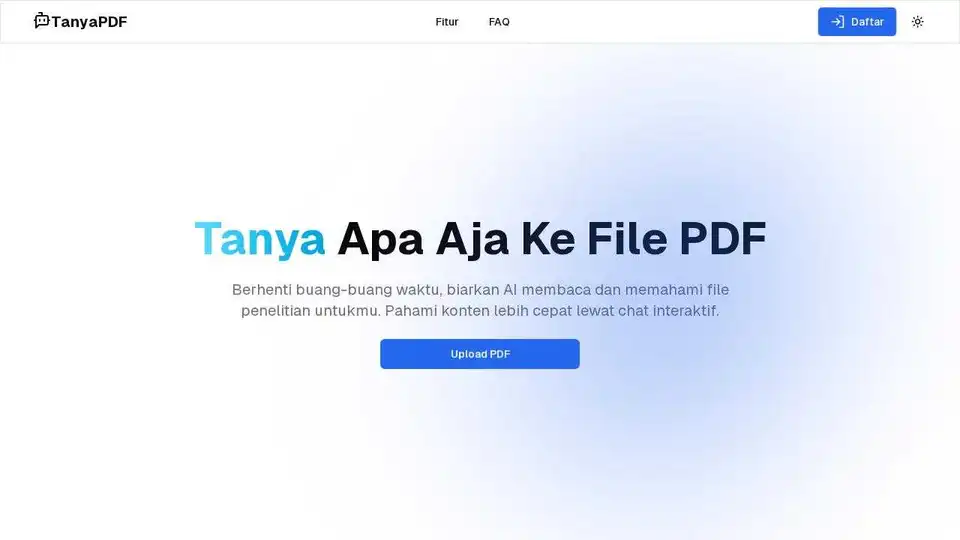
TanyaPDF uses AI to efficiently read research papers, learning materials, and legal agreements. Ask questions, get summaries, find information, and more with this AI-powered PDF tool.
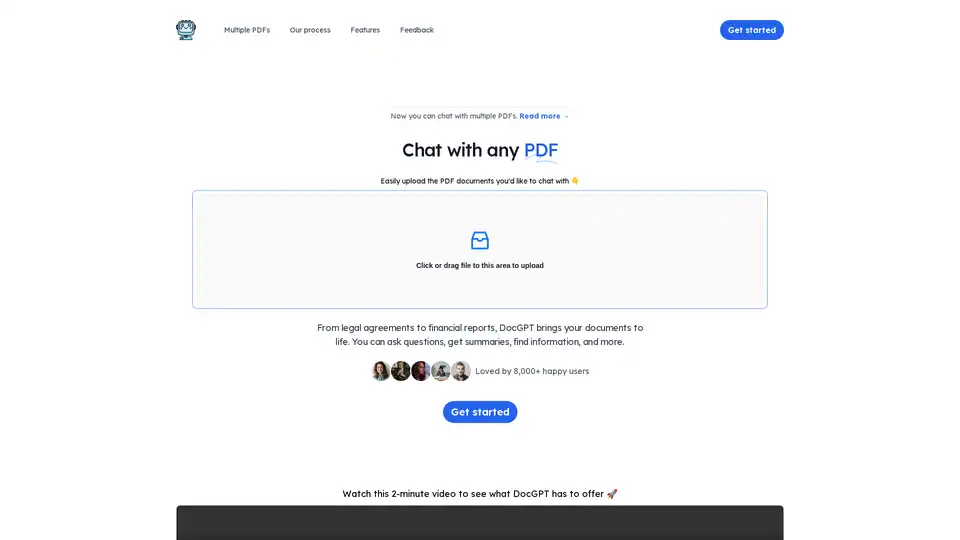
DocGPT lets you chat with your PDFs! Upload documents to ask questions, get summaries, and find information instantly. Ideal for legal, financial, and training materials. Uses GPT-4 technology.
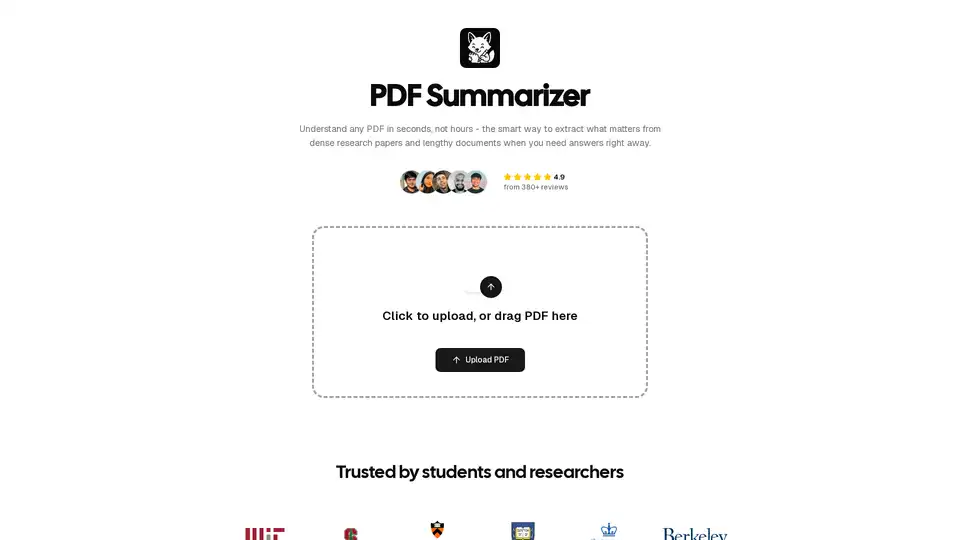
PDF Summarizer uses AI to quickly extract key information from PDFs. Summarize research papers and documents in seconds, saving you hours of reading. Trusted by students and researchers.
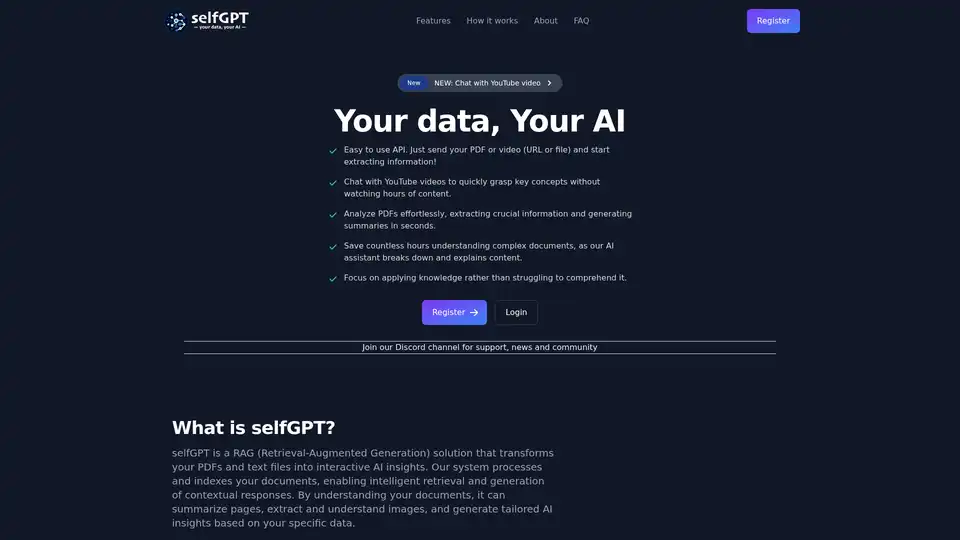
Transform your files into AI insights with selfGPT. Analyze PDFs, extract key info from text and images, and chat with YouTube videos for quick summaries and tailored responses.
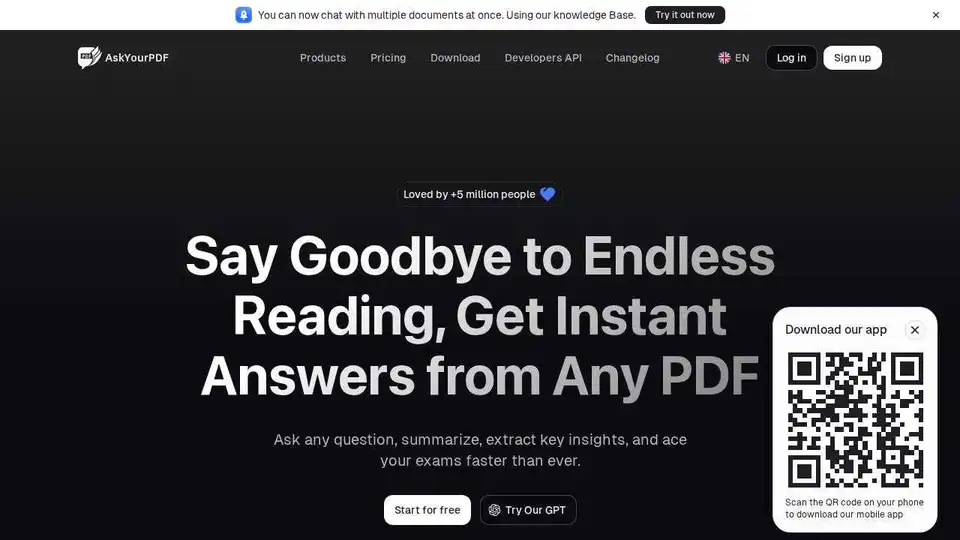
AskYourPDF is an AI-powered chat app for PDF interaction, enabling users to summarize, analyze, and manage documents effortlessly. Integrates with Zotero & ChatGPT.
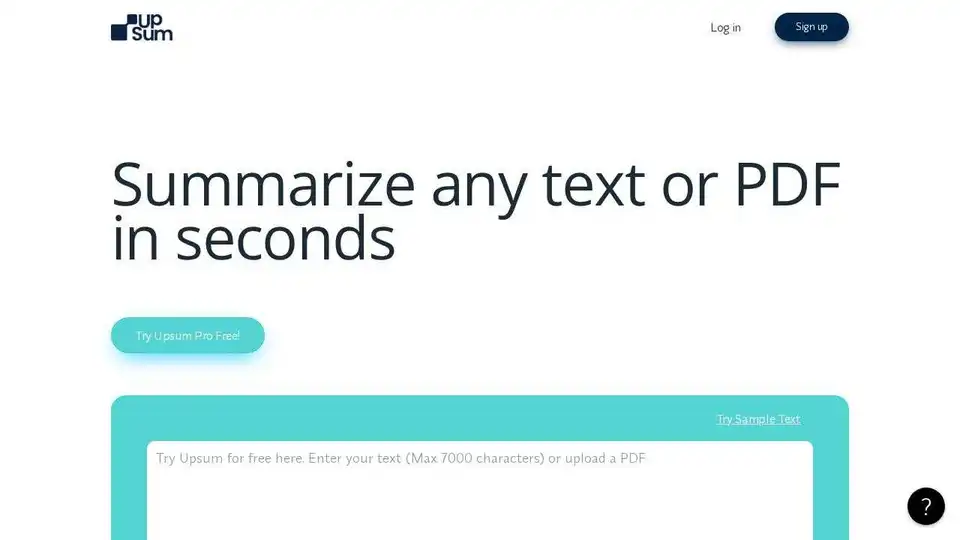
UpSum uses AI to summarize text and PDFs in seconds. Chat with PDFs, set summary style, and save time on research, reports, and more. Try it free!