
Creately
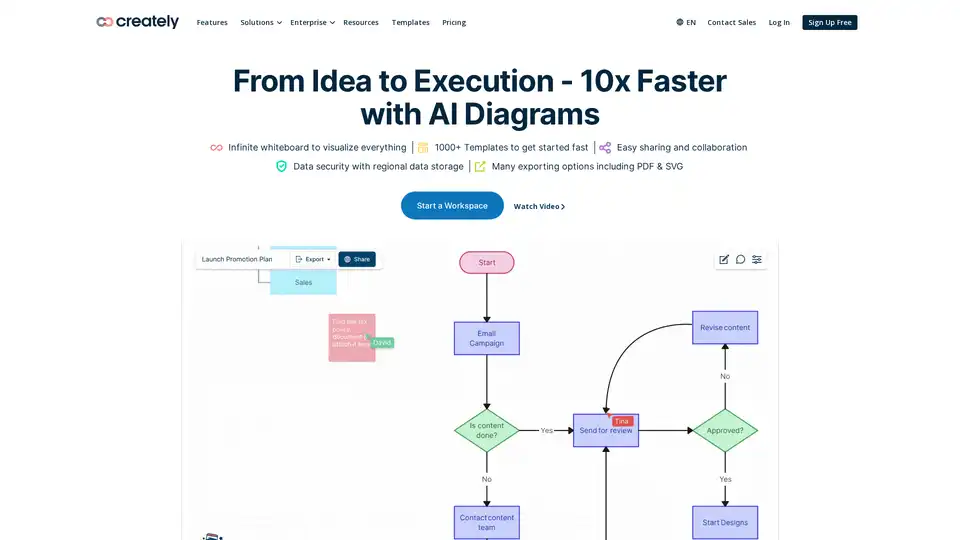
Overview of Creately
Creately: The Visual Collaboration & Diagramming Platform Powered by AI
What is Creately? Creately is a powerful visual collaboration and diagramming platform designed to help teams brainstorm, plan, and execute projects more effectively. Trusted by over 10 million users, Creately offers an intuitive interface, a vast library of templates, and AI-powered features to streamline workflows and enhance productivity.
Key Features:
- AI-Powered Diagramming: Generate customizable diagrams with simple prompts, saving time and effort in creating visuals.
- Infinite Whiteboarding: An expansive canvas to add diagrams, images, sticky notes, and more, facilitating collaborative brainstorming sessions.
- Data Connectivity: Connect ideas, people, and data on one visual platform to ship better products faster.
- Extensive Template Library: Access over 1000 templates to get started quickly with various diagrams and visual frameworks.
- Real-Time Collaboration: Work in real-time or asynchronously with others, ensuring everyone stays in sync.
- Customizable Workflows: Customize rules, formulas, and access rules without coding, tailoring the platform to specific needs.
- Enterprise-Grade Security: ISO 27001 and SOC 2 - Type 2 certified, with data residency options and uptime SLAs.
How does Creately work?
Creately works by providing a visual canvas where teams can collaborate on diagrams, mind maps, flowcharts, and more. The platform supports multiple notations and diagram types, including:
- Flowcharts
- Mind Maps
- Concept Maps
- ER Diagrams
- Wireframes
- BPMN Flows
- Org Charts
- Cloud Architecture Diagrams
- SWOT Analysis
- UML Diagrams
- Genograms
Creately also integrates with popular tools like Confluence, Microsoft Teams, and Slack, allowing users to bring data from other apps and visualize it within Creately. The platform's AI features, such as AI Diagram Generator, make it easy to create diagrams from simple prompts, further enhancing productivity.
Why choose Creately?
- Enhanced Collaboration: Facilitates seamless collaboration with real-time editing and commenting features.
- Increased Productivity: AI-powered diagramming and automation tools streamline workflows and reduce manual effort.
- Improved Knowledge Discovery: Connects tasks, wikis, and resources in one place, improving access to information.
- Customizable Solutions: Tailors to specific needs with customizable workflows and role-based data access rules.
- Secure Environment: Provides enterprise-grade security with ISO 27001 and SOC 2 - Type 2 certifications.
Who is Creately for?
Creately is ideal for a wide range of professionals and teams, including:
- Product Managers
- Software Developers
- IT Professionals
- HR Teams
- Marketing and Sales Teams
- Project Managers
- Educators and Students
Best way to use Creately?
To get the most out of Creately, consider these tips:
- Start with Templates: Use the extensive template library to quickly create diagrams and frameworks.
- Leverage AI Features: Utilize AI Diagram Generator to create visuals from simple prompts.
- Integrate with Other Tools: Connect Creately with other apps to centralize data and workflows.
- Customize Workflows: Tailor the platform to specific needs with customizable rules and access settings.
- Collaborate in Real-Time: Work with team members in real-time to ensure everyone stays on the same page.
By following these tips, teams can harness the full power of Creately to enhance collaboration, boost productivity, and achieve their goals more efficiently.
AI Task and Project Management AI Document Summarization and Reading AI Smart Search AI Data Analysis Automated Workflow
Best Alternative Tools to "Creately"
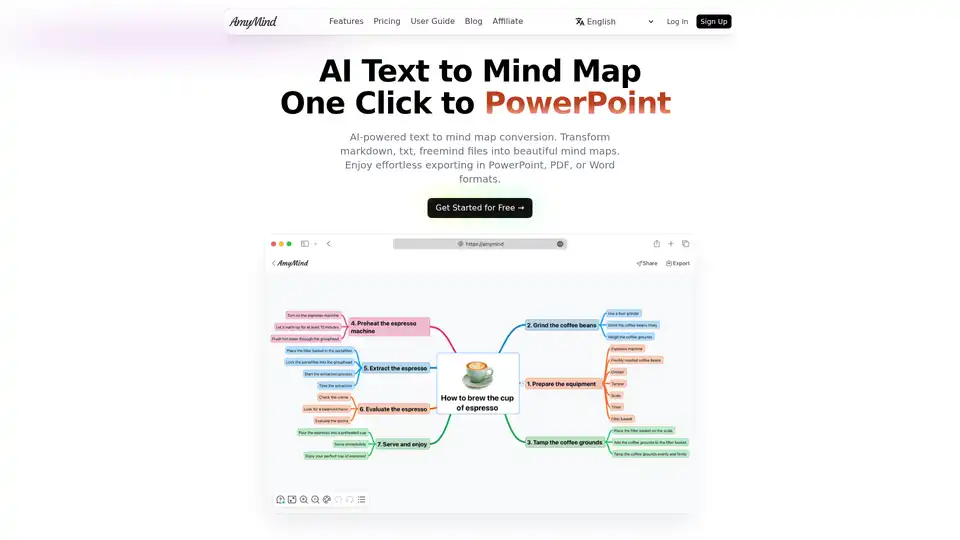
Transform text, markdown and documents into beautiful mind maps with AI. Free AI-powered mind mapping tool with intelligent assistance. Export to PowerPoint, PDF & Word. Simple yet powerful AI mind map maker for better thinking and learning.
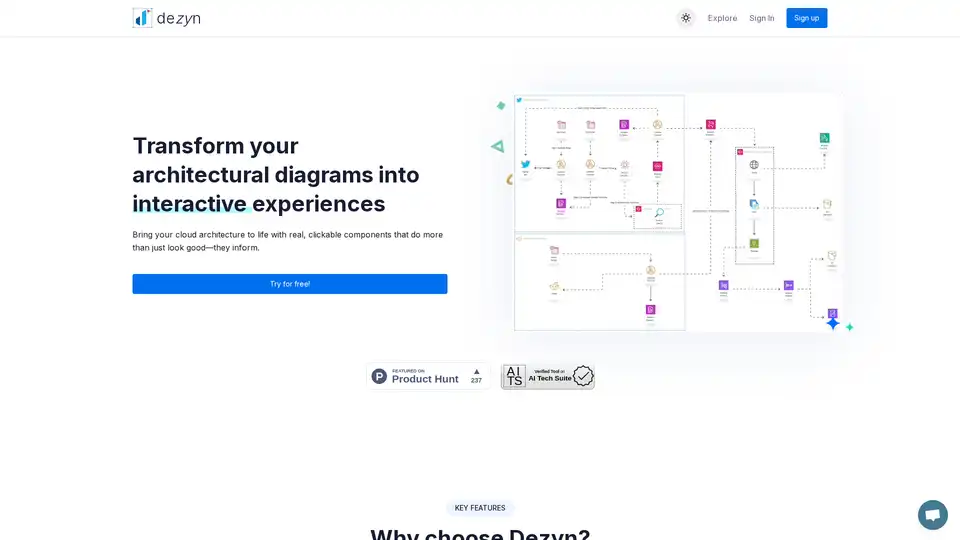
Dezyn revolutionizes architectural diagramming with AI-powered tools, turning static visuals into interactive cloud architectures. Ideal for engineers and designers to create, collaborate, and share dynamic flowcharts effortlessly.
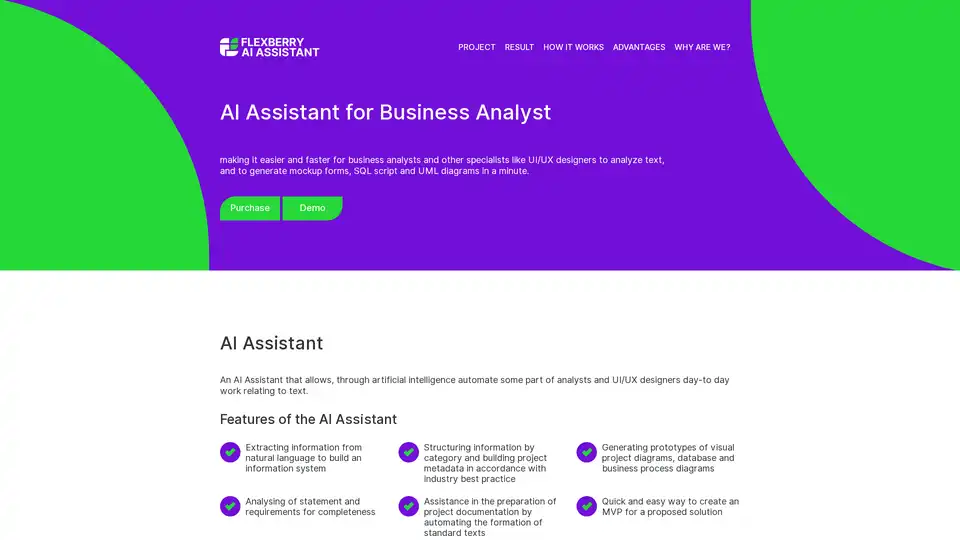
The AI Assistant simplifies tasks for business analysts and UI/UX designers by automating text analysis, generating mockup forms, SQL scripts, and UML diagrams to speed up project prototyping and documentation.
Convert any image to Draw.io instantly with AI precision. Turn screenshots, whiteboard photos, and diagram images into fully editable Draw.io files.