
Retoucher Online
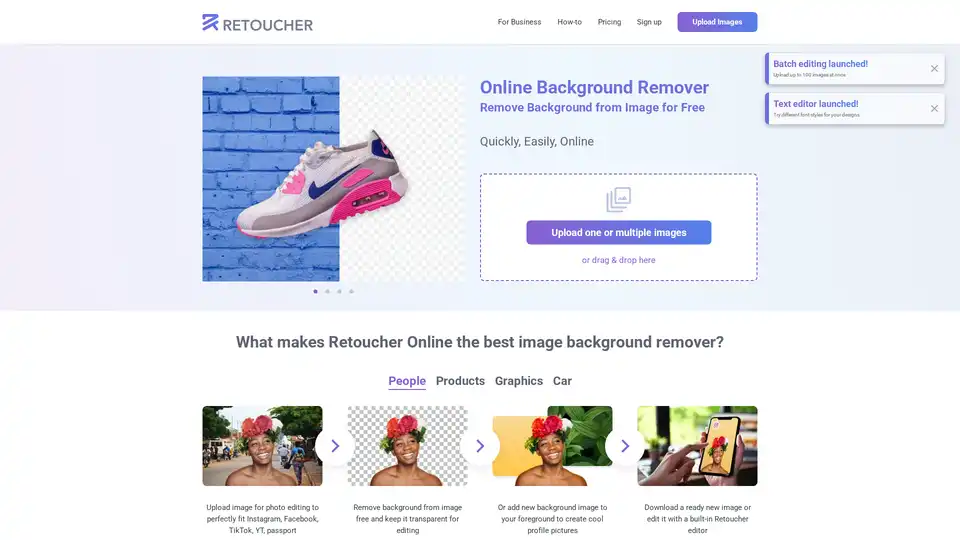
Overview of Retoucher Online
Retoucher Online: Free AI-Powered Background Remover
Retoucher Online is a free online tool that uses artificial intelligence to automatically remove backgrounds from images. It allows users to easily create transparent backgrounds, replace backgrounds with new images, or add white or custom backgrounds. This tool is designed to save time and money by eliminating the need for professional photographers, designers, or advanced photo editing software.
What is Retoucher Online?
Retoucher Online is a web-based application that offers a simple and efficient solution for removing backgrounds from images. It is particularly useful for individuals and businesses that need to create product photos for e-commerce platforms, social media content, or marketing materials. The tool is designed to be user-friendly, requiring no sign-up or account creation.
How does Retoucher Online work?
Retoucher Online utilizes AI algorithms to automatically detect and remove the background from an uploaded image. The process involves:
- Uploading an image: Users can upload images directly from their computer or use drag-and-drop functionality.
- Automatic background removal: The AI automatically identifies and removes the background, leaving the foreground object intact.
- Background customization: Users can choose to keep the background transparent, add a white background, or select a custom background image.
- Editing and downloading: The tool offers basic editing features and allows users to download the finished image in various formats (PNG, JPG).
Key Features of Retoucher Online
- Automatic Background Removal: The AI-powered tool accurately removes backgrounds from various types of images, including people, products, and graphics.
- Background Replacement: Users can replace the removed background with a solid color, a new image, or keep it transparent.
- Batch Editing: The platform supports uploading and processing multiple images simultaneously, saving time for users with large volumes of images.
- Built-in Photo Editor: Retoucher Online includes a basic photo editor for making further adjustments to the image, such as adding shadows, cropping, and changing colors.
- Marketplace Ready: The tool helps optimize product photos for various online marketplaces like Amazon, eBay, and Etsy by allowing users to meet specific requirements for image size, color, and composition.
- Free and Accessible: Retoucher Online is available for free, without requiring users to sign up or create an account.
Who is Retoucher Online for?
Retoucher Online is suitable for a wide range of users, including:
- E-commerce Businesses: Ideal for creating professional-looking product photos for online stores.
- Social Media Marketers: Useful for generating engaging content with clean and visually appealing images.
- Designers: A quick and easy solution for removing backgrounds from images for various design projects.
- Individuals: Great for creating profile pictures, editing personal photos, or making graphics for personal use.
How to use Retoucher Online?
- Upload an image: Drag and drop an image or upload it from your computer.
- Wait for the AI to process the image: The background will be automatically removed.
- Customize the background: Choose a transparent, white, or custom background.
- Edit the image: Use the built-in editor to make further adjustments.
- Download the image: Save the edited image in your preferred format.
User Cases
- Case 1: A user uploaded five toothbrush photos and generated 19 new image variants for Amazon within an hour, successfully uploading product photos with new backgrounds.
- Case 2: A user uploaded three table photos and received seven background image variants (including transparent) after 20 minutes, obtaining high-quality images without manual background removal.
- Case 3: A user uploaded 10 jewelry images and received 46 AI-generated backgrounds, including a transparent one, for an online store in 23 minutes.
Why choose Retoucher Online?
- Cost-Effective: Eliminates the need for expensive software or professional services.
- Time-Saving: Quickly removes backgrounds in a matter of seconds or minutes.
- User-Friendly: Simple and intuitive interface, requiring no special skills or training.
- Versatile: Suitable for various applications, from e-commerce to social media.
Retoucher Online provides a valuable tool for anyone looking to quickly and easily remove or replace backgrounds from images. Its AI-powered technology, batch editing capabilities, and built-in photo editor make it a convenient and efficient solution for both personal and professional use. Whether you're an e-commerce business, social media marketer, or individual user, Retoucher Online offers a free and accessible way to enhance your images.
Best Alternative Tools to "Retoucher Online"
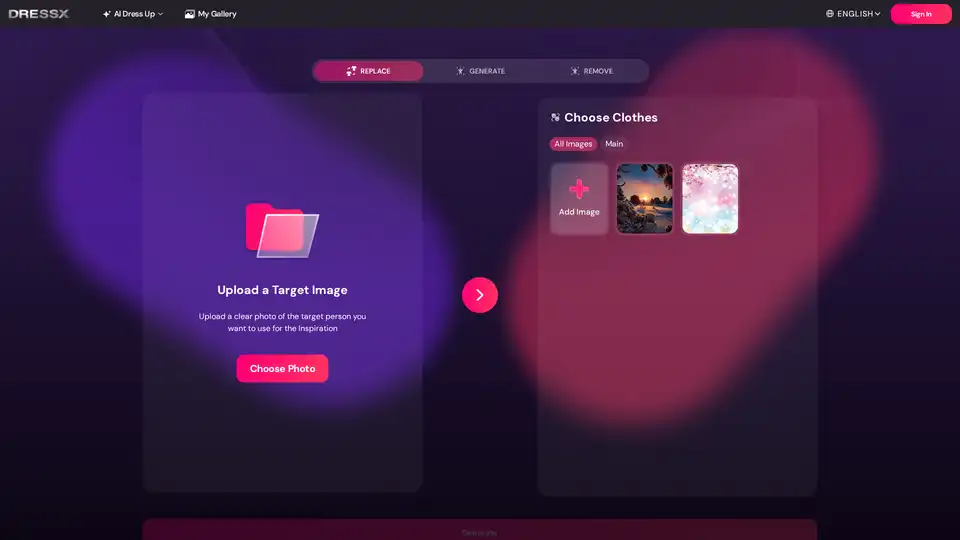
Easily change or remove image backgrounds with DRESSXME's free AI background remover. Perfect for portraits, product photos, and social media content. No editing skills required.
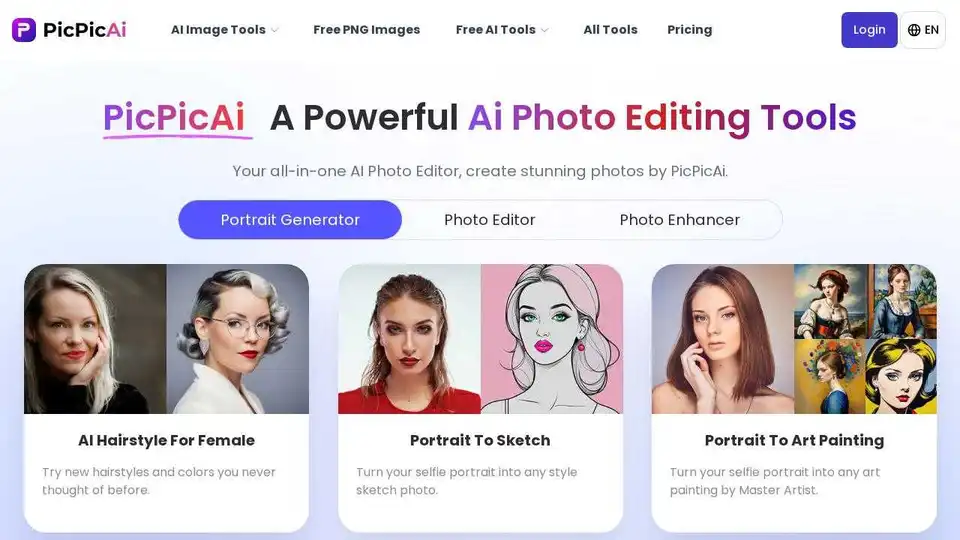
PicPicAI offers AI photo enhancement, background removal, portrait editing, and AI art generation. Edit photos online quickly with high-quality results.
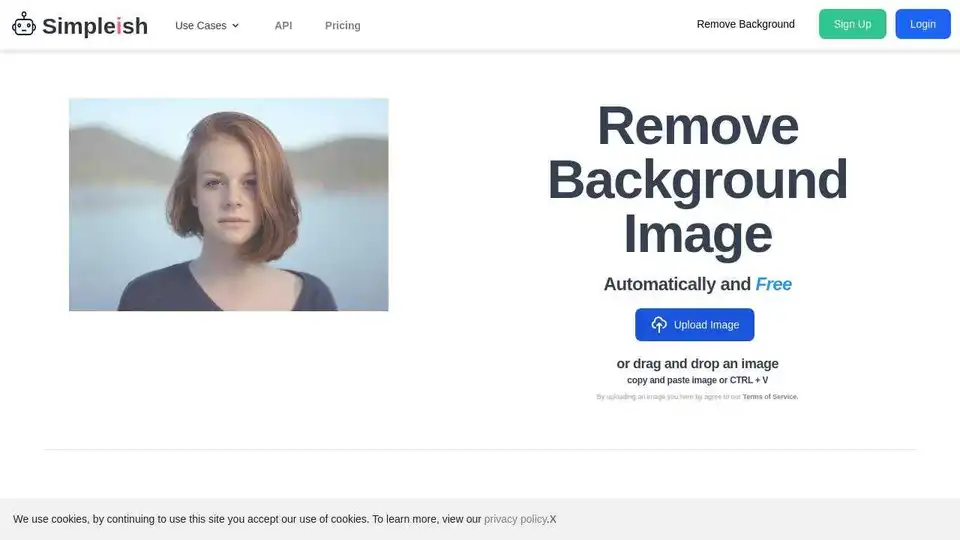
Remove image backgrounds automatically and for free with Simpleish.io. Instantly detect the subject from any photo using AI and get a smooth & clear cutout in 5 seconds. Perfect for personal use, e-commerce, marketing, and more.
Pixelcut is a free AI photo editor that simplifies image editing, background removal, upscaling, and video generation. Trusted by over 50 million creators, it offers powerful tools for professional results in minutes.
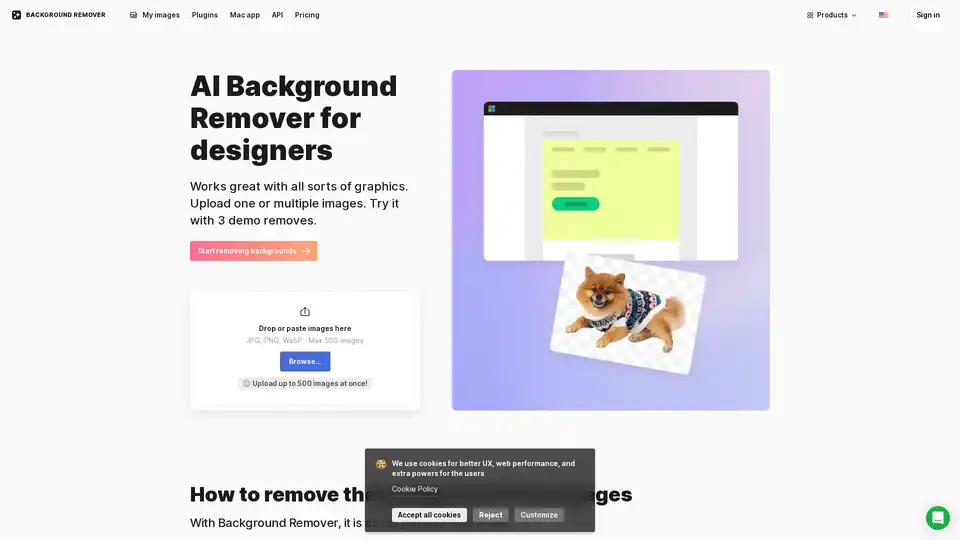
AI Background Remover is an online tool that automatically removes backgrounds from images using artificial intelligence. It supports various image types including logos, portraits, and product photos, providing precise background removal with transparent or custom background options.
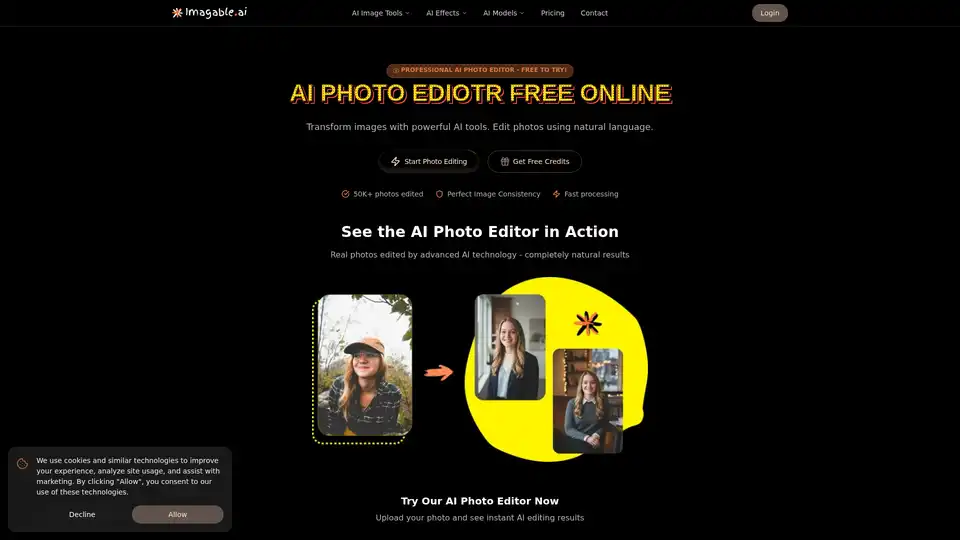
Imagable is a free online AI photo editor that transforms images using natural language commands. It offers professional editing features including character consistency, precision editing, text integration, and style transfer.

Photoroom is an AI photo editor to remove background, change background and create product pictures. Perfect for individuals, brands, and enterprises.
Remaker AI offers AI-driven image editing tools for upscaling images, removing backgrounds, and more. Simplify your editing process with cutting-edge AI technology.
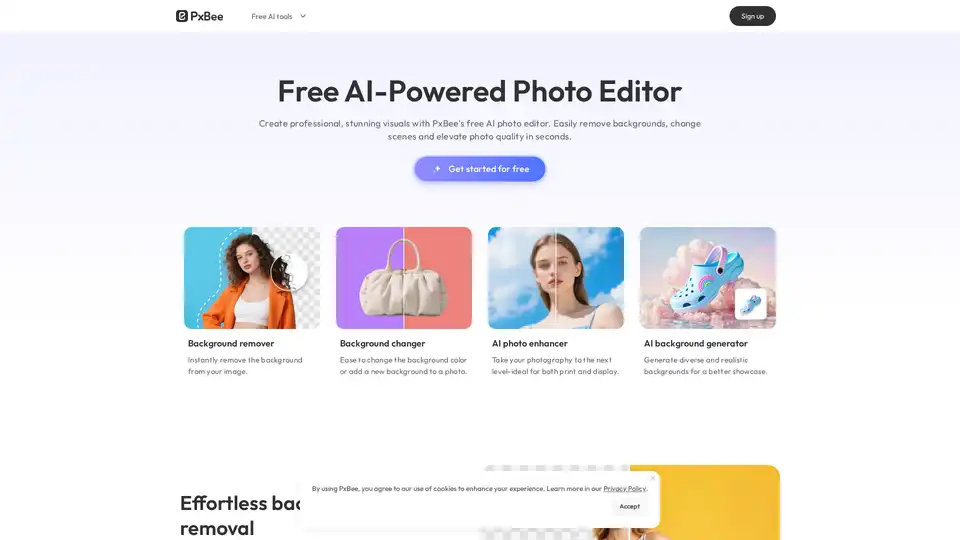
PxBee is a free AI-powered photo editor that lets you create studio-quality images in seconds. Effortlessly remove and change backgrounds, enhance resolution with AI.
Foto AI is an AI-powered tool to automatically remove image backgrounds online for free. Get transparent backgrounds or replace them with new ones in seconds with one click.
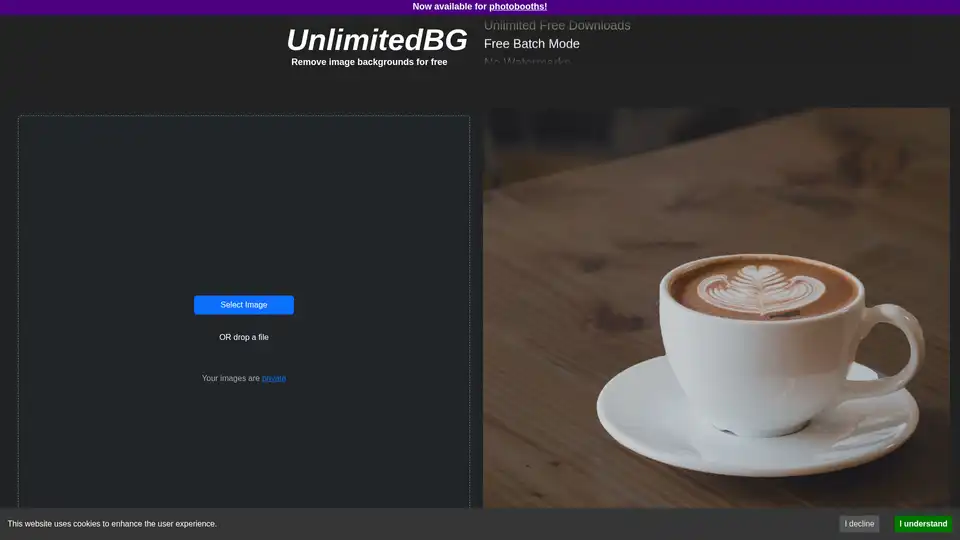
UnlimitedBG is a free AI tool for automatic image background removal. It offers unlimited image size, free downloads, batch mode, and no watermarks, signup, or credit card needed.
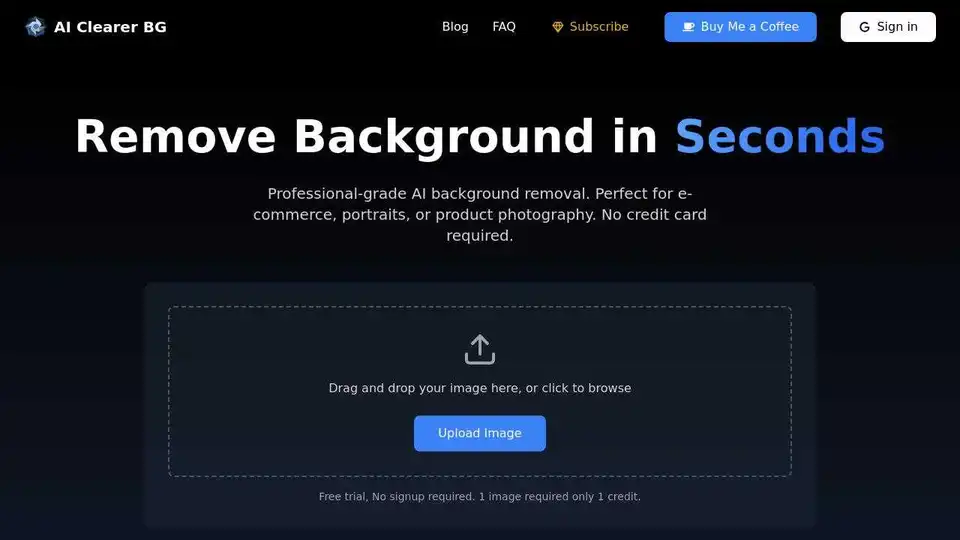
Remove image backgrounds automatically in seconds with AI at bgclearer.com. Perfect for e-commerce, portraits, and product photography. Try it free!
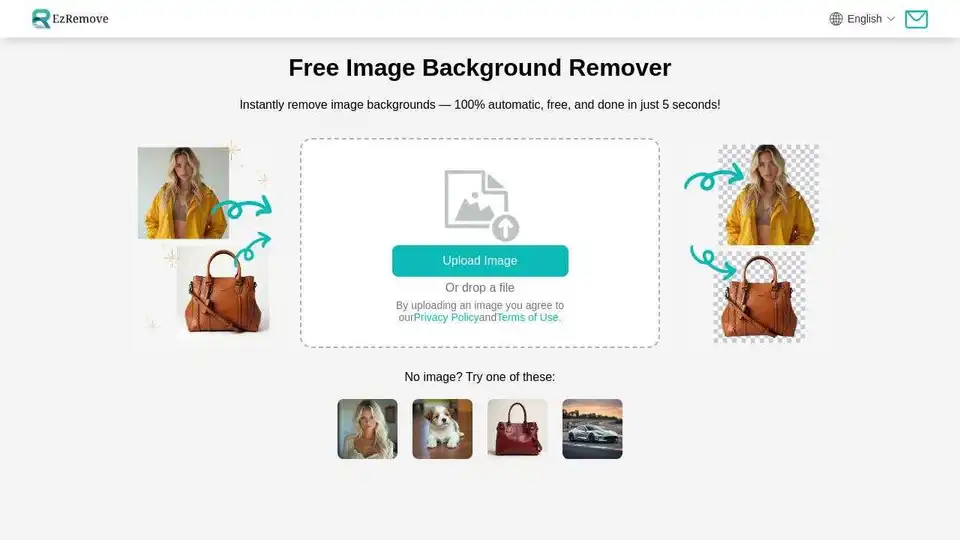
Easily remove image backgrounds with AI in seconds. Create transparent backgrounds, edit photos, and make background PNG online for free. Perfect for designers and photographers.
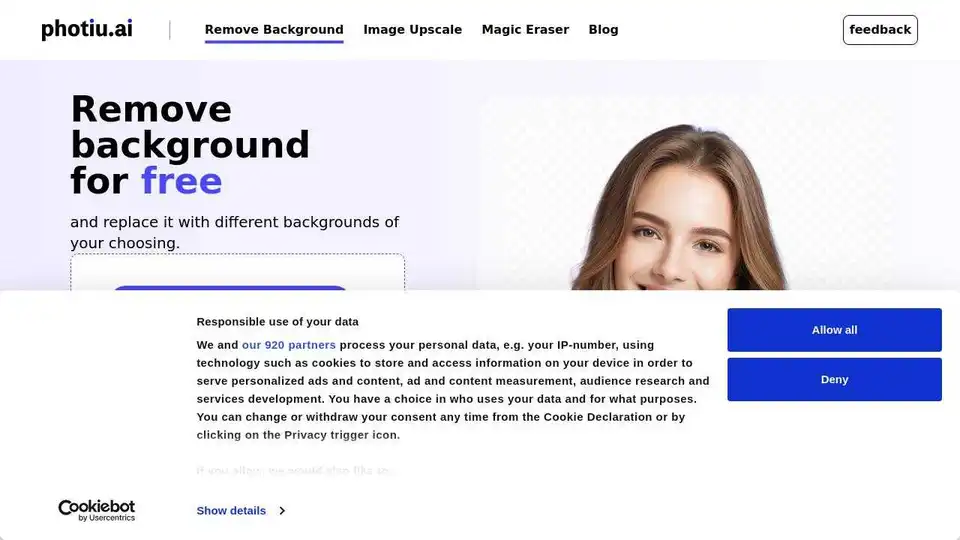
Discover Photiu.ai's AI tools: remove backgrounds, upscale images, and erase unwanted objects online quickly and for free. Achieve stunning photo edits online with AI.