
Superjoin
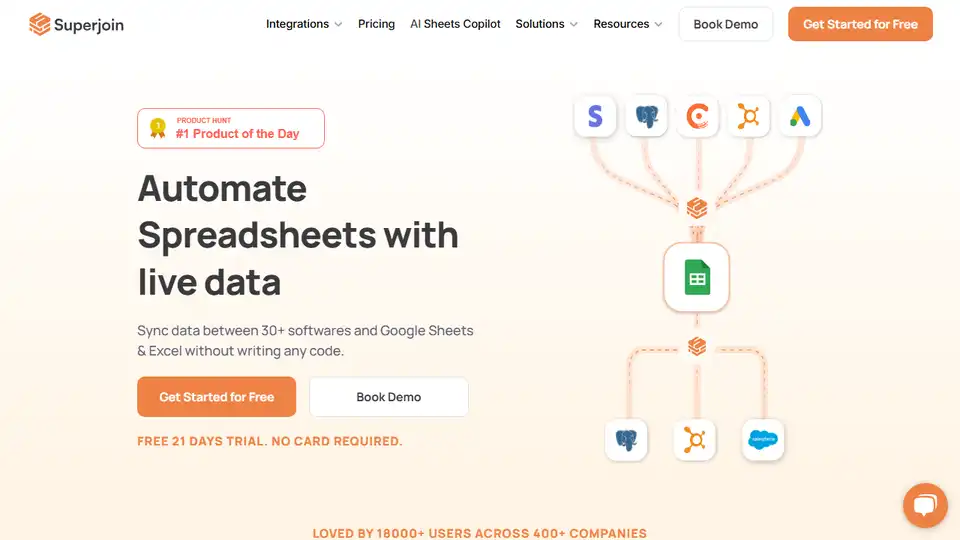
Overview of Superjoin
Superjoin: Your AI Assistant for Google Sheets
What is Superjoin? Superjoin is an AI-powered assistant for Google Sheets designed to automate your spreadsheet workflows and boost productivity by 10X. It helps you eliminate manual grunt work, connect to multiple data sources, and perform complex tasks with ease.
Key Features:
- Data Connector: Connect to 30+ data sources, ditching CSVs and getting fresh data on sheets automatically.
- Auto-Refreshes: Set up schedules to automatically update Google Sheets with the latest data.
- Agent Mode: Superjoin's agent mode completes tasks end-to-end, from cleaning data to generating charts.
- Error Detection: Detects and fixes formula or script issues as they happen.
- Instant Charts & Pivots: Instantly creates charts and pivot tables that match your data.
- AI-Powered Formulas: Use natural language to clean, reformat, or reorganize data without complex formulas.
- Two-Way Sync: Push data back to systems from Google Sheets.
- Smart Workflows: Send report screenshots to Slack & Email from Google Sheets.
How to use Superjoin?
- Connect Data Sources: Easily connect to various data sources like Chargebee, PostgreSQL, LinkedIn Ads, Meta Ads, MySQL, Stripe, Hubspot, Salesforce, and Google Analytics.
- Automate Data Pulls: Set up automatic data refreshes to keep your sheets updated.
- Use AI for Actions: Use the
=SUPERGPTfunction to apply AI row by row for tasks like summarizing, translating, and sentiment analysis. - Create Visualizations: Instantly generate charts and pivot tables with AI.
- Set up Workflows: Automate tasks like sending report screenshots via Slack and email.
Why is Superjoin Important?
Superjoin is essential for anyone who spends significant time working with Google Sheets. It automates tedious tasks, reduces manual effort, and provides powerful AI-driven capabilities to enhance data analysis and decision-making.
Testimonials:
- WayLeadr: "Saves us a lot of time. Superjoin refreshes all the data dynamically, also gives us a real-time view of the data, and cuts down on any dependency."
- Pathfnder.io: "You’re a game-changer! We highly recommend Superjoin to anyone seeking to automate data, streamline processes, and empower data-driven decision-making."
- Aspire: "Superjoin is a fantastic tool. I would highly recommend it to anyone managing reporting out of spreadsheets, especially for companies that do not have a data engineer or data warehouse."
Where can I use Superjoin?
Superjoin is perfect for a wide range of applications, including:
- Data analysis and reporting
- Marketing automation
- Sales operations
- Financial analysis
- Project management
Best way to automate Google Sheets?
The best way to automate Google Sheets is by using Superjoin. It not only connects to multiple data sources and automates data pulls but also provides AI-powered functionalities to simplify complex tasks. Start your free trial today and experience the 10X productivity boost.
Best Alternative Tools to "Superjoin"
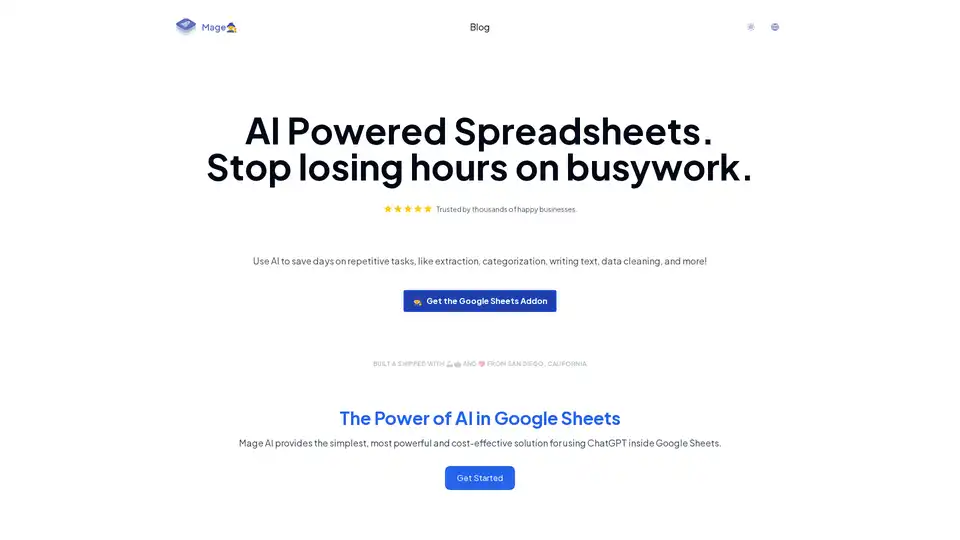
Mage AI integrates ChatGPT into Google Sheets for effortless automation of tasks like data extraction, categorization, text generation, and cleaning. Trusted by businesses, it saves hours on repetitive work and boosts productivity in marketing and content creation.
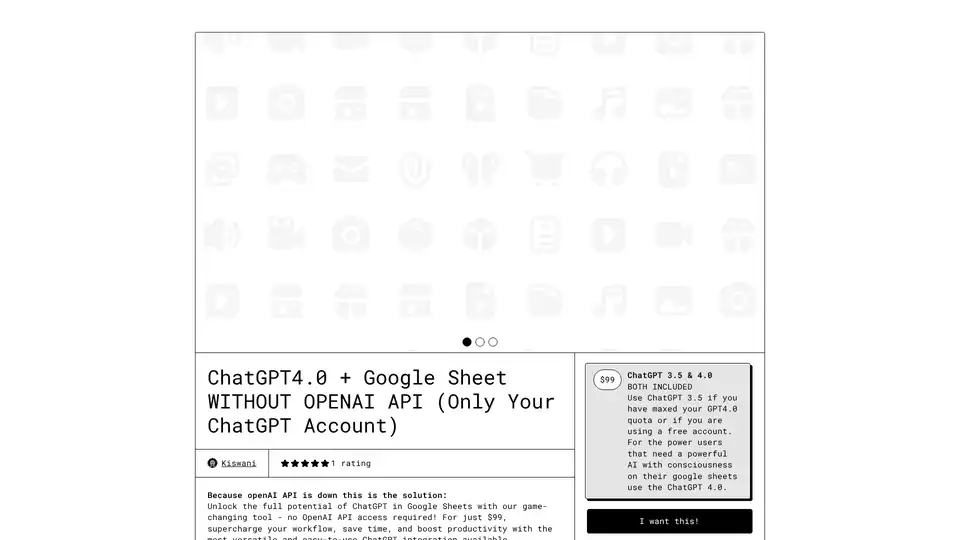
Unlock ChatGPT in Google Sheets without an OpenAI API key. Automate tasks like data cleanup, translation, and summarization for just $99. Enhance your workflow now!
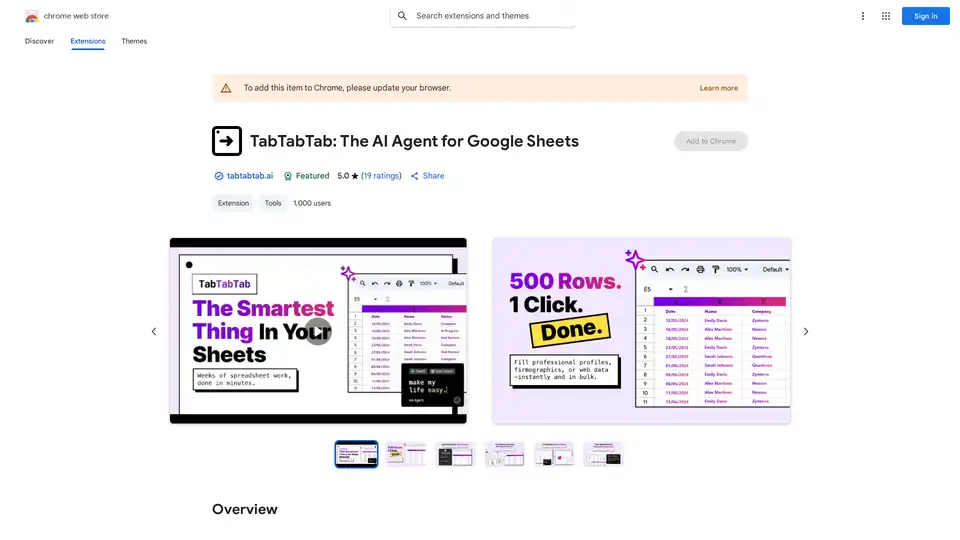
Automate data tasks in Google Sheets with TabTabTab, the AI agent that enriches data, scrapes the web, cleans tables, and builds financial models using natural language.
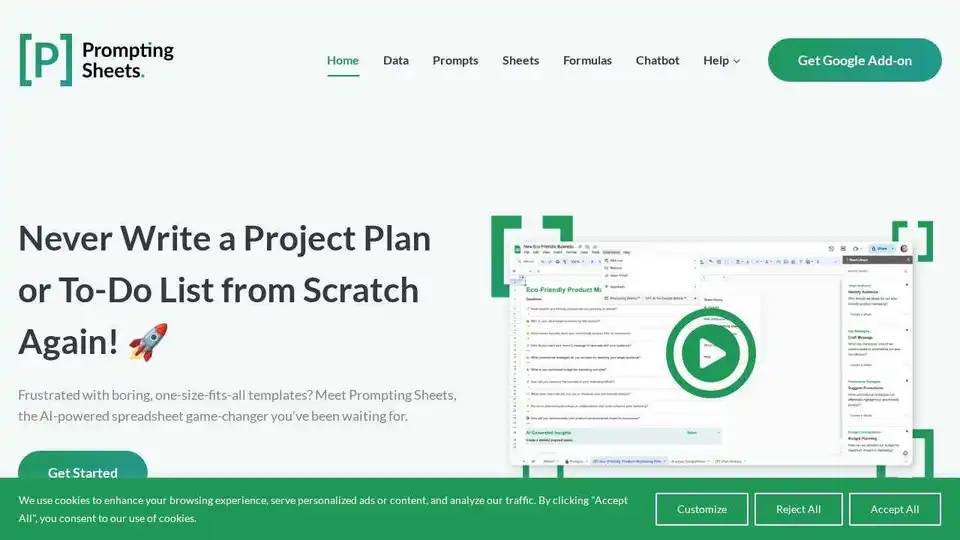
Prompting Sheets is an AI-powered Google Sheets add-on that generates tailored project plans and to-do lists, automating tasks and boosting productivity.

Simular AI delivers open-source intelligent agents that automate computer tasks, streamline workflows, and enhance productivity across desktop, browser, and mobile environments.
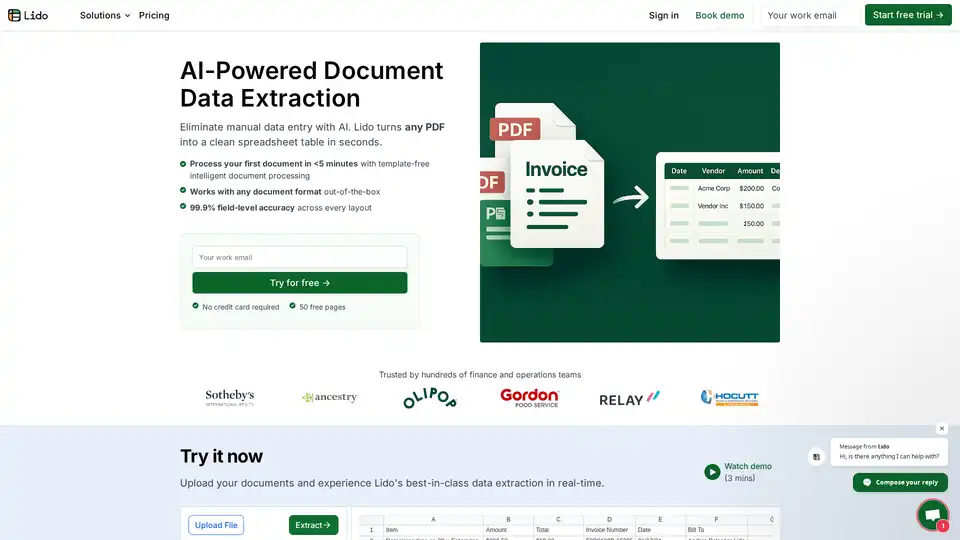
Lido is the leading AI-powered tool for fast and accurate data extraction from PDFs, invoices, and documents to Excel. Eliminate manual entry with 99.9% accuracy, supporting scanned files and various formats—no training required.
Automate web browser actions with GoLess! No-code web automation tools simplify tasks, scrape data, automate forms, and integrate ChatGPT. Try it free!

Ask Steve is a browser extension that provides AI agents to automate tasks across websites. It allows users to draft emails, extract data, connect to services, and customize AI workflows, saving time and boosting productivity.
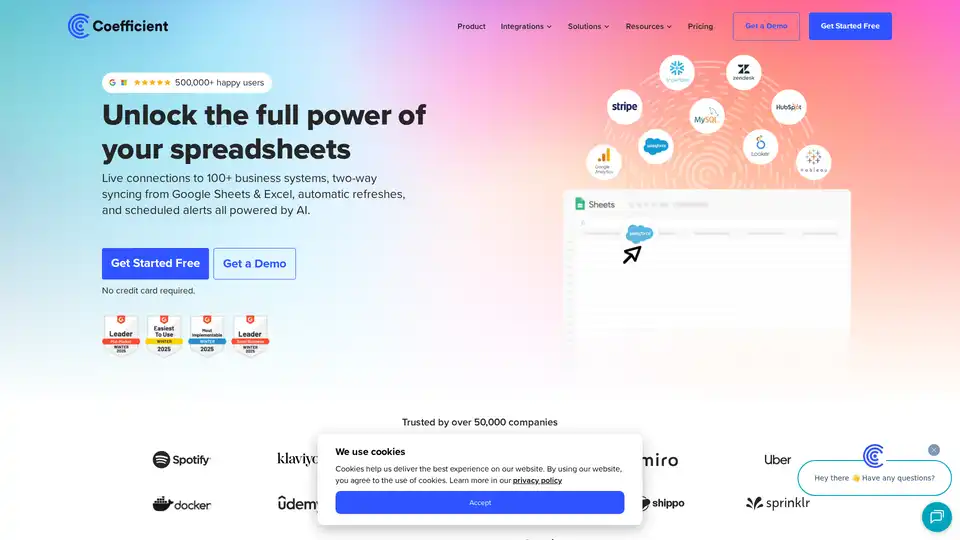
Coefficient connects Google Sheets & Excel to 100+ business systems, enabling live data syncing, automated refreshes, and AI-powered insights for streamlined reporting and data analysis.
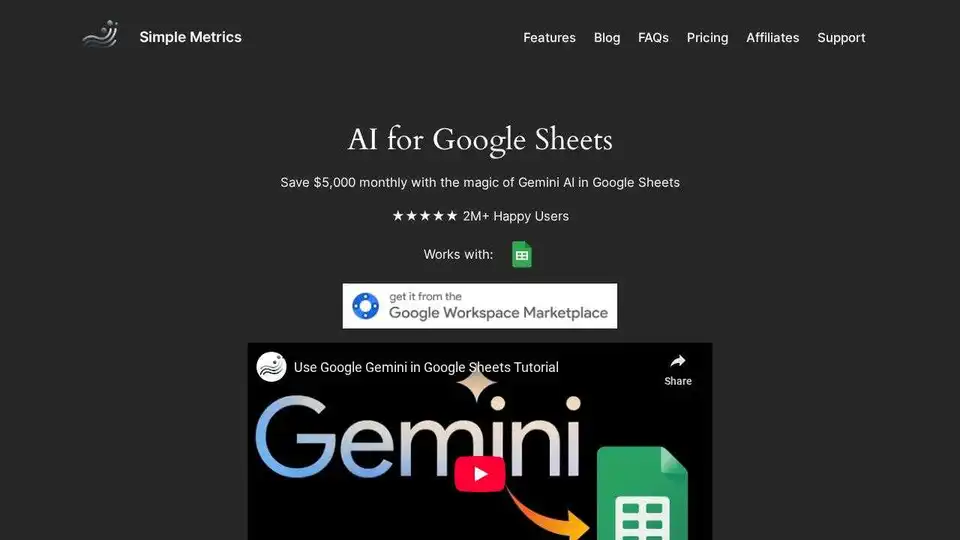
Boost Google Sheets with AI. Generate text with =GEMINI, analyze images with =VISION, search with =AISEARCH. Automate tasks, save time, and get more done with AI for Sheets.
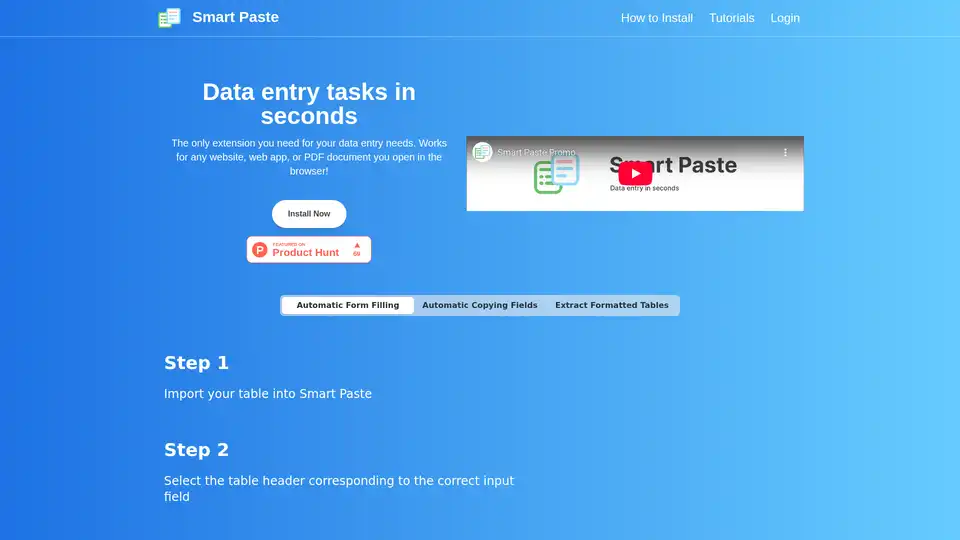
Smart Paste is a browser extension that automates data entry tasks by extracting tables from websites/PDFs and transferring data between web forms and spreadsheets, saving hours of manual work.
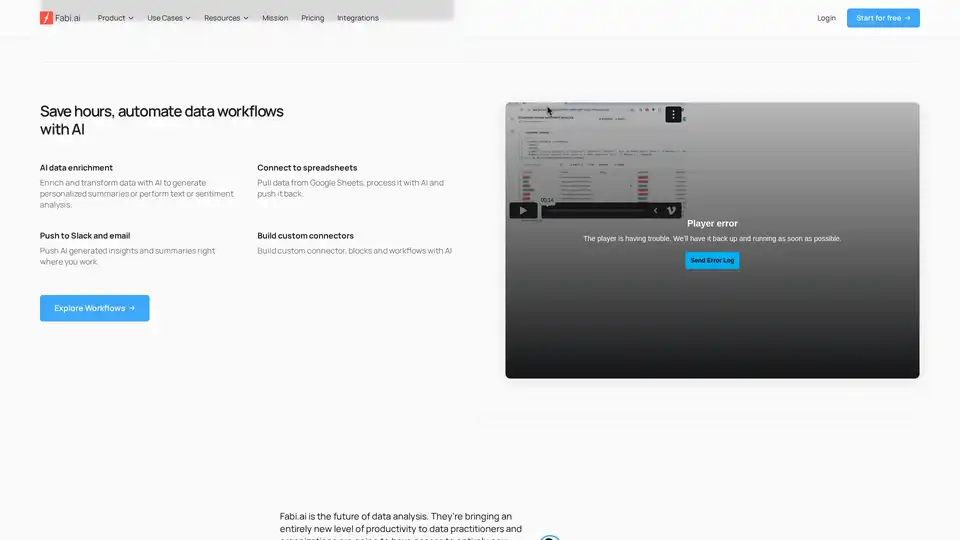
Transform complex data analysis with Fabi.ai's all-in-one AI platform. Combine SQL, Python, and AI automation for faster insights, dashboards, and workflows from your data sources like Google Sheets and warehouses.

Discover SheetGPT, the simplest way to embed OpenAI's GPT for text and image generation directly in Google Sheets. Boost productivity with AI-powered content creation, SEO tools, and data summarization—no API keys required.
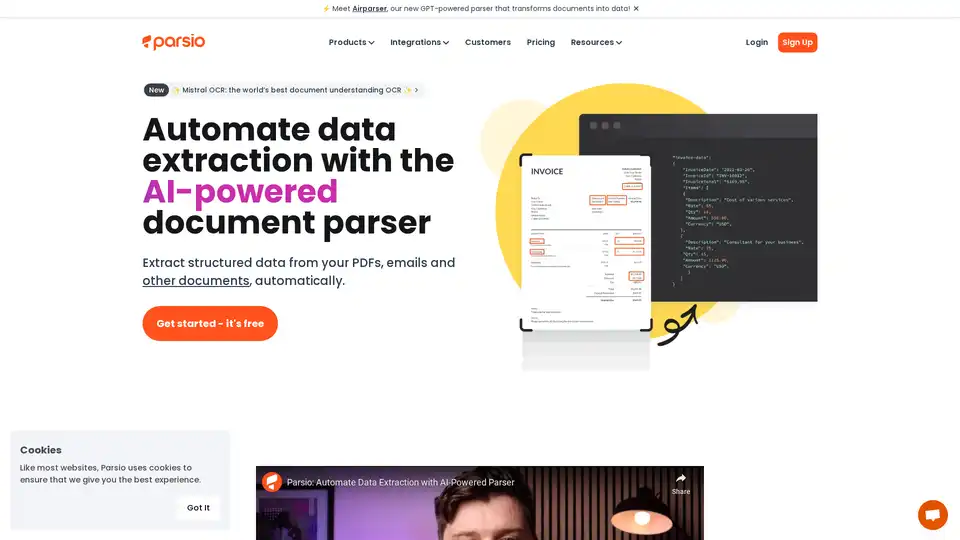
Parsio is an AI-powered document parser that automates data extraction from emails, PDFs, and various document types. It integrates with popular tools like Google Sheets, Slack, and QuickBooks to streamline workflows.
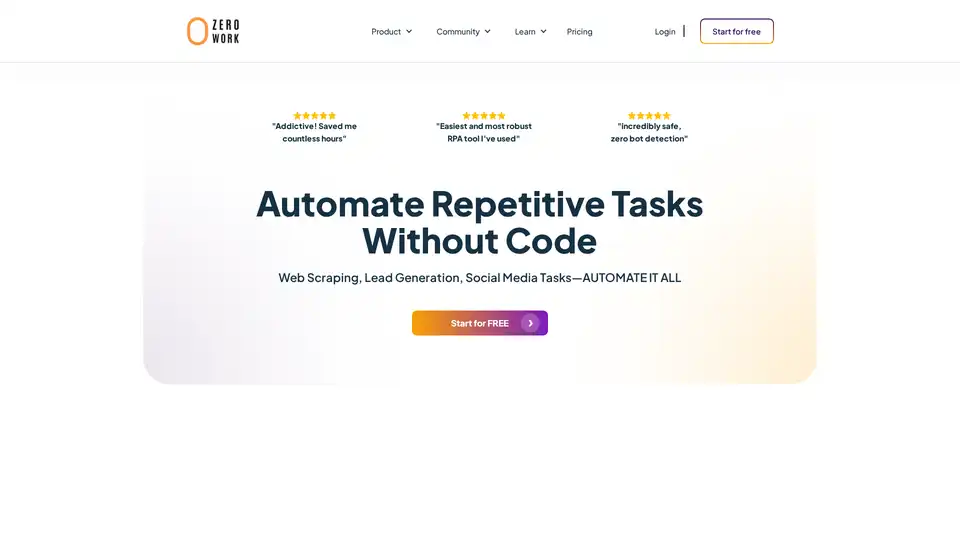
ZeroWork is a user-friendly no-code RPA tool that automates web scraping, lead generation, and social media tasks with built-in AI features. Bypass bots, enrich data, and scale operations effortlessly to save hours daily.