
Muddy
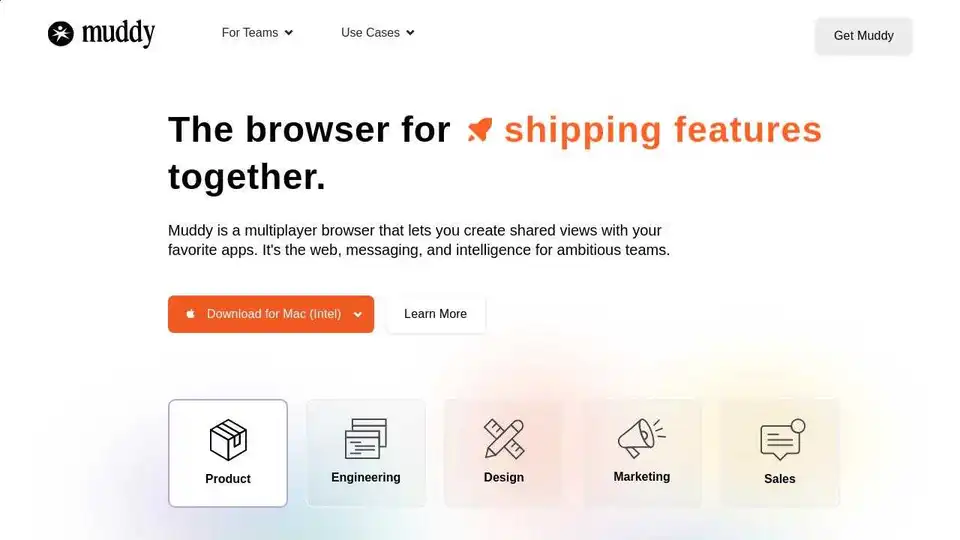
Overview of Muddy
Muddy: The Multiplayer Browser for Teams
What is Muddy? Muddy is a new kind of browser designed for team collaboration. It integrates web browsing, messaging, and AI to streamline workflows. It allows teams to create shared views with their favorite apps, making it easier to ship features together.
How does Muddy work? Muddy uses AI to categorize tabs and create a shared workspace tailored to your needs. It also offers features like:
- Infinite Rewind: Quickly scrub through apps, files, and conversations.
- Universal Commenting: Highlight, click, and send comments across apps and sites.
- Team Presence: See what everyone else is working on and join them with one click.
- AI Assistance: Muddy learns from your apps and conversations to answer questions and provide real-time assistance.
Why use Muddy? Muddy helps teams stay organized, communicate effectively, and collaborate seamlessly. It eliminates the mess of juggling multiple apps and files, making it easier to focus on shipping features.
Key Features
- Shared Workspace: AI-powered categorization of tabs for easy organization.
- Infinite Rewind: Quickly access past apps, files, and conversations.
- Universal Commenting: Communicate across apps and sites in one place.
- Team Presence: See what teammates are working on in real-time.
- AI Assistance: Get answers and assistance based on your apps and conversations.
User Reviews
Users are excited about Muddy's potential to revolutionize team collaboration. They praise its refreshing interface, usefulness, and talented team behind it.
FAQs
- Does Muddy replace Chrome? Muddy can be used as your default browser for work, and it's easy to import your history, passwords, and logins.
- Can I use Muddy by myself? Yes, Muddy is powerful for individuals too, allowing you to build out a workspace before sharing with others.
- Do I have to connect my apps to use Muddy's AI? No setup is required; Muddy's AI can start browsing the web to answer questions.
- What apps does Muddy support? Anything that works inside your browser, including Chrome extensions.
- How does Muddy manage my privacy? Cookies and passwords are stored locally.
- Does opening all those apps make my computer slow? Muddy optimizes memory and battery life by hibernating old tabs.
Download Muddy
Muddy is available for Mac, Windows, iOS, and Android. Get started for free with your entire team!
Best Alternative Tools to "Muddy"
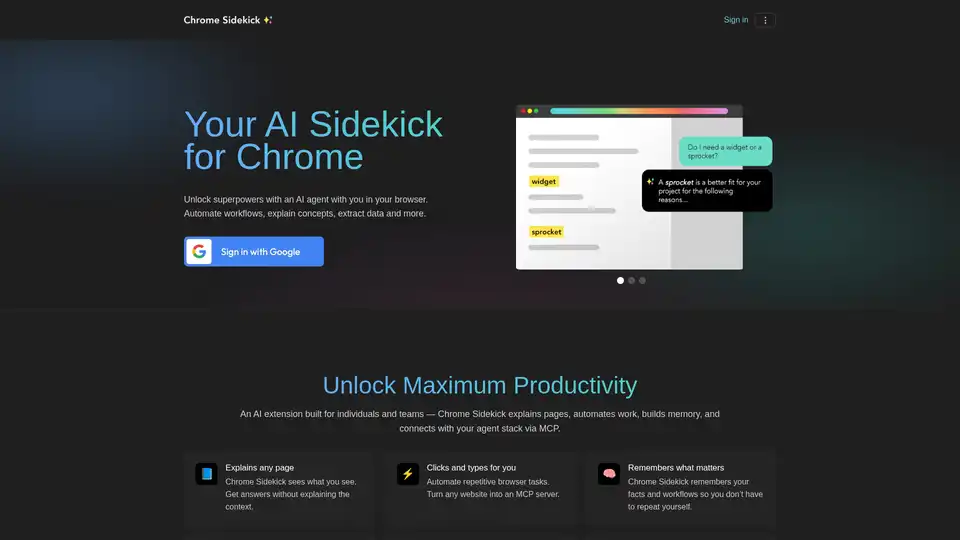
Chrome Sidekick is an AI-powered Chrome extension that automates browser tasks, explains web pages, and remembers important information. Built for individuals and teams to boost productivity.

Hiyllo Work is an all-in-one online platform for team communication and collaboration, featuring chat, task management, video meetings, file storage, and more. Try it free for 4 weeks!
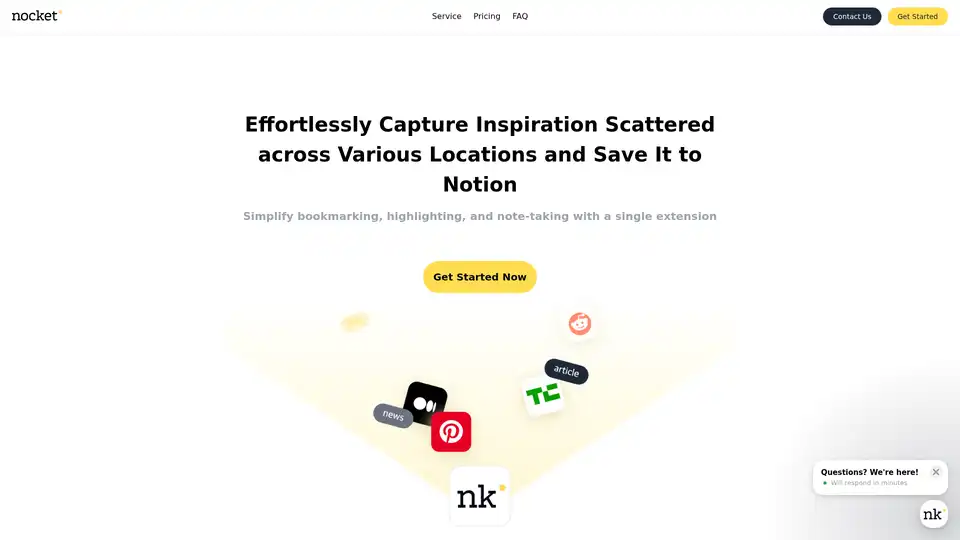
Nocket.io is a Chrome extension for effortless web inspiration capture: bookmark pages, highlight text, take notes, rate content, and integrate AI summaries (web & YouTube) seamlessly with Notion. Plans from free to lifetime.
Discover Q, the official ChatGPT integration for Slack. Boost team productivity with AI-powered chats, URL/file reading, custom instructions, and secure workflows. Free 14-day trial available.
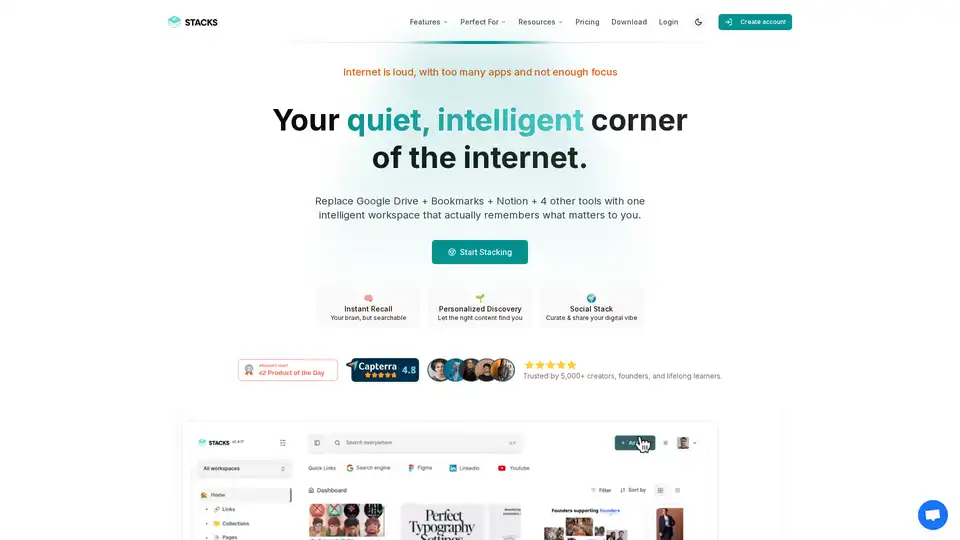
Stacks is an AI-powered workspace that combines bookmarking, note-taking, and file management. It helps users organize their digital information, discover connections, and share their insights with others.
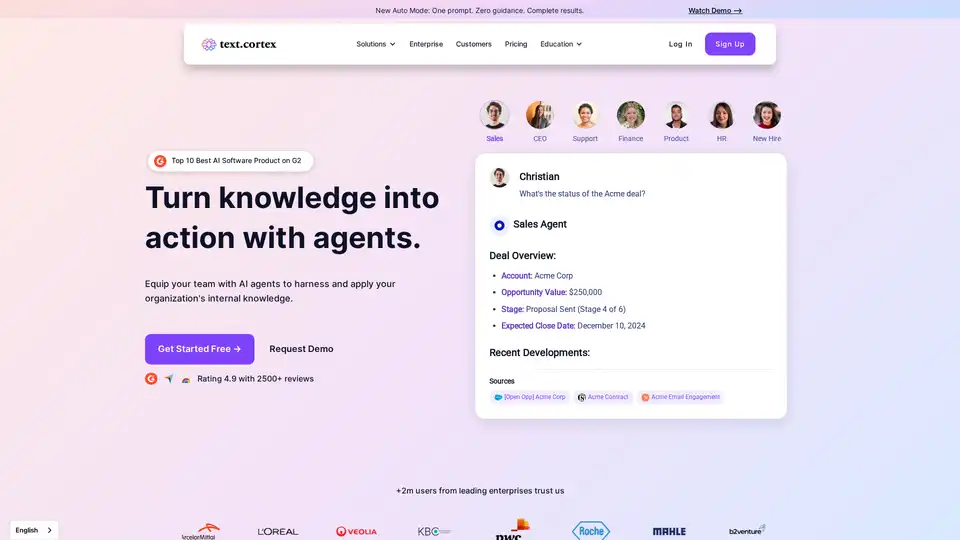
TextCortex is a secure AI platform for enterprise knowledge management, transforming scattered data into actionable insights with AI agents, workflow automation, and seamless integrations for smarter business decisions.
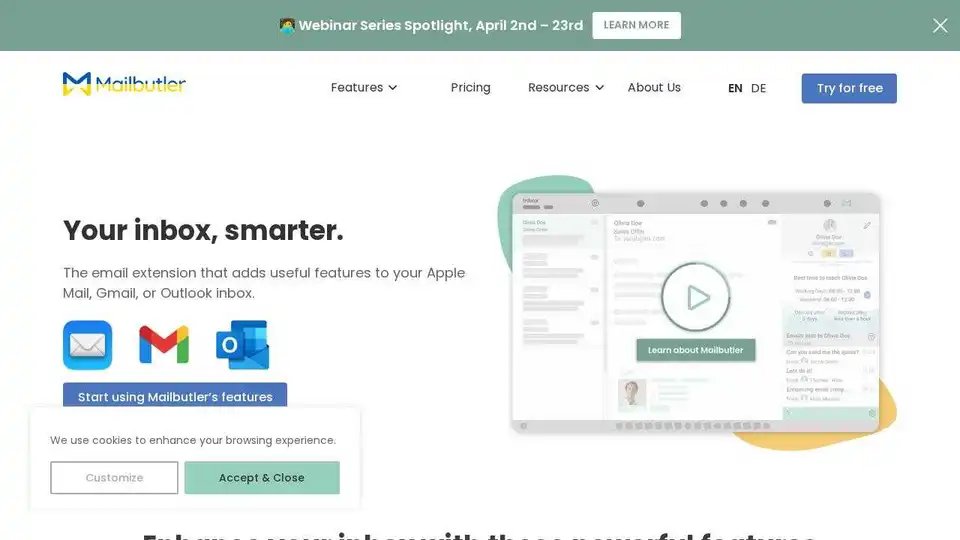
Mailbutler is an email extension for Apple Mail, Gmail, and Outlook that adds powerful features like email tracking, tailored sending with AI, and inbox collaboration to boost your email productivity.
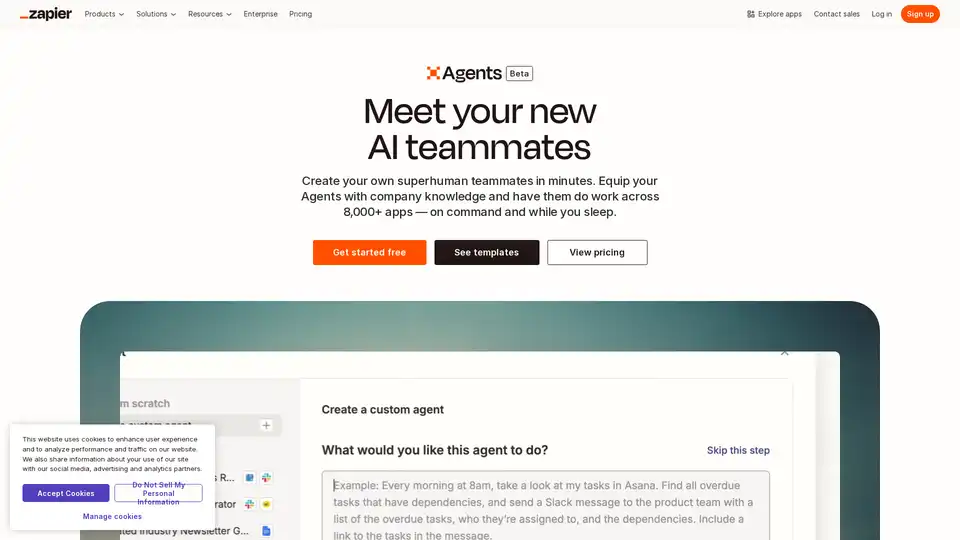
Create your custom AI agent in minutes. Equip your agents with live business data and have them do work across 8,000+ apps — on command and while you sleep.
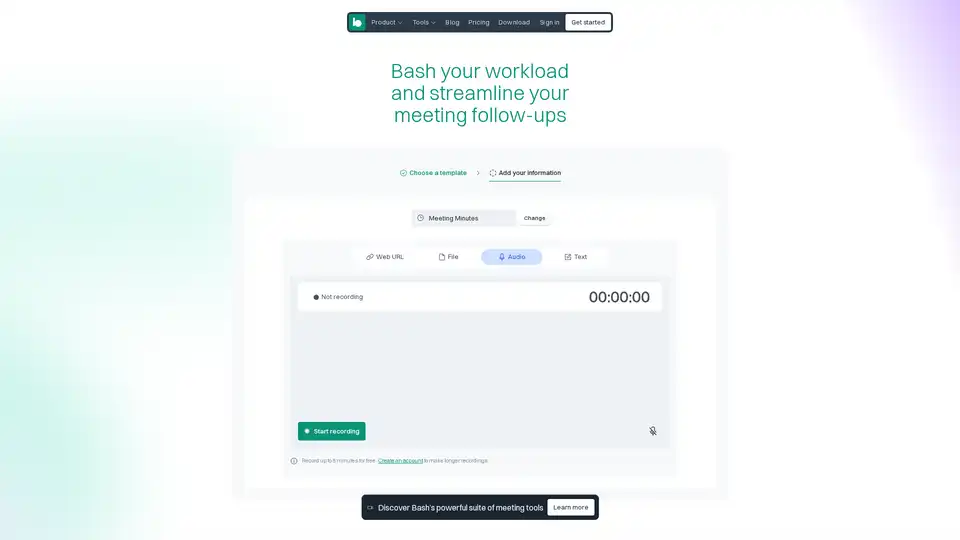
Bash AI helps teams automate meeting follow-ups, create project documentation, and track industry insights with AI-powered tools and smart templates.
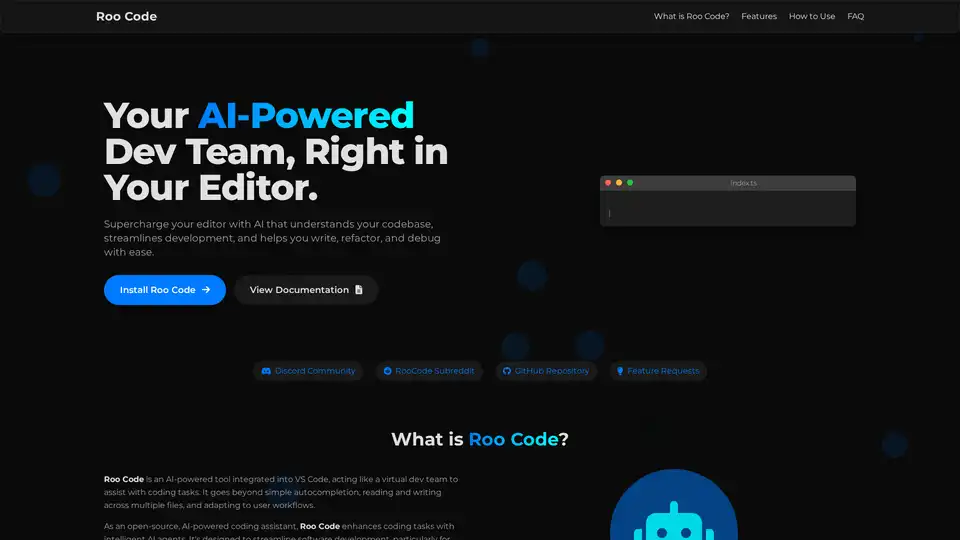
Roo Code is an open-source AI-powered coding assistant for VS Code, featuring AI agents for multi-file editing, debugging, and architecture. It supports various models, ensures privacy, and customizes to your workflow for efficient development.
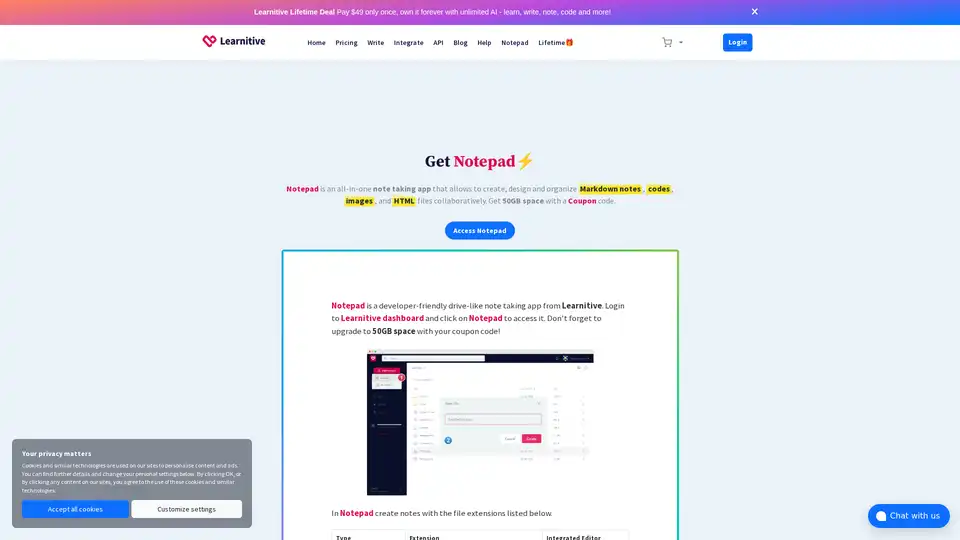
Learnitive Notepad is an AI-powered all-in-one note-taking app for creating Markdown notes, codes, photos, webpages, and more. Boost productivity with 50GB storage, unlimited AI assistance, and cross-device support.
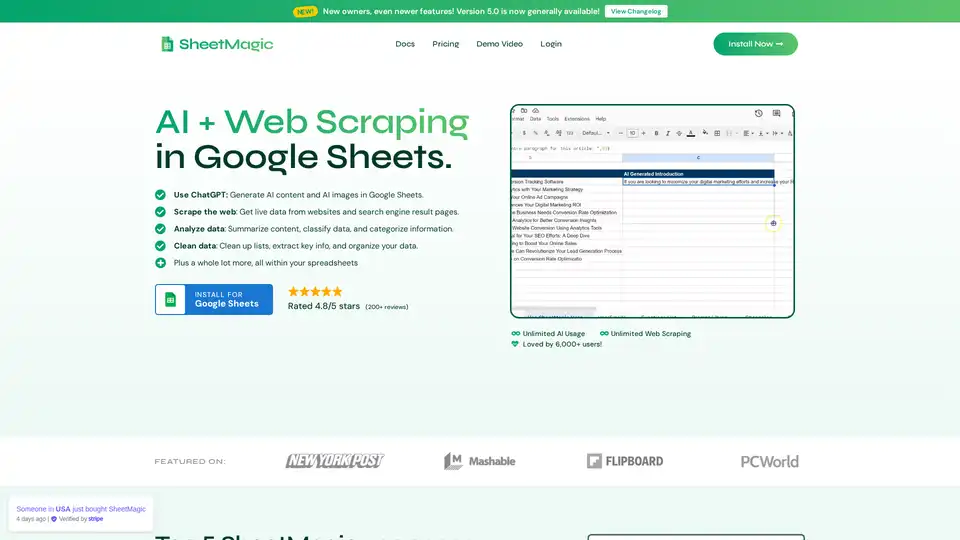
SheetMagic brings unlimited AI power and web scraping directly to Google Sheets. Generate content, scrape data, and automate tasks effortlessly with ChatGPT integration and a range of scraping functions.
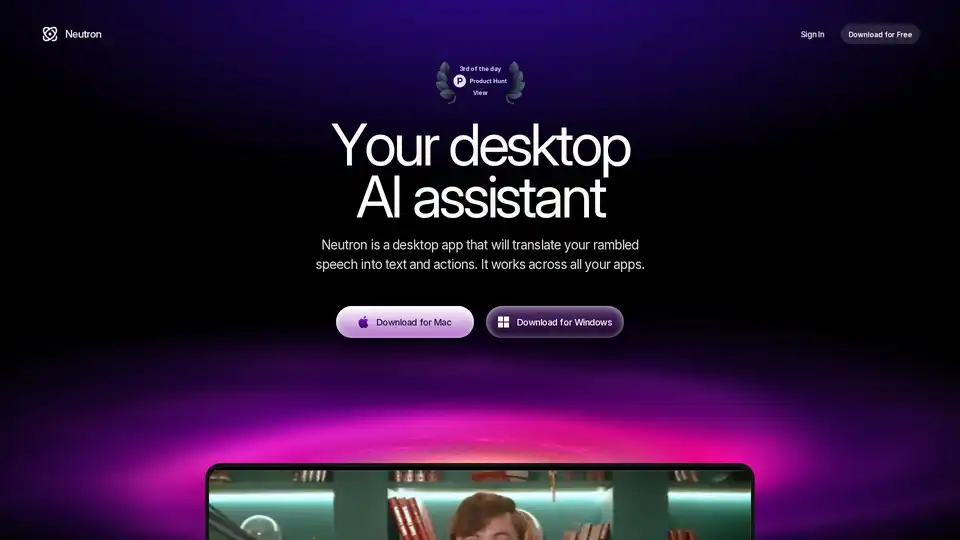
Neutron is a privacy-focused desktop AI app for Mac and Windows that turns voice rambles into emails, docs, summaries, chart insights, and calendar events. Press Tab for seamless cross-app productivity with end-to-end encryption.
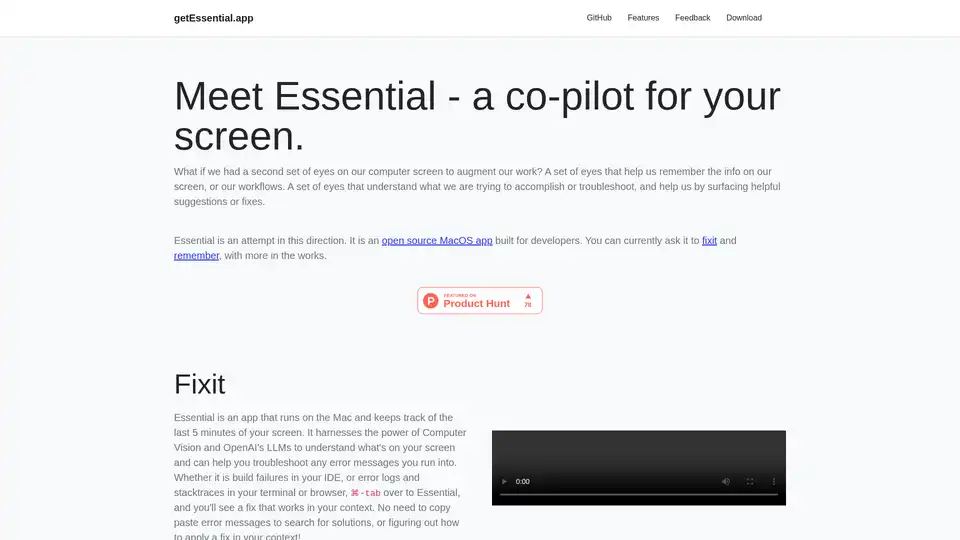
Essential is an open-source MacOS app that acts as an AI co-pilot for your screen, helping developers fix errors instantly and remember key workflows with summaries and screenshots—no data leaves your device.