
Quillow
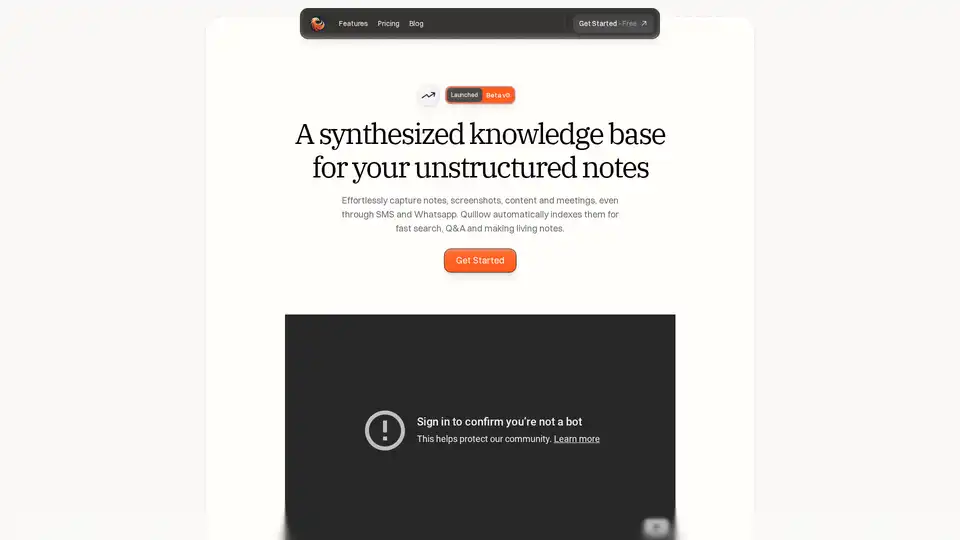
Overview of Quillow
Quillow: An AI-Powered Notepad for Unstructured Thought
What is Quillow? Quillow is an intelligent notepad designed to effortlessly capture, organize, and retrieve your unstructured thoughts and notes. Launched in beta, Quillow aims to augment your mind by providing a synthesized knowledge base for all your notes, screenshots, content, and meeting records.
How does Quillow work?
Quillow leverages AI to automatically index your notes, making them easily searchable and capable of answering your questions. It allows you to create living notes that evolve with your thinking process. Whether you're capturing ideas through SMS, WhatsApp, or directly in the editor, Quillow ensures that no thought is lost.
Key Features:
- Effortless Note Capture: Capture notes, screenshots, content, and meeting records through various channels, including SMS and WhatsApp.
- Automatic Indexing: Quillow automatically indexes all your notes for fast search and question answering.
- AI Summary Cards: Every note gets an AI-generated summary card for quick understanding.
- Smart Categories: Automatically organizes your unstructured notes into custom categories.
- Focus Mode: A smart timer that helps you focus on writing by tracking distractions.
- AI-Powered Editor: Initiate commands, including AI commands, directly in the editor using '/'.
Why Choose Quillow?
Quillow stands out as an unstructured note-taking app that prioritizes simplicity and ease of use. Unlike traditional note-taking systems that require meticulous organization, Quillow allows you to focus on jotting down your thoughts and lets AI handle the rest. It is designed to save you time and mental energy by automating the organization process.
How to Use Quillow?
- Capture Notes: Use the clean editor or connect messaging platforms like SMS and WhatsApp to capture notes easily.
- Customize: Teach Quillow how to organize your notes by creating smart categories and defining how notes should be tagged and summarized.
- Use Focus Mode: Activate focus mode to minimize distractions and maximize your writing time.
- Ask Questions: Use the search function or ask questions directly to your notes to retrieve information quickly.
- Save as AI Pages: Save answers to your questions as AI pages for future reference.
Integrations:
Quillow integrates with several platforms to streamline your note-taking workflow:
- SMS: Send a message to take a note.
- WhatsApp: Send a message to take a note.
- Telegram: (Coming Soon)
- Slack: Tag @Quillow to take a note.
- Zapier: Create notes with an API.
Who is Quillow For?
Quillow is perfect for:
- Entrepreneurs and Founders: Like Graham, the founder of GoalGetter, who needs a simple and easy way to capture and organize ideas.
- Students: Who need to take notes quickly and efficiently during lectures.
- Professionals: Who need to manage meeting notes, research, and other important information.
- Anyone: Who struggles with traditional note-taking systems and wants a more intuitive and AI-powered solution.
User Testimonial:
"Quillow is exactly what I’ve been looking for, an unstructured note taking app that’s simple and easy to use so you don’t spend hours of your time worrying about how to fit a note into your system. Focus on jotting down what you’re thinking and let the AI take care of the rest."
Graham, Founder | GoalGetter
Pricing:
Quillow offers plans for every stage:
- Free: $0/month
- 1000 words
- Auto organization
- Q&A your notes
- Advanced editor
- Email support\
- Orange: $15/month
- Everything in Free +
- Unlimited words
- SMS to save a note
- Priority email and video call support\
- Black: $30/month (Coming Soon)
- Everything in Orange +
- Advanced features coming soon
Best way to use Quillow?
The best way to use Quillow is to integrate it into your daily workflow. Whether you're brainstorming ideas, attending meetings, or conducting research, Quillow can help you capture and organize your thoughts efficiently. By leveraging AI to automatically tag, categorize, and summarize your notes, you can save time and focus on what matters most: your ideas.
Best Alternative Tools to "Quillow"
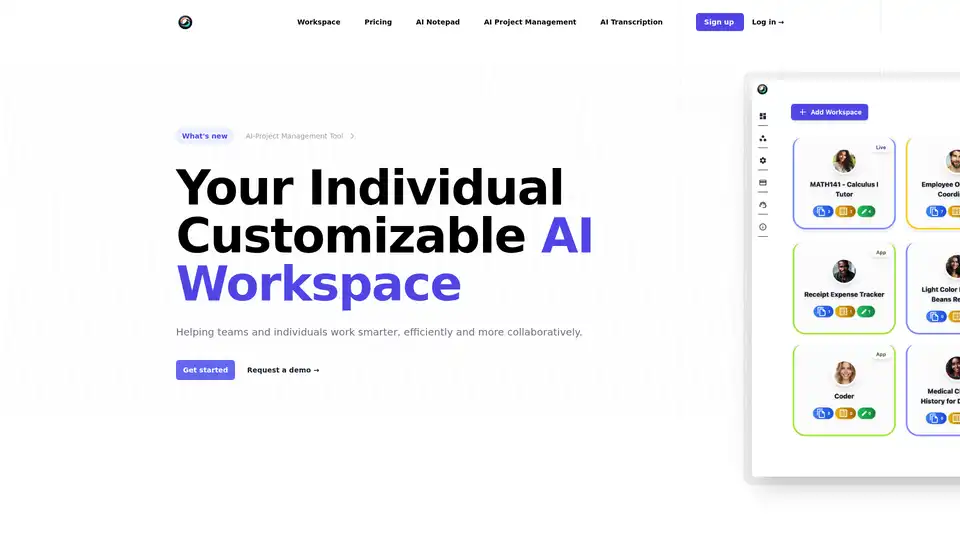
ToleAI offers a customizable AI workspace with tools for project management, transcription summaries, AI notepad, image generation, and OCR. Boost team productivity and collaboration with intelligent agents and seamless integrations.
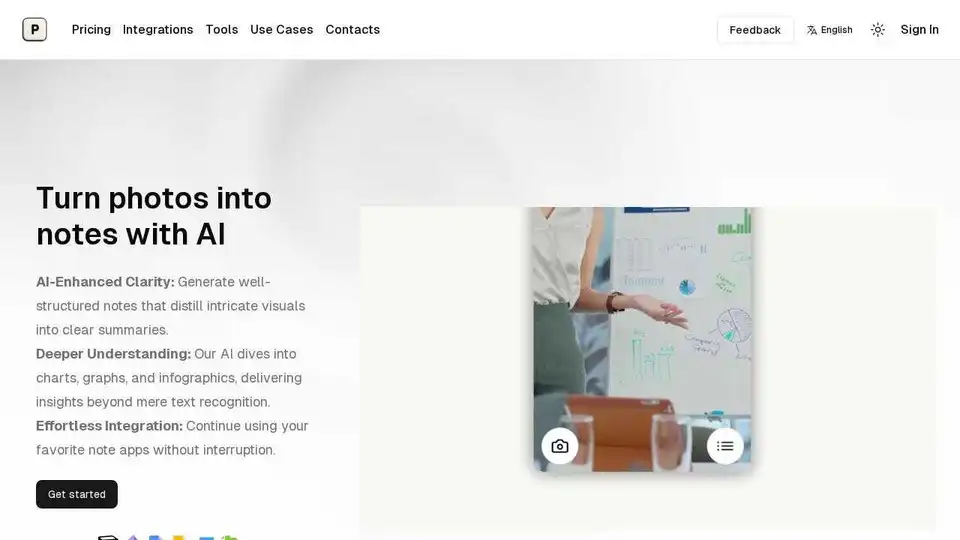
Pixno: AI note-taking app that transforms photos, PDFs, audio into text notes. Export to Notion, Obsidian, Google Docs.
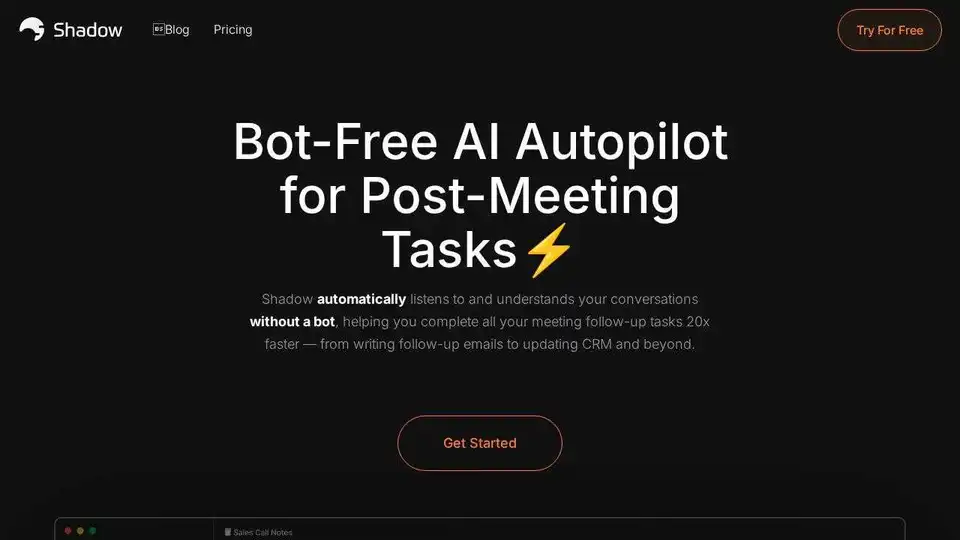
Shadow turns meetings into actionable results with AI-powered transcription, note-taking, and workflow automation.
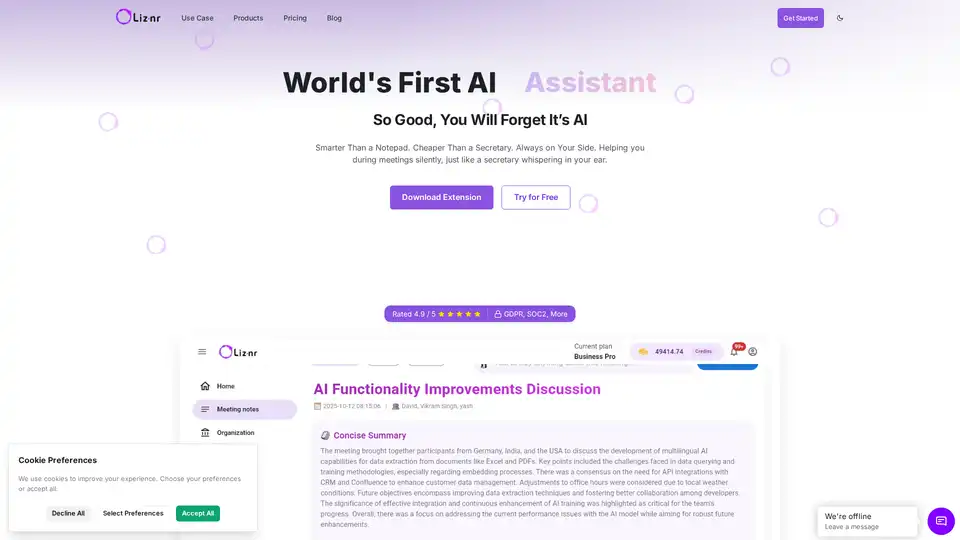
Liznr AI is a powerful meeting assistant that provides real-time transcription, personalized summaries, action items, and search across conversations. Integrates with CRM, Slack, and more for teams in sales, education, and recruiting.
SummyMonkey revolutionizes productivity by summarizing audio recordings and emails into actionable insights. Features like NoteTaker, Summariser, and Compiler save time on meetings and inboxes, turning hours into minutes with AI-powered efficiency.

Learnitive is an AI-powered e-learning platform with an AI writer for content creation, research, and code generation. Includes AI Notepad and project management tools. Lifetime deal available!
Papira is an AI-powered notepad that helps you write faster with personalized AI commands. Automate writing tasks, create text variations, and get quick summaries. Free and Pro plans available.
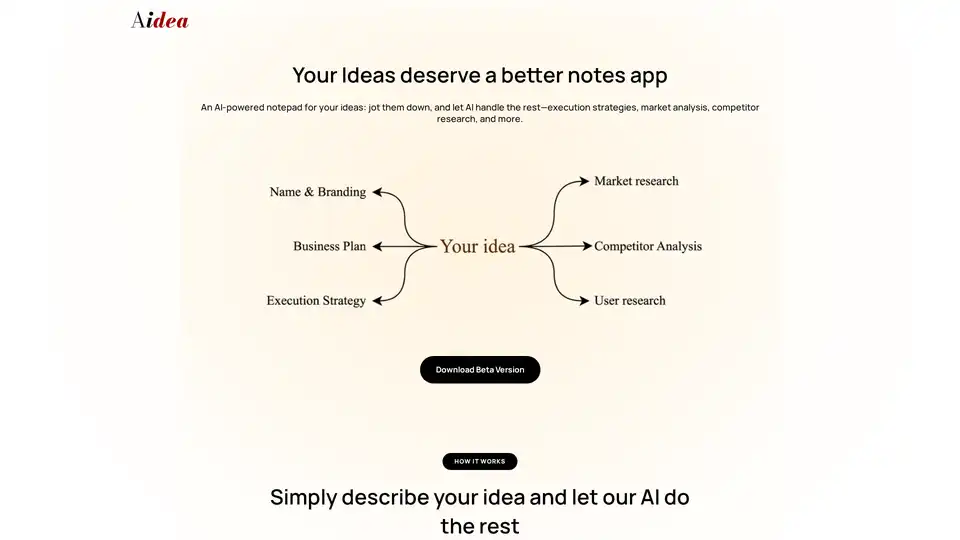
Turn business ideas into plans with Aidea, an AI-powered app. Get insights, market analysis, research, & monetization strategies. Download Aidea now!
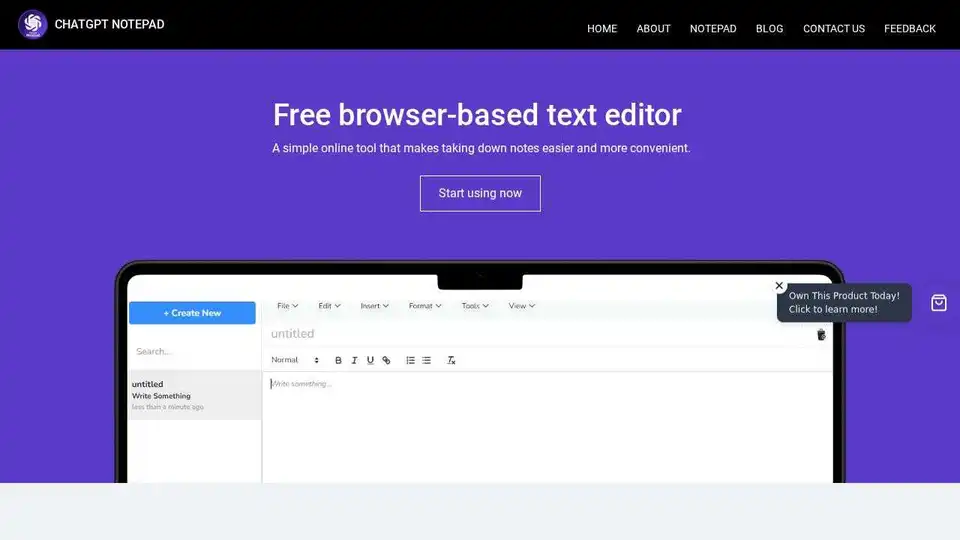
ChatGPT Notepad is a free online text editor and digital note-taking tool. Effortlessly jot down, organize, and manage your notes anytime, anywhere. Clean interface and auto-cleanup feature.
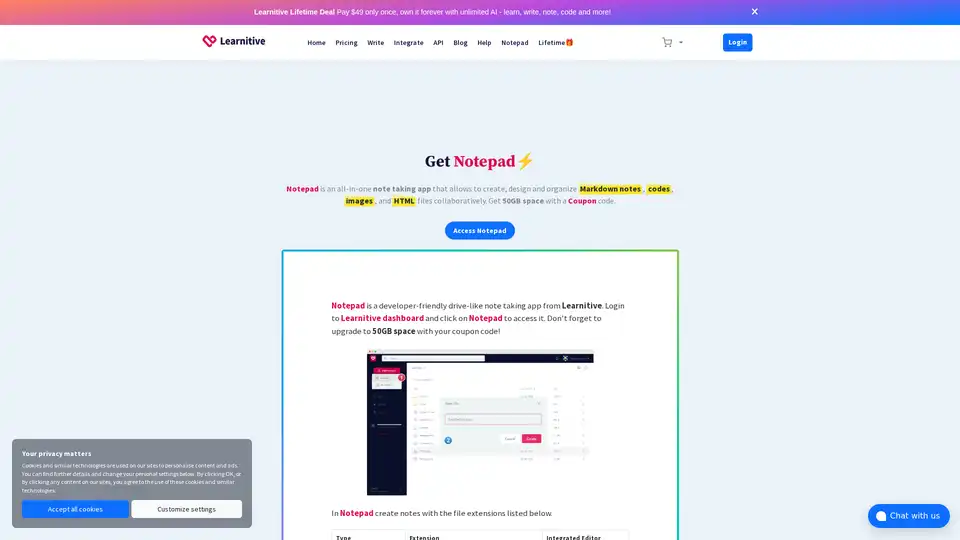
Learnitive Notepad is an AI-powered all-in-one note-taking app for creating Markdown notes, codes, photos, webpages, and more. Boost productivity with 50GB storage, unlimited AI assistance, and cross-device support.
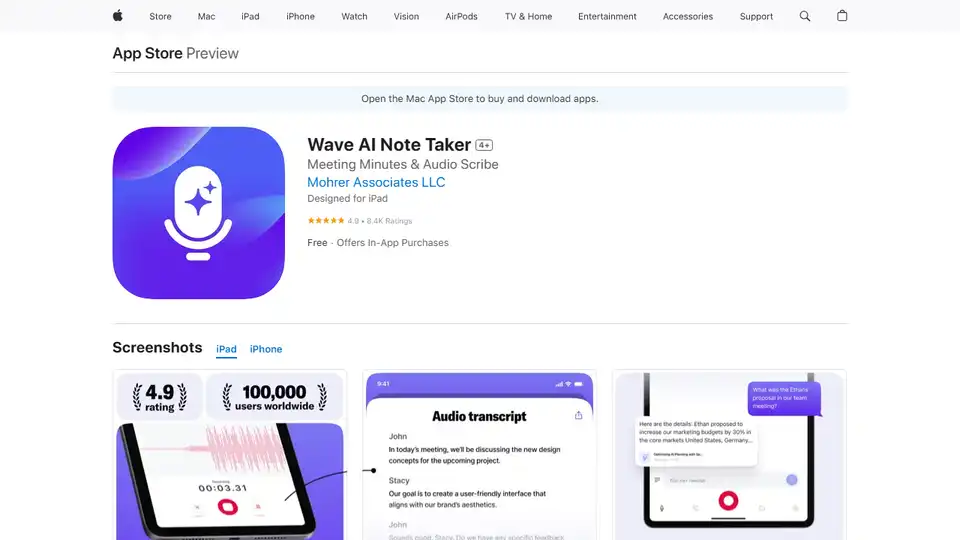
Wave AI Note Taker is an AI-powered app that records and transcribes audio, summarizes meetings, and converts voice to text. Perfect for professionals, students, and journalists needing accurate notes and summaries.
Magictool AI is a Chrome extension that enhances productivity with AI-powered features. It includes an AI writer, YouTube video summarizer, AI image generator, PDF chat, data scraping, and more, all in one place.
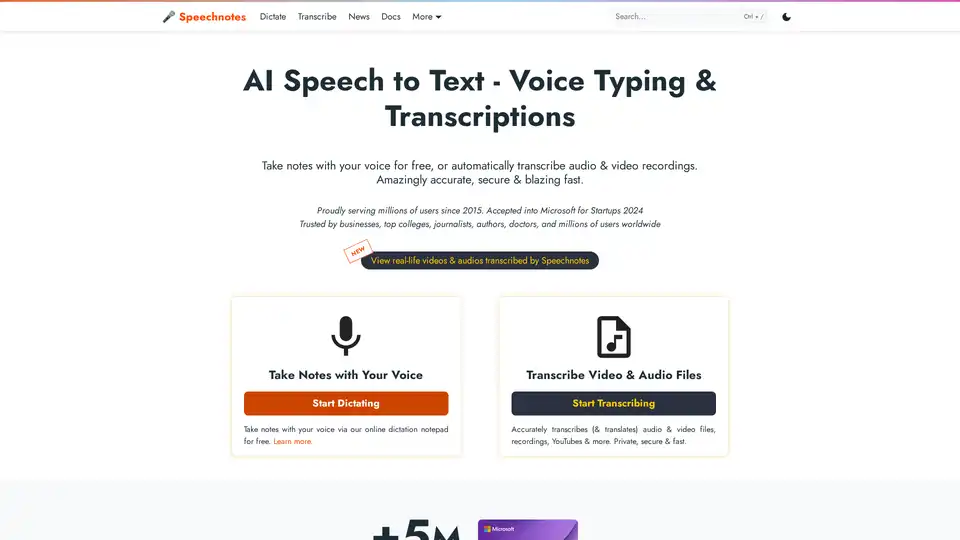
Speechnotes is a free AI-powered speech-to-text tool for real-time voice typing and fast audio/video transcription. Accurate, private, and easy to use for notes, interviews, and more.
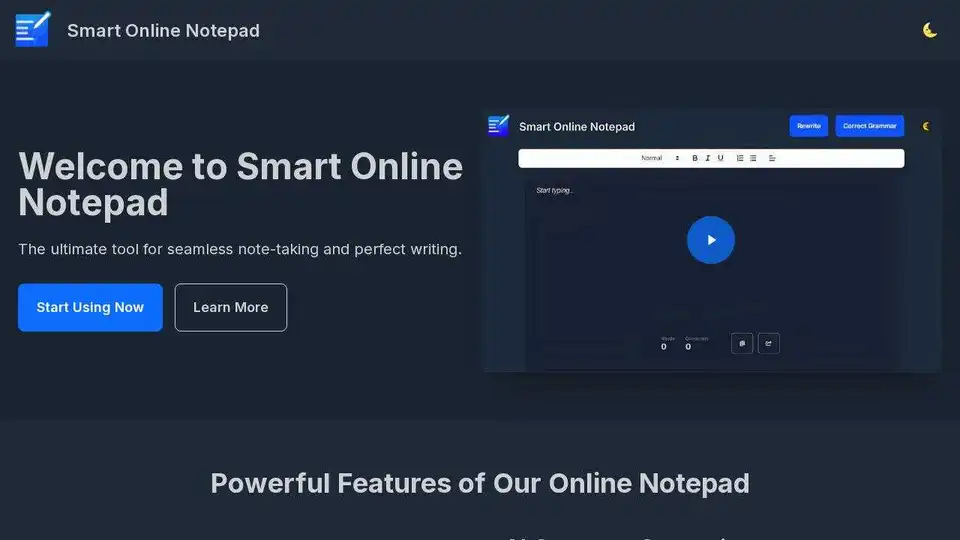
Smart Online Notepad is a free AI-powered writing tool offering grammar correction, text rewriting, and seamless sharing. Write better, faster, and error-free now!