
Gemini CLI

Overview of Gemini CLI
Gemini CLI: Your Open-Source AI Agent in the Terminal
Gemini CLI is an open-source AI agent designed to bring the power of Gemini directly into your terminal. It offers a lightweight, command-line interface to Google's Gemini models, providing developers with a direct path from their prompts to the AI. This tool is Apache 2.0 licensed, making it free to use and modify.
What is Gemini CLI?
Gemini CLI is a command-line tool that allows developers to interact with Google's Gemini AI models directly from their terminal. It supports various functionalities, including code understanding and generation, debugging, automation, and integration with other tools and services. The primary goal is to provide developers with a seamless and efficient way to leverage AI in their development workflows.
How does Gemini CLI work?
Gemini CLI works by providing a command-line interface to interact with Google's Gemini AI models. It supports several key features:
- Access to Gemini Models: Provides access to Gemini 2.5 Pro with a 1M token context window.
- Built-in Tools: Integrates Google Search for grounding, file operations, shell commands, and web fetching.
- Extensibility: Supports MCP (Model Context Protocol) for custom integrations.
Key Features of Gemini CLI
Gemini CLI comes with a range of features designed to enhance your development workflow:
- Code Understanding & Generation:
- Query and edit large codebases.
- Generate new apps from PDFs, images, or sketches using multimodal capabilities.
- Debug issues and troubleshoot with natural language.
- Automation & Integration:
- Automate operational tasks like querying pull requests or handling complex rebases.
- Use MCP servers to connect new capabilities, including media generation with Imagen, Veo, or Lyria.
- Run non-interactively in scripts for workflow automation.
- Advanced Capabilities:
- Ground your queries with built-in Google Search for real-time information.
- Conversation checkpointing to save and resume complex sessions.
- Custom context files (GEMINI.md) to tailor behavior for your projects.
How to use Gemini CLI?
Installation: You can install Gemini CLI using npm, npx, or Homebrew:
# Using npx (no installation required) npx https://github.com/google-gemini/gemini-cli # Install globally with npm npm install -g @google/gemini-cli # Install globally with Homebrew (macOS/Linux) brew install gemini-cliAuthentication: Choose an authentication method:
Login with Google (OAuth): Suitable for individual developers and Google AI Pro/AI Ultra subscribers.
geminiGemini API Key: For developers needing specific model control or paid tier access.
export GEMINI_API_KEY="YOUR_API_KEY"
gemini ```
*   **Vertex AI**: For enterprise teams and production workloads.

    ```bash
    export GOOGLE_API_KEY="YOUR_API_KEY"
export GOOGLE_GENAI_USE_VERTEXAI=true gemini ```
Basic Usage:
# Start in current directory
gemini
# Include multiple directories
gemini --include-directories ../lib,../docs
# Use specific model
gemini -m gemini-2.5-flash
# Get a simple text response
gemini -p "Explain the architecture of this codebase" ```
Why choose Gemini CLI?
- Free Tier: Enjoy 60 requests/min and 1,000 requests/day with a personal Google account.
- Powerful Gemini 2.5 Pro: Access the advanced Gemini 2.5 Pro model with a 1M token context window.
- Terminal-First Design: Optimized for developers who prefer working in the command line.
- Open Source: Benefit from the transparency and community support of an Apache 2.0 licensed project.
Who is Gemini CLI for?
Gemini CLI is ideal for:
- Developers who want to integrate AI into their workflows.
- Teams looking to automate code-related tasks.
- Engineers who prefer a command-line interface for interacting with AI models.
- Enterprises needing scalable and secure AI solutions.
GitHub Integration
Gemini CLI provides seamless integration with GitHub:
- Pull Request Reviews: Automated code review with contextual feedback.
- Issue Triage: Automated labeling and prioritization of GitHub issues.
- On-demand Assistance: Mention
@gemini-cliin issues and pull requests for help. - Custom Workflows: Build automated workflows tailored to your team’s needs.
Best way to use Gemini CLI?
To get the most out of Gemini CLI, consider the following:
- Utilize the built-in tools like Google Search to ground your queries with real-time information.
- Take advantage of conversation checkpointing to save and resume complex sessions.
- Customize behavior using GEMINI.md context files to tailor Gemini CLI to your projects.
By following these guidelines, you can effectively leverage Gemini CLI to enhance your development workflows and automate various tasks related to coding and project management.
In conclusion, Gemini CLI offers a powerful and flexible way to integrate AI into your development environment. Its open-source nature, combined with its extensive feature set, makes it an invaluable tool for developers looking to leverage the power of Gemini models directly from their terminal.
Best Alternative Tools to "Gemini CLI"
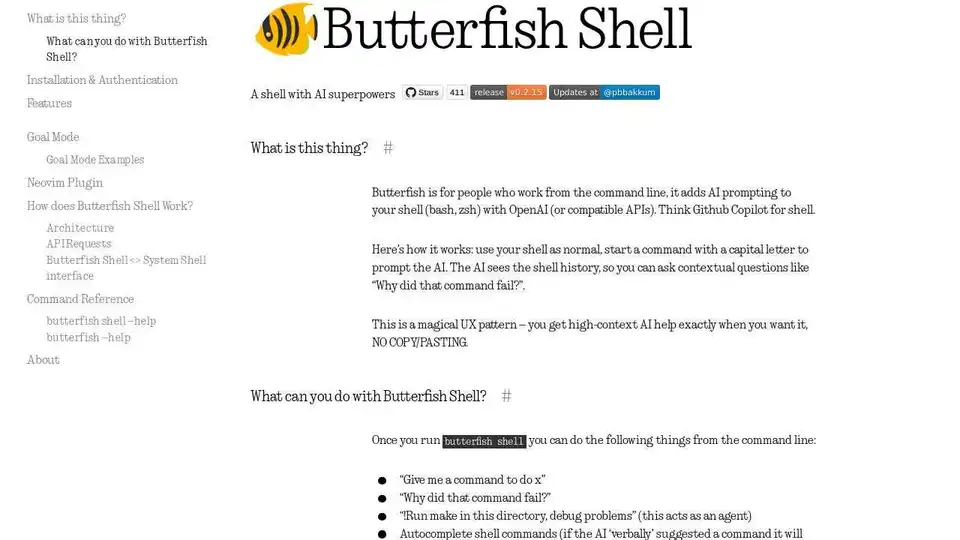
Butterfish is an AI-powered CLI tool that enhances your shell with OpenAI, offering GPT autosuggest, goal mode, and more for efficient command-line workflows.
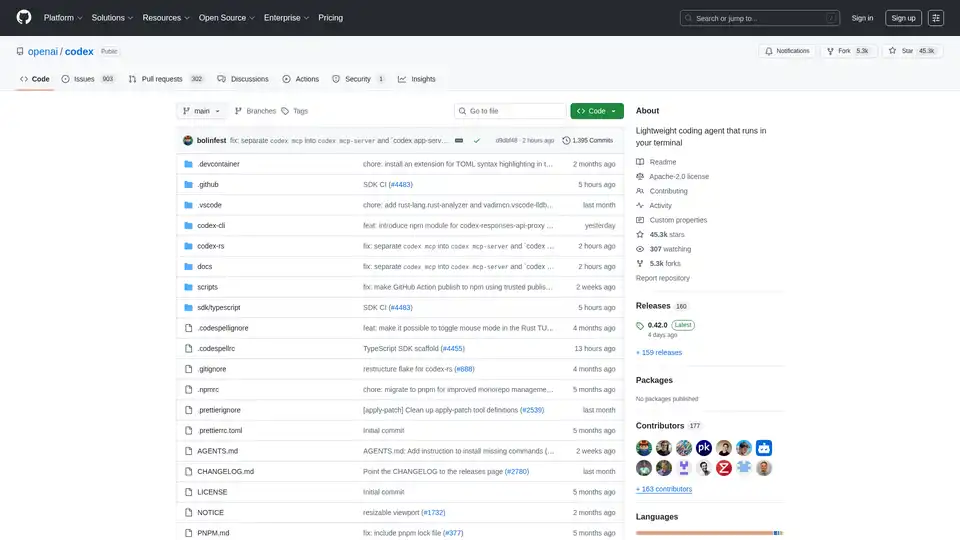
Codex CLI is OpenAI's open-source coding agent that runs in your terminal, offering AI-powered assistance for programming tasks. Install via npm or Homebrew for seamless integration into your workflow.
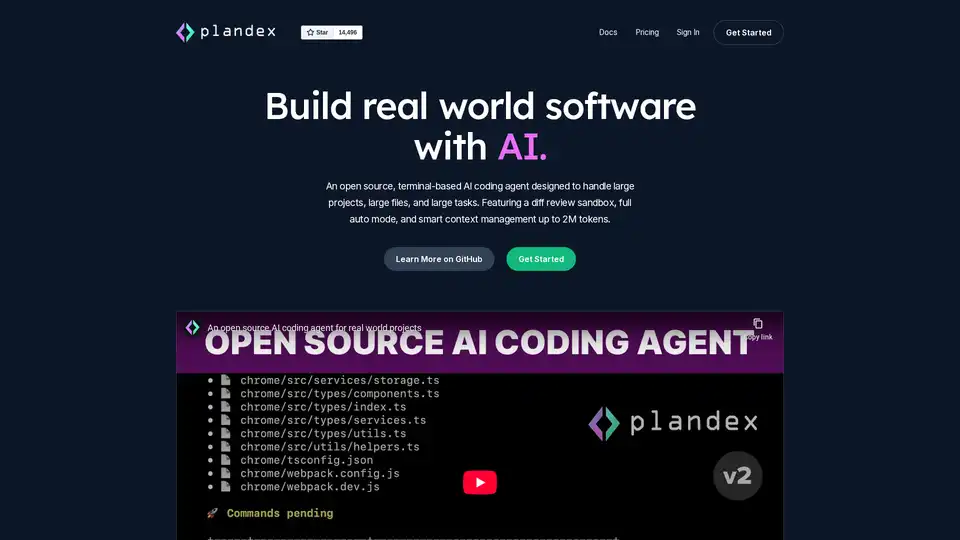
Plandex is an open-source, terminal-based AI coding agent designed for large projects and real-world tasks. It features diff review, full auto mode, and up to 2M token context management for efficient software development with LLMs.
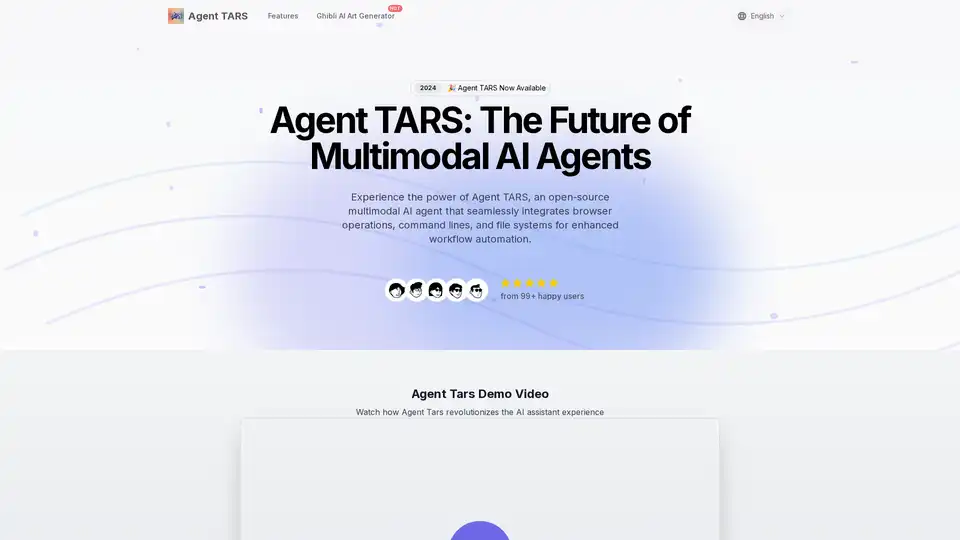
Agent TARS is an open-source multimodal AI agent that seamlessly integrates browser operations, command lines, and file systems for enhanced workflow automation. Experience advanced visual interpretation and sophisticated reasoning for efficient task handling.
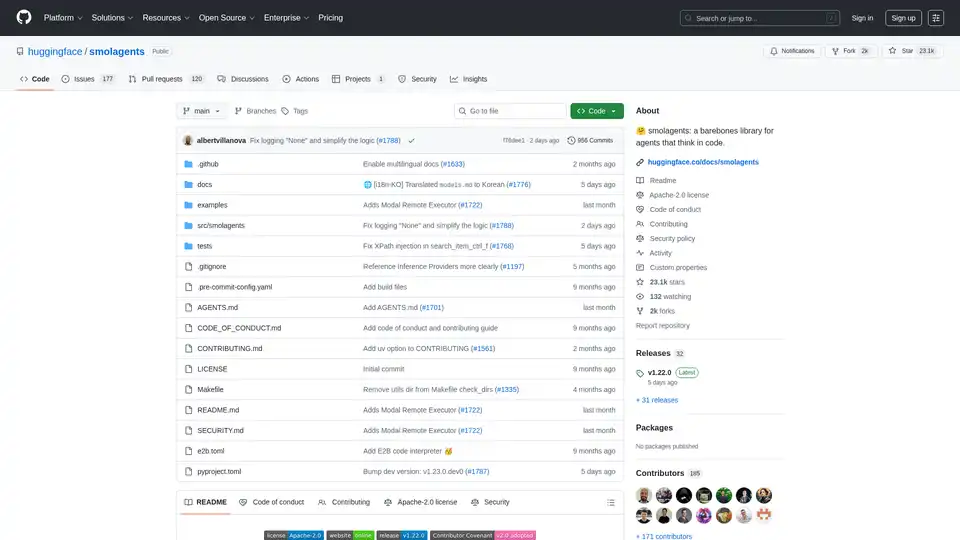
Smolagents is a minimalistic Python library for creating AI agents that reason and act through code. It supports LLM-agnostic models, secure sandboxes, and seamless Hugging Face Hub integration for efficient, code-based agent workflows.
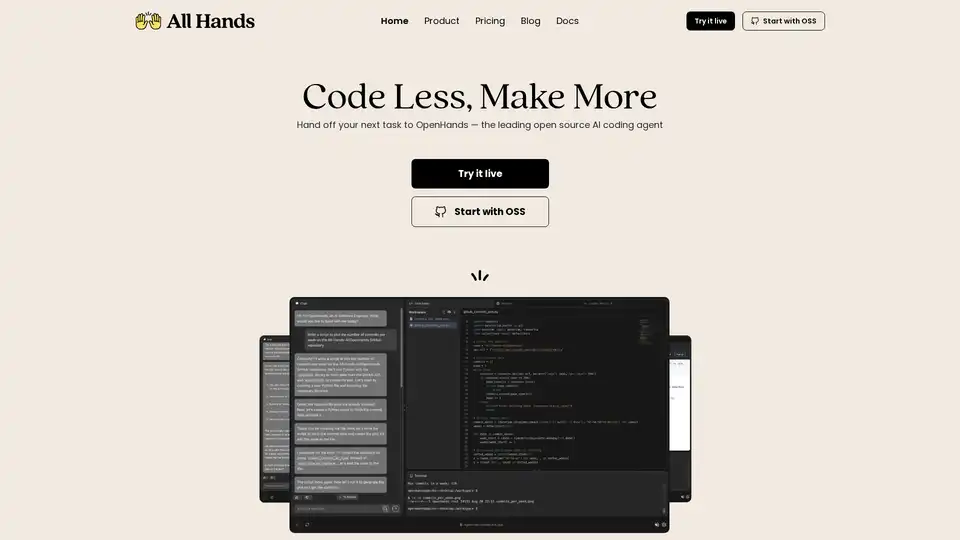
Discover OpenHands, the leading open source AI coding agent that automates code reviews, refactoring, testing, and more to boost developer productivity and reduce toil.
Superagent provides runtime protection for AI agents with purpose-trained models. It guards against attacks, verifies outputs, and redacts sensitive data in real time, ensuring security and compliance.
GitHub Next explores the future of software development by prototyping tools and technologies that will change our craft. They identify new approaches to building healthy, productive software engineering teams.
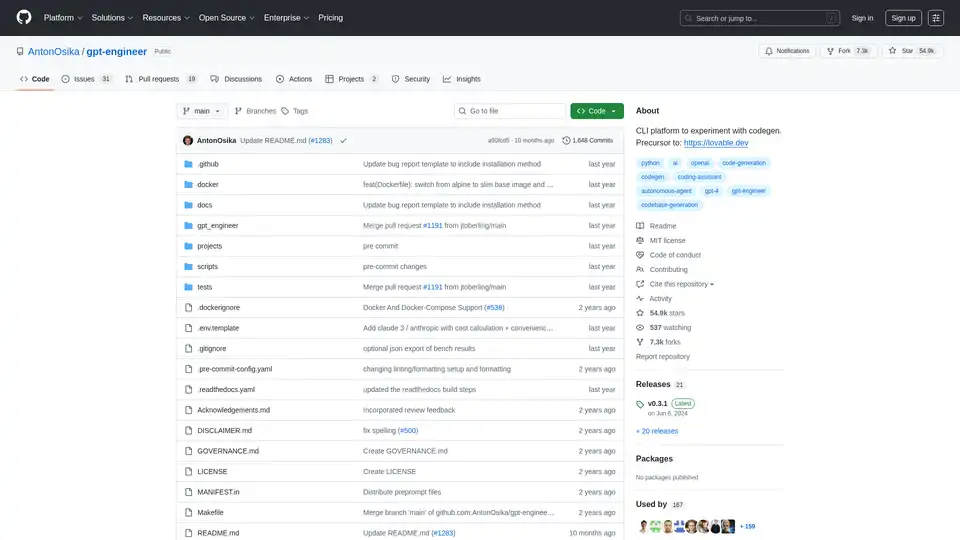
GPT-Engineer is an open-source CLI platform for AI-powered code generation experiments using GPT-4 and other models to automate software development from natural language prompts.
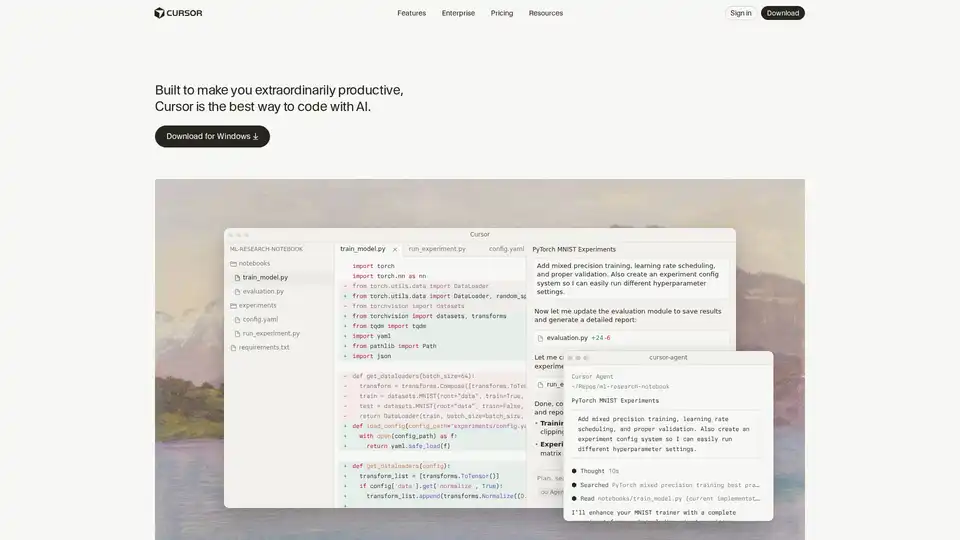
Cursor is the ultimate AI-powered code editor designed to boost developer productivity with features like intelligent autocomplete, agentic coding, and seamless integrations for efficient software building.
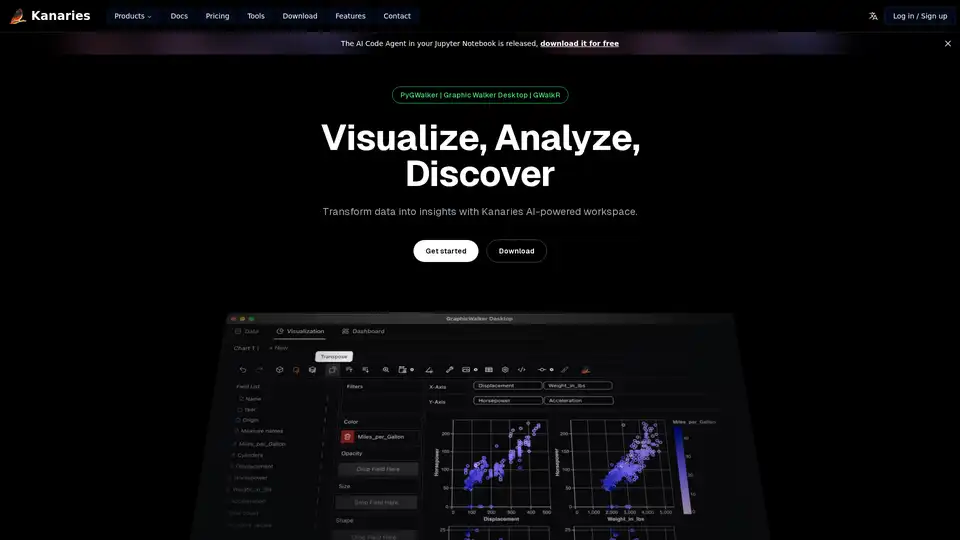
Make exploratory data analysis (EDA) easier with AI powered visual analytics. Discover, Analyze and Share data insights with ease.
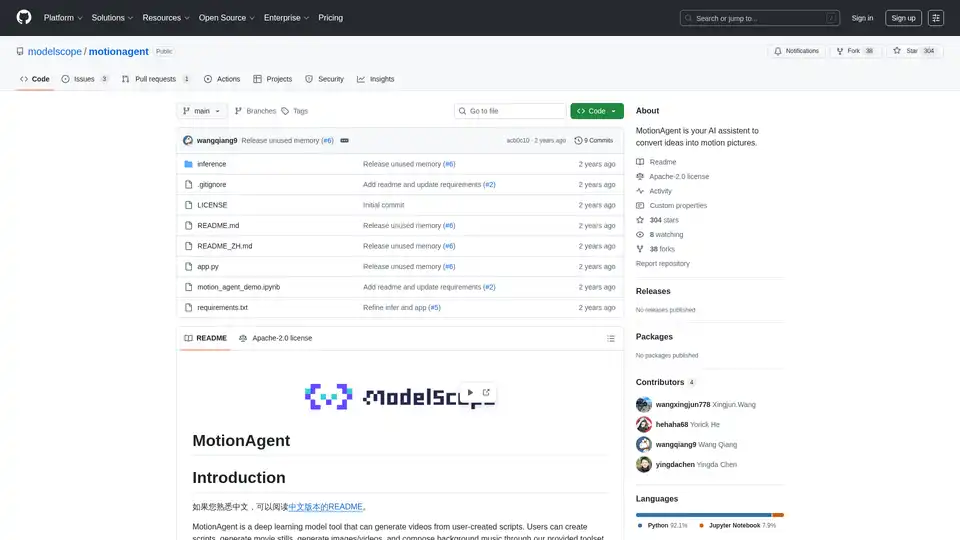
MotionAgent is an open-source AI tool that transforms ideas into motion pictures by generating scripts, movie stills, high-res videos, and custom background music using models like Qwen-7B-Chat and SDXL.
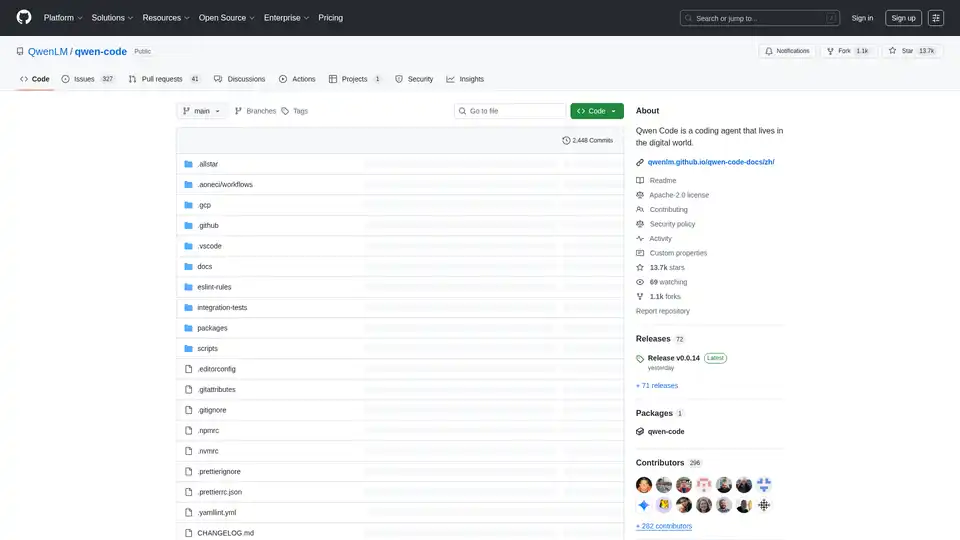
Qwen Code is an AI-powered command-line tool designed to enhance developer coding workflows with code understanding, task automation and intelligent assistance. Optimized for Qwen3-Coder models.
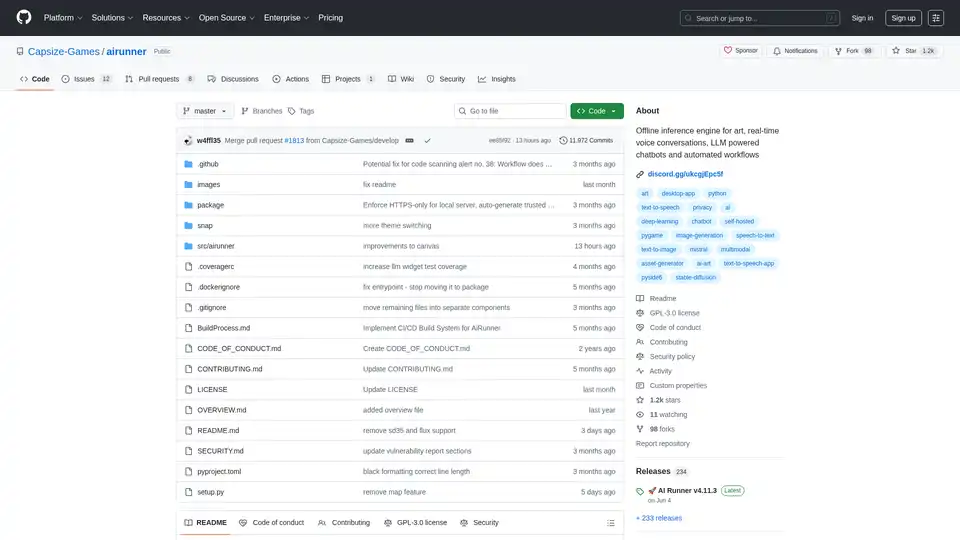
AI Runner is an offline AI inference engine for art, real-time voice conversations, LLM-powered chatbots, and automated workflows. Run image generation, voice chat, and more locally!